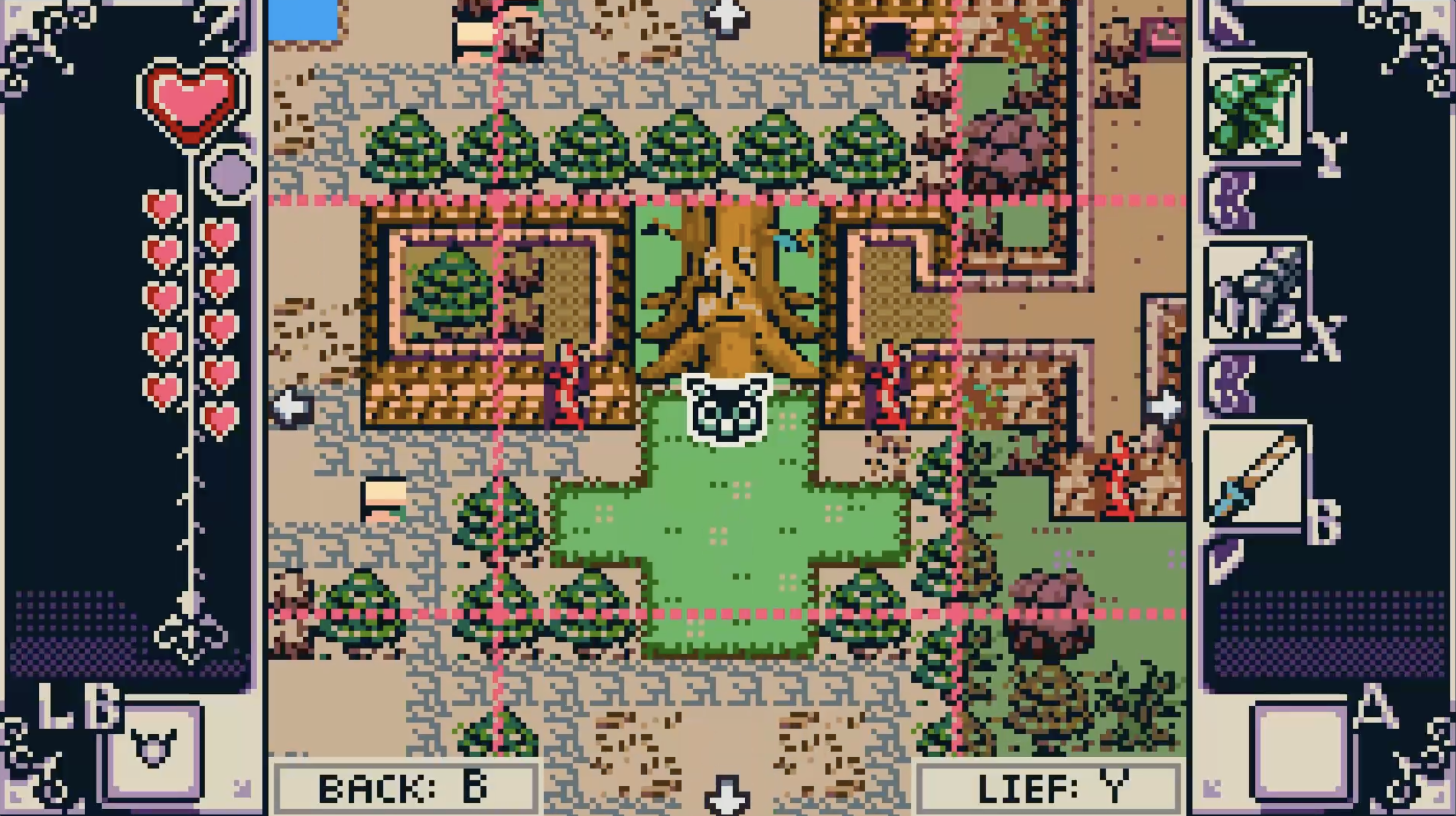
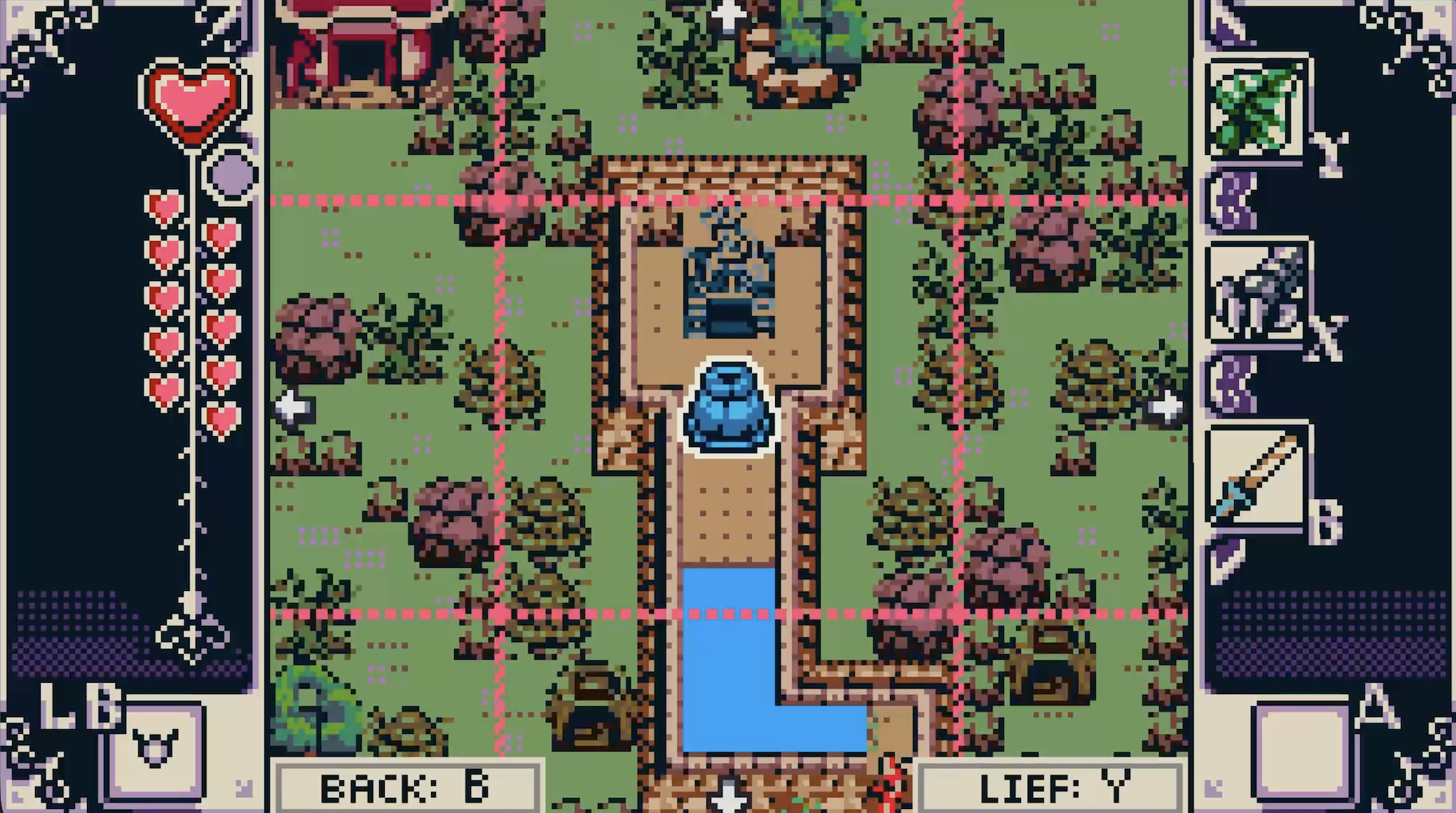
I've been working for the last two days on completely overhauling the overworld map screen... And that update is now live! Video demonstration at the end.
New Features:
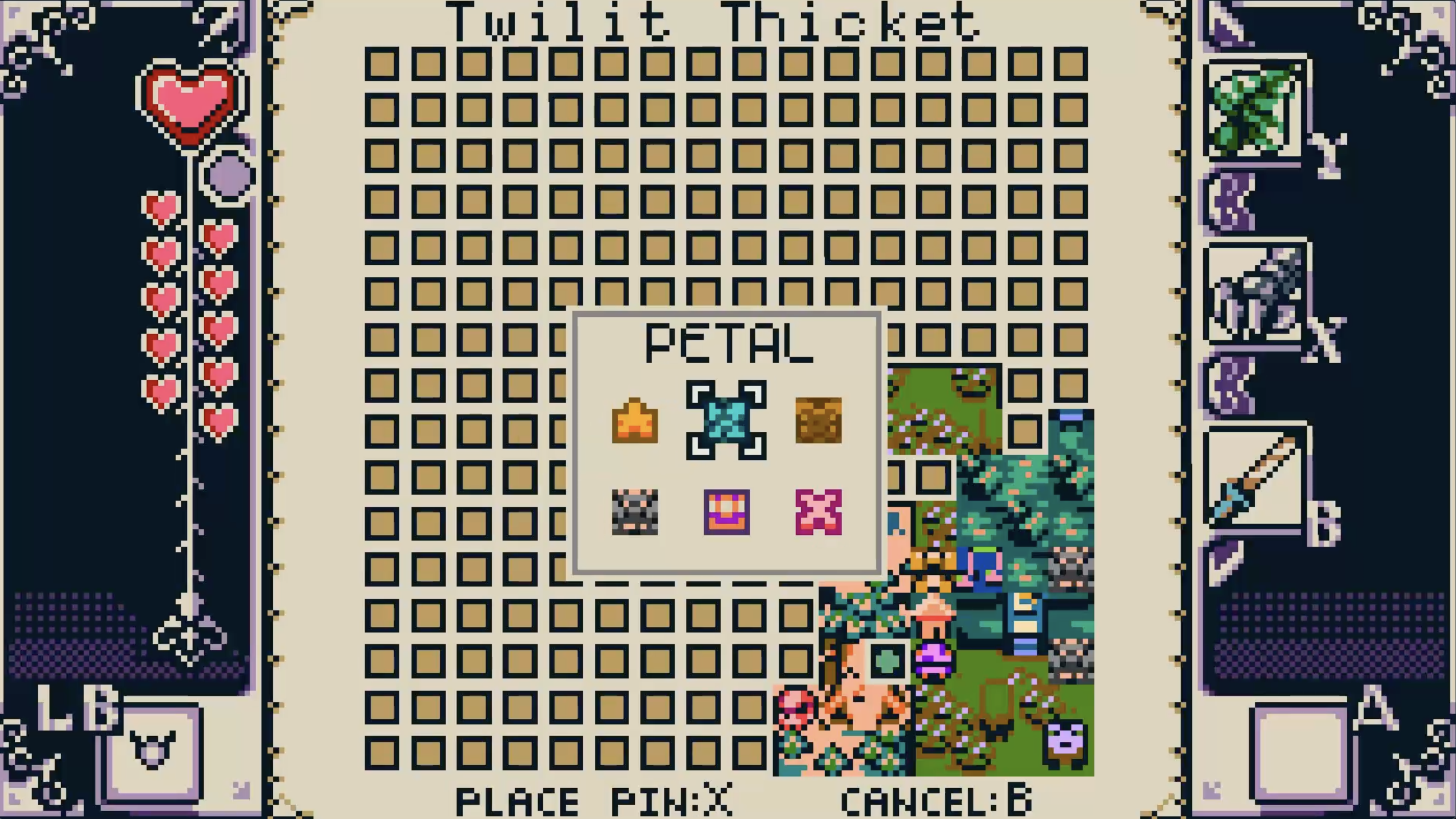
Place pins (six types)
Move a cursor to view area and point of interest names
Zoom in to any room on the grid to view literal terrain (literally)
Toggle a legend
Akedo Phone locations tell you the number of Leaves you need on the map
Revealed Soil \from Zelen's sidequest reward will auto-clear from the map\
Melodic Wells \will disappear from the map after you get that melody (not retroactive; if you already have a few, you'll have to enter & exit the well if you want to clear it from the map. All future wells you get will auto-clear)\
Ancient Tablet \locations will disappear from the map after you translate them (not completely retroactive; if you already have some translated, the map will auto-clear those ones when you enter each overworld zone)\
Art Map & Cursor
You'll now see the full art of the map reveal itself as you enter rooms, and Lief's position will appear as a blinking green circle. This replaces the dungeon-style rooms the overworld map previously used.
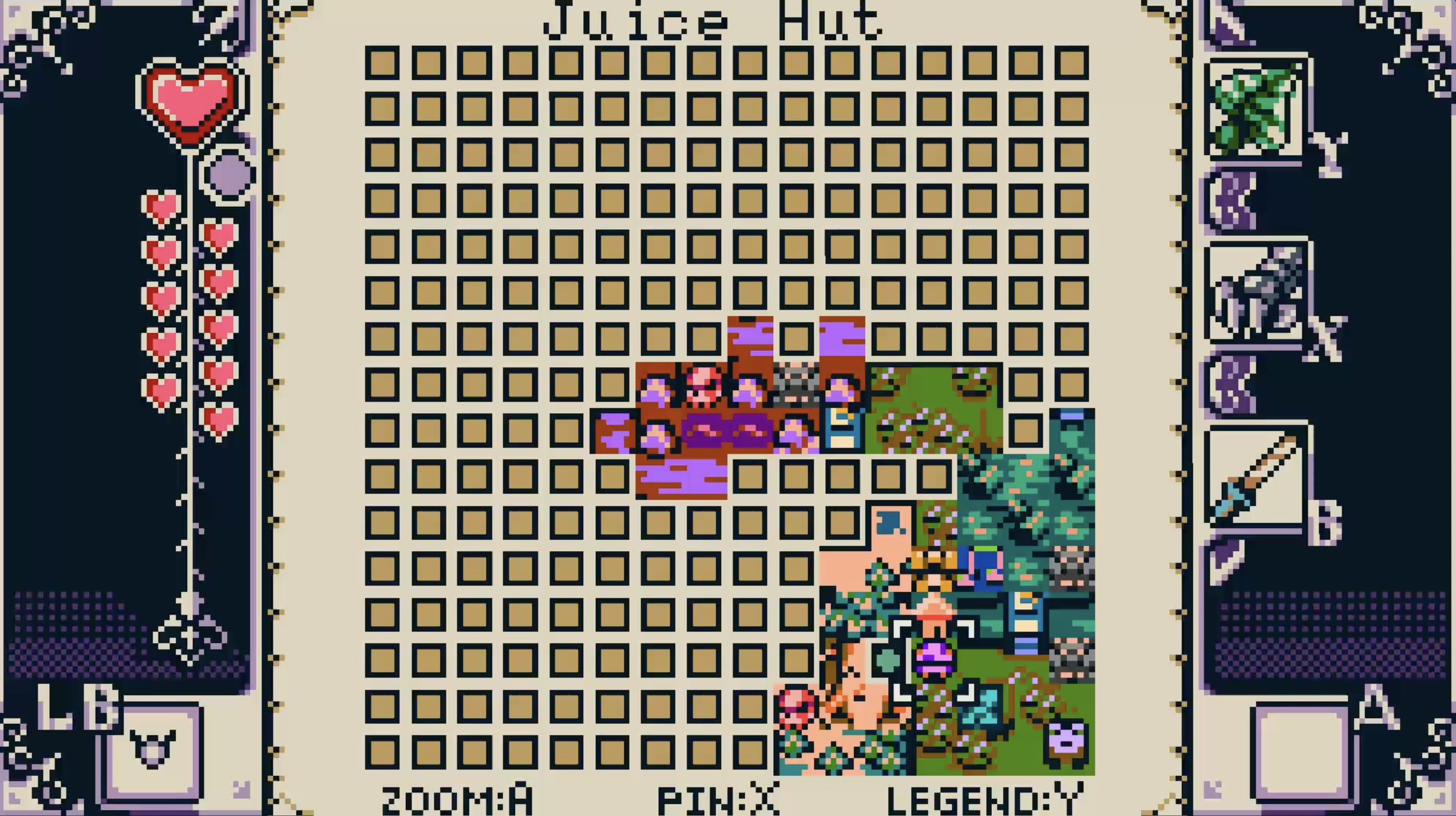
You can move a cursor around to see the different area names, along with names for various points of interest like Bug Houses, Melodic Wells, and so on.
Place Pins
You can also place 6 different types of pins onto any room in the grid, including ones you haven't been to yet. You can toggle the legend to tell you what they are in case you forget. Scrolling over your pins with the cursor will also tell you what the pin is.
Zoom to See Terrain
Pressing the input button will allow you to zoom into whatever grid space you're on and view the literal terrain.
On that view you can move the map around. Your placed pins will appear as well. Pressing Y (or whatever you have that set to) will snap the map back to Lief's position.