Removing the game from your library
To be able to purchase the full version of Gunscape, you will need to remove the game from your library, as uninstalling the game won't be enough.
To remove Gunscape from your library, follow these steps:
- From the Steam Client, select Gunscape from the games list
- From the Gunscape game page, select Support

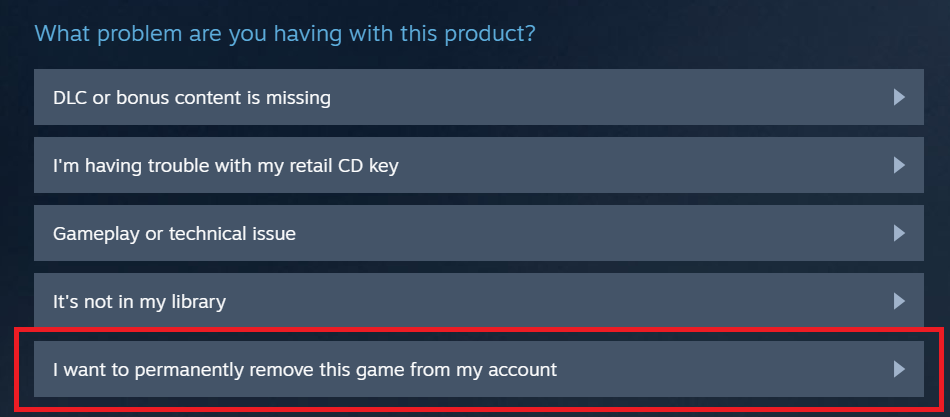
- From the Support page, select 'I want to permanently remove this game from my account'
- From the confirmation page, select 'OK, remove the listed games from my account permanently'
Please remember that once you remove the free-to-play version from your library, you won't get access to it anymore. You would have to purchase Gunscape to be able to play.
Purchasing Gunscape
Once you've taken the steps above, Gunscape should appear as available for purchase from both the Steam Client and the Steam website.
https://store.steampowered.com/app/342480/Gunscape/
Founding members
We will be reaching out to our founding members this week with an exclusive offer.