Hi miners, 😄
Thank you for your continued support, reports, feedback, and suggestions.
This update focuses on making factory building faster and more convenient, especially when placing multiple machines or connecting production lines.
We are introducing a new Drag Placement Mode, an Auto-Snap option for machine connections, more flexible ingredient handling for the Synthesis Chamber, and several improvements to item selection and employee supply behavior.
With that in mind, here is what is included in this update.
Main Updates
1. New Building Placement Tools
Building larger production lines now comes with additional placement options designed to reduce repeated setup work.
a. Drag Placement Mode
A new Drag Placement Mode is available when placing supported machines or Racks from a stack of boxes.
Use V to toggle the mode.
When enabled:
The first placement input sets the starting point
Moving the preview extends a row of machines in the selected direction
The preview shows how many units can be placed based on the number of boxes currently being carried
The second placement input places the entire row at once
Right-click can be used to cancel the current starting point.
Any boxes remaining in the stack can continue to be used for another placement.
When Drag Placement Mode is disabled, machines continue to be placed one at a time as before.
This is especially useful when building longer production lines or placing multiple matching machines and Racks.


b. Auto-Snap Machine Connections
A new Auto-Snap option has also been added to machine placement.
Use:
B on keyboard and mouse
Y on controller
to toggle Auto-Snap.
The option is disabled by default.
When enabled, moving a machine preview close to a compatible connection point will automatically align it with the nearby machine.
The system can match compatible connections such as:
Input to Output
Input to Failed Output
Output to Input
The preview rotation will also adjust automatically so the connection points face each other correctly.
Auto-Snap only applies when the resulting placement is valid and unobstructed. If a valid snap cannot be found, placement continues to follow the normal preview position.
Once placed, the machines will connect normally.


2. More Flexible Synthesis Ingredients
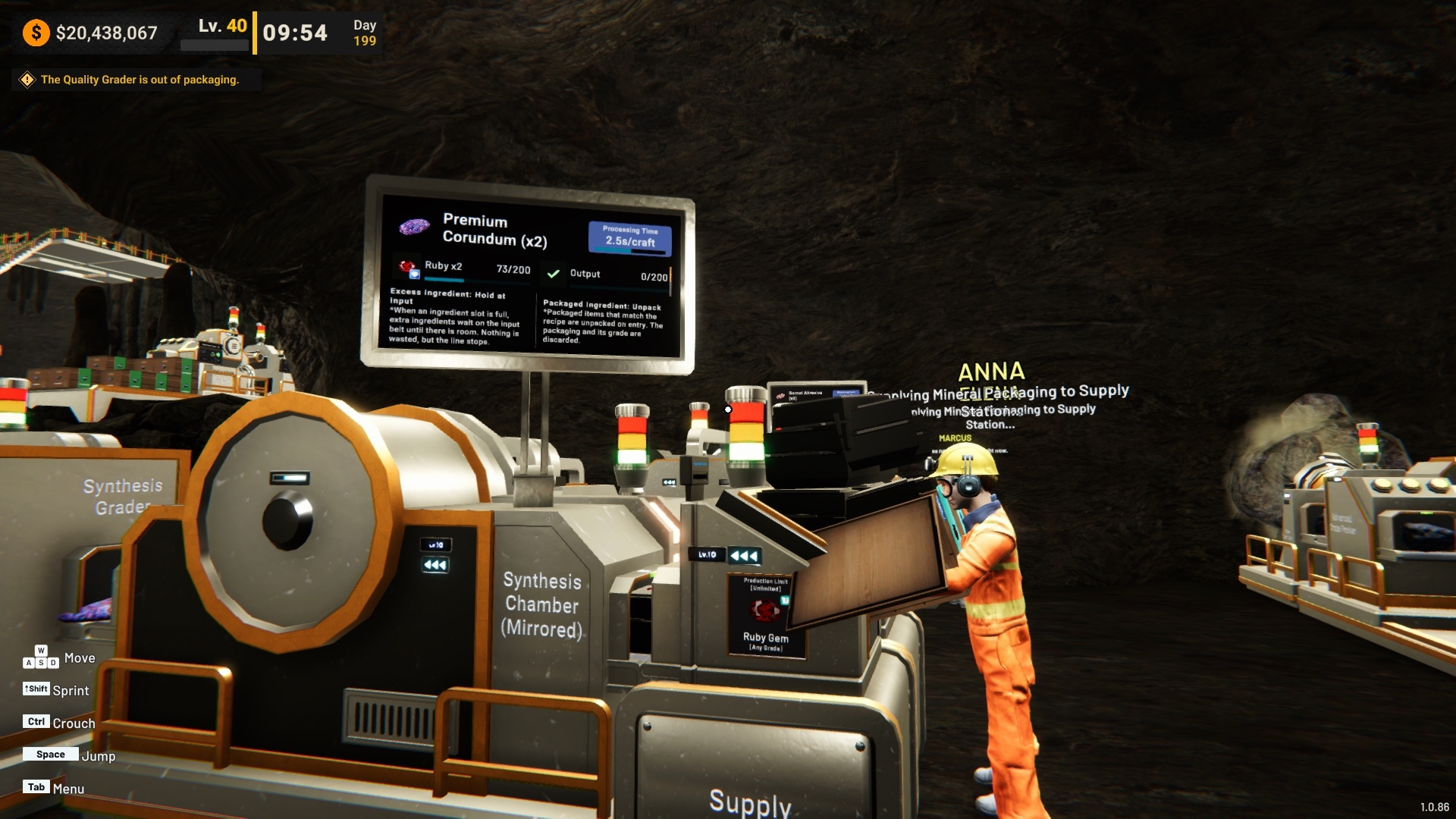
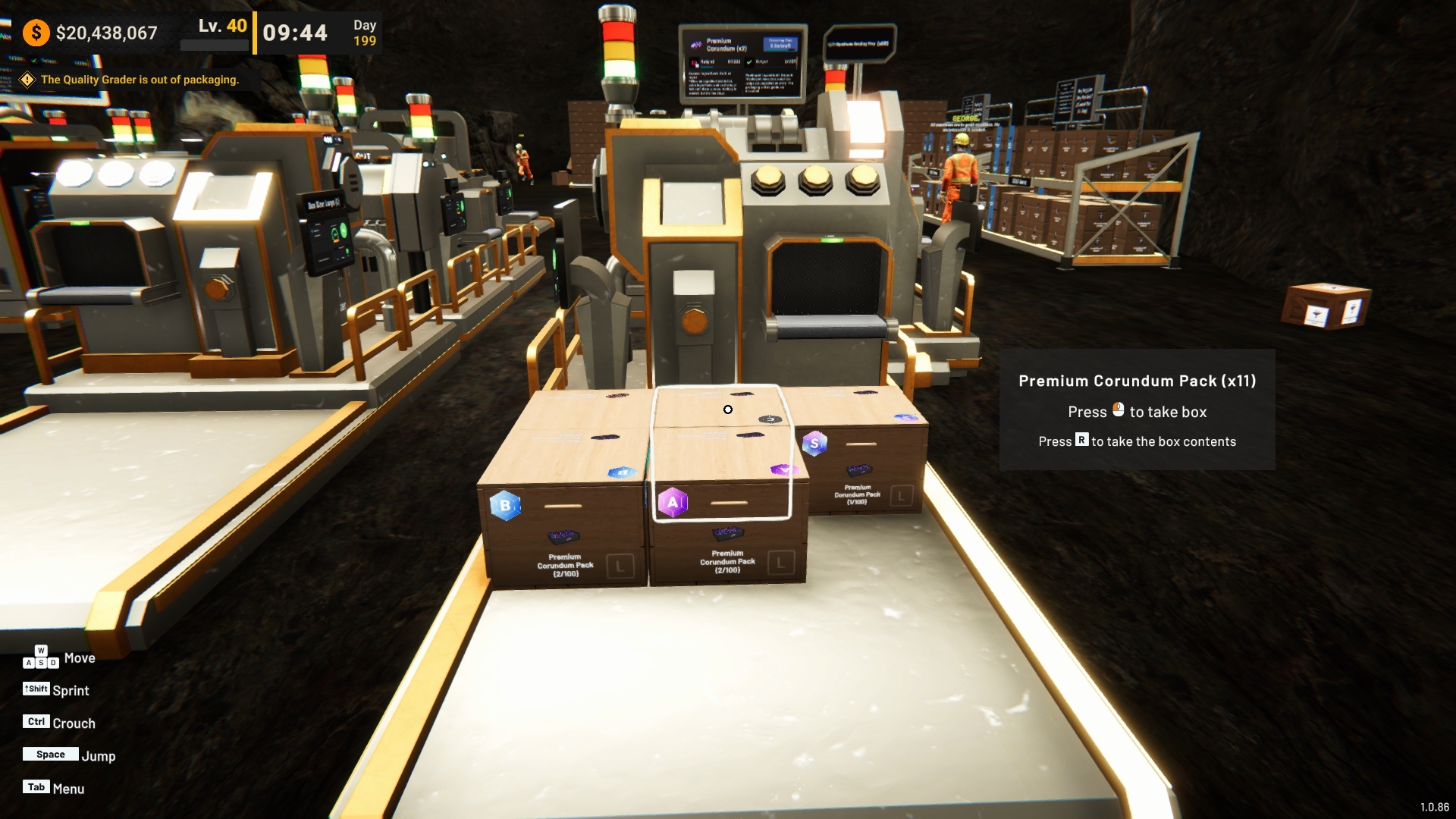
The Synthesis Chamber can now accept compatible ingredients that have already been graded or packaged.
Previously, ingredients that had already passed through later production stages could not be used directly for Synthesis, which could require players to route materials around existing grading or packaging lines.
With the new behavior enabled, compatible packaged or graded ingredients can be supplied directly to the Synthesis Chamber.
The machine will automatically use the underlying ingredient contents for the selected recipe.
A new setting is available:
Packaged Ingredient
This option is enabled by default and can be changed from:
The Synthesis Chamber Options monitor
The recipe selection popup
When Packaged Ingredient is enabled, the Synthesis Chamber can accept these processed versions alongside regular compatible ingredients.
If these ingredients are later ejected or become unused after changing the recipe, they are returned as their underlying ingredient rather than being restored to their previous packaged form.

Improvements
1. Catalog & Item Selection Improvements
Several changes have been made to make larger item lists easier to navigate.
a. Sorted by Unlock Level
Items in both the Catalog and supported machine item selection menus are now sorted based on their unlock Level.
This makes the list follow progression more naturally and helps keep earlier and later-game items easier to locate.

b. New Item Indicators
Recently obtained items now display a New indicator.
The indicator is available in:
Catalog
Supported machine item selection menus
A badge also helps show when newly discovered items are waiting to be viewed.
Once an item has been viewed, its New indicator is cleared.


Bug Fixes
1. Employees No Longer Compete for the Same Rack Space
Fixed an issue where multiple supplier employees could attempt to fill the same remaining Rack slot at the same time.
Previously, employees only considered the boxes already physically stored on the Rack. This meant that when one employee was already carrying a box toward the final available slot, another employee could still select that same Rack.
The Rack capacity system now also accounts for boxes that are already being delivered by employees.
This helps the next employee choose another available destination instead of competing for the same slot.
If a target Rack can no longer accept the box, the employee can also redirect it to another suitable Rack or Supply Area instead of leaving it in front of the original Rack.
Thank you again for your continued support and for sharing your reports, suggestions, and feedback with us.
We will continue reviewing player feedback and improving factory building, production management, automation, and overall usability through future updates.
If you encounter any issues or unexpected behavior, please report them through the in-game report feature or through the Steam Discussions page so we can investigate further.
See you in the next update! [dynamiclink href="https://store.steampowered.com/app/3972190/Mineral_Mining_Simulator/?beta=1"]