Hello everyone!
We’re happy to announce the third update to StarRupture’s Early Access is now available!
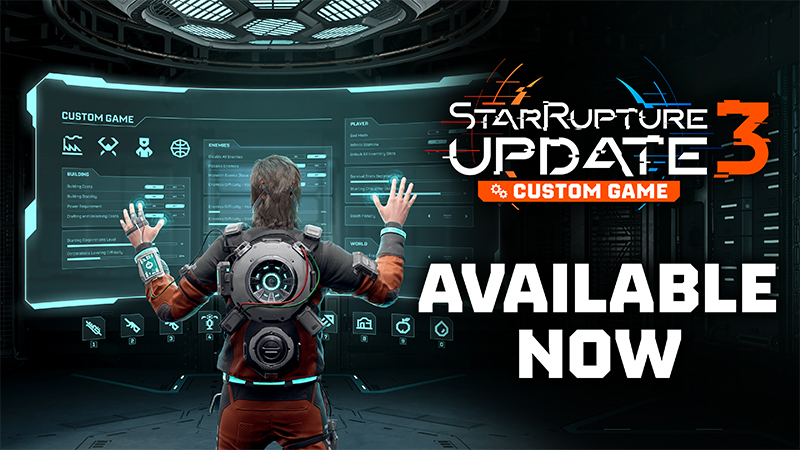
In Update 3, we’re introducing the Custom Game mode thanks to which you can modify features connected to the building functionality, enemies difficulty & behaviour, player’s stats, and progression advancements.
An additional big improvement of the update is the Hotbar, which will greatly speed up selecting your favorite gear, items, and buildings.
But that’s not all! Read the full Changes Overview guide below to learn about all the new features in detail.

Update 3: Custom Game new features presents as follows:
- Custom game options:
- BUILDING
- Building costs [ON/OFF]
- Building stability [ON/OFF]
- Power requirement [ON/OFF]
- Crafting and unlocking costs [ON/OFF]
- Starting corporations level [1-15]
- Corporations leveling difficulty [25%-200%]
- Building costs [ON/OFF]
- ENEMIES
- Disable all enemies [ON/OFF]
- Passive enemies [ON/OFF]
- Monolith Events (Base Attacks) [ON/OFF]
- Monolith Events (Base Attacks) frequency [Once per upgrade / Rarely / Normal / Often]
- Enemies difficulty - Health [1%-200%]
- Enemies difficulty - Damage [25%-200%]
- Enemies difficulty - Amount [Less / Normal / More]
- Enemies difficulty - Randomize spawn [ON/OFF]
- Disable all enemies [ON/OFF]
- PLAYER
- God mode [ON/OFF]
- Infinite stamina [ON/OFF]
- Survival stats depletion rate [0%-200%]
- Death penalty [Casual / Normal / Hard]
- Starting character skill level [1-45]
- Unlock all inventory slots [ON/OFF]
- God mode [ON/OFF]
- WORLD
- Fire wave frequency [Rarely / Normal / Often]
- BUILDING
- Hotbar
- Co-op combat balance
- Keys rebinding rework
Hotbar

The Hotbar is now in the game, and will allow for quick access to your favorite features!
You can assign to it selected actions like equipping a weapon, a grenade, or a medpack, instantly consuming a consumable item, or fast selecting a building and entering the building mode. And thanks to multiple hotbar rows - which you can scroll through - you can assign to them whatever you like in any configuration you want.
Additionally, you can customize the hotbar’s behaviour like its visibility, fading delay and opacity options in the game’s gameplay settings.
Keys rebinding rework
 The keys rebinding has been reworked to better match all the new features added along the Early Access updates (including the newly added hotbar!), as well as to have better compatibility with different keyboard layouts.
If you had some custom keybindings applied with an earlier version of the game, now it has been restored to default. Please check the keybinds menu to apply your preferred controls to the new available options.
Custom game mode
When creating a new session or loading an existing save, you will be able to personalize your experience via the Custom Game options.
Whether you and your friends like to play a more chill session, without the enemies interrupting your factory building and resource collection, or maybe you’re more of a hardcore type who loves a challenge during exploration and base defense, those custom game options enable you to play the game in your style and by your own rules.
Just be sure to check how a particular setting works, as some options can only be set when starting a new game, and changing them on an already existing save won’t be possible.
Building
Building costs [ON/OFF]
 Turning this setting OFF, removes all building material costs when constructing buildings.
Building stability [ON/OFF]
 Turning this setting OFF, removes all building stability cost. Buildings can be constructed without stability restrictions, provided they are connected to other structures or terrain. This option can only be set when starting a new game.
Power requirement [ON/OFF]
 Turning this setting OFF, removes the power requirements for all buildings.
Crafting and unlocking costs [ON/OFF]
 Turning this setting OFF, removes crafting and unlocking cost requirements making every terminal that requires you to insert specific items be operated without those items in your inventory.
Starting corporations level [1-15]
 Select the corporation level at which you want to start a new game. It unlocks all buildings, rewards and recipes required to reach the chosen level. This option can only be set when starting a new game.
Corporations leveling difficulty [25%-200%]
 This option will allow you to choose how fast you will gain corporation levels.
- Decreasing the multiplier causes Corporation Levels to be gained faster.
- Increasing the multiplier causes Corporation Levels to be gained slower.
Enemies
Disable all enemies [ON/OFF]
 You can disable all enemies, so that they won’t appear at all.
Turning this setting to ON will automatically set the Monolith Events (Base Attacks) option to OFF.
Passive enemies [ON/OFF]

Hostile enemies will not attack the player or buildings unless provoked.
Monolith Events (Base Attacks) [ON/OFF]
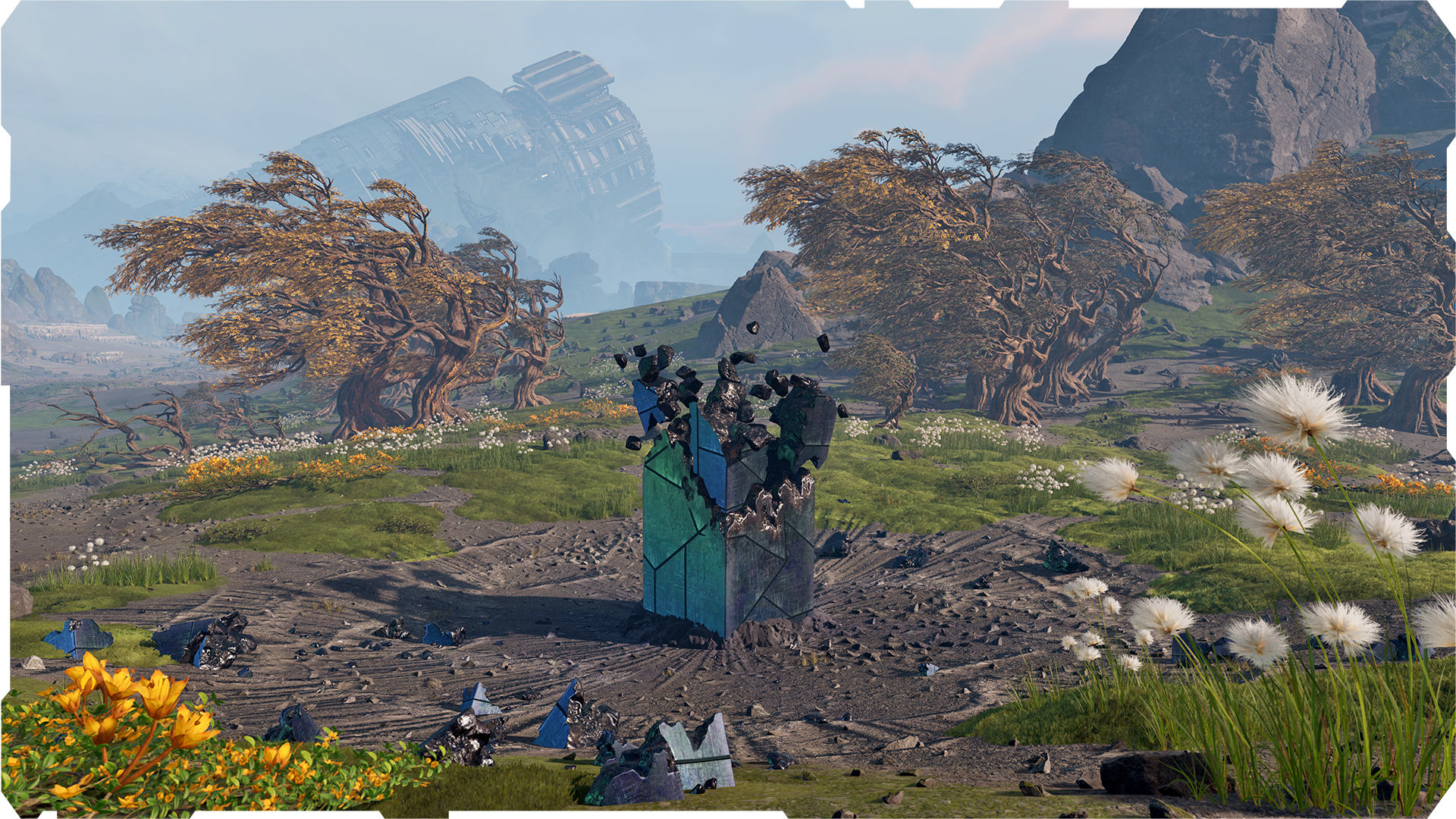 Disable Monolith Events.
- Upgrading a Base Core will no longer trigger Monolith Events (Base attacks).
- Enemies wandering through the world can still attack and infect your base.
Monolith Events (Base Attacks) frequency [Once per upgrade / Rarely / Normal / Often]
 Changes the frequency at which Monolith Events (Base Attacks) occur.
- Once per upgrade:
- The attacks occur only when any Base Core is upgraded.
- Rarely:
- The unexpected Monolith Events occur less frequently than during the standard game mode.
- The attacks after upgrading a Base Core still occur.
- The unexpected Monolith Events occur less frequently than during the standard game mode.
- Normal:
- Regular and core upgrade triggered Monolith Events occur under the same rules as in the standard game mode.
- Often:
- The unexpected Monolith Events occur more frequently than during the standard game mode.
- Attacks after upgrading a Base Core still occur.
- The unexpected Monolith Events occur more frequently than during the standard game mode.
Enemies difficulty - Health [1%-200%]
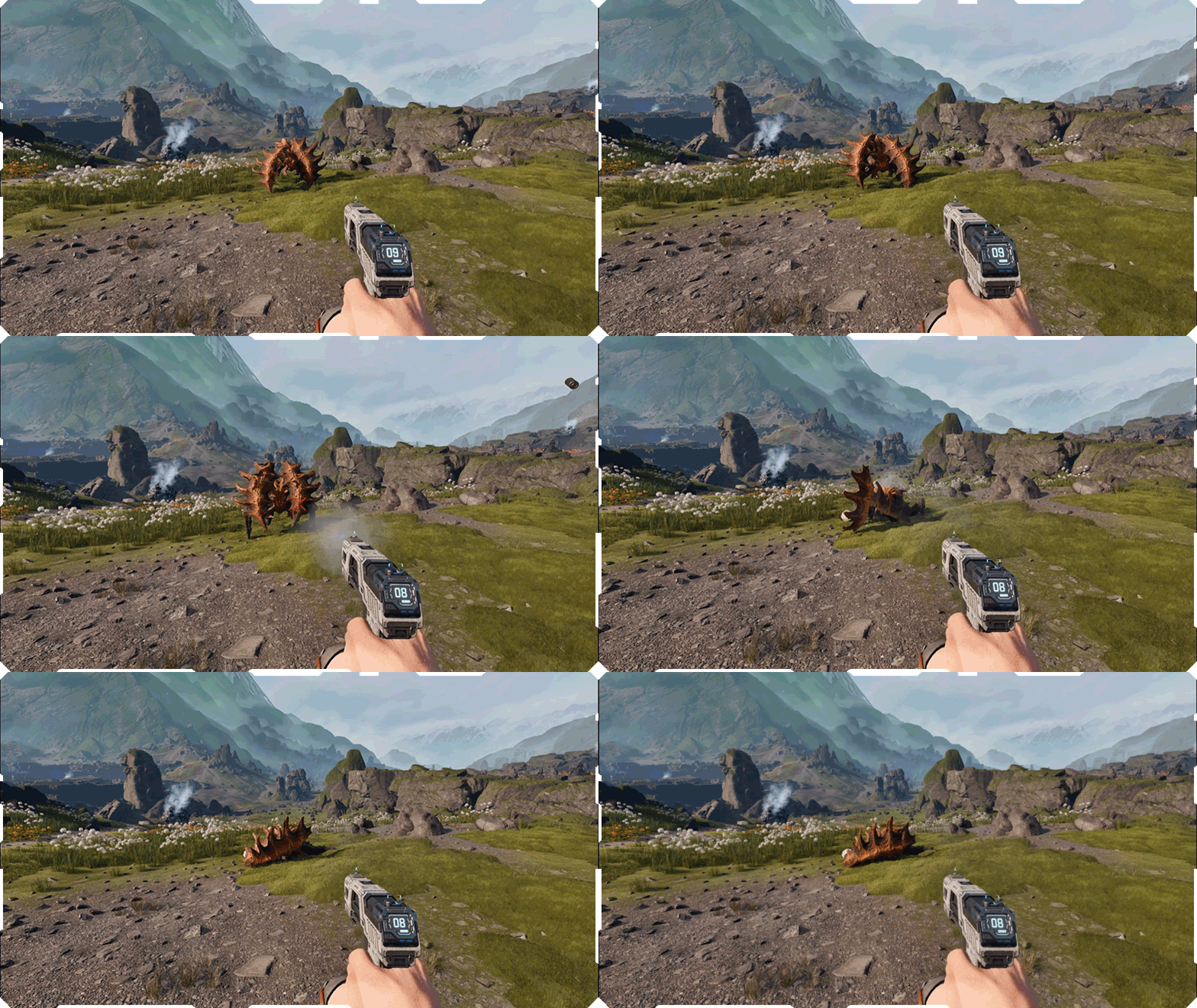
Multiplier for Enemy Health Points.
- Decreasing the multiplier causes enemies to die faster.
- Increasing the multiplier causes enemies to live longer.
Enemies difficulty - Damage [25%-200%]

Multiplier for the damage dealt by enemies.
- Decreasing the multiplier causes enemies to deal less damage.
- Increasing the multiplier causes enemies to deal more damage.
Enemies difficulty - Amount [Less / Normal / More]
 Changes the amount of enemies spawned in the game. This applies to every combat event, as well as enemies that spawn freely on the map, significantly impacting the overall difficulty level.
Enemies difficulty - Randomize spawn [ON/OFF]
 Enabling this option randomizes enemies spawns in the open world.
- They will no longer be connected to the region and the game progression.
- Even the strongest enemies can spawn from the start.
- Spawns are randomized after each fire wave.
Player
God mode [ON/OFF]
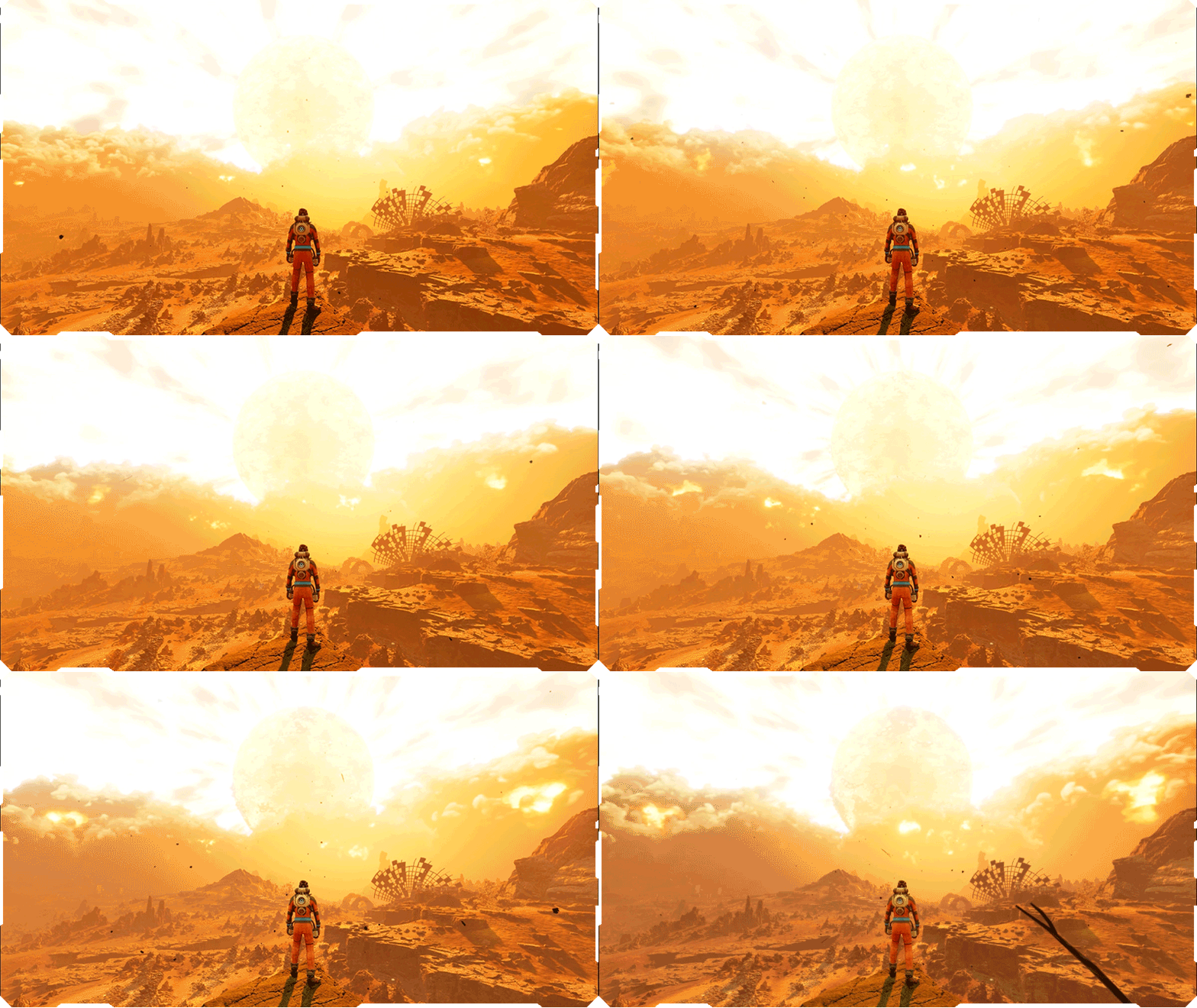
Enabling this option makes the player immortal and invulnerable to all incoming damage. Turning this setting to ON will automatically set the Infinite Stamina option to ON.
Infinite stamina [ON/OFF]
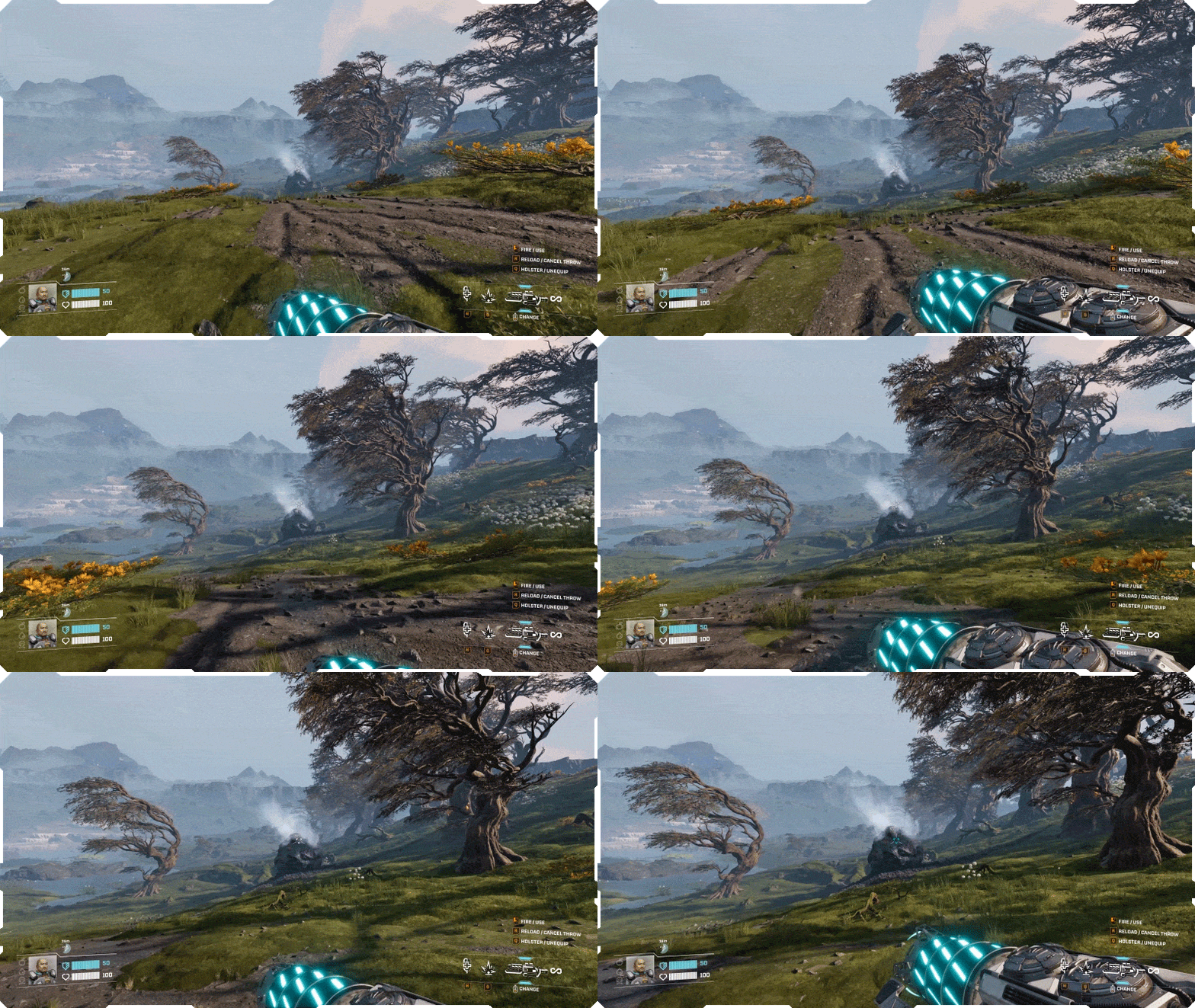
Enabling this option removes stamina cost. Double jump, dash and sprint will no longer consume or be limited by stamina. The Bloodfern plant will no longer drain stamina on contact.
Survival stats depletion rate [0%-200%]
 Determines the rate at which hydration and nutrition are depleted.
- Lower values indicate a slower decline.
- Higher values indicate a faster decline.
- At 0%, hydration and nutrition stop depleting completely.
Death penalty [Casual / Normal / Hard]
 Changing this option will change the penalty for death.
- Casual:
- All items are preserved (no items are dropped after death)
- Survival stats are full
- Weapons and mods are preserved
- Player skill experience is not rolled back
- All items are preserved (no items are dropped after death)
- Normal:
- Inventory items remain on the corpse, though some are lost
- Survival stats are reduced
- Weapons and mods are lost
- Inventory items remain on the corpse, though some are lost
- Hard:
- All items are lost (except story-related)
- Survival stats are reduced
- Weapons and mods are lost
- All items are lost (except story-related)
Starting character skill level [1-45]
 Select a character skill level at which you want to start a new game. This option can only be set when starting a new game.
Unlock all inventory slots [ON/OFF]
 Unlock all inventory slots at the start of a new game. This option can only be set when starting a new game.
World
Fire wave frequency [Rarely/Normal/Often]
 Changes time between Ruptura eruptions.
- Rarely - increases time between eruptions
- Often - reduces time between eruptions
Co-op combat balance
 Co-op players will now encounter a bigger number of Vermin during their expeditions, base defense sections, and combat events, scaled according to the number of players in a session.
This new co-op combat balance scales further with the “Enemies difficulty - Amount” custom game setting, so use it wisely!
Save compatibility information
As the game evolves over time in Early Access, we’re changing and improving the underlying game code to some crucial game mechanics and features.
With Update 3, we will inform you with a pop-up window whether your save file was made on an outdated version of the game (before Update 2). You still will be able to load such an older save file, but it may not work correctly. For best experience, we recommend creating a new game session.
Information for Dedicated Servers Players
We’d like to remind you that we’ve ended active support for dedicated servers to fully focus on the online co-op (listen server) and single-player experiences.
If you want to keep playing on a dedicated server, the latest version that still supports this feature (version 0.3.5) is available on a special branch on Steam.
To access it, you need to:
- Open Steam and navigate to your Steam Library.
- Right-Click StarRupture and select "Properties" from the context menu.
- Select the "Game Versions & Betas" Tab.
- Select “v.0.3.5_for_ds”.
- Steam will automatically download the necessary update.

Update 3 also features a bunch of fixes and improvements based on the feedback you’ve provided us via our official support page, the Steam forum, and our official communities.
See the full patch notes for Update 3: Custom Game below.
Quality of Life
- Ensured that the AZERTY and QWERTZ keyboards behave and interact properly with the game
- Players can now initiate deconstruction immediately upon equipping the Building Tool, without having to wait for its unfolding animation to finish
- Added scroll acceleration to Pillar height adjustments - scrolling the mouse wheel faster will now change the height more rapidly
- Fixed an issue where the ESC button would not return to the previous action but open the Pause Menu
- Added UI info when the player can't interact with an audiolog when a dialogue is in progress
- Changed Calcium coloring on Meteorites for easier identification
- Fixed inverted mouse wheel scrolling when cycling through weapons
- Added proper description for Keybinds
- Improved Goliath's combat balance
- Added missing translations for various descriptions and tooltips
Crashes & Performance issues
- Improved the game's stability in co-op while the host is deconstructing buildings
- Fixed a crash that was caused by the player reselecting their character in Regeneration Chamber
- Fixed a crash in co-op sessions that occurred when dismantling a mixed-tier drone Rail and replacing it with Rail v.1
- Fixed a crash that might have occurred for the Client on joining the session on specific save files
- Improved the game's performance in specific circumstances on some larger save files with complex bases
- Improved the game's stability while using Frame Generation settings
- Fixed a crash that might have been caused by a memory corruption
- Fixed a crash that might have been caused by save file corruption
- Fixed a crash that might've been caused by DLSS settings
- Fixed a crash that may have been caused by Clients inserting Power Cell in Engine Core away from the Host
- Fixed a crash for the Client that might have been caused by the Host placing multiple Platforms and moving away
- Fixed a crash that was triggered when the player was sampling a building during deconstruction
- Fixed a crash that might have been caused by mass-deconstructing large bases and by immediately building in the same area
Gameplay
- Fixed an issue where the stat boost bar preview would get stuck on the inventory UI screen after consuming the last item in a stack
- Fixed an issue where using Harvester for the first time would cause a jittering beam
- Fixed an issue in co-op sessions that caused players to not be able to respawn when the Forgotten Engine’s completion pop-up appeared instead of the Select Respawn Point screen
- Fixed an issue where medtool could be used twice before its charge was depleted to 0%
- Fixed an issue where swapping weapons using the Hotbar was significantly faster than swapping them with the mouse scroll
- Fixed an issue where the corporation level-up announcement would overlap with other dialogues
- Fixed an issue where the "Copy Building" keybind would still require input from the left Ctrl key, despite being changed to a single key in the keybinding settings
- Fixed an issue where it was possible to change Keybinds to Hotbar reserved keys (0-9)
- Fixed an issue where the Tab key would always close the inventory despite being changed in the keybind settings
- Fixed an issue where restoring keybinds to "Default" would not update the corresponding gameplay tooltips
- Fixed an issue where rebinding Drone controls failed to warn about key conflicts or properly unbind overlapping actions, causing unintended behaviors in-game
- Fixed an issue where several actions could be assigned to the Grenade or Medtool keybinds
Multiplayer issues
- Fixed an issue where buildings might have disappeared for Clients on longer sessions
- Fixed an issue in co-op sessions where Viewports would still be present after deconstructing Habitats
- Fixed an issue where dialogues could not be heard by Clients in the Control Room in the Forgotten Engine
- Fixed an issue where the Host would hear the audio from events regardless of the distance
- Fixed an issue where some buildings would not appear powered on upon Client's rejoining
- Fixed an issue where infection cloud would persist in Abandoned Bases for Clients, despite destroying all the cysts
- Fixed an issue where character commentaries would play along Audiologs for Clients
- Fixed a bug that caused Base Core UI to become desynced for Clients when the Host is far away
- Fixed an animation issue of characters' leg movement inconsistency between the Host and the Client
- Fixed an issue for clients where deconstructing the maximum-length Rail Support would not deconstruct the attached Rail
Building
- Fixed an issue where drones remained stuck in mid-air after Rail deconstruction
- Fixed an issue where the Lock Location option would turn off when players moved away from the hologram
- Deconstructing a Zipline or Walkway should now properly refund materials
- Fixed an issue where Rail Supports and Zipline Poles would not auto-rotate when their position required them to do so
- Fixed an issue where platform conductors randomly appeared while building structures
- Drones will now properly treat Multistorage as the absolute lowest priority, ensuring they fill your actual buildings first, before sending excess items to Multistorage
- Fixed an issue with even Drone distribution from Storages to connected buildings
- Fixed an issue where players could not create multiple Platforms when trying to snap them to Stairs
- Fixed an issue where Vertical Snap would persist despite not enabling it by the keybind
- Fixed an issue that caused the Development Station to appear as a Recipe Station when looking at it from a greater distance
- Fixed an issue where foundation tiles of Compounder v.2 couldn't be changed
- Fixed an issue that made it possible to place Pillars on top of the building's foundation platforms
- Fixed an issue with placing Rails using Building Drone over long distances
- Fixed an issue where Base Core overheat level would be displayed as increasing instead of decreasing
- Fixed an exploit where buildings could be placed in the air when built on top of two-stacked Pillars
- Fixed an issue where Drones would keep the red light signaling after regaining the path to their original destination
- Fixed an issue where players could not place multiple Platforms over connecting Platforms due to collision issues
- Fixed an issue where modular components would snap to Pillars even if they couldn't be placed
- Fixed an issue where the M key switched a Platform into a Pillar
- Fixed an issue where the Chemical Generator could be built in-between Pillars
- Fixed an issue where holograms would snap to foundations of Pillars
- Resource names should no longer flicker when typing in the search bar
- Stairs should now be properly built on the sides of Platforms
- Fixed an issue where Stairs' direction was not retained during placement
- Fixed an issue where connecting Platforms could be incorrectly placed directly on the ground if built too rapidly
- Fixed an issue where rotation and height adjustment controls would still appear and play sounds on snap-only buildings where they served no purpose
- Fixed a visual bug that caused Teleporter's parts to stop moving at a relatively close distance
- Fixed an issue where parts of the Junctions would abruptly appear upon building
- Fixed a bug causing Rails to be unable to connect to the Poles placed in the Powerium source spots
- Fixed an issue where not all Platforms would be lit up by the hologram of another construction
- Fixed an issue where the Drone Rail placement hologram would get stuck in an invalid state when the player looks slightly away from the Rail’s socket
- Holograms of Drone Rails, Ziplines, and Extendable Walkways should now properly find their connection points
- Fixed an issue where sampling buildings would not be possible if keybinds for "Copy building" and "Copy building with settings" were switched
- Fixed an issue where buildings connected to the Pillar's side always had zero stability
- Fixed a bug that caused Zipline and Rail Poles to auto-rotate to invalid angles when modifying their height
- Fixed an issue where Rail and Zipline hologram extensions could not be placed due to the incorrectly calculated stability
- Fixed an issue where some buildings couldn't be placed due to an incorrect warning message saying that they were being placed below water levels
- Connection indicators should no longer persist after sampling another building
- Power should no longer be shared between grids that are no longer connected
- Fixed an issue where rail connection indicators would remain on screen when the player used the Hotbar keybind to switch to a different building
Enemies/Combat
- Fixed an issue where Defense Turret would miss most of the shots aimed at Swarmers
- Vermin from the Antenna event should no longer spawn during a Fire Wave
- Fixed an issue where buildings placed without Pillars would block enemies' pathfinding underneath them
- Fixed an issue where enemies spawning from a higher elevation could get stuck on cliffs while trying to reach an upgraded Base Core during the Base Attack
- Fixed an issue where Vermin loot would despawn in the Forgotten Engine during a Fire Wave
- The pistol shooting spread should now be balanced
- Fixed Rifle's SFX audio level for other players in a co-op session
- Fixed an issue where Vermin would ignore Package Senders and Package Receivers during a Base Attack
- Spitter should now properly attack the Base Core during the Base Attack
- Fixed enemies' pathfinding issues on Platforms and modified foundations
- The Shotgun spread is now fixed when ADS is active
Forgotten Engine & Abandoned Bases
- Fixed an issue in co-op sessions where powered doors in Forgotten Engine would falsely display the 'No Power' warning for the Client
- Fixed an issue where some doors in Abandoned Bases would become incorrectly opened in specific conditions
- Ensured that the doors in the Forgotten Engine would retain their open state after a reload
- Fixed an issue where Vermins would jump through walls in the Forgotten Engine
- Fixed an issue where Exploders would spawn twice during the final wave in the Forgotten Engine's Control Room
- Fixed placement issues of some missing foundables in the Abandoned Bases
- Fixed an issue where combat music in Forgotten Engine would not fade out
- Fixed an issue where Vermin would spawn in the Forgotten Engine after its activation
Environment
- Fixed an issue where plants and vegetation would not burn down during a Fire Wave
- Fixed the placements of some Antennas to make sure they're properly set in the terrain level
UI
- Fixed an issue where dashing and jumping could cause dialogue subtitles to briefly disappear
- Fixed an issue where picking the character that is currently played in the Regeneration Chamber would lock the UI elements
- Fixed a UI issue where some interactions were listed twice
- Fixed an issue where a pop-up regarding incompatible saves would overlap with other parts of the UI
- Fixed an issue where subtitles would not be displayed upon first encounter with an infected Abandoned Base
- Pop-up for canceling the Custom Game settings should now be translated to all languages
- "I" key should no longer be hardbound to opening Inventory despite having been changed in the keybindings settings
- Pop-up regarding updated keybinds should now be translated to all languages
- Fixed a localization issue where some parts of the widget regarding the Base Attack would not be translated into all languages
- Fixed an issue where status effects applied to the player would not be translated into all languages
- Fixed a localization issue where leveling up corporations would not be translated into all languages
- Knocked down and respawn-related UI elements should now be properly translated to all languages
- Interaction prompts should now be properly translated to all languages
- Fixed an issue where restoring keybinds to "Default" would incorrectly trigger an override warning for actions which by default share the same key
- Fixed an issue where the "Unlocked" message on new gear and LEMs would not be translated to all languages
- Fixed an issue where warning messages would not be translated to all languages
- Fixed an issue where some texts were cut off by the frame in various language versions
- Pop-up regarding completing Abandoned Bases should now be translated into all languages
- Fixed an issue where Polish translations would display incorrect verb forms
- Fixed an issue where some Custom Game settings would not be translated into all languages
- Fixed a localization issue where the Geo Scanner would not be translated into all languages
- Fixed an issue where the Hotbar would not indicate the newly acquired weapon from the Equipment Upgrade Station
- Added other minor UI improvements
Other
- Flame VFX should no longer be visible inside the Horizontal Connector
- Tweaked various shadow VFXs for Vermins
- Fixed an issue with missing translations in blocked audio logs hints and weapon descriptions
- Multiple other localization fixes
- Fixed an issue with incorrect visualisation of Helium-3 containers when transported by drones
- Fixed a bug where the Monolith icon would be misplaced on some parts of the map
- Fixed an issue where dialogues regarding leveling up corporation levels would overlap other dialogues or continue on the pause menu
- Resolved an audio issue where the crackling sound effect would remain after Exploder's death
- Fixed a visual bug that caused weapon models to shake during prolonged strafing
- Fixed an issue where character models' skin would look unnaturally pale on certain graphics settings
- Fixed an issue where Infection Cloud SFX would persist after reloading the save file
- Fixes for various SFX issues connected to item interaction
- Fixed the VFX issue of Regeneration Chamber & Research Terminal upon placement
- Fixed an issue with saving the game during the Ashfall Phase

And that’s it for the update! We hope you’ll enjoy the custom game features and that you’ll share with us and the community the custom presets you enjoy playing the most.
Until the next one,
Creepy Jar Team
[dynamiclink href="https://store.steampowered.com/app/4167250/StarRupture__Supporter_Pack/"]