Hey collectors!
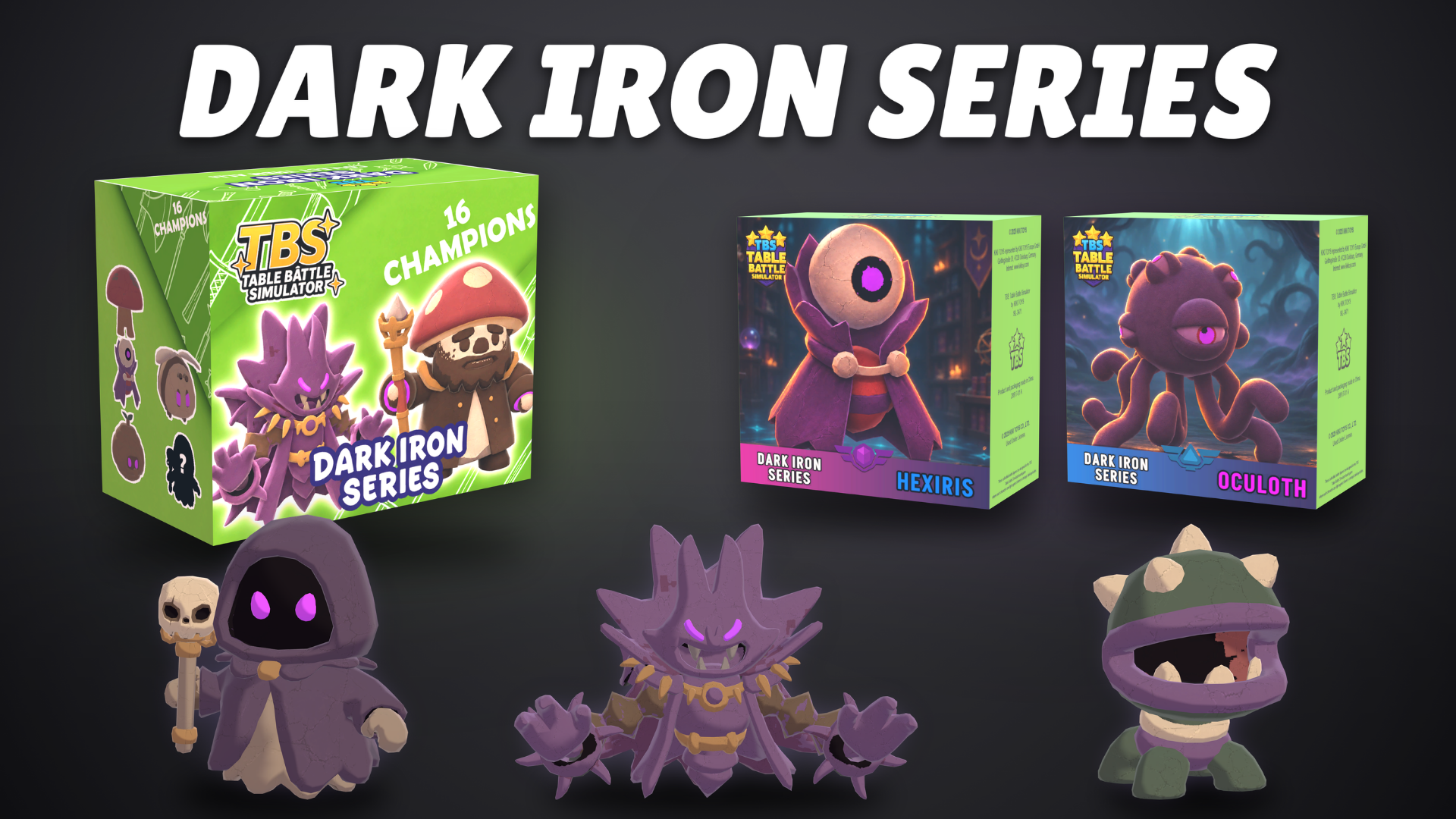
A new series has arrived in Table Battle Simulator, and the game has a whole new look. This major update brings 16 Dark Iron champions, a fully redesigned interface, and fixes for battles, checkout, collections, saves, and more.
New Collection: Dark Iron Series
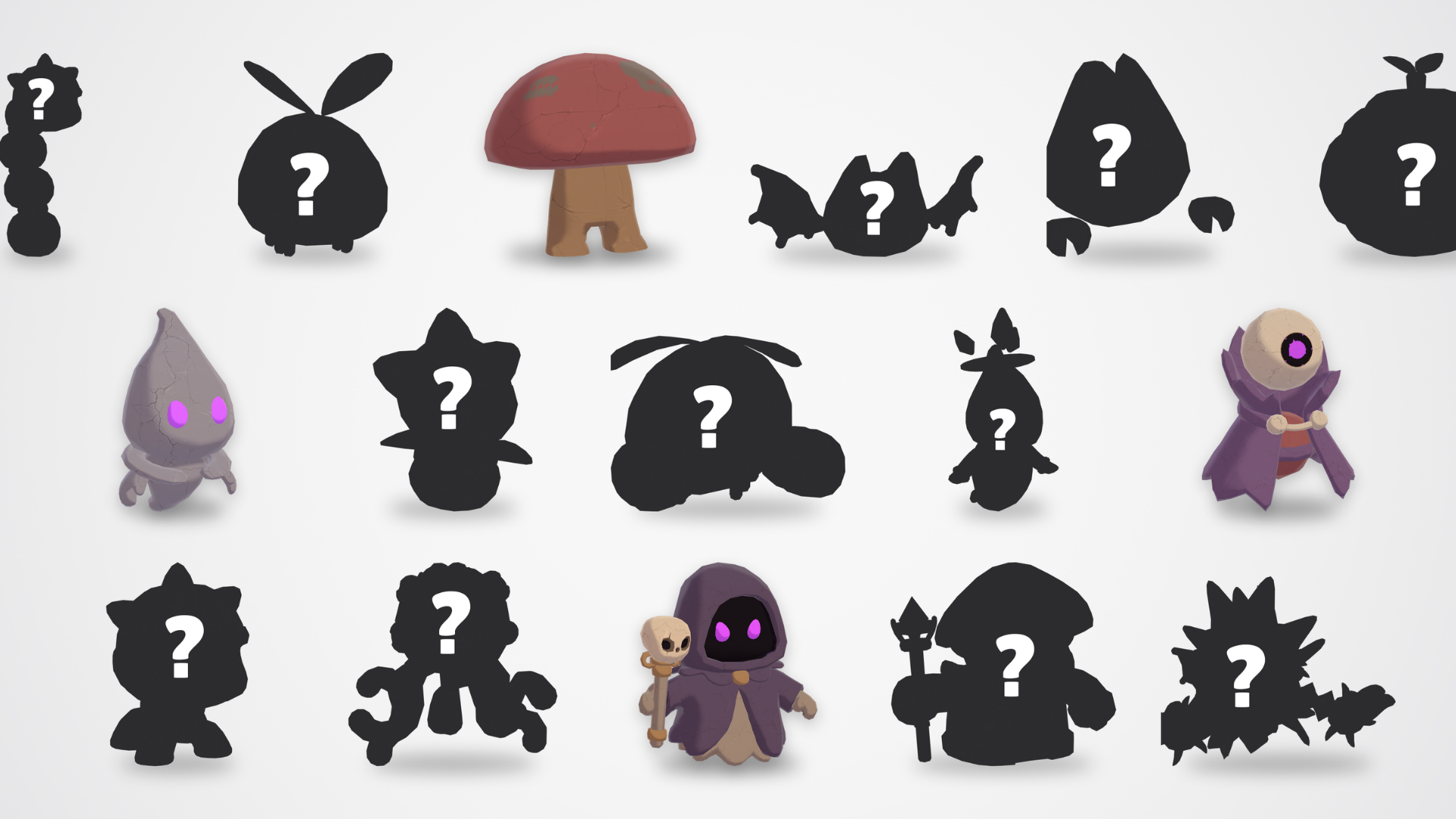
Open Dark Iron boxes and discover 16 new champions to collect. Display your favourites in your shop or try them in your Battle Deck to see how they fit your lineup.
A Fully Redesigned Interface
We rebuilt the interface from the main menu and HUD to the tablet apps, checkout, and battle tables.
Menus and settings: Redesigned the main and pause menus, save and load screens, loading screen, key remapping, and confirmation dialogs.
HUD and prompts: Updated money, XP, level, day, season, and trophy displays. Notifications and keyboard and mouse prompts are easier to read.
Tablet and shop management: Redesigned Wholesaler, Store Manager, Workers, Payments, Rank, and Perks. Product cards, locked items, price charts, and the daily report are easier to read.
Collections and decks: Updated Character Collection, Hero Collection, and Battle Deck. Series tabs, filters, figure labels, stats, and upgrade buttons are clearer.
Battle tables: Updated unit cards, synergy indicators, perk slots, timers, opponent profiles, and match results.
Decoration and feedback: Updated paint, furniture and display stand customization, pricing, tutorial, and feedback screens.

Fixes and Improvements
Saves, Settings, and Audio
Continue remembers the last played slot even after you return to the main menu. Deletion affects only the selected slot. Starting a new game with all slots full shows a warning.
Existing saves keep your shop layout, stock, prices, employees, collections, progress, custom shop name, and tutorial status.
Fixed brief music volume spikes at startup or when returning to the main menu. Balanced menu and in-game music and fixed volume changes when opening the tablet or pause menu.
Fixed applying and saving display, graphics quality, shadows, language, and audio settings. On-screen prompts update immediately after remapping keys.
Shop, Checkout, and End of Day
Checkout totals reflect shelf price and quantity, even for products sold for the first time. Price entry handles decimals, commas, and currency symbols consistently.
Fixed cash and card payment issues when leaving mid-sale, clearing the card terminal, giving change, or handing an unfinished sale to a cashier.
Fixed customers getting stuck at shelves or keeping seats after rejecting expensive battle tables. Improved how customers join your table, finish shopping, and leave at closing time.
Fixed daily report amounts, rent accrual, and bill handling. Late fees are charged once. Bulk payments show rent and bills separately in the report.
Improved hiring, dismissal, shop expansion purchases, signboard editing, and Wholesaler licensing, carts, and delivery.
Collections, Box Opening, and Displays
Fixed collection filters, sorting, empty results, and figure selection for stands. Battle Deck slots open the correct rarity filter and mark figures already in the deck.
Fixed overlapping figure labels and made class icons, levels, prices, and upgrade details easier to read.
During bulk opening, each box shows its own three cards and total price. Figures are counted correctly and control returns afterward. Fixed lingering cards, misplaced XP, and hover borders appearing during reveals.
Fixed claw machine figures failing to restore on load or won figures failing to enter the collection.
Battles
Fixed incorrect faction bonuses and clarified active synergies. Standard tables show three perk slots. SingleFight and Tower Arena use their own layouts.
Fixed bench and arena merges, including selling a copy or leaving during a pending merge. Fighting units stay in place during bench merges.
Fixed unit info cards opening while dragging or carrying over to the next match. Results now appear even with an empty arena, and missing cards on the losing side at RealTime tables are shown.
Fixed early leave and results dialogs across table types. Leaving early counts as a loss.
Fixed unit placement, hit effects, and attacks, including Skarnix’s normal attacks and the special attacks of Bandrax, Bonerex, and Kronis.
Placement, Tutorial, and Localization
Fixed shadows when placing or rotating furniture. Customers and workers walk around large figures even after they are moved.
Fixed HUD visibility when switching between the tablet, collection, deck, and other screens. Improved XP notifications and interaction prompts.
Fixed tutorial progression and replay or skip options for returning players. Improved the feedback form, screenshot capture, and keyboard and controller navigation.
Fixed clipped text, overlapping controls, and missing characters across languages and resolutions. Improved right-to-left layouts in Arabic.
Thanks for playing and sharing your feedback! Which Dark Iron champion will you display first? Let us know in the comments! The Kiki Games Team
