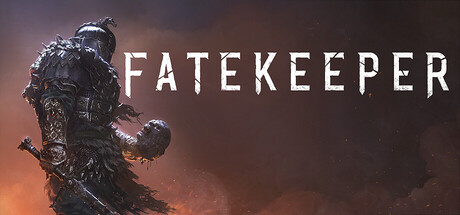
Patch V 0.1.4 is now live!
Hello!
Our latest patch, V 0.1.4, is now live! This update brings controller support and the first batch of localizations to Fatekeeper, some of which are still a work in progress.
Getting controller support implemented has turned out to be quite a bit more time-consuming than we initially anticipated. We're sorry it took longer than expected, and grateful for your patience!
Here's what has changed:
Localization
We've taken the first step toward making Fatekeeper available in more languages. German, French, Russian, Ukrainian, and Simplified Chinese are now available in-game.
While some of these translations are already quite close to their final state, others are still in an earlier iteration. We'll continue reviewing and refining them as development progresses, and provide ongoing support for all implemented languages. More languages will follow in future updates.
Gameplay
We've made a broad range of adjustments to combat, abilities, items, and general gameplay:
Increased the range of certain spells, including Firespark. This should make them more useful overall and help you reach enemy archers more reliably.
Fixed an issue with weapon coatings and damage scaling when fighting unarmed. This one slipped past us for longer than it should have. Sorry about that!
Reworked enemy archer accuracy. Their arrows should no longer feel quite so unerringly precise.
Archers now react more strongly when disrupted (by getting a firebolt in their face... for example)
Significantly increased the power of Tremor and Elemental Fortress.
Improved the effectiveness of Fire Trap and Frost Trap, making them more worthwhile options in combat.


Added new items, including clubs and amulets.
Reworked the contents of many chests and containers to make exploration more rewarding.
Corrected duration and efficiency calculations for ingredients and crafted items.
Increased player movement speed by approximately 15%.
Improved attack camera movement, weapon sway, and crosshair hit feedback.
Made further adjustments to melee attacks and blocks as part of our ongoing effort to make close-quarters combat feel more fluid.
Tweaked the crosshair hit animation.
Enemies no longer warp toward your new position when you dodge.
Significantly increased the effectiveness of Explosive Bombs and Shrapnel Bombs. They should be a lot more satisfying to use now.
Added more ingredients for grenade recipes throughout the world, giving you more opportunities to craft and use them instead of having to make do with just one or two.


UI
Alchemy effects are now properly summarized in item and alchemy descriptions.
Added health bars for boss enemies, which can be toggled on or off.
Added brief tutorial windows to the alchemy menu.
Some of the UI changes required for controller support have also improved the overall interface. Selection and hover states, for example, should now be a bit more easier to read now.
VFX
Improved blood and gore effects in this first iteration of our ongoing visual improvements to Fatekeepers combat.
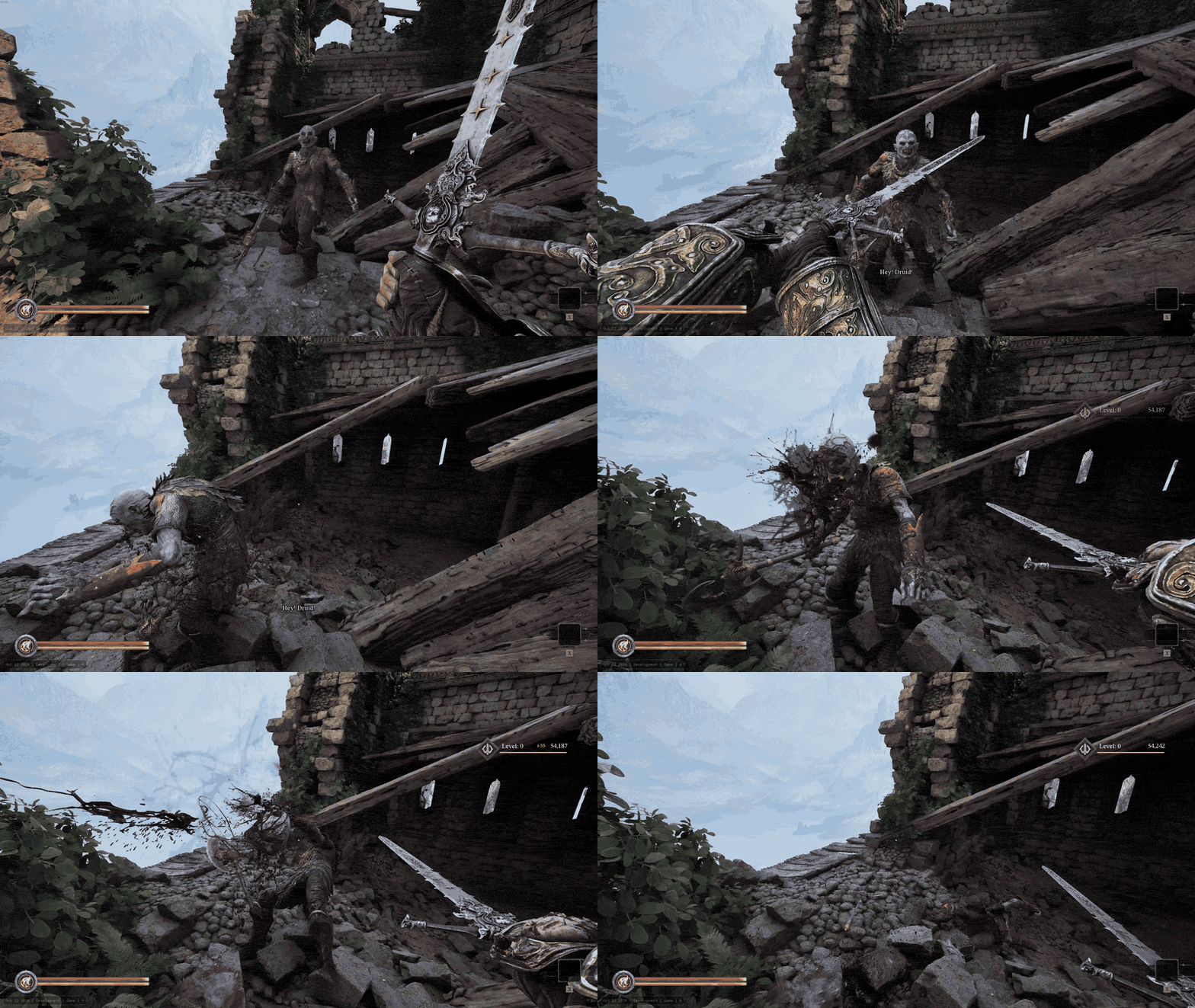
Significantly updated the visual effects for Fire Trap and Ice Trap. They were looking a little neglected before.
Miscellaneous
Updated the Unreal Engine version to 5.8.3.
Further adjusted the Medium scalability settings. We're also continuing to work on making the lower settings run better while looking more appealing.
Added an option to toggle the FOV effect when starting and stopping a sprint.
We will be releasing a few smaller follow-up patches over the coming weeks to further polish controller behaviour and the current translations.
After this update, our main focus will shift toward the first substantial content update (that our Level-, Art- and Audio Departements have been mainly working on for quite some time now), planned for this winter. In the meantime, we'll also be making some smaller improvements to the skill tree, certain items, and other aspects of the current experience.
We really hope you enjoy this update, and as always, thank you for all your support! Your encouraging comments keep our spirits high, while the critical ones help keep us on our toes.
All the best, and see you in the next DevLog!
PS:
If your gamepad doesn't seem to be supported by Fatekeeper (this can occasionally happen with PS4 controllers), try disabling "Steam Input" under Properties → Controller in your Steam library.