Cross-save Setup Steps: Link Account → Sync Profile → Load
🔗 Cross-Save Linking & Sync Guide
STEP 1. On the console game's start screen, select \[Profile] in the upper-right corner.

STEP 2. Select \[Cross-Save Settings] in the upper-right corner.

STEP 3. Select \[Generate Code] to generate a Link Code.

STEP 4. Launch the game on PC, then select \[Profile] in the upper-right corner of the start screen.
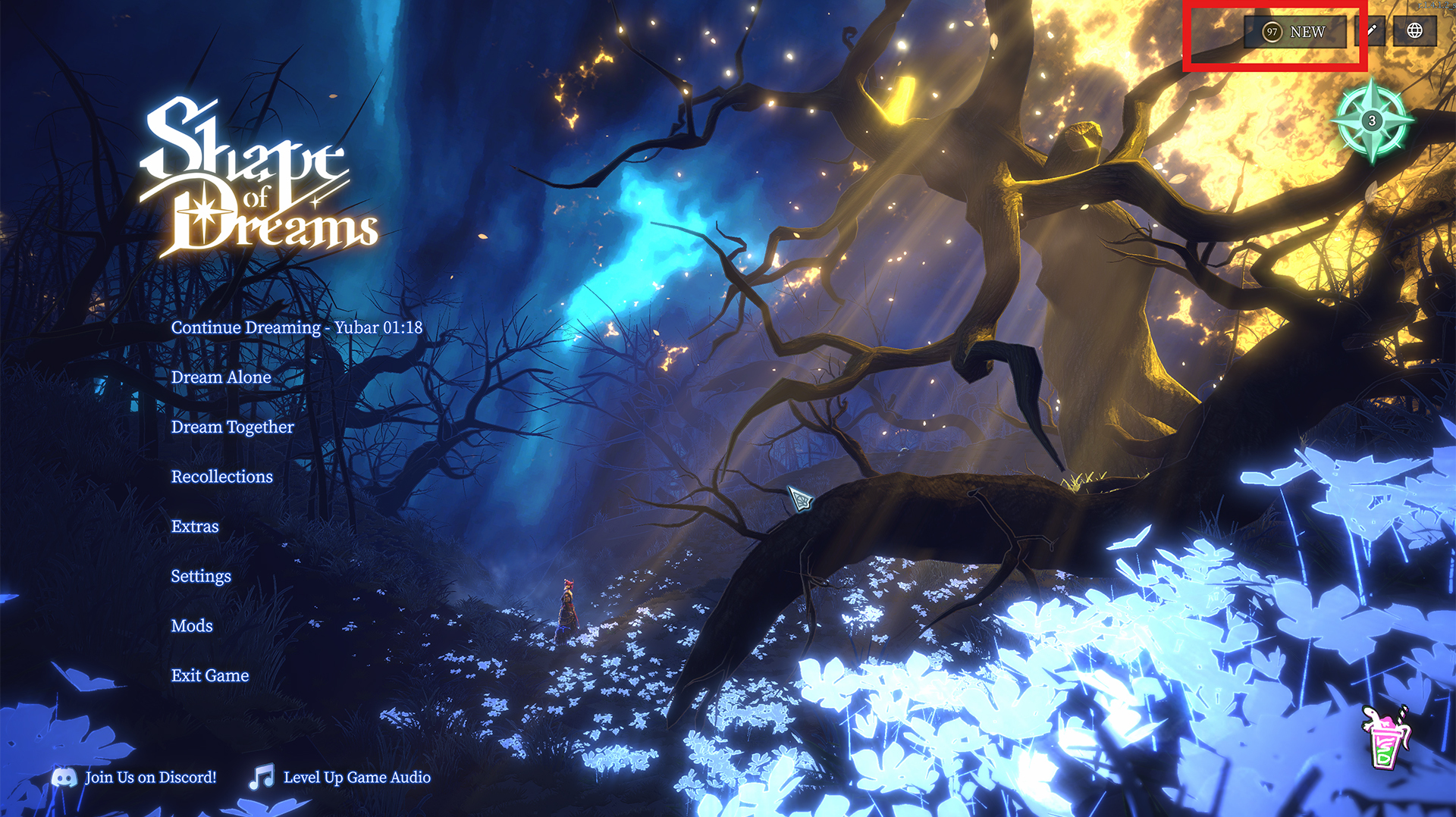
STEP 5. Select \[Cross-Save Settings] → \[Enter Code], enter the Code generated on your console, and select \[Link]. ⚠️ If a device is already linked to your PC, linking a new device will disconnect the existing device.

STEP 6. On the platform containing the Profile you want to sync, select the desired Profile, then select \[Enable Sync]. Once the Cloud icon appears next to the Profile, syncing will begin!

STEP 7. On the platform where you want to load the Profile, select the Profile that has finished syncing, then select \[Load] to complete the setup!

🔄 How to Sync Your Latest Progress
Cross-Save does not sync your progress in real time.
To continue from your latest progress made on another device, use one of the following methods:
Select \[Load] for the desired Profile from the Profile list.
Launch or restart the game client.
⚠️ Important Notes for Cross-Save
Cross-Save Codes can only be generated on consoles and cannot be generated on PC.
Each Code is a one-time-use code that remains valid for 10 minutes after being generated.
PC accounts cannot be linked to other PC accounts.
Accounts on the same platform cannot be linked to each other.
To Link three or more devices, such as PC + Console 1 + Console 2, first Link PC ↔ Console 1. Then generate a new Code on Console 1 and use it to Add and Link Console 2.
Data that is synced: Most data, including Profile progress, Statistics, Stardust, and ongoing game progress.
Server-granted cosmetics (Costumes, Emotes, Souvenirs, and Banners) are not synced.
Cloud save data is uploaded whenever you move to a new room during gameplay.