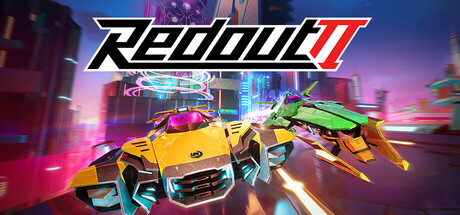
Ten years in and we're still not done with Redout. This time it's not just about racing, it's about watching… Spectator Mode has landed: you can now sit back, grab a camera, and watch online and Arcade races like a proper SRRL broadcaster. It's our thank you to everyone who's been streaming tournaments with zero official tools all these years. And since we were already in the garage, we raised the grid to 34 ships (totally random number, don't ask), had a serious talk with a certain propulsor brand, and fixed a pile of things along the way. Hope you appreciate and enjoy it!

Spectator Mode
It is now possible to watch online and Arcade races using a brand-new Spectator Mode!
This feature is a love letter to the community of great players that currently find ways to stream their multiplayer games and tournaments without any official tool to help.
How to access
In Arcade, select a supported mode (Race or Boss) and enable the Spectator Mode toggle. Adjust other settings to your liking, pick a track, and you’ll be thrown straight into the race.
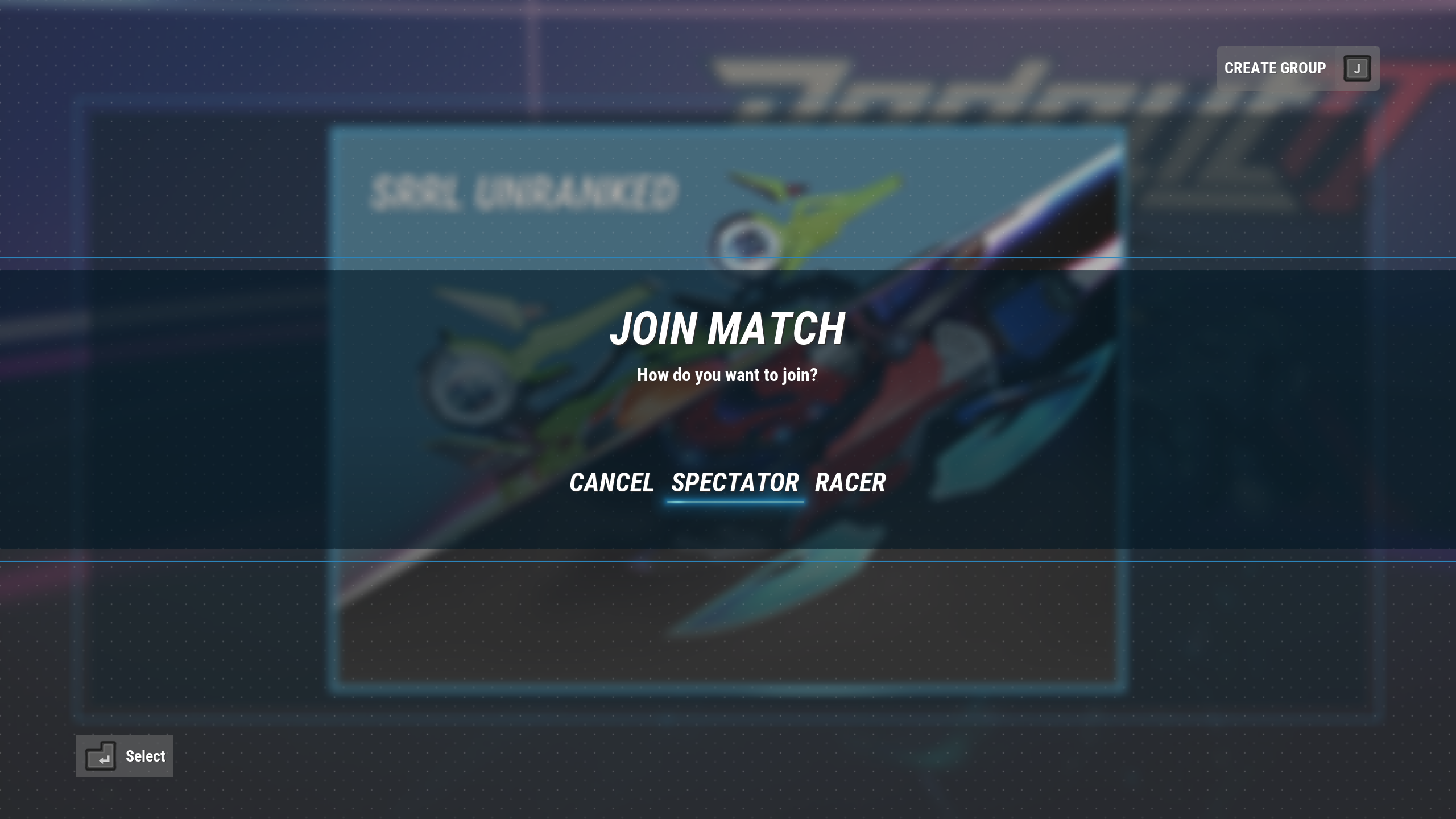
In Online Races, either start matchmaking as you normally would, or join another friend’s group through an invite (unfortunately, neither party leader, nor lobby host are able to spectate). In both scenarios, you will be prompted to select a role; a Racer or a Spectator. Select the latter option and you’ll be ready to go!
 How to use
A detailed guide on the usage and features of Spectator mode is going to be published later on Steam Community forums, in a pinned thread. Here’s a brief overview of what can be done (dang, I wrote this like an AI there, but I promise, I am human):
After loading into the race, you’ll start in the Broadcast mode. This mode lets you automatically follow the focused ship around the track, looking at it from various cameras placed along the racetrack. The view can be changed to the player’s perspective, also with an option of offsetting the camera. Change the focus to a different player either by opening the player list and selecting the desired player, or typing their position on the keyboard, using 0-9 keys (positions over 9th are also selectable, just wait for a while before providing the number). You can also use an option to follow the race leader. Camera will change automatically with that option enabled.
At any point during the spectated race, the camera can be detached to enter the Free flight mode. In this mode, the only boundaries are collisions with objects, so you can go nuts! (Touching the sun is not recommended.)
From Free flight, you can access the Spline mode, which attaches the camera to the closest active track piece to fly along it with limited offset.
We can’t wait to see what you can cook up with these brand-new possibilities of capturing fully cinematic gameplay footage!
Other New Features
On queuing up for a Multiplayer race or upon joining a group, it is now possible to choose if you want to be a spectator or a racer.
Added a new option to set a maximum racer (2-34) and spectator (0-6) amount for the multiplayer lobby (applicable from the next hosted session). Default values are 12 and 4 respectively.
Added a new option to set a maximum number of full-quality opponents rendered on the screen at the same time (set it lower for better performance in crowded offline and online races).
Added a new option to disable “OVERHEAT” notification from appearing on the middle of the screen.
Added an option to erase best Time Attack times on the local leaderboard. Find it on the pre-race scene of the selected track in Time Attack game mode.
Balancing
SRRL found a concerning amount of inconsistencies across many signature ship parts and decided to take action to even out the field, especially in a field of propulsors. One certain brand had an outstanding advantage in the engine department, hiding its unfair practices from the technical inspectors for years. As a penalty, said propulsor hasn’t received any upgrades, while all others got a substantial buff to catch up to the same level.
Departments of the teams providing highest-tier rudders were ashamed of the fact that off-brand parts were always performing better than their signature counterparts for so long. As a result of additional funding, they significantly reduced the drawbacks of their parts.
All balance changes are listed below.
Increased Conqueror’s thrust.
Increased Mantis’ stability.
Increased Lunare’s top speed and stability, decreased steering.
Significantly increased top speed of all but Lunare’s Signature Propulsors and slightly bumped up Mantis Propulsor’s thrust. Minor adjustments to the penalties of the changed propulsors.
Increased steer and strafe performance of Signature Rudders and lowered penalties applied by them, while still staying true to the part characteristics from their description.
Increased top speed of Koeniggswerth’s and Behemoth’s Signature Hulls.
Decreased top speed penalty for Koeniggswerth’s and Behemoth’s Signature Intercoolers.
Decreased stability penalty for Buran’s Signature Intercooler.
Increased stability for Lunare’s and Koeniggswerth’s E.S.C.s.
Decreased hull penalty for Lunare’s and Mantis’ E.S.C.s.
Decreased top speed penalty for Koeniggswerth’s E.S.C.
Increased strafe for Lunare’s and Asera’s E.S.C.s.
General
Raised max power level cap of highest-tier career events from 1200 to 1300.
After a long and careful investigation, SRRL haven’t found evidence of Mantis Propulsor being a stolen property of the Buran engine development team. As a result, their propulsor is correctly labelled as “PSMA” now.
Updated Lunare’s Signature Propulsor power ranking to reflect its true value (238 -> 274).
More pilots have qualified to the elite SRRL league! You might even be able to recognize some of them.
Bent spacetime slightly more to fix track previews, descriptions and thumbnails shifted by one on Origin Black Hole. Singularity is no joke, even for the UI.
Fixed a rare softlock on the game mode change overlay, in Arcade track selection.
Fixed one of the mini-winglets of ‘Wing’ flaps cosmetic part for Akhal-Tech twisting in the wrong direction when accelerating.
Fixed ‘Airblade Gen II’ auxiliary cosmetic part for Sulha promoting vector strafing on boosting.
Fixed missing translation of “create group” prompt in the main menu.
Gameplay
Raised the possible maximum number of ships in Arcade races from 12 to 34 (higher values WILL hurt the performance, especially on the race start, overdo it at your own risk).
Multiplayer
Improved position and visible ship status correction for the opponent players, to smooth out the multiplayer experience for both racers and spectators.
Fixed some infinite loading scenarios while loading into the race for the first time in the play session.
Options and Group Menu are now accessible on the prerace screen, before entering the garage.
UI
Fixed "Desolation Ring" and its author not being displayed on the pre-race scene. It’s not desolated anymore.
Fixed wrong power level displayed after using a saved loadout on a ship with a different base power level.
Improved the behavior and appearance of offscreen opponent indicators (thanks Dandy!)
Hid non-relevant information about session best lap time on the UI in Time Attack game mode.
Times set in Qualifying gamemode no longer are saved to the local Time Attack leaderboard.
Hid the personal best time on the Qualifying results screen.
Enabled Checkpoint time splits in Training and Time Attack game modes.
Checkpoint time splits in Time Attack are now compared to the time splits of your best recorded lap. Times recorded before this update have no checkpoint split data to be compared to, so no delta will be displayed.
Added a checkered flag background for the opponents who have finished the race before the player.