Hey everyone,
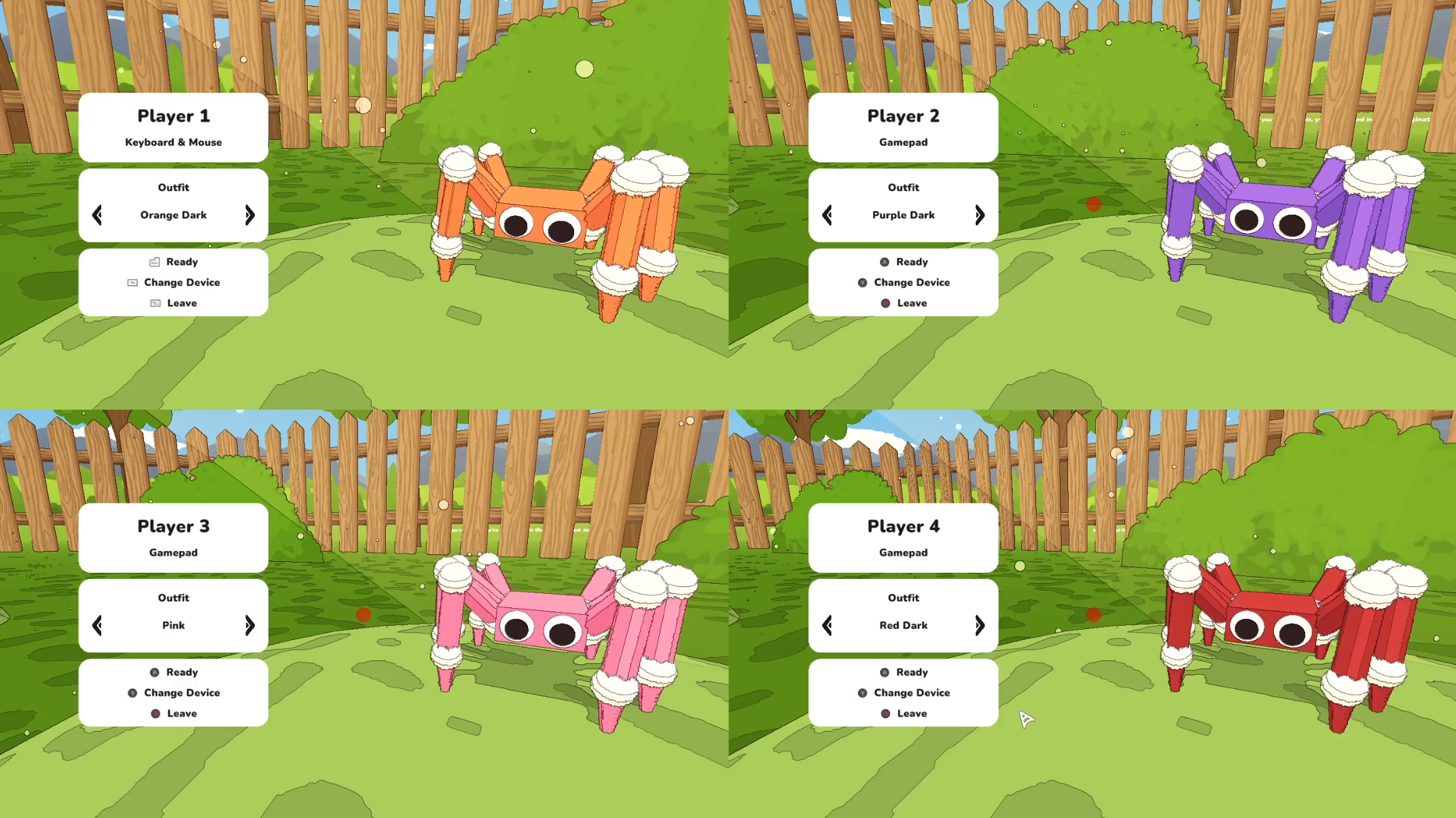
Our local co-op mode is ready for a public test. Grab a friend and play A Webbing Journey together with up to 4 players!
🔧 What you need
The host can play with a keyboard or controller.
The other players need a controller, because keyboard input only works for the host in this test.
If you're not on the same computer, you can use "Steam Remote Play" or "Parsec" to play together remotely.
Step 1: Switch to the test branch
Only the host needs to do this, since the host is the one running the game.
In your Steam library, right-click A Webbing Journey and open Properties, then Betas.
Select the public_test branch from the dropdown.
If public_test isn't working for you, use the backup branch instead. Enter the access code publictestbackup, click Check Code, then select public_test_backup.
Let Steam finish updating the game.
If your game shows version 0.16.x, you are on the correct branch and ready to test.
Step 2: Play together
You don't need to be in the same room. You can use Steam Remote Play Together to play local co-op over the internet. It's built into Steam, so there's nothing extra to install. The host runs the game and streams it to friends, who join with their own controller. Friends don't need to own the game.
Host: start the game, press Shift+Tab to open the Steam overlay, and click the "Friends" icon. If that doesn't work switch to Steam and open the "Friends & Chat" window.
Right-click your friend.
Choose Remote Play Together to send an invite.
Friend: accept the invite, connect your controller, and you're in.
Tip: The host streams the game, so a stable connection matters.
👀 What to look out for
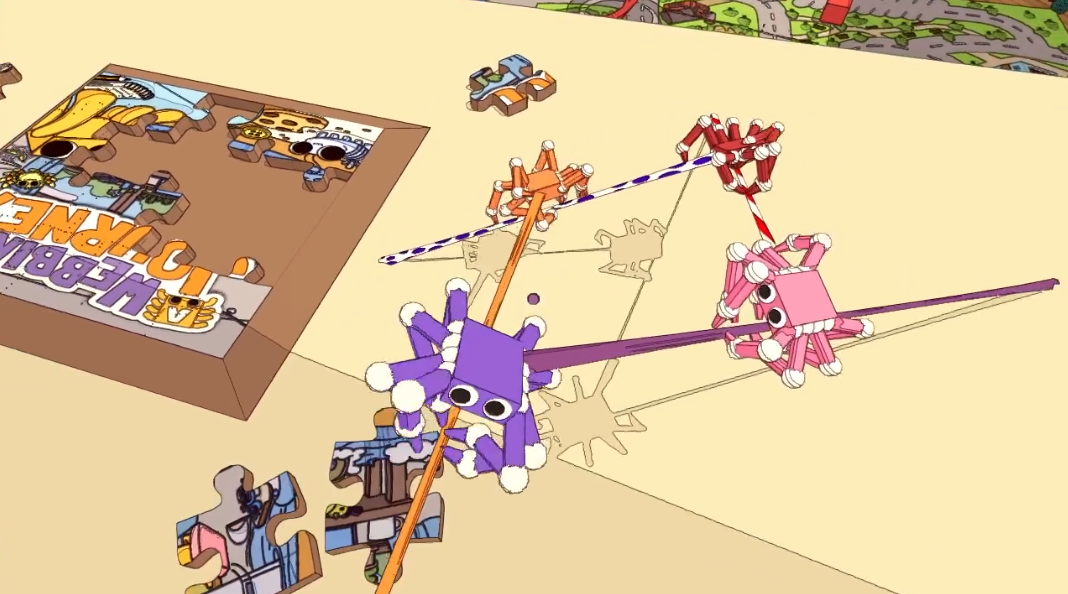
If you only do one thing, play a full session with a friend and tell us how it went. We’re especially interested in hearing...
how the controls feel
how well Steam Remote Play works
anything that feels broken, unfair, or confusing when multiple players share the game.
We'd love to hear your thoughts. Drop your feedback, bugs, and funny moments in the Discussion forum or the local-multiplayer channel in our Discord server.
– A Webbing Journey Team 🕸️🧡