Meet the Artist
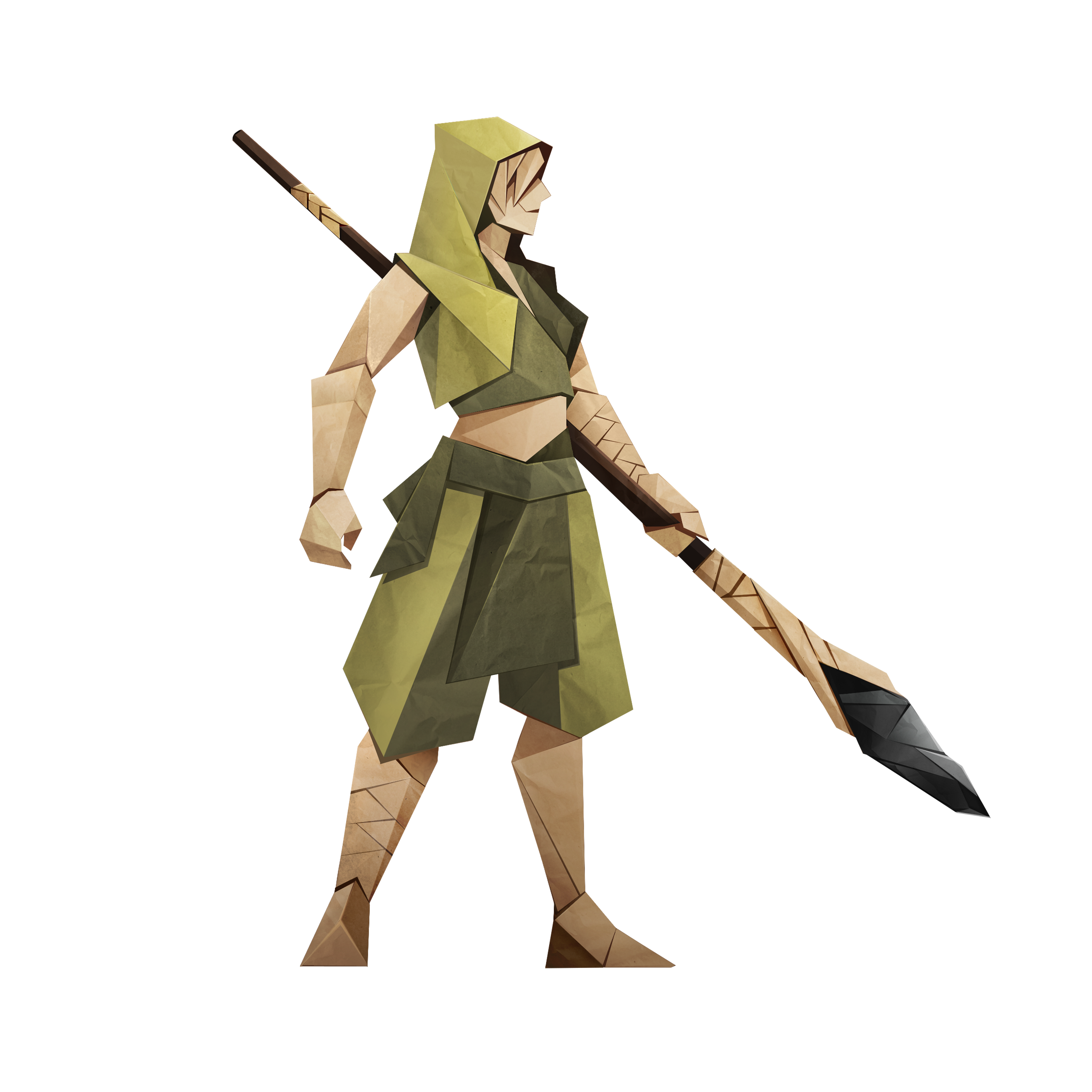
A new playable Class is joining Inkborn: the Artist.
The Artist brings works of art directly into combat, turning sketches into part of their arsenal. Some of these pieces are original works inspired by the strange fauna of the Inkborn world. Others may look a little more familiar. If you know your art history, you might recognize a few immediately. Others may take a closer look.
The Artist gives you a new way to experience Inkborn’s combat and its world at the same time, through a Class built around creation, interpretation, and works of art drawn from both Inkborn and our own world.
Can you name them all?
The Everbrush
The Everbrush is an unique Artist card that can be upgraded by completing quests.

It’s one more thing to keep an eye on as you learn the Artist, experiment with their tools, and see what the Everbrush can eventually become.
51 new Class cards
The Artist arrives with 51 Class cards, bringing a whole new set of tools to build around. These cards introduce new archetypes and synergies to discover, giving you different ways to shape your deck and approach each run. Some combinations may reveal themselves quickly; others will take a little experimentation before everything clicks into place.
And, as always in Inkborn, the cards themselves are only part of the equation. How you combine them is where the real decisions begin.
A new Skill Tree to shape your Artist
The Artist also comes with a dedicated Skill Tree featuring 32 new perks. These perks give you another way to shape the Class around the strategies you want to pursue, supporting different approaches as you experiment with the Artist’s cards, archetypes, and synergies.

The Gallery
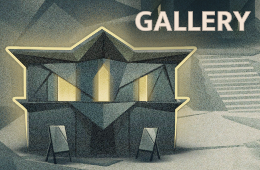
The Town is getting a new addition with the arrival of the Artist: the Gallery.
Sketch your opponents!
The Artist introduces a new Sketch mechanic that changes how you think about building your deck.

During combat, the Artist can create Sketch cards based on their opponents. Those cards are then added to the deck, letting the enemies you encounter directly influence the tools available to you.
This means your deck can develop in response to the run itself. Instead of relying only on the cards you brought with you, you can gain new options from the creatures standing in your way and decide how those Sketches fit into your existing synergies and Combos.
With Sketch, every new opponent can become more than a threat, it can also become part of your deck.
A new status: Scribble
Scribble gives you a new way to reduce the effect of Chronicles, adding another layer of control when dealing with their impact during runs.
Everbrush Quests
Upgrading the Everbrush comes with its own set of challenges. The Artist has 7 dedicated Everbrush quests, with 6 of them featuring two different variants, for 13 quests in total. Completing these quests is how you develop the Everbrush and unlock its upgrades.
These objectives give the Everbrush progression its own place within the Artist’s journey, encouraging you to pursue specific challenges while learning the Class and experimenting with archetypes.
14 New and reworked combos
The Artist expands Inkborn’s core system with 14 new and reworked Combos. 11 of them are unique to the Artist, each with its own animation. Another 3 existing Combos have been reworked to interact more naturally with the Artist, giving the Class more ways to connect with systems already present in the game.
There is one more important change: Ideas can now be used as part of a Combo!
Revamped controller settings
We’ve also improved controller support to make navigating combat and menus smoother and more predictable.
The controller now automatically focuses on your hand, and when you play a card that requires a target, an opponent is selected automatically. Idea targeting has also been corrected, making those interactions work as expected.
We’ve added several useful D-pad shortcuts as well:
- Right opens the discard pile.
- Up opens your deck.
- The perks window now includes shortcuts for the Next button.
To make navigation clearer, the map indicator and combat pointer are now animated, giving you better visual feedback as you move through the game.
This update also includes a number of smaller controller-related fixes aimed at making the overall experience more consistent.
Numbers instead of descriptions in effects
Some effects are now much easier to evaluate at a glance.
For 7 types of damage-dealing effects, card descriptions now show the current numerical value directly in the text, updating in real time as the combat situation changes.
For example, instead of only seeing: “Deal damage equal to Block” you may now see: “Deal damage equal to Block (12)”.
This applies to effects based on:
- Player Block
- Half of missing Health
- Number of player buffs
- Number of debuffs in combat
- Half of Chronicle points
- Total number of Scribble stacks
- Number of Cut cards played during the current combat
The underlying effects work the same way as before. The difference is that their current value is now visible immediately. That means less mental arithmetic and a clearer picture of what a card will actually do before you commit to playing it.
Full Changelog
⚒️ New features & content:
- New playable Class - The Artist.
- The Everbrush - card that can be upgraded by completing dedicated quests (13 quests in total).
- New mechanic - Sketch.
- New status - Scribble.
- 51 new Artist cards.
- 32 new Artist Skill Tree perks.
- New Town building - Gallery.
- 11 new Combos:
- Stroke the Line
- Make It Shine
- Art Divine
- Ideal Echo
- Rubedo
- Overwhelming Encore
- Flawed Masterpiece
- Stroke of Genius
- Freehand
- Rip & Rewrite
- Messy Business
- 3 reworked Combos:
- Always First
- Never Last
- Fast Like a Sonic Blast
- Ideas can now be part of Combos.
✨ Quality of Life:
- Improved controller handling.
- Dynamic values in card descriptions.
⚙️ Balance & fixes:
- Dragon encounter balanced for the fight against the Artist.
- Fixed an issue where the preview for the Iron Gloves card upgrade did not show the cost reduction.
- Localization improvements.
⚡️ Known issues:
- Some of the cards feature placeholder illustrations. We will replace them in the coming weeks.
- The Main Menu contains a mixture of both Traditional Chinese and Simplified Chinese.
This update is a major milestone for Inkborn, but we’re still in Early Access and there’s more ahead. Please keep sharing your feedback, your input continues to help us improve the game, and together we’ve taken a huge step closer to the full release. Thank you! ❤️✒️
https://store.steampowered.com/app/2924580/Inkborn/?utm_source=mail&utm_medium=update&utm_campaign=artistclass
❤️ Stay close to Us ❤️
【𝙳𝙸𝚂𝙲𝙾𝚁𝙳】💬 https://discord.gg/UytR7dgwtx .
【𝙵𝙰𝙲𝙴𝙱𝙾𝙾𝙺】📰 https://www.facebook.com/acramdigital .
【X】🦾 https://x.com/acramdigital .
【𝚂𝚃𝙴𝙰𝙼】🕹️ https://store.steampowered.com/dev/Acram/ .
【𝚈𝙾𝚄𝚃𝚄𝙱𝙴】🎞️ https://www.youtube.com/@acramdigital6748 .
【𝙸𝙽𝚂𝚃𝙰𝙶𝚁𝙰𝙼】📷 https://www.instagram.com/acramdigital/ .