If you've ever mashed a pause button mid-wave, waited out a skill-point mistake because there was no way to undo it, or watched your framerate crawl the second the screen filled with enemies, I feel like this post is going to make you rather happy.
When we set out to bring GemCraft, GemCraft: Chapter Zero, and GemCraft: Labyrinth into one collection, the goal was never "just make them run." It was "make them feel like the games you remember, minus everything that used to make you sigh." Somewhere along the way that turned into an enormous list of fixes, tweaks, and long-overdue upgrades. This post is Part One: The Quality-of-Life Pass; every hotkey, speed tweak, and performance fix we made so the moment-to-moment feel of playing is just better. Here's the rundown, organized so you can actually skim it, because we know it’s a big list:
Speed control that doesn't fight you
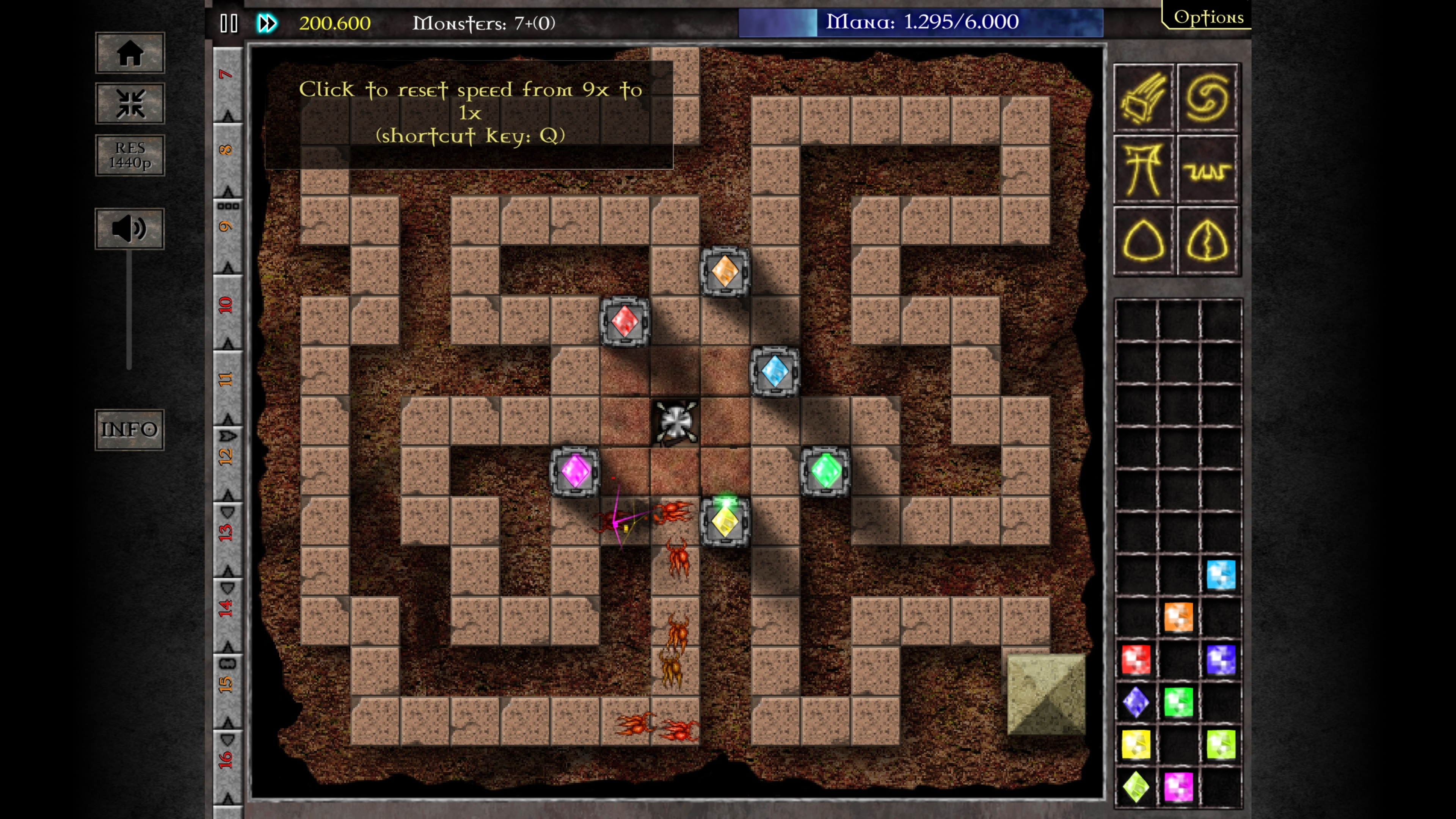
Fast-forward now goes up to 9x, and it's a proper slider instead of a fixed multiplier.
Play, pause, and fast-forward are separate buttons, no more cycling through a single button to get back to normal speed.
Q cycles speed, and pressing it while paused unpauses the game.
E pauses in the original GemCraft, matching the other two games. Chapter Zero also keeps Space for pausing waves.
You're no longer locked out while paused: place gems, bomb, use shrines, and call waves freely, with effects still playing.
Time Siege clocks keep ticking during pause, exactly like they should.
Traps (and Chapter Zero towers) fire correctly at high speed instead of getting capped at once-per-frame.
Wave management, streamlined
Ctrl+Click a wave or hit Ctrl+N to send the rest of the waves early.
Click a later wave in the queue to send everything up to it in one go, click it again to cancel.
N sends the next wave in the original GemCraft.
Wave buttons now display their keyboard shortcuts, so you don't have to memorize this list.
Gems, towers, and traps: way less busywork
Drag a gem straight from your bag into a tower to combine, and in GemCraft 1, tower-to-tower combining now works too.
Tab pulls a gem back out of a tower (or a Labyrinth trap/amplifier), with a quick-Tab option for speed.
Shift+Click while combining merges every gem of that grade at once.
Shift+B bomb-clears gems fast in the original GemCraft. Ctrl+Click a building to add or remove a gem.
Hold Shift while placing traps in Chapter Zero for smoother placement.
Optional on-screen labels for high gem grades, including on traps.
This is the big one from the original task; bringing GemCraft 1 and Chapter Zero's gem handling up to the standard Labyrinth set.
Skills and progression
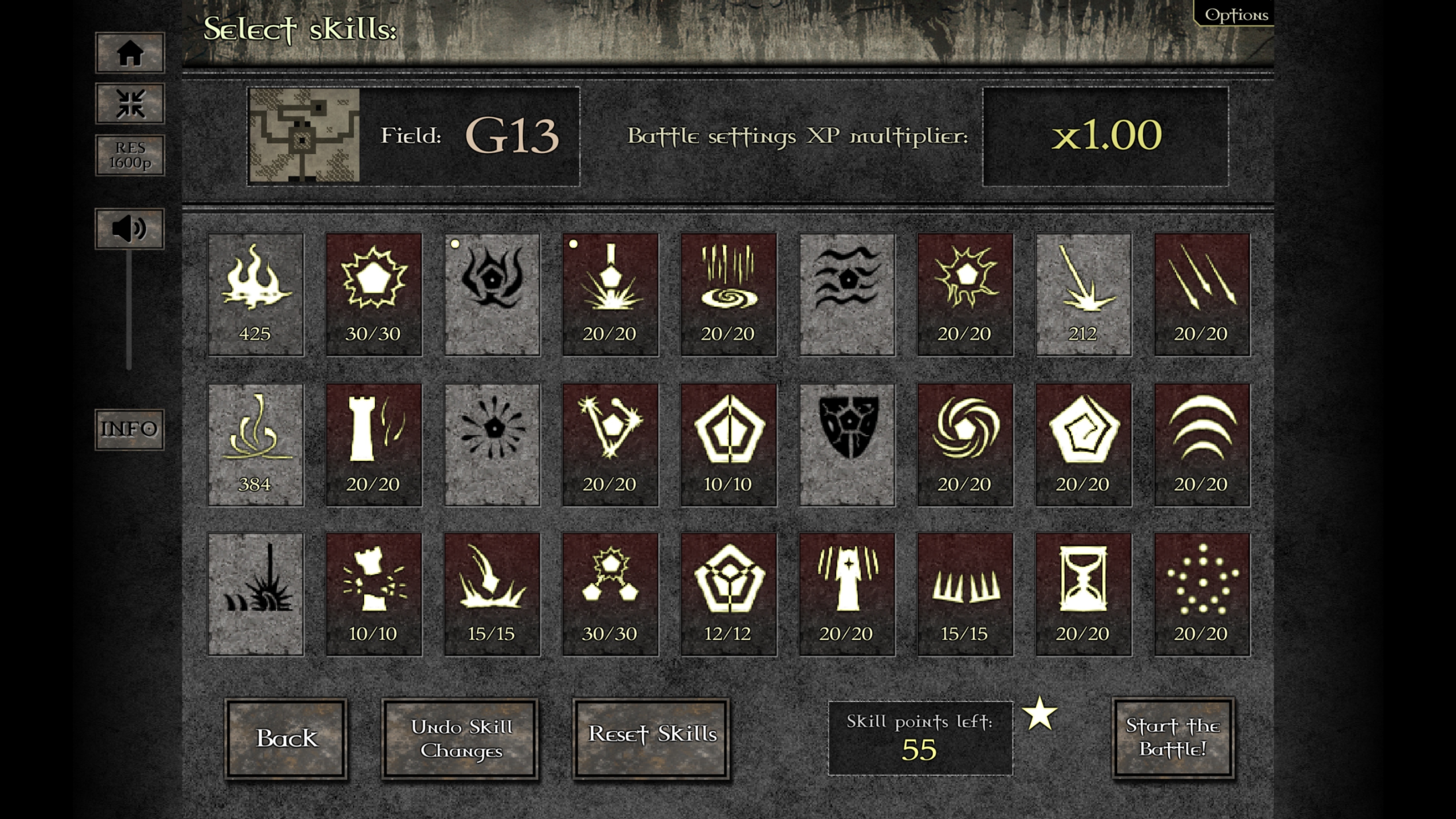
Shift+Click refunds a skill point instantly.
Scroll the mouse wheel over a skill to move it one level at a time.
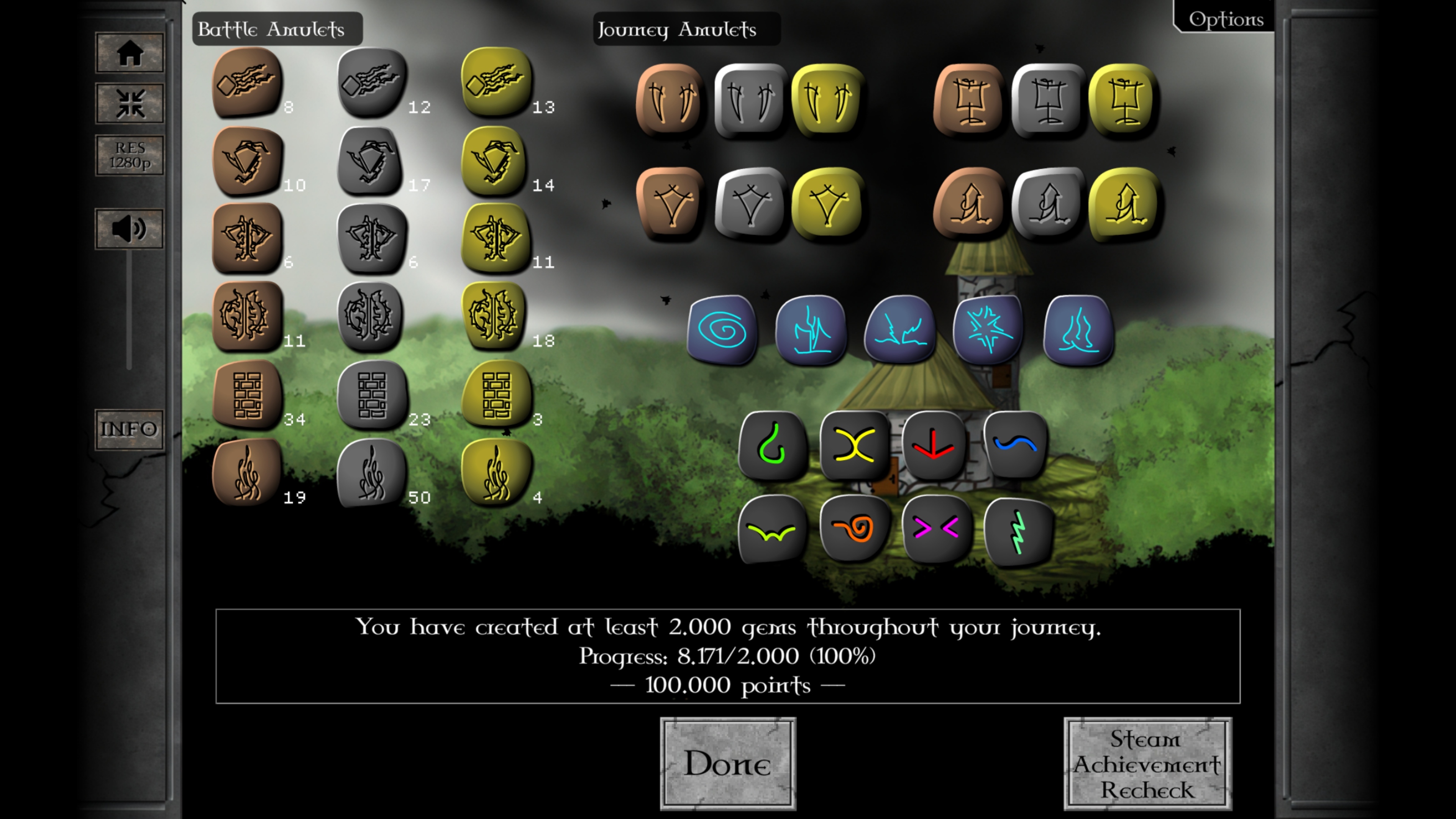
Skills and amulets that used to require the old Armor Games integration now just work.
Optional settings: lock GemCraft 1's gem colors to a consistent order, and always show gem grades.
Hotkeys, end to end
Across all three games you'll now find a wide range of keyboard shortcuts (speed, waves, combining, bombing, skill points, socketing), and where it matters, the UI shows you the shortcut instead of making you guess.
Menus, text, and Steam-era cleanup
Leftover website-era buttons are gone: More Games, High Scores, the misplaced Strategy Guide link, and the old right-click Flash menu.
Premium extras are simply on, saved with your profile, and clearly labeled, no more separate unlock dance.
Any remaining website links are either removed or downgraded to plain text.
Naming and wording cleaned up throughout (Forgotten, Gem of Eternity, Labyrinth, Lost Amulet, etc.).
Victory, stats, and journal screens no longer clip or cut off text.
Audio that behaves at high speed
One volume slider for the whole collection. Mute and music settings carry over correctly between games.
The "call wave early" sound no longer keeps playing after you've left the game.
Mana-pool sounds don't stack into a wall of noise at 9x anymore.
Labyrinth trap sounds are capped so high speed doesn't fire off dozens at once.
Performance
Monster drawing & health bars
GemCraft 1: health bars appear when an enemy is actually hurt, not the instant it spawns.
Chapter Zero: same idea, with the old "always show bars" behavior kept as an option.
Labyrinth: matching default behavior, and health bars are no longer clickable, so they stay out of your way.
Chapter Zero and Labyrinth only draw enemy art when it's actually visible on screen.
New caching options for reusing identical-looking enemy art, toggle it off, cap it, or leave it unlimited.
Labyrinth caps how many enemies get drawn per map tile (default 7), everyone still fights, not everyone gets rendered.
Enemy art is only rebuilt when it becomes visible or its state changes (slow, shock, poison).
Combat & HUD
Labyrinth towers target faster and stop searching once they've found a target.
Labyrinth traps and chain-hit shots do less redundant checking per shot.
Enemies remember their facing instead of recalculating it every frame.
Labyrinth pathing trims a lot of throwaway per-frame work.
Mana tooltips and the Labyrinth mana display update once per frame instead of on every micro-change.
Chapter Zero trap beams skip rendering when particles are off, and the mana bar redraws more cheaply during heavy trap fire.
Labyrinth shrine effects play at a consistent speed no matter what game speed you triggered them at.
Chapter Zero's options sliders only apply changes when the value actually moves, so dragging them mid-fight doesn't cause a hitch.
Adaptive graphics
Quality and particles default to High/Very High out of the box.
Optional adaptive mode in Chapter Zero (with an experimental Labyrinth equivalent): drop graphics settings if FPS dips below 20, and bring them back once you're comfortably above ~25.
The wrapper holding it all together
Window size and fullscreen sharpness are now separate settings, and changing fullscreen resolution properly re-fits the game.
X goes home while in a game, and quits from the collection menu. The fullscreen button clearly shows windowed vs. fullscreen state.
A proper collection info/credits screen, and the Wishlist button no longer kicks you out of fullscreen.
Leaving a game for the collection menu automatically pauses that game.
Shortcuts behave consistently across all three games. So you can learn them once, and use them everywhere.
And that's just Part One
Every fix above was made with one question in mind: does this get in the way of playing? If the answer was yes, we went looking for a way to fix it. That's the philosophy behind the whole Legacy Collection, and this list barely scratches the surface of what changed under the hood.
Next up, we're turning the spotlight on the two things people ask about most: the upscaled art and adaptive resolution work that makes these games look right on a modern screen, as well as the changes to achievements, including cutting down on the grind. Same format, same level of detail. Stay tuned.
[dynamiclink href="https://store.steampowered.com/app/4207990/GemCraft__Legacy_Collection"]
Don’t forget to drop us a wishlist and a follow here on Steam. It makes a huge difference to a small team like ours.
Catch you soon.