Enjoy higher FPS, the mega optimization update is here!
New Physics Engine, mega fps boost
We converted the game to use the new Box3D physics engine.
It roughly doubles FPS on large factories, and gives an insane FPS boost on mega factories which were previously unplayable. I tested it on a few different save files:

This is a huge change to how the physics simulation works. We've been testing it for the past month, but there are likely to be issues with it that we haven't seen yet. If you notice any issues, please let us know! Steam Discussions & Discord are the best place to report bugs.
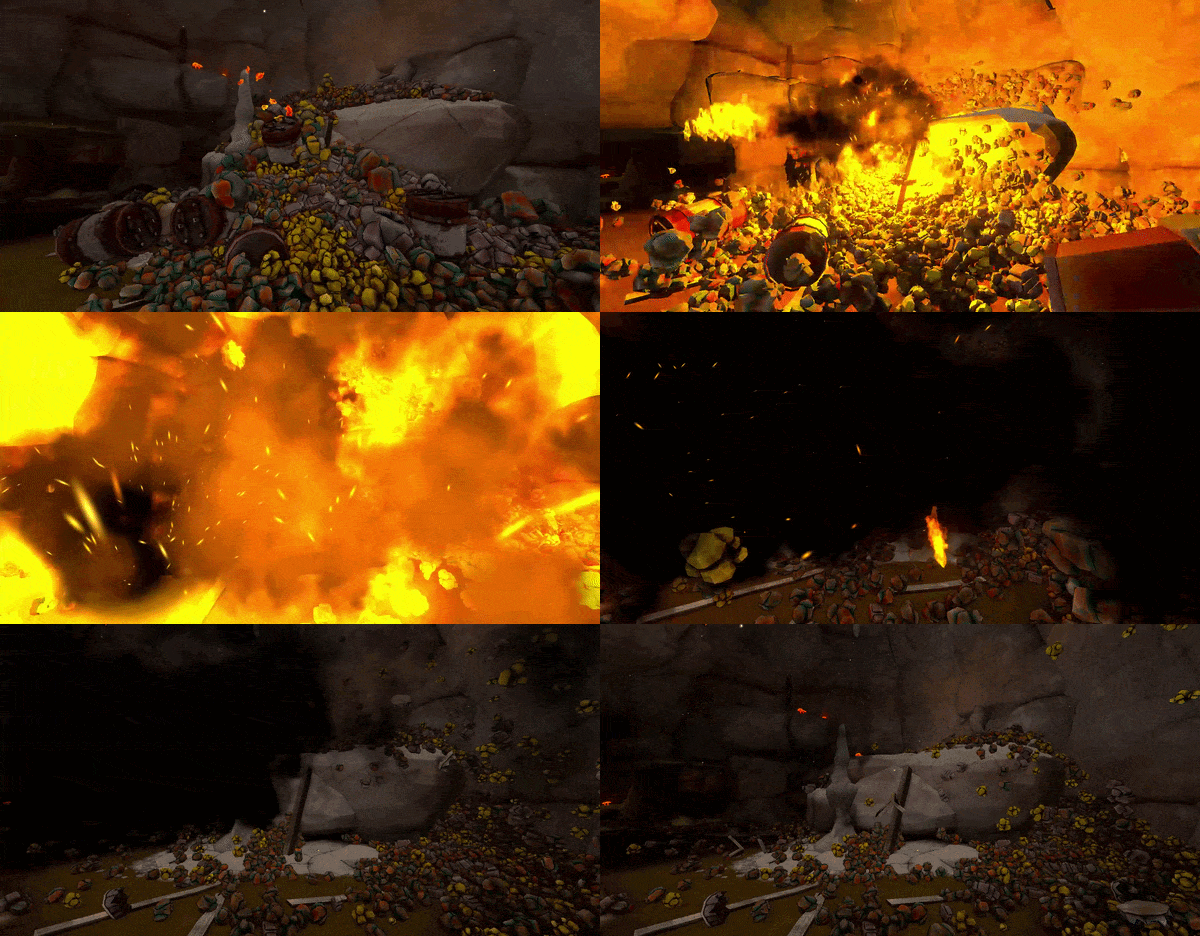
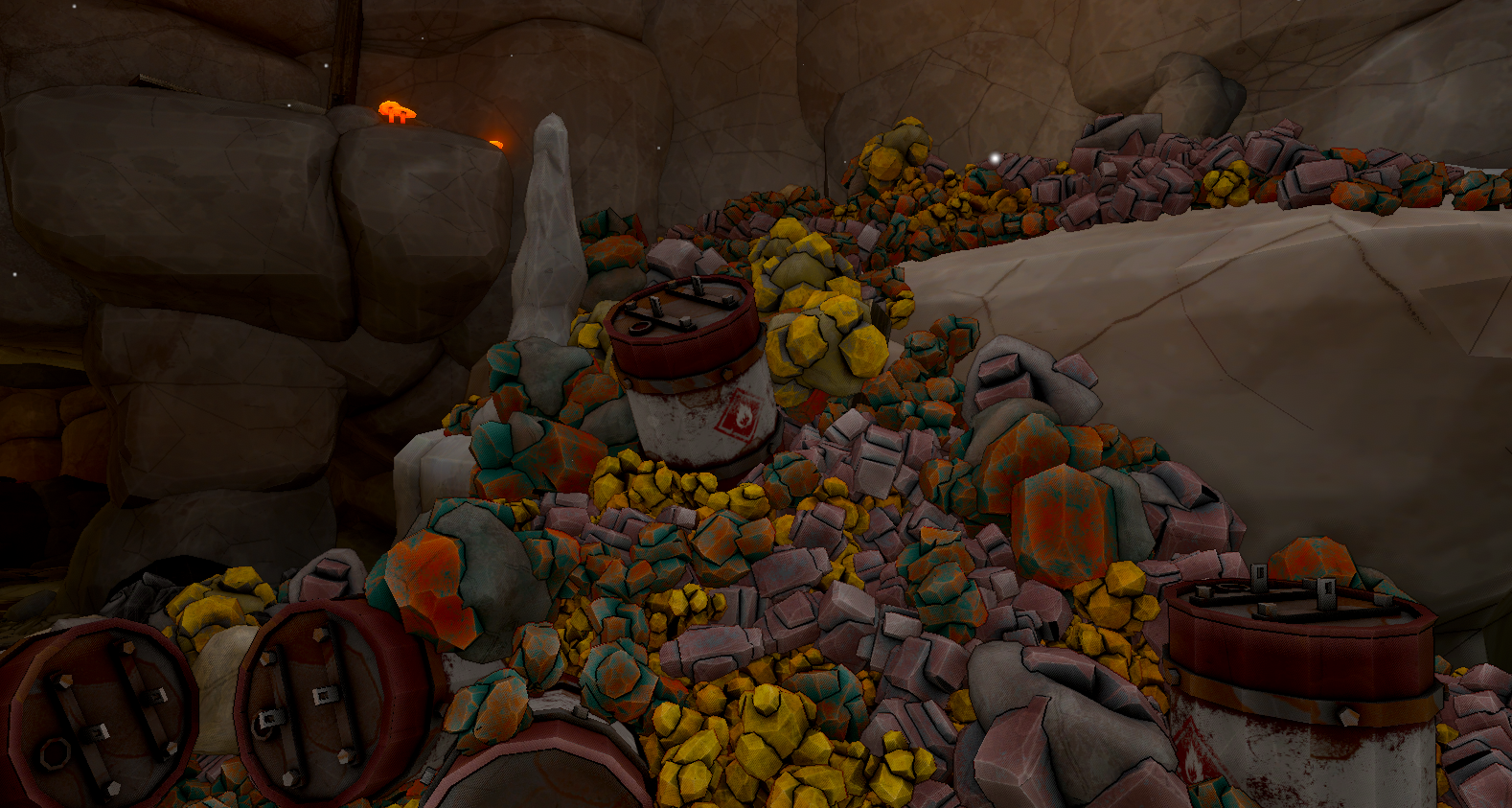
Explosive Barrels
These explosive barrels don't serve any real gameplay purpose currently. They're just a fun thing you can buy in the shop to play with the new physics engine!
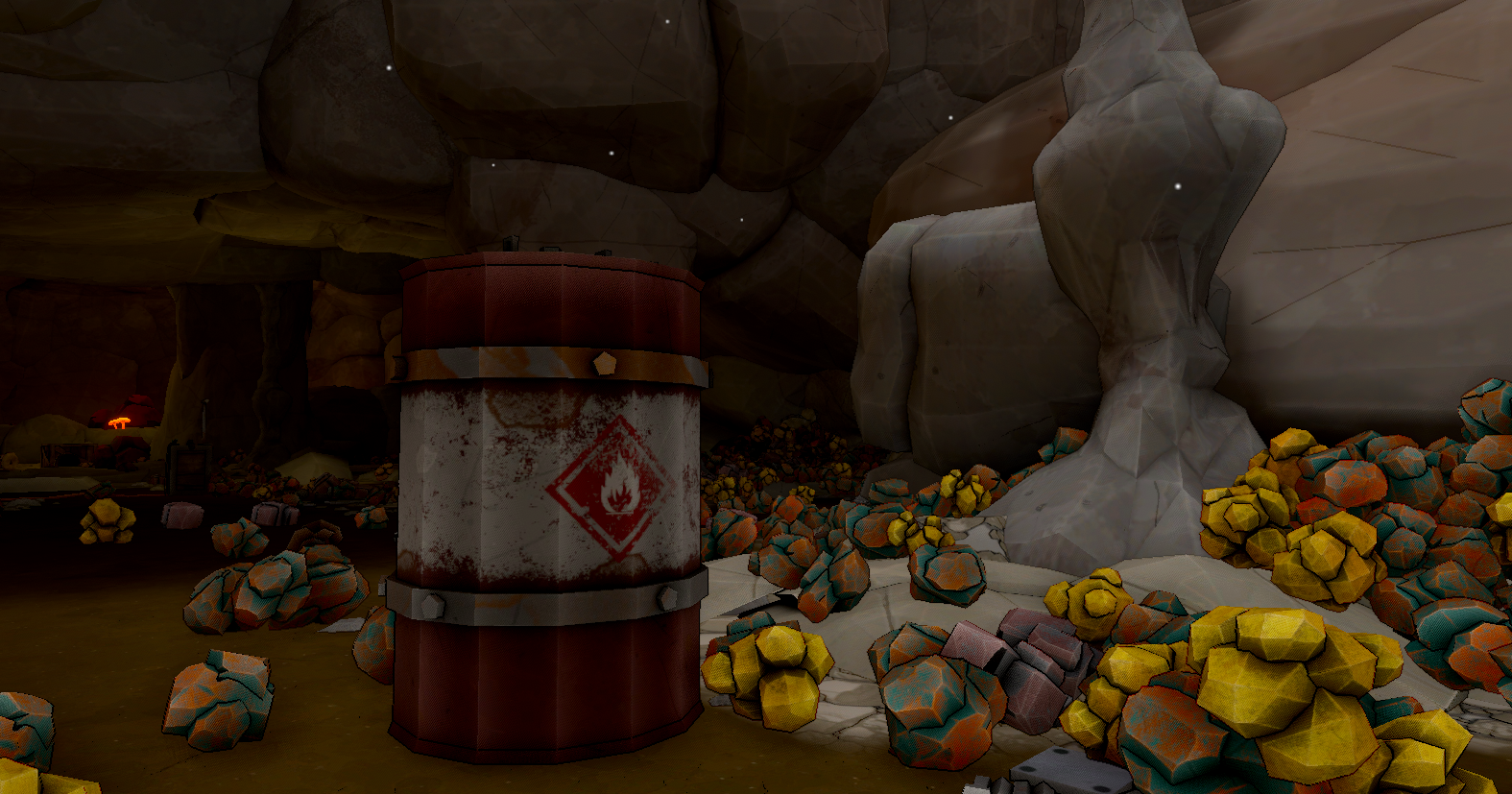 If you're in sandbox mode, you can press "R" while looking at it with the Ore Spawner Tool to clone it
(However, it can't be selected from the spawn menu currently)
Throwable Dynamite
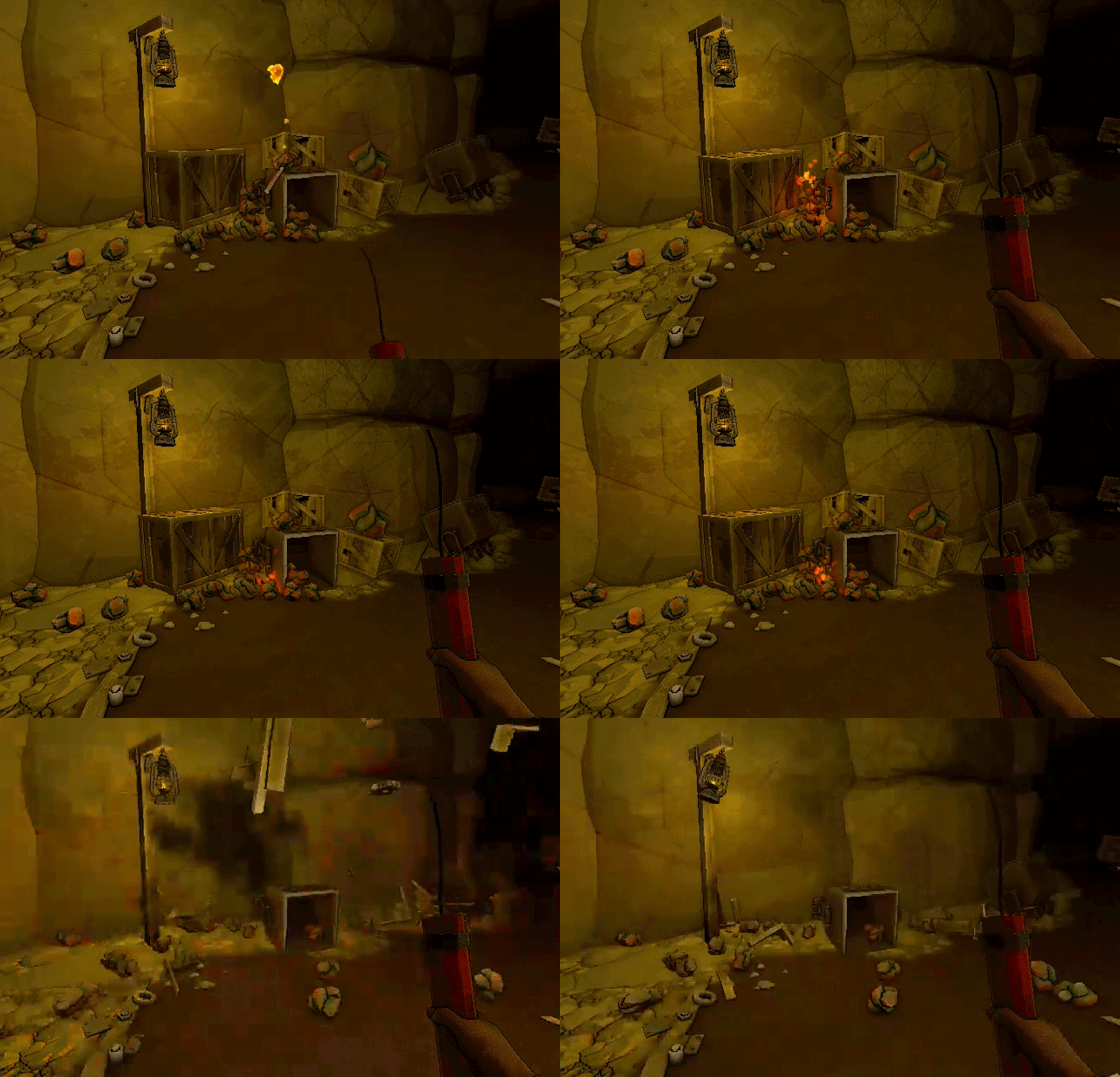
New Throwable Dynamite is also buyable in the "Dev Test" section of the shop. They work great as a pickaxe replacement!
Paint Tool
We also added the highly request Paint Tool, which allows you to change the color of your conveyors and the new metal walls
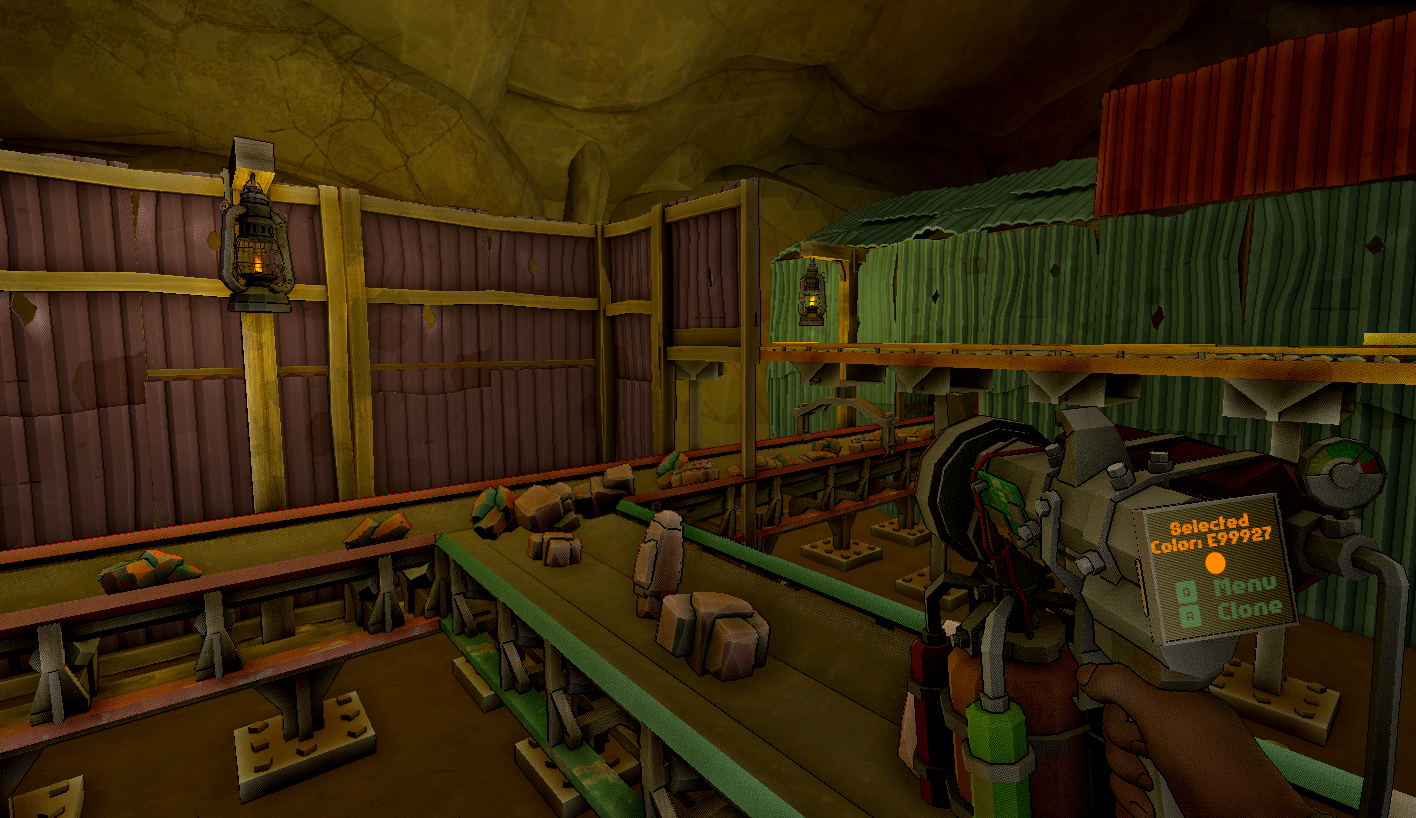 Originally we weren't planning on releasing the Paint Tool with this update. The menu for selecting colors is very basic and needs some improvement. But it's fully functional other than not being able to add custom colors. So there's no real reason to delay it :)
Nerd Stuff about the physics engine
Previously MineMogul used Unity's default physics engine. Thousands of games use it, it works great! However, it wasn't able to handle thousands of moving physics objects very well. One of the limitations was that it mainly only used 1 CPU core for most of the calculations, however, computers have many. Usually between 4 - 16.
Box3D fully utilizes multithreading for the physics simulation (along with many other optimizations)
The official Box3D docs recommends only using the main performance CPU cores, not hyper-threads or efficiency cores. MineMogul attempts to follow this rule, up to a limit of 8 threads (somewhat arbitrary)
If you want to increase it or use hyper-threads, you can use the launch option
-b3workers \[# of cpu threads]
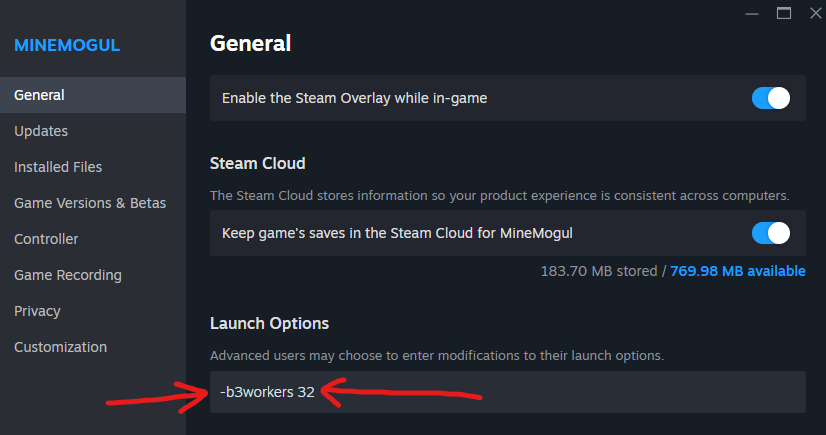
In my limited testing, I have found that using all CPU threads, including hyper-threads can actually further improve FPS. However, it depends on your exact PC specs.
On some devices, I saw an additional 20% FPS improvement by using all CPU threads. On other devices, I didn't see any noticeable change, possibly even slight decrease.
You can press F3 in-game to get a debug view of the physics stats
The game actually has a rendering bottleneck now on most hardware. This is noticeable if you look at a very large factory. FPS will be lower than if you look at an blank cave wall. MineMogul currently using deferred rendering on Unity's built-in render pipeline. We're planning on switching to URP in the future which could possibly increase FPS a lot more.
Also, I haven't updated the default "Moving Physics Object Limit" yet.

I haven't done enough testing to figure out what the new recommended limit should be yet, but it's likely much higher. Feel free to increase the limit in the settings menu if you're reaching it!
Version 0.4.0.1 released:
Updated the game to use new Box3D physics engine
Added new Explosive Barrels
Added new Throwable Dynamite
Added new Paint Tool
Added new paintable Metal Walls
Added ability to reverse direction of the Roller Elevator
Added new animations for the Cluster Buster
Added new search bar in the shop
Added ability to hide the "NEW!" indicator in the shop by clicking on it
Updated Polishing Machine collisions to make stuff less likely to fall off it & prevent small stuff from getting stuck on the sides
Updated Ore Analyzer to be taller so large objects like Ore Clusters can fit through it easier
Fixed conveyor support pillars not updating sometimes when building things larger than 1x1
Fixed Threading Lathe light sticking through scaffolding floors placed above it
Fixed mistranslation of Polished Ruby in Chinese
Many other minor bug fixes
WHAT IS NEXT??
We started working on the next update already!
It features new ores, many new machines, including multi-material machines, potentially a new cave, and potentially a progression & quest rework. We're also looking into steam achievements, music, and possibly adding story/lore elements the game.
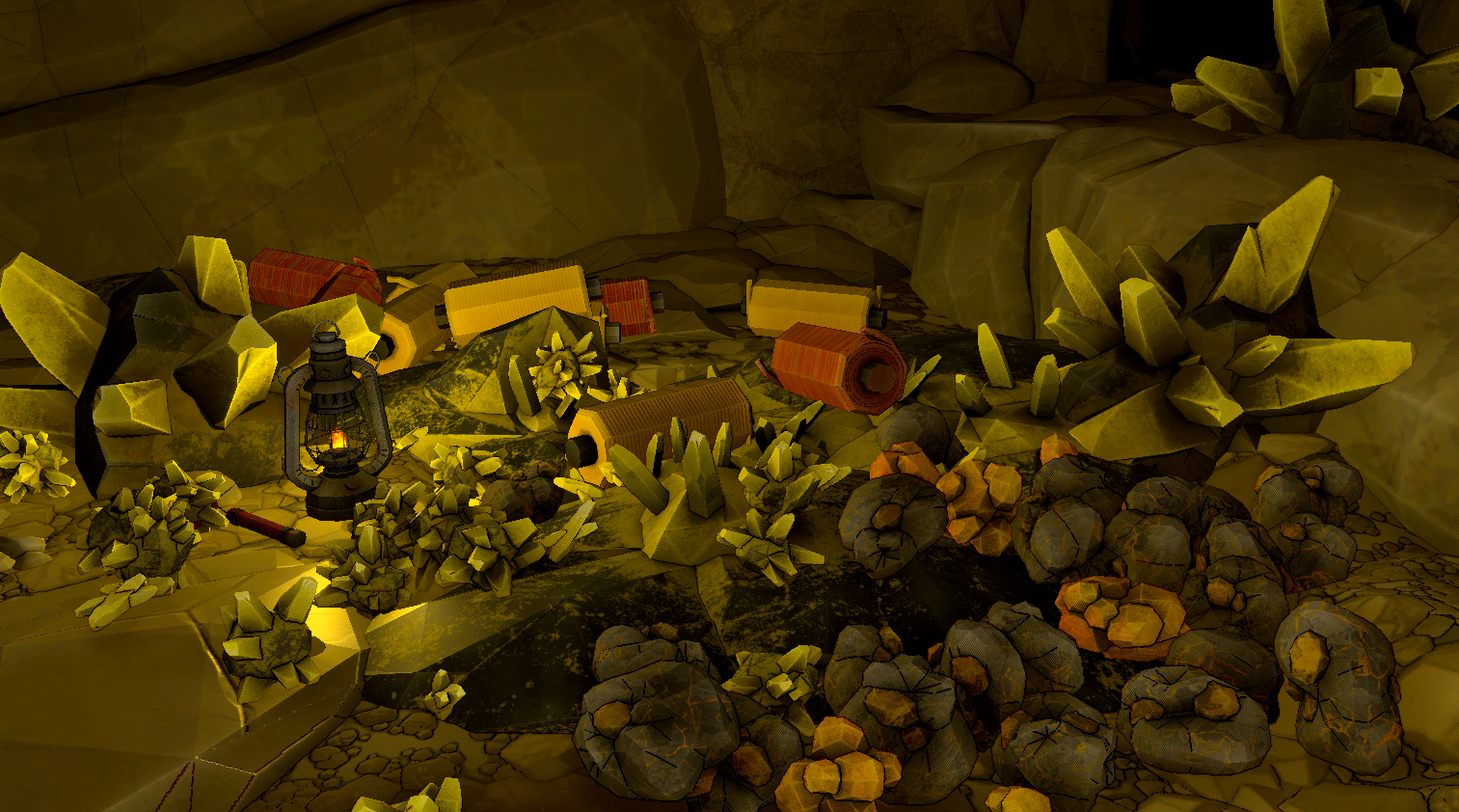
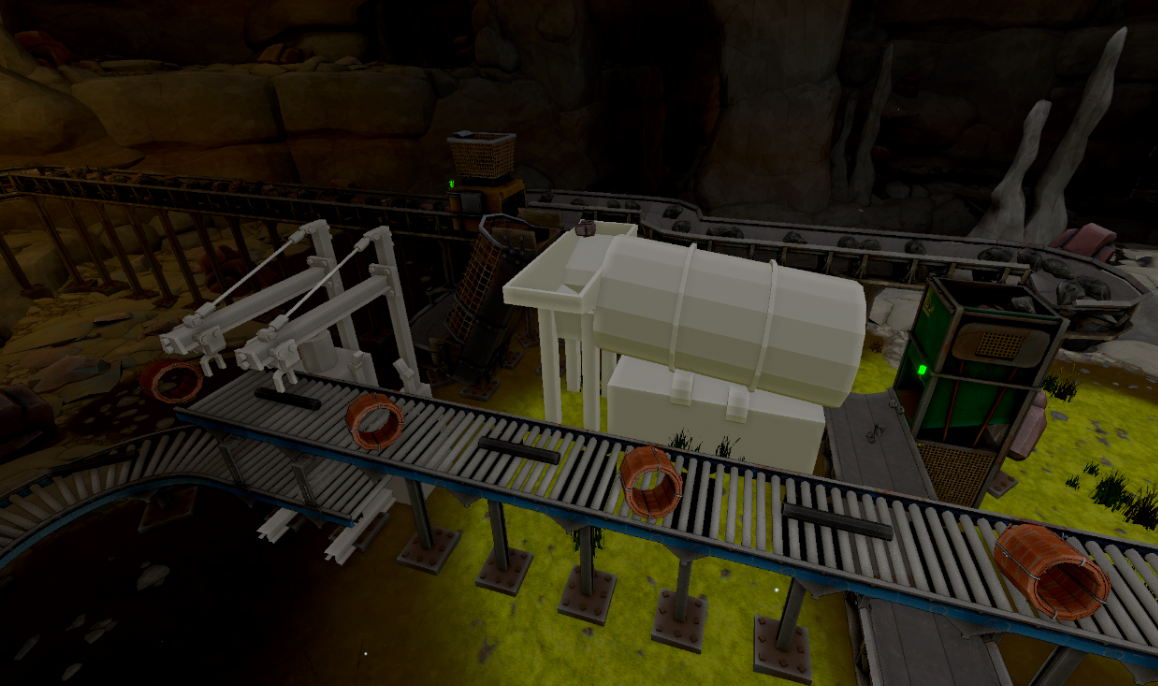 We'll show some more stuff when it's ready 😎
Thanks for playing MineMogul! We look forward to all your feedback in the Steam Discussions and Discord.