Hello, everyone! It has been a little longer than usual since our last update. We have been hard at work on a development branch that separates character data from world save data. That work is still in progress. In the meantime, here is everything already completed and included in this patch:
More Refined Character Occlusion Handling
ORANGE noted in their review that occlusion handling has a direct impact on combat readability in a 2D game. When buildings obscure the player character or enemies, players may be forced to continue fighting without a clear view of their target.
This patch specifically improves how the player character is displayed when obscured.
Expanded Occlusion Coverage
More static buildings and resources—including NPC houses and large ruins—will now apply the selected occlusion effect when they block the player character.
Customizable Display Effects
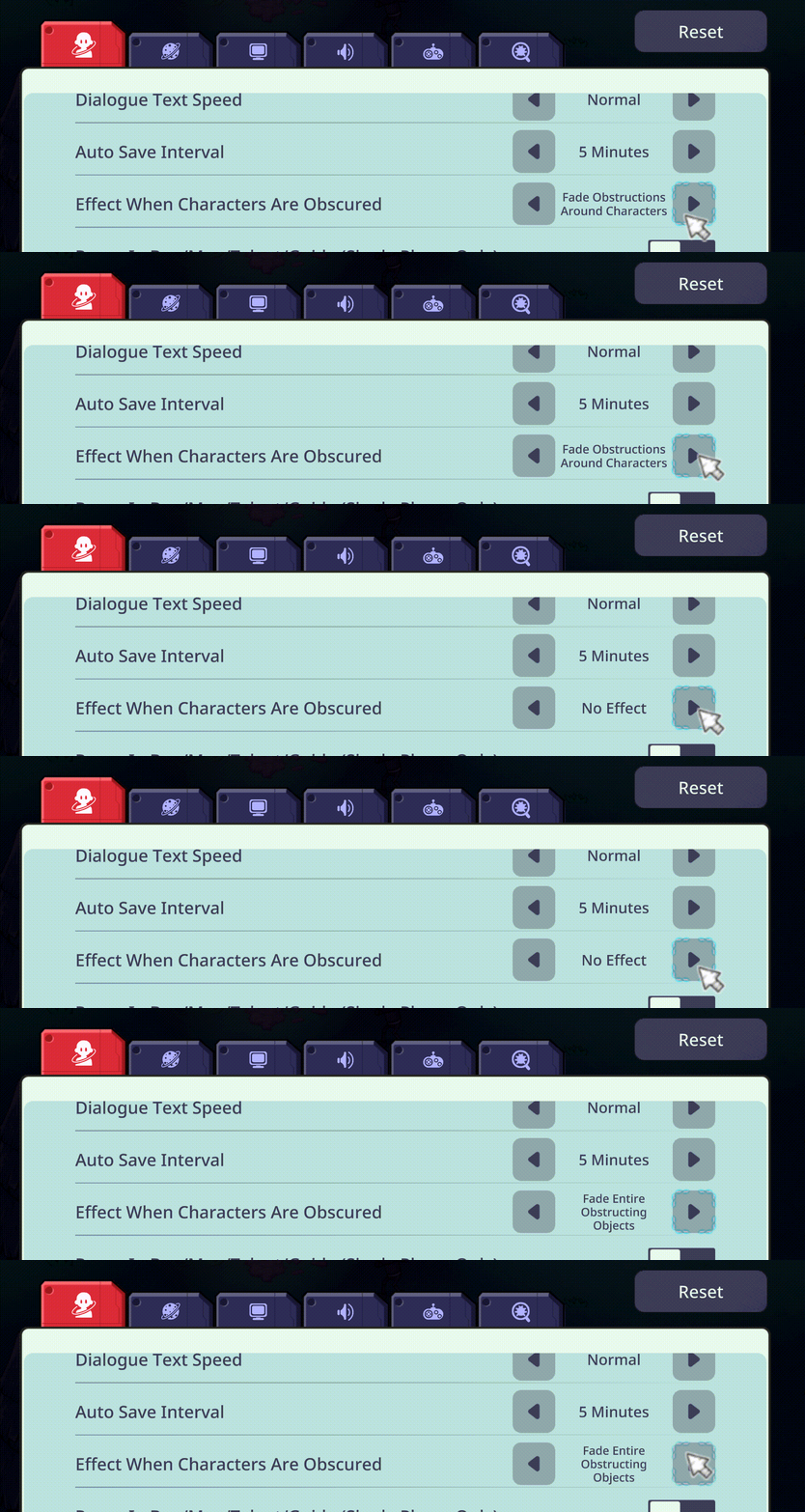
Three effects and an option to disable the feature are available in the game settings:
Fade Entire Obstructing Objects
Fade Obstructions Around Characters
Show Character Outlines
No Effect

A Small Note
When using either fade mode, buildings that have not yet been unlocked will remain opaque. After all, discovering what is inside should still be part of the surprise!
The character outline mode is not affected by this restriction.
Large Enemies and Bosses Are Not Affected
This update focuses on static buildings and resources. We currently do not plan to apply similar effects to large enemies or bosses.
Their size, facing direction, and animations communicate important combat information. Fading them could make it harder to read attack directions, ranges, and timing.
We will continue monitoring feedback on this feature. Please let us know if you encounter any issues and which display mode you prefer!
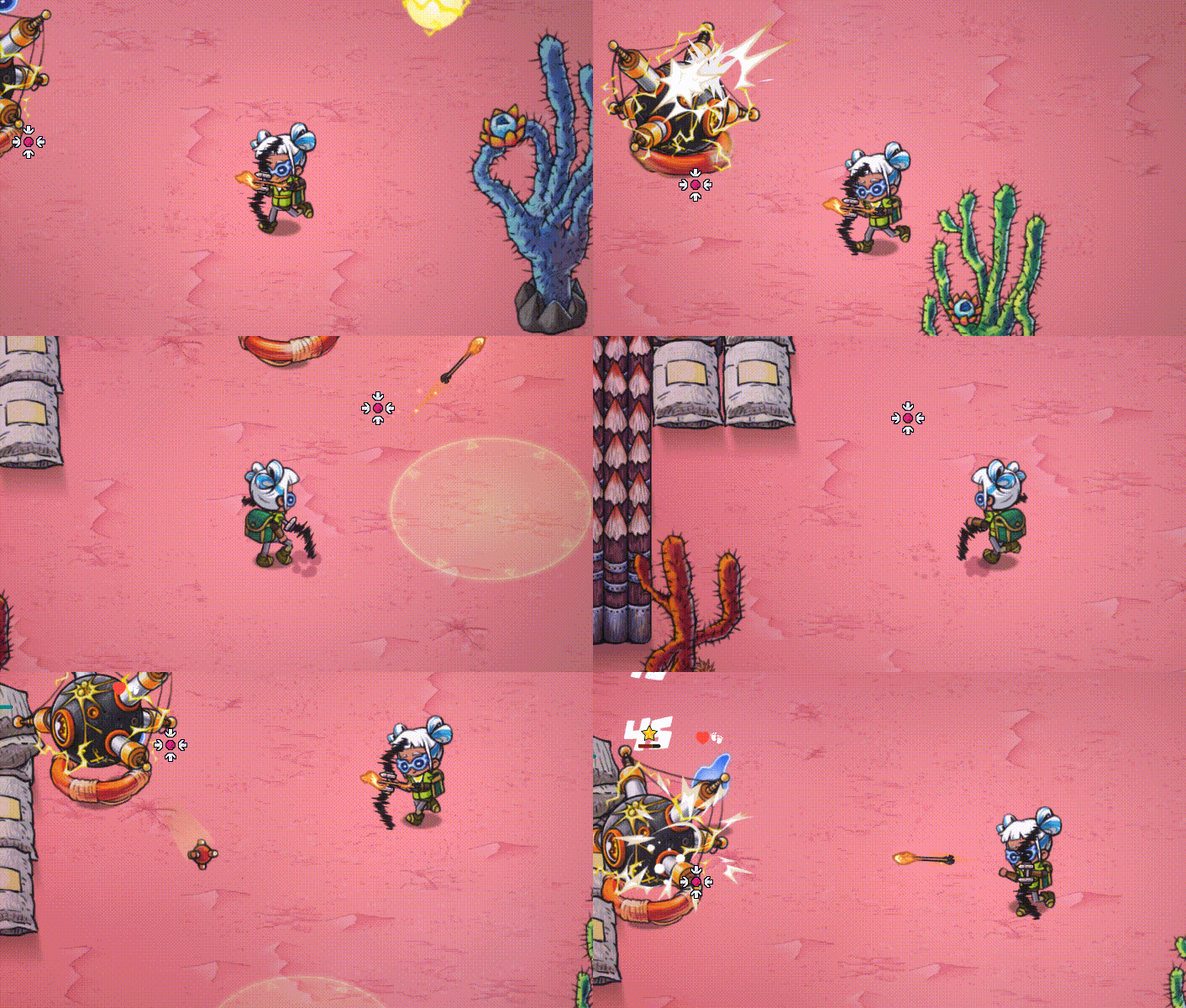
Aim Bows While Moving
Previously, aiming a bow forced the character to remain stationary, limiting positioning and mobility in ranged combat.
Bows can now be aimed while moving. The upper body maintains the shooting pose while the character’s legs continue moving.
Reposition, create distance, and find a better angle without interrupting your aim!
Additional Save Recovery Safeguards
We received several reports involving specific save issues:
Minimap data became abnormal while playing multiplayer, after which the save could no longer be opened. (cookie)
After using a cloud gaming service and returning to the game on PC, the save was reported as corrupted. (海豚不是海豚)
This version introduces additional safeguards for save recovery:
If the active save cannot be used, the game will continue checking available save data and backups, then attempt to restore the most recent usable state.
If the recovery process is interrupted, the game will try to preserve the data from before recovery began, preventing an incomplete attempt from creating additional problems.
We are relieved that several recent community save incidents were successfully recovered using the backup system introduced in the previous update. Thank you to everyone who remained patient and understanding while we worked through these situations! (魔法少女张翼德)
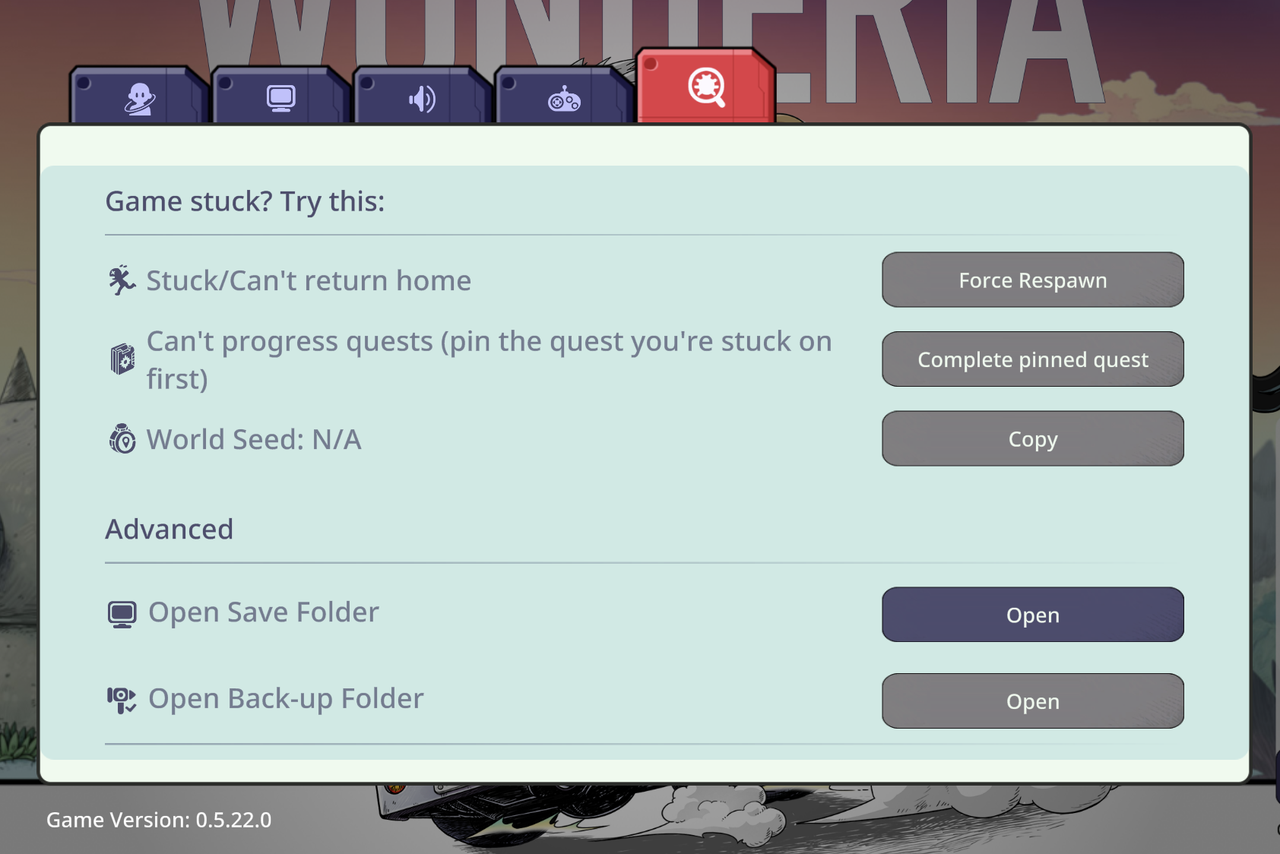
Easier Access to Save Files
The settings menu now includes options to open the save and backup folders directly, making manual backups and troubleshooting easier.
Recipe Preview A, Result B? Previews Now Match the Actual Dish
Recipe Previews Match the Final Result
At cooking workstations, some ingredient combinations can satisfy multiple recipes. Previously, the recipe shown by the interface could differ from the recipe ultimately selected by the cooking rules.
We have updated the preview logic to follow the same recipe selection order used for the final result. The displayed recipe should now match the dish that is actually produced.
Ingredient Categories Now Show Concrete Choices
Some recipes use broad ingredient categories. For example, “Meat + Pumpkin” accepts the Meat category and does not specifically require Beast Meat.
Ingredient tags no longer display only an abstract category icon. They now also show the specific usable ingredient from your inventory or nearby storage, making it clearer which ingredients each tag represents.
Initial Cleanup of Recipe Handbook Totals
Some recipes that cannot currently be prepared were previously included in the total shown in the recipe handbook.
We have completed an initial cleanup so that the total more closely reflects the dishes currently available to make.
Thank you to モモさんゲームス, babyAce, and other players for reporting issues involving recipe previews, ingredient combinations, and the recipe handbook.
Preview = Cooked Dish |
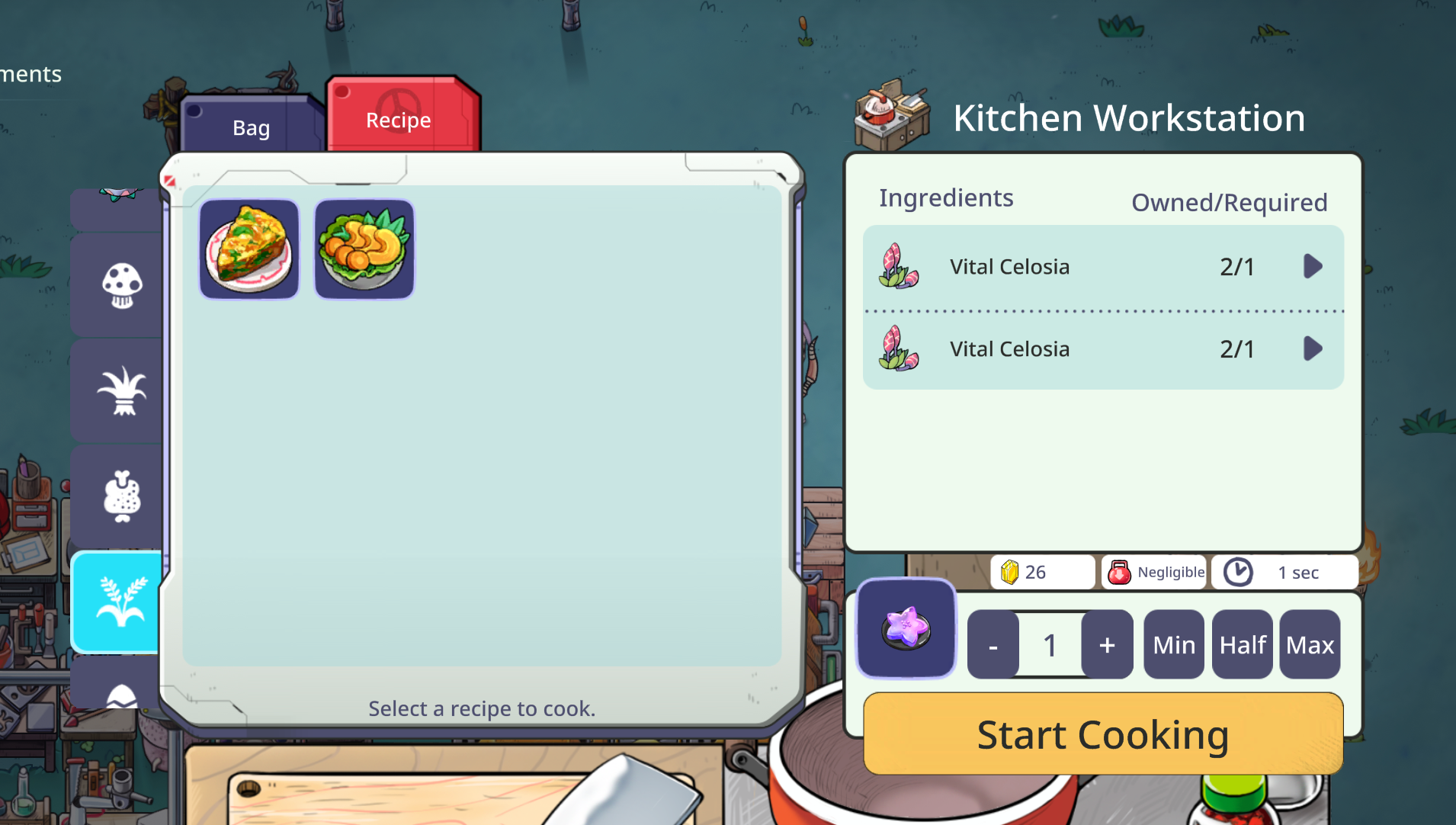 BEFORE
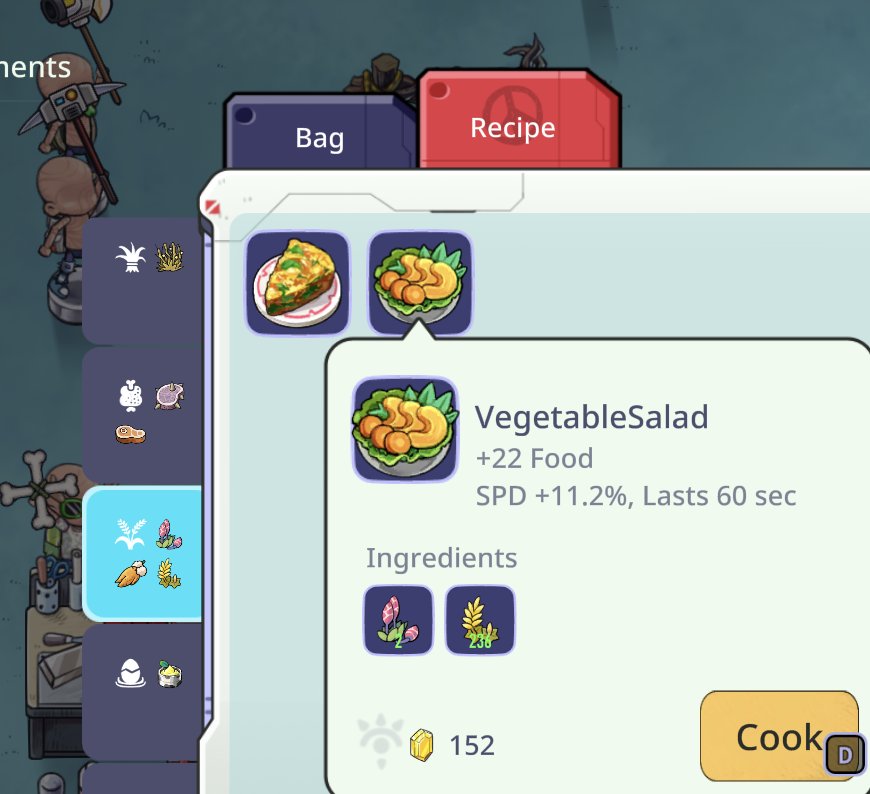 NOW
NOWIndependent In-World UI Scaling
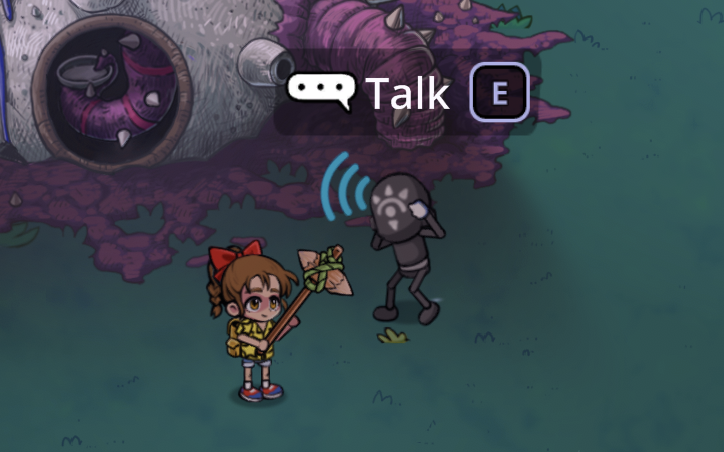
New In-World UI Zoom Setting
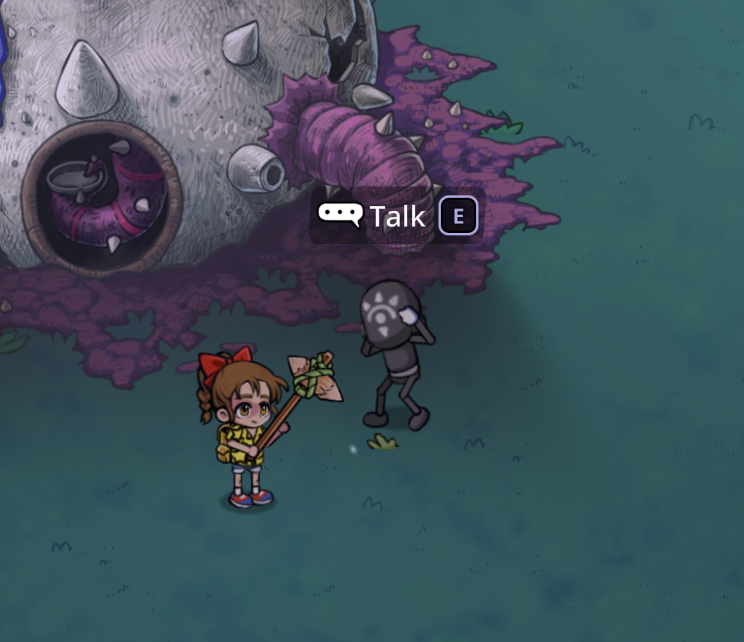
Many players reported that in-world interaction text was too small and could not be adjusted using the existing UI zoom setting.
This patch adds a separate In-World UI Zoom option.
In-world UI elements are also no longer affected by Camera Zoom. Pulling the camera farther back will no longer shrink interaction text and prompts at the same time.
|
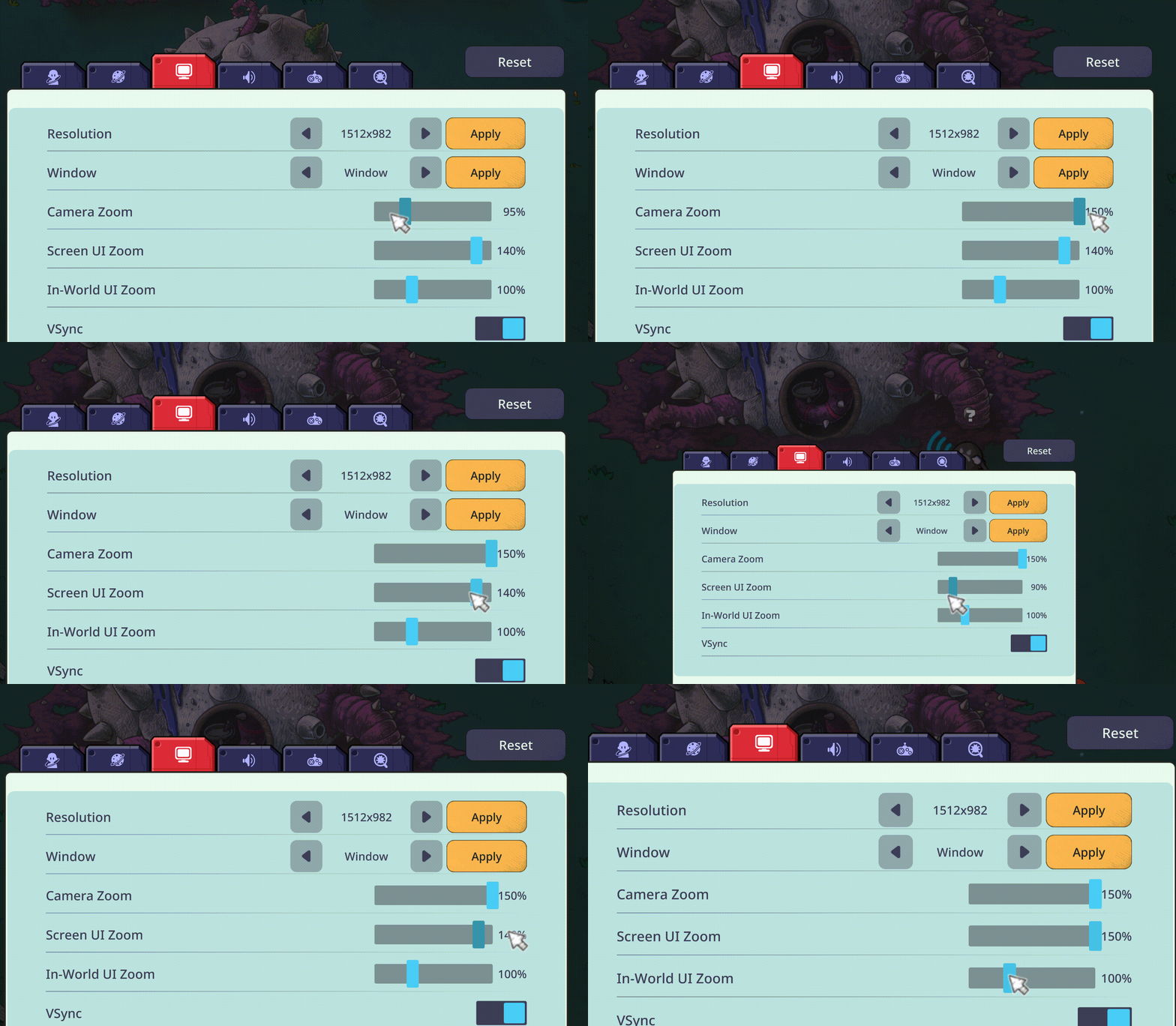
Consistent Zoom Values
We have standardized the values shown by the different zoom settings, making them easier to understand and compare.
Other Fixes and Adjustments
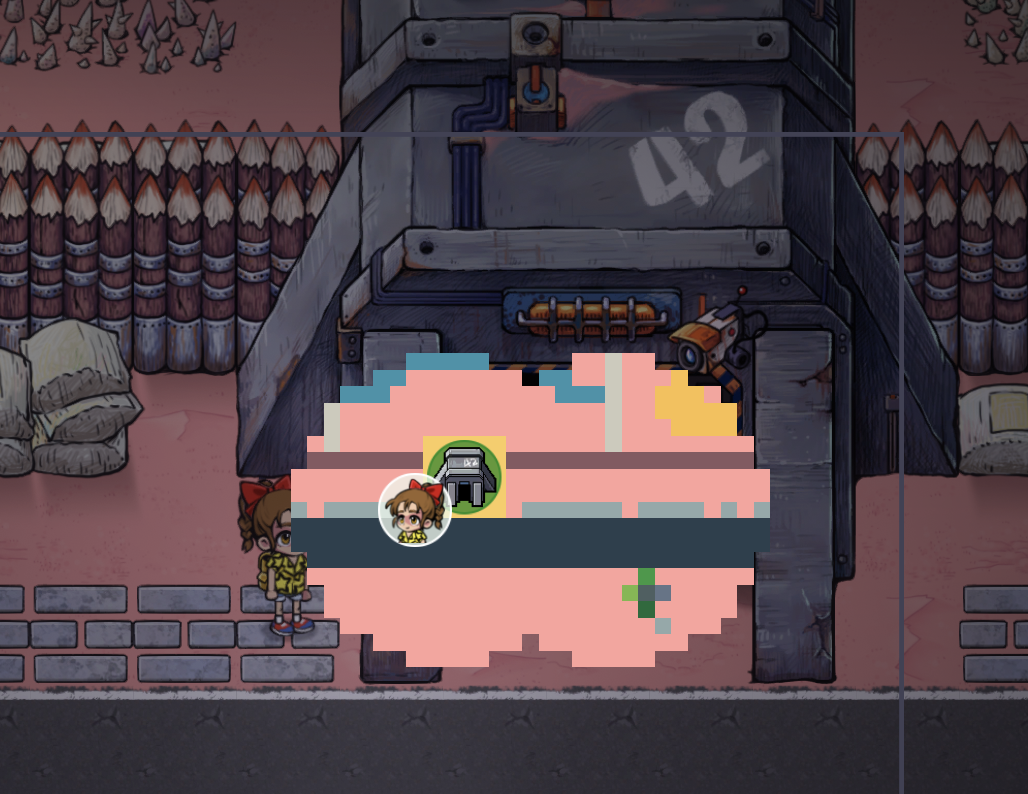
Added a unique minimap icon for the massive desert camp to prevent confusion with the “Anomaly Passage.”
Fixed the Wolf Rabbit displaying a different carried object from the one it was actually carrying. (PotatoMak)
Fixed certain areas on land or bridges being incorrectly identified as vehicles when placing objects.
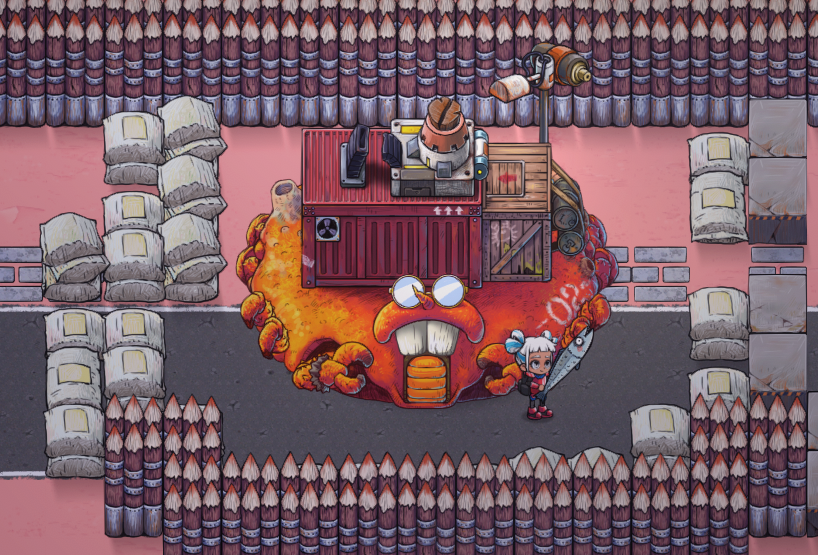
Added a clearly identifiable damaged state for the Crab House’s exterior cannon.
|
|
If you encounter any other issues or have suggestions for the game, please join us on Wonderia Discord.
Thank you again for your feedback, patience, and support! 🪐🫶