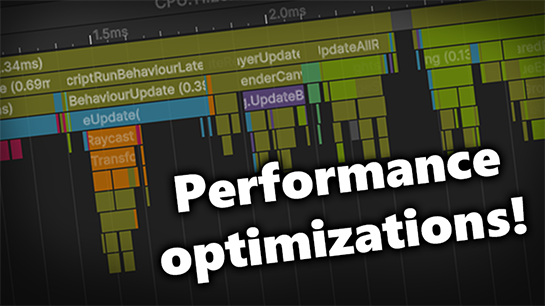
It's that time of year again where Rolling Line deserves some focused work entirely on optimization and background programming improvements.
Since computer parts are getting horrifyingly expensive it's more important than ever that games are able to run as well as possible on low end hardware. I love the fact that Rolling Line is a train game that can run on very low end PC's and laptops (at least small maps can!) and I'm always looking for ways to improve performance as much as possible.
This update is mainly all about performance optimization, but it also includes some new features and lots of quality-of-life fixes.
The optimizations in this update are focused on these main things:
Reducing draw calls caused by inefficient use of materials
Reducing CPU bottlenecks from game logic
More aggressive LOD (level of detail) to hide objects far away from the player
Smoother loading of chunks (specifically for track)
With this update you should see a noticeable framerate improvement on all maps, but certain maps will benefit much more than others.
Specifically maps with a lot of complex interactable objects like circuitry will see HUGE improvements!
Maps that use a lot of signals and freight loading will also see big improvements and much less stutter during gameplay.
Various rendering improvements I've made will also have a larger effect on low-end PC's and laptops when using the low graphics settings in the game especially.
The current main bottleneck for most maps will still be the number of moving trains (which use up the most performance). I've tried to optimize this as much as possible, but the next step is going to require a complete re-design of how train movement is handled when outside of view distance, and this will be a big job for another day.
So if you find your maps are very laggy, try a test of removing all the trains (in the menu "pause menu -> manage saves -> delete all trains") and see how much of the lag is being caused by just the trains.
here are some examples of how much of an improvement these changes make:
G&D ops edition:
with trains 60fps -> 80fps
without trains 80fps -> 110 fps
Sierra logging:
standing in corner 170fps -> 230fps
standing in the center of the room 110fps -> 145fps
A very circuitry heavy example map:
16fps -> 75fps (that's over a 450% improvement!)
All of these changes are quite technical so I won't go into too much detail, but here is the full list of optimizations included in this update:
New optimizations
Major material re-use efficiency throughout the whole game
Major optimizations on how signal track checking logic works
Signal updates are now spread over multiple frames to reduce stutter
Big performance increase when ambient occlusion is disabled, as the game will now skip rendering the depth texture pass entirely if this is disabled
Major optimizations on all props that use data bounds objects (e.g. level crossings, skybox regions, freight loading sources, etc)
Optimizations to how much resources props use when editing is applied
Optimizations to the train movement logic
Added LOD to all circuitry props
Added LOD to turnout levers
Added LOD to control buttons on interactable lights
Cab buttons now have a shorter LOD distance than the rest of the cab model
Loading terrain data now has its own load screen step instead of being grouped alongside other "room objects". You will now see a loading screen step that says "Loading terrain 134/532" for example
Chunks now refresh on a small variable delay, which helps remove lag spikes when moving around the map
Optimizations to how all LOD scripts work
All track is now loaded asynchronously (where each individual mesh is loaded one-by-one) instead of the whole segment of track needing to be generated all on one frame. This helps stuttering when loading chunks as you move through the map.
Drawers also now load track smoothly over multiple frames instead of the whole drawer spawning all at once and freezing the game
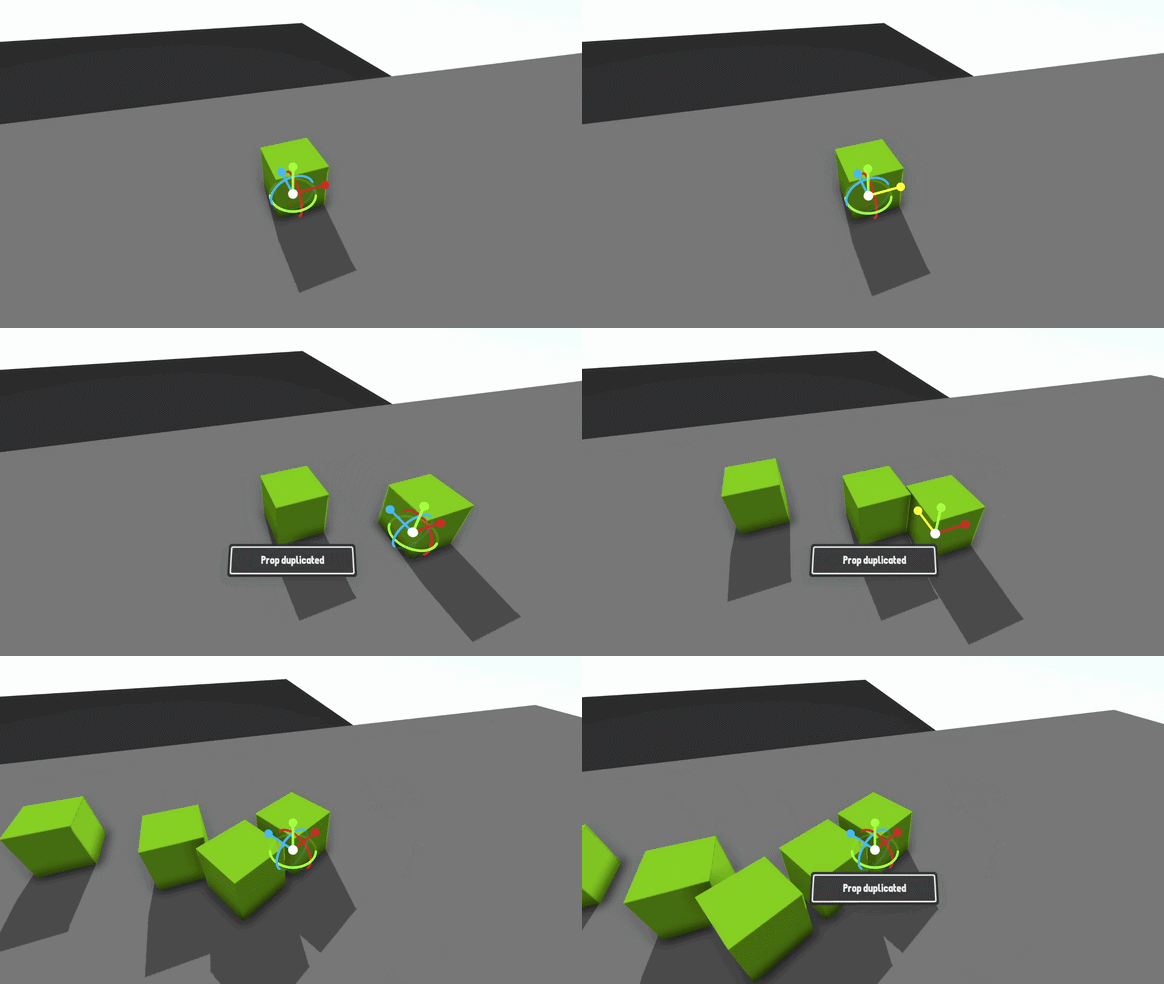
Duplicate in transform edit mode
A nice quality-of-life feature is that you can now duplicate props while inside the transform edit mode.
To enter transform edit more press F when pointing at an editable prop. You can then press Control + D to duplicate the prop:
Menu improvements
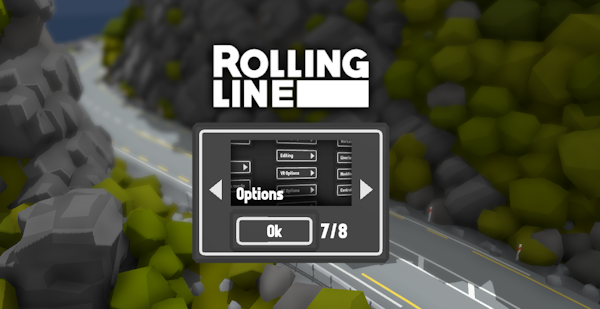
You can now access the options menu from the main menu when initially loading the game:
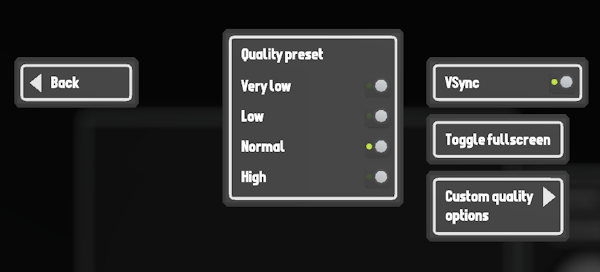
And the graphics menu has been simplified so there is now a graphics quality preset, VSync and fullscreen toggle.
I made this change because the large number of graphics options can be quite confusing (especially for new players) so having these simple presets make it really easy to see how well your performance is on different graphics settings without needing to change them all one-by-one.
But of course the option is still there of clicking the "Custom quality options" button which will bring you to the rest of the more advanced settings which you can change individually.
Other fixes & features
There is now an "RL (narrow)" gauge preset. This preset uses the same rail width as the old method of making narrow gauge track using the "inner rail" styles
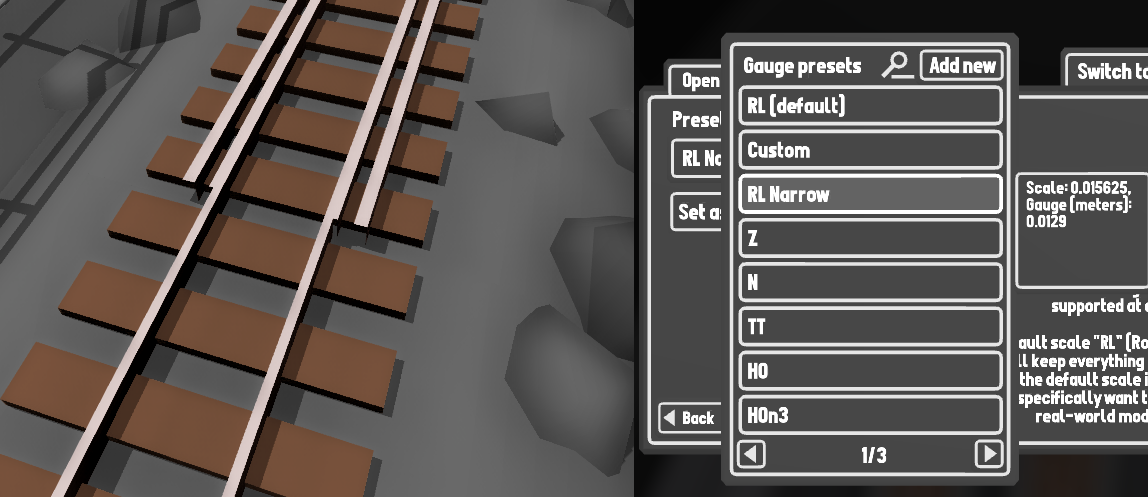
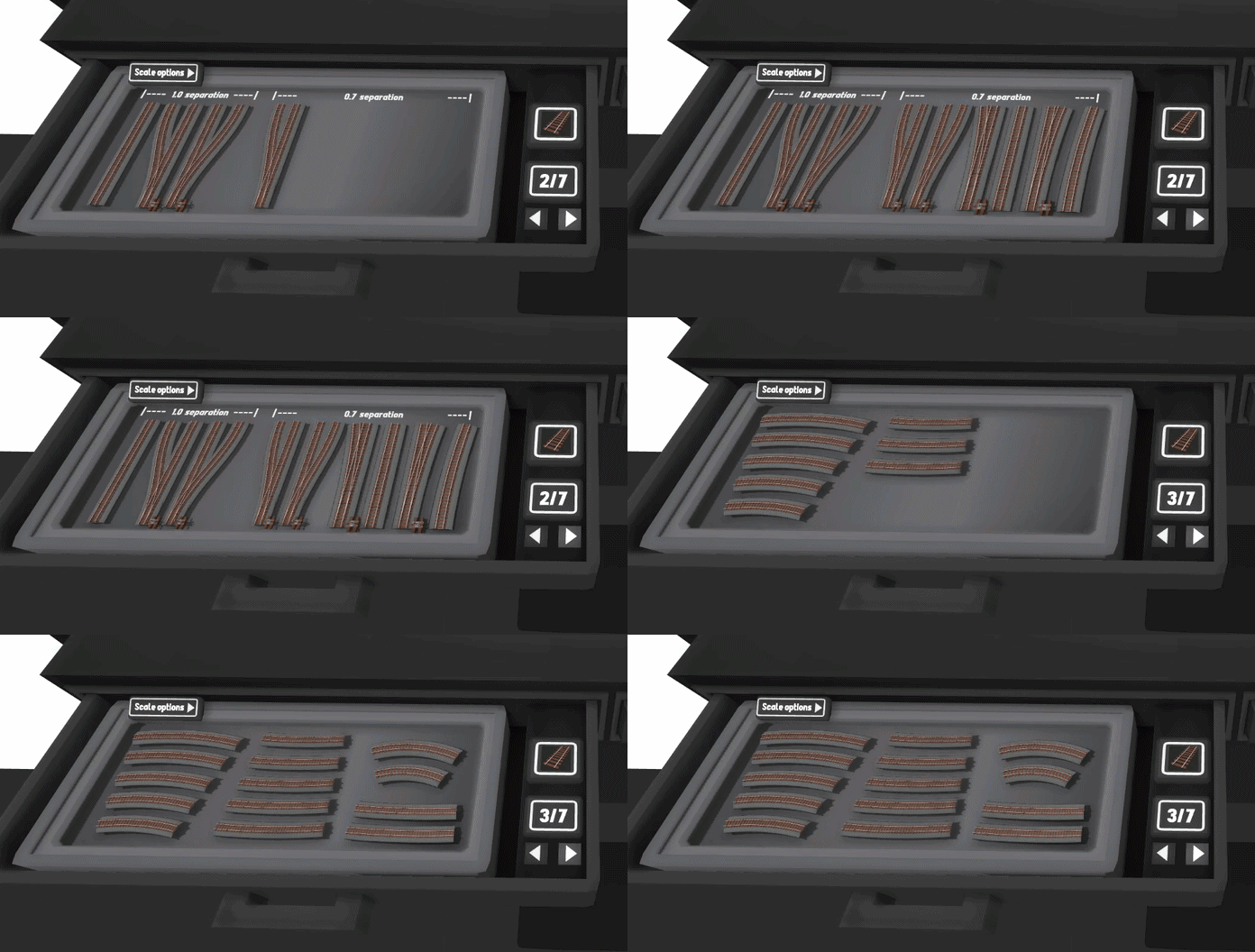
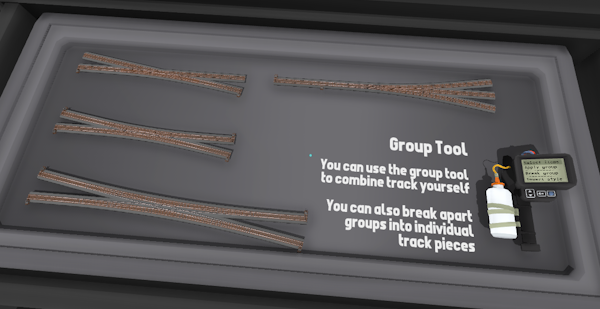
Grouped track now scales to match the current gauge setting in drawers
Fixed the grid snapping size for the ruler props
Fixed switching between 2d and 3d menus on some UI menus, like freight loading and bulk move tool
There is now a "delete all track" button in the manage saves menu (which will delete all track on the current map)
The low detail model for trains now takes the trains scale into account for view distance (e.g. a larger scale train will be visible in high detail at a larger distance)
Fixed text scaling on various parts of the turntable edit menu
The roundhouse editing menu now uses 2D UI
Turnout levers now scale with track scale rather than gauge
Fixed bug where wheel presets on train mods would not scale correctly when using a different base scale for the mod
Fixed the size of the models for the log pond unloaders and log loaders in the drawers
Fixed missing ladder collision on the water tower and windmill props
Improved the FPS counter so it is much more accurate
And that's everything!
I love these kinds of updates, since improving the performance of the game is something that brings me a lot of personal satisfaction. It also makes the game way more accessible to people on low end hardware, which is more important than ever these days!
One method I use for testing is to run the game on my old laptop which really struggles with pretty much any 3D game I try. After this update I've been able to run complex maps like the Sierra Logging at a totally playable 30-60fps on low settings, which is an amazing improvement.
I hope these optimizations make a noticeable difference for you all too!
New Patreon devlog
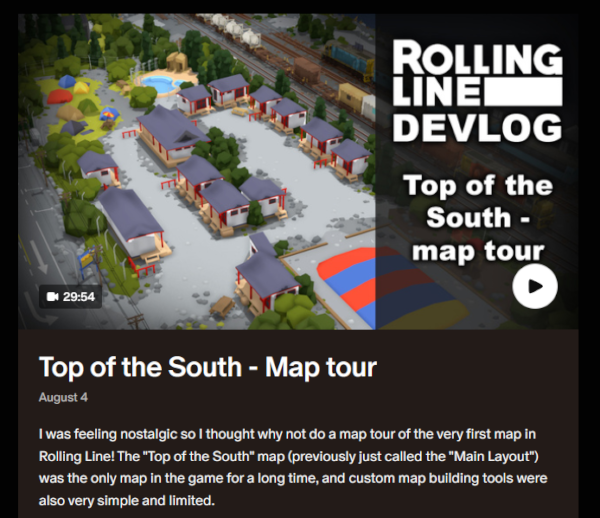
I've posted a new devlog video over on Patreon! it's a layout tour of the Top of the South, the map where it all began (the very first map in the game). I was feeling a bit nostalgic and wanted to talk about some of what the early development of the game was like, and why the top of the south is such a special map to me personally.
You can find the video here:
https://www.patreon.com/RollingLine/posts/top-of-south-map-165710857
Thank you to all my Patreon supporters!
Current Patreons:
EngineerSmith, HuskyDynamics, KANedTiger, CAMOGUY54321, EmperorSal ツ, Hypothesiz, ItzAerozic, Jayton Hawkins, Jonathan Ginsburg, Microcosmologist, TheAmazingRyry, Trainiac 21, Ben Burch, Detroit_, Don Willis, Garst, Gazzac100, Gustavo Sanchez, Ilike Tra1nZ, Jack Fruh, James Kesler, Jed, Joblogh, KathalLasagna, LunaFromSpaaace, Lynk_Wyland, Matt, Matthew Johnson, Michelle chan, Nathan Perez, Outertoaster, Railraider, Richard Prior, scj643, SmokeStream, Taerom, Teapop311, The_President, Thomas Merolla, Ábris Pataki, Blake Prevett, Helga Nordgren, SeTP1, Skilker, WingoDingo
Past Patreons:
Codebag Playz, Ethan Lamont, Rivet, Simon, Joey Drysdale, DOLLIN, JohnR, Leto Gloas, Rowan Mackenzie, Lutz, Carter Shew, The Cat Train, Trackmeister, NESecretWeapon, Clae
You can join the Patreon to help support me to keep making free updates!