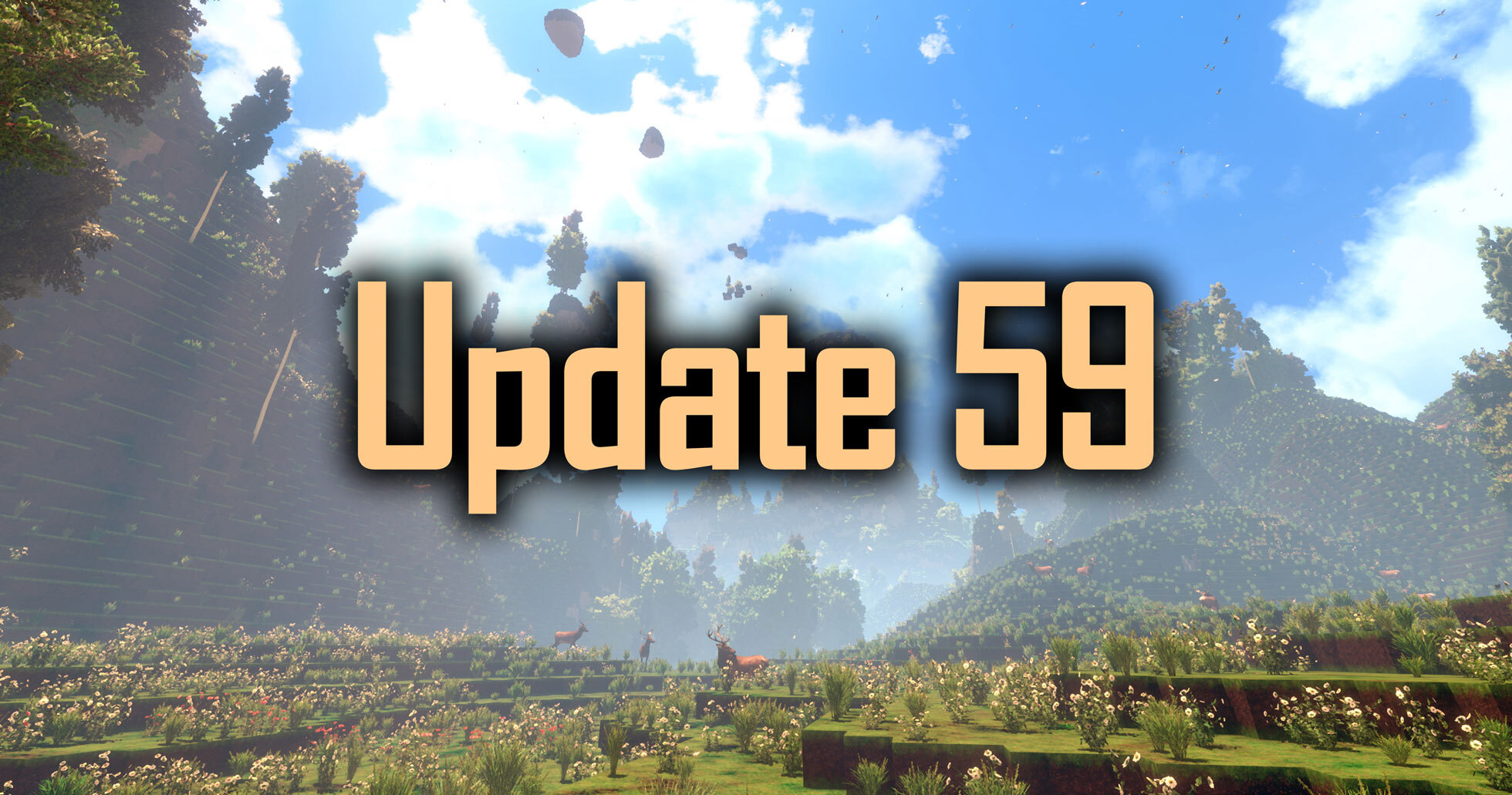
Hey everyone, Update 59 for cyubeVR is live!
This is a really big technical change. It took quite a while to finish and has been tested in the beta build for a long time. Hopefully the wait was worth it!
Previously, cyubeVR was using the last version of Unreal Engine 4, that's Unreal Engine 4.27. Now it uses Unreal Engine 5.6. Updating a game from UE4 to UE5 means a lot of things need to change in the background, and the first goal with the engine update was to have it work as identically as possible to UE4 - just a solid updated technical foundation in the background that makes future updates much easier than trying to work with an outdated UE4 base. And only after that, the focus was on adding new visuals-improving features from UE5 that you surely have heard about from other games by now (Nanite, Virtual Shadow Maps, DLSS 4.5), so it can look way better than before!
From other games you might know that there were definitely some bad examples of using Unreal Engine 5 where the devs did not properly spend the time to optimize the Unreal Engine 5 features or choose which Unreal Engine 5 features make sense to use, and also earlier Unreal Engine 5 versions were generally not as well optimized themselves. With cyubeVR the goal was to be a good example for how to properly update a game to UE5: Only use the UE5 features that actually make sense, spend a lot of time optimizing the performance ideally for UE5 and make sure to do many measurements against UE4 to make sure nothing accidentally becomes slower than before the update. And also don't update to early UE5 versions, but wait until Unreal Engine 5.6 which is way more optimized than earlier UE5 versions.
The most important point: You are not forced to use any of the new UE5 features, the goal of this Update is that if you choose to still only use the UE4-rendering-features, you also only pay the performance cost they had in UE4. Unreal Engine 5 should not be fundamentally "slower" than Unreal Engine 4, unless you actually enable new graphics features of UE5 that bring improved visuals. That's how this is implemented in cyubeVR now. All the previous graphics options still exist, nothing was replaced by anything slower, only new UE5 graphic options were added additionally.
Of course, when there are really big technical changes, it has the potential to introduce new bugs. This update was tested by beta testers in the official cyubeVR Discord through 55 separate beta builds over a long time, but with big technical changes some new issues might only happen on very specific PC configurations, so it's always possible that something doesn't quite work as perfectly yet as it did in UE4 and no one has noticed it yet. So to make this maximally safe and not disruptive even if you might encounter some new issue with UE5, this update is specifically designed so that it does not change anything at all about how savegames of the game are handled, your saves are still fully compatible to the UE4 version of the game, and you can even switch back and forth between the UE4 and UE5 versions of the game with exactly the same world. While the default version of cyubeVR is now Update 59 using Unreal Engine 5, you now have the new option to select the "UE4-Update58" version in the properties of cyubeVR on Steam if you have any reason to go back to the UE4 version temporarily while you encounter issues with the UE5 version. Just make sure to actually report any issues you find so they can be fixed in UE5, because eventually the game has to be able to get changes that are no longer backwards compatible with the UE4 version, so at some point in the future upgrading your world to be played with Update 60+ will mean you won't be able to get back to playing it with the UE4-Update58 version any more - but that is not yet with this update.
So, what are the big technical changes an update to UE5 brings? Let's go through the biggest ones one by one. Let's start with something you ideally shouldn't feel:

DirectX 12
cyubeVR now renders through DirectX 12 instead of DirectX 11. This is a really big change in the background, but ideally something you should not notice - it's just about how the game talks to the GPU. DirectX 12 allows for more parallel rendering and improved performance.
OpenXR
Previously, cyubeVR was using the OpenVR API to talk to your VR headset. OpenVR is directly linked to SteamVR - so in practice this meant you have to use SteamVR to play the game.
OpenXR in contrast is more open and flexible, and does not *require* SteamVR - but it also still works great through SteamVR. Running the game through SteamVR is still the most reliable and most tested way to run the game, but now with OpenXR you have many more additional options, like using Virtual Desktop with the VDXR runtime. Depending on which VR headset you use (and there really are many VR headsets by now!) other OpenXR runtimes might give you improved performance compared to using SteamVR.
Updating a VR game from OpenVR to OpenXR is quite painful for VR devs, a lot of things like all interaction profiles for different types of controllers need to be completely re-created for doing the switch. So if you encounter any issues with button bindings or things like that, make sure to report them so they can be fixed.
Nanite
Now let's talk about something fun that actually gives a very noticeable boost in visual quality!
This update adds new options for the View Distance and for the Foliage Quality that switch from using traditional rendering to using Unreal Engine 5 Nanite! This can be controlled separately for chunk rendering (the blocks in the world) and foliage (trees, grass, flowers) rendering, but often enabling Nanite in both cases should make the most sense.
The big noticeable change Nanite gives is *no noticeable LOD changes, no LOD pop-in while walking around, everything should simply look like "max quality" all the time even in the distance, while at the same time using significantly less GPU memory". When simply comparing rendering the same amount of detail with non-Nanite vs Nanite, Nanite is a bit slower, but the more triangles there are to render, the more benefit there is to using Nanite - so Nanite is a feature that makes sense the higher the visual quality becomes. On very low settings where visuals are considered much less important than framerate, it does usually not make sense to use Nanite, but if you're using a high-end GPU like a RTX 4080 and you want to have *the best possible graphics while still being performant", that's the case where Nanite really starts to shine!
cyubeVR has supported a really high view distance since a long time, often described as "near-infinite view distance", through regular LODs, so the world was becoming less and less detailed the further away from you it was rendered. You might have noticed previously that if you walk away from your builds, after a certain distance they start to look more and more "blocky" because individual blocks get combined to larger blocks in the distance. Now with Nanite, it's possible to actually render a view distance of 200 chunks (3.2 kilometers / 2 miles) all with the same maximum quality, no detail loss at all in the distance, every individual block you placed still visible! Nanite is much more efficient at rendering very large amounts of triangles and doing so without requiring huge amounts of GPU memory. Additionally, with Nanite enabled, you can actually use a significantly higher view distance now compared to before if you were limited by your GPU memory, because Nanite is just so much smaller in VRAM. And you might have noticed RAM and VRAM became a bit expensive recently, so anything that helps to require less of it is really useful.
On the "View Distance" setting there is now the new "Nanite" option, which means rendering a view distance of 200 through Nanite. Rendering through non-Nanite is still possible the same as previously, just the new "Nanite" option was added. So you can test what works better in your case. The first time you enable the "Nanite" option it takes a while to load the whole view distance into the proper cached format for Nanite, but after that loading the world with Nanite should feel just as quick as loading it with Nanite disabled.
Virtual Shadow Maps
Unreal Engine 5 added a new type of shadow rendering called "Virtual Shadow Maps", usually abbreviated to "VSM". It's a more modern way of rendering shadows. Similar to Nanite, when comparing just rendering the same previous quality of shadows through VSM, VSM would often be a bit slower, but VSM scale better towards higher quality, so they allow to have way more shadow resolution at only slightly higher performance cost. What this means in practice is more detailed shadows, that you can for example properly see individual leaves of trees cast shadows instead of a somewhat blurry shadow of the rough tree shape.
In general, shadows are really expensive to render in a game like cyubeVR with a fully open world with dynamic time of day where the sun is constantly moving and all shadows need to be updated every frame - so regular shadows also always were quite expensive to render in cyubeVR and took up a significant part of the overall GPU frametime, and that's why VSM are actually not much more expensive since they generally scale well in such cases, especially since Unreal Engine 5.6 (in older Unreal Engine 5 versions VSM was significantly less optimized).
So the "Shadow Quality" setting in cyubeVR now has a new "UE5" option that enables VSM Shadows. You can test if you like the performance/visual tradeoff. VSM is also designed in the engine to work ideally when used together with Nanite, while being a less efficient when used with Nanite disabled.
DLSS 4.5
DLSS 4.5 is really good, some great magic from Nvidia - it's Anti-Aliasing that looks nice and sharp while having good performance. Enabling it means you get the same visual quality with lower performance cost, or higher visual quality with the same performance cost. In cyubeVR DLSS is always combined with dynamic resolution, so if you still have a lot of GPU headroom DLSS might essentially become DLAA, just using the Anti-Aliasing component of DLSS without any upscaling - and if your GPU is already fully busy, upscaling gets added dynamically as much as necessery.
cyubeVR already supported DLSS before, but now with DLSS 4.5, it's really basically always the best option to enable on any Nvidia GPU, it simply looks much better than having it disabled.
There are four DLSS options now: "Low", "Mid", "High" and "Ultra". "Low" is for the case where you need maximum performance and it upscales from a very low resolution without any dynamic resolution so it usually doesn't make sense to pick, while "Mid" is fast and looks good and "High" is slower but looks sharper.
Additionally, cyubeVR now has a new "Fixed Foveated DLSS" setting: It allows DLSS to only run in the center of the image, while the outer edge of the image is simply displayed with low quality AA then. This can save some significant performance, because the DLSS algorithm itself can take a significant time and while it's worth it, making it faster is of course still really beneficial, and on some VR headsets (especially those with not-great lenses) the outer edges of the view are so blurry anyways that it's just not visible to not use the proper high quality DLSS shader there. You can experiment with the "Fixed Foveated DLSS" setting and see how aggressive you can set it before noticing it, and if it's worth the performance cost.
Graphics settings presets
It's maybe a bit surprising that cyubeVR didn't have this before - a simple Preset option at the top of the Graphics Settings for choosing between "Low", "Medium", "High" and "Epic" quality that automatically sets all the performance-relevant graphics settings to ideal values for those 4 quality levels. Almost every game has this. But with so many new options now from the new UE5 features, this really is necessery in cyubeVR as well because otherwise many players would have to experiment way too much with the individual settings themselves. You can of course still set each setting individually as well, but the overall recommendation from the 4 preset quality levels should make a lot of sense, especially considering that e.g. Nanite and VSM should be used together ideally, and while changing them separately is possible, it's not ideal. The presets ensure that most players should easily be able to pick settings now that actually make sense and are ideally optimized to work well together.
Talking Deer
And last and also least, let's get to some useless fun stuff and talk about talking deer! Yes, the deer in the game can now talk with you. Yes, this is a pretty useless feature. But it's just very fun! Basically the same like the always-existing astronaut deer feature - the deer in cyubeVR have always been the guinea pigs for stupid fun features ;) You can now walk up to any deer and simply... talk to it. Verbally. And it will respond. Verbally. And you can have a nice conversation. Of course, a deer is roughly as intelligent as you expect a deer to be, so don't expect to be able to discuss general relativity with a deer, it's just a deer ;)
The whole deer conversation feature runs fully locally on your CPU, nothing about it involves the internet. So it's implemented using speech recognition running on your CPU, the deer response being calculated on your CPU, and then the deer response being turned into spoken words by a TTS, on your CPU. And this actually works with reasonably low latency and reasonably high quality. It's mostly a fun proof of concept, but at least in my opinion, it's just super cool to have it working fully locally on a CPU. And sometimes it might actually be helpful to e.g. ask a deer about ideas for what you should build - it will be happy to come up with as many ideas as you want.
There is a new "Deer Talk Quality" setting that controls this new feature, where you can choose between "Off", "Lowest", "Low" and "Medium". So you can turn it completely off if you want to and then a deer will be just as silent as it always was, or use the options to scale how much CPU and RAM you want to allow to the deer speech calculation to use. At "Lowest" the deer is significantly less intelligent than at "Low" and "Medium", and might sometimes just repeat itself a lot, so usually you probably want to use the two latter options.
A few other small bugfixes/improvements
- Added helpful size checks for custom block textures
- Fixed using mesh-object re-place feature while having at least one of the mesh objects in the inventory incorrectly removing an item from the inventory
- Made it so that when using the mesh-object re-place feature on a specific mesh object type while still having additional items of that type in the inventory, the hand now switches back to "hand" mode instead of staying in the "placing that mesh object" mode
- Block items now directly have physics even after being loaded
- Small visual improvement for the UI laser pointer, no part of it can render in front of the main briefcase UI now while being physically behind it
- Fixed crystal in build tool slot casting shadow ("free" crystals don't cast shadows, so it was weird how it started casting shadows when you put it into a slot)
- Fixed "Cave Reverb Voice Volume" setting, and possibly some other slider settings as well, not being saved and loaded correctly
- Improved feel of "axe wiggling out of tree"
- Adjusted the visuals of water a bit, it has way less sparkly reflections from the sun now
- Fixed shovel making noise when selecting it in radial menu
- Fixed green bucket particles sometimes being visible when they should not be
- Fixed "Expert Settings" not being visible on load if setting was enabled (required toggling expert settings every time to make them visible again)
- Fixed News UI in main menu
New screenshots in the community screenshot showcase!
These new screenshots of very cool builds have been added to the community screenshot showcase in the main menu of the game:
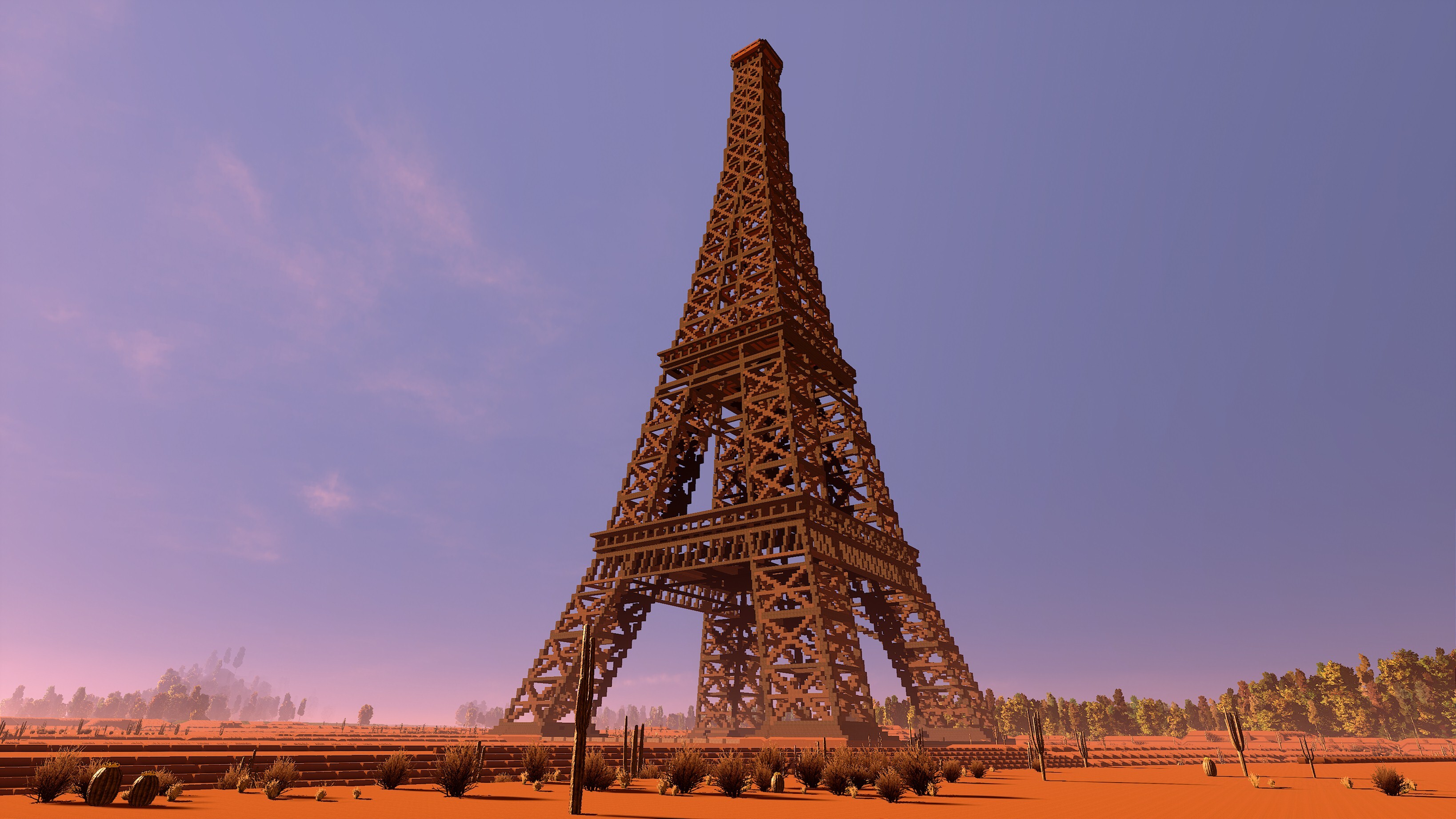
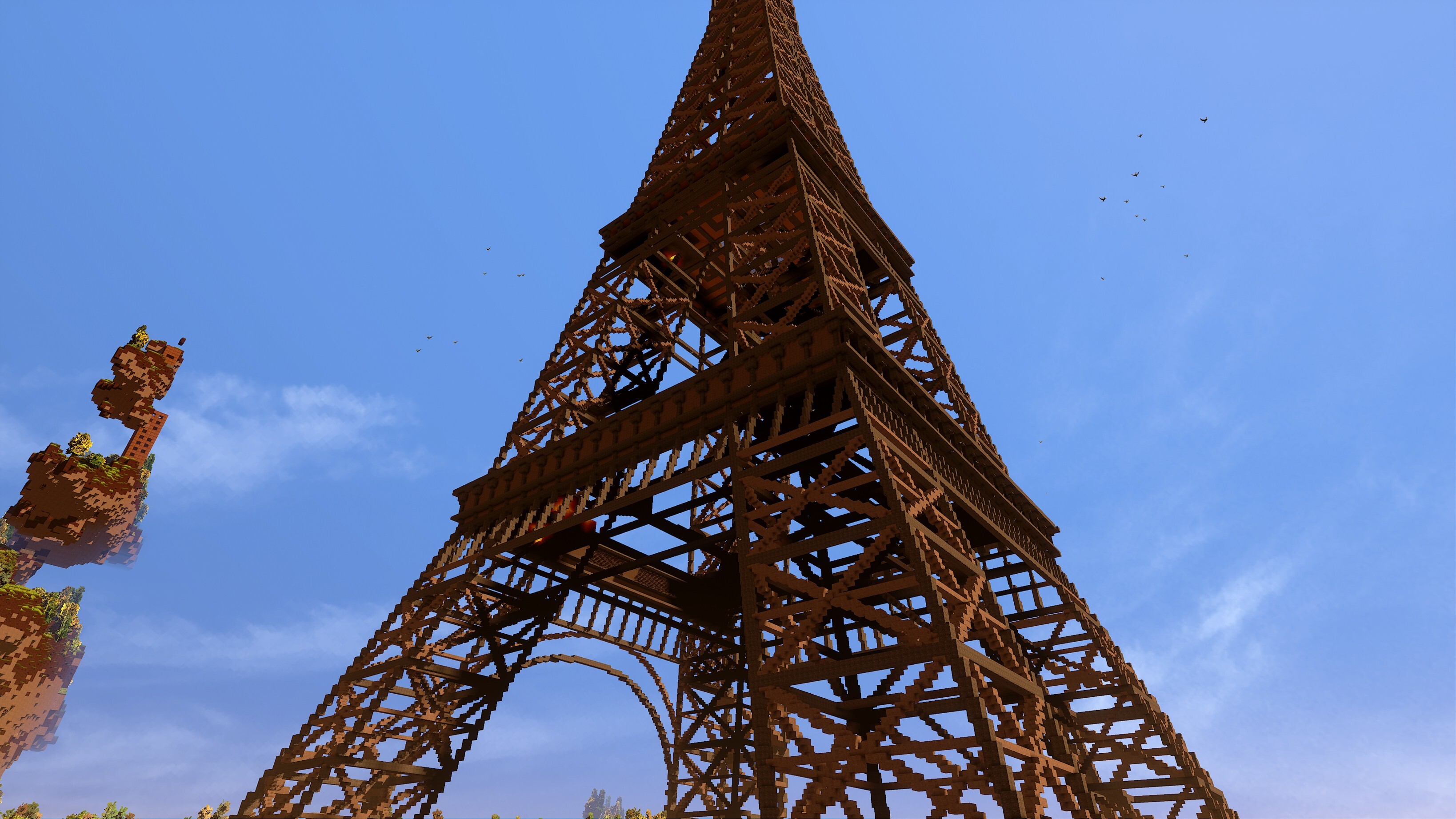
1:1 Scale Eiffel Tower | Built by: Oriondestiny
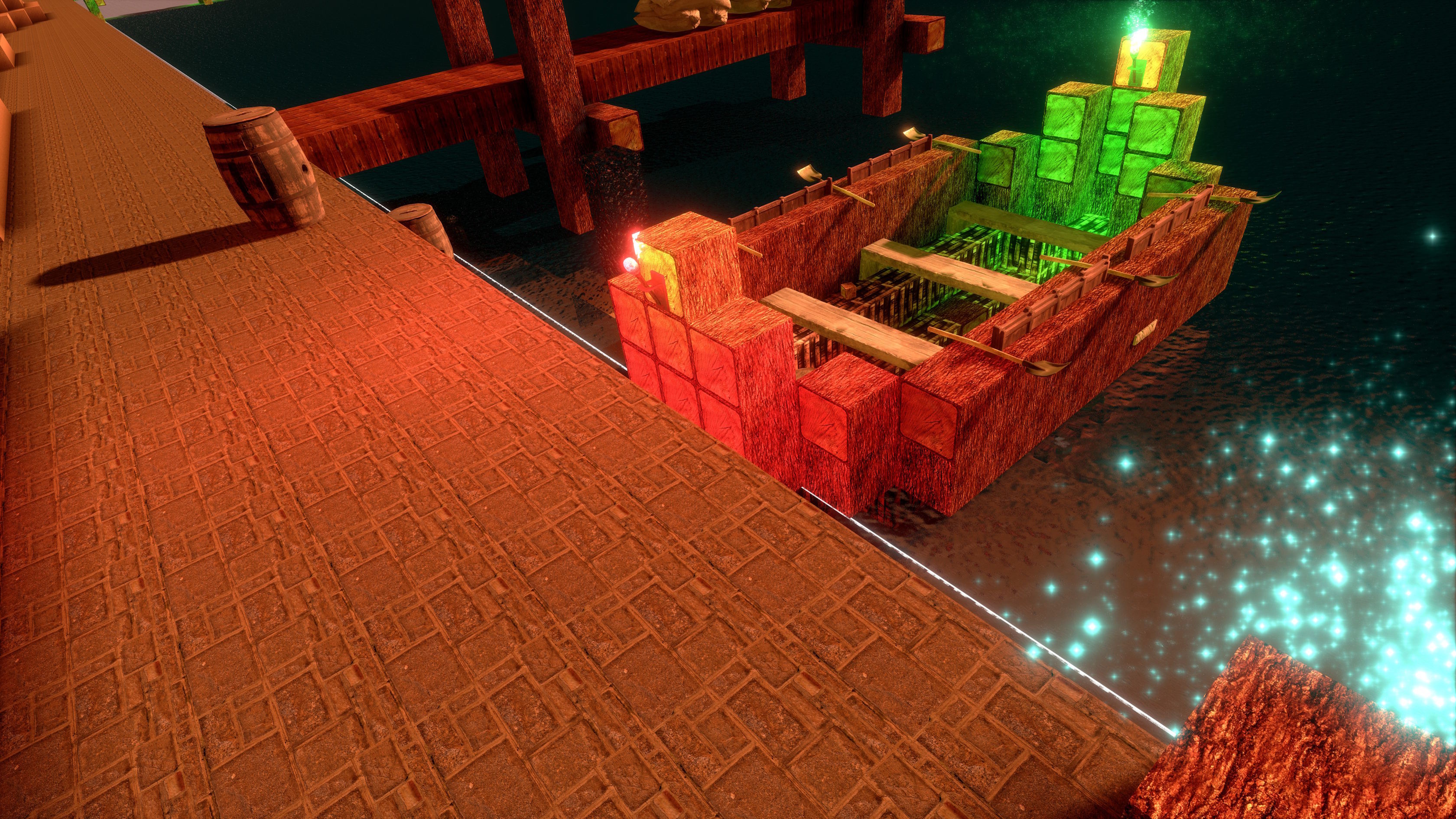
A Jolly Boat | Built by: KroyVR
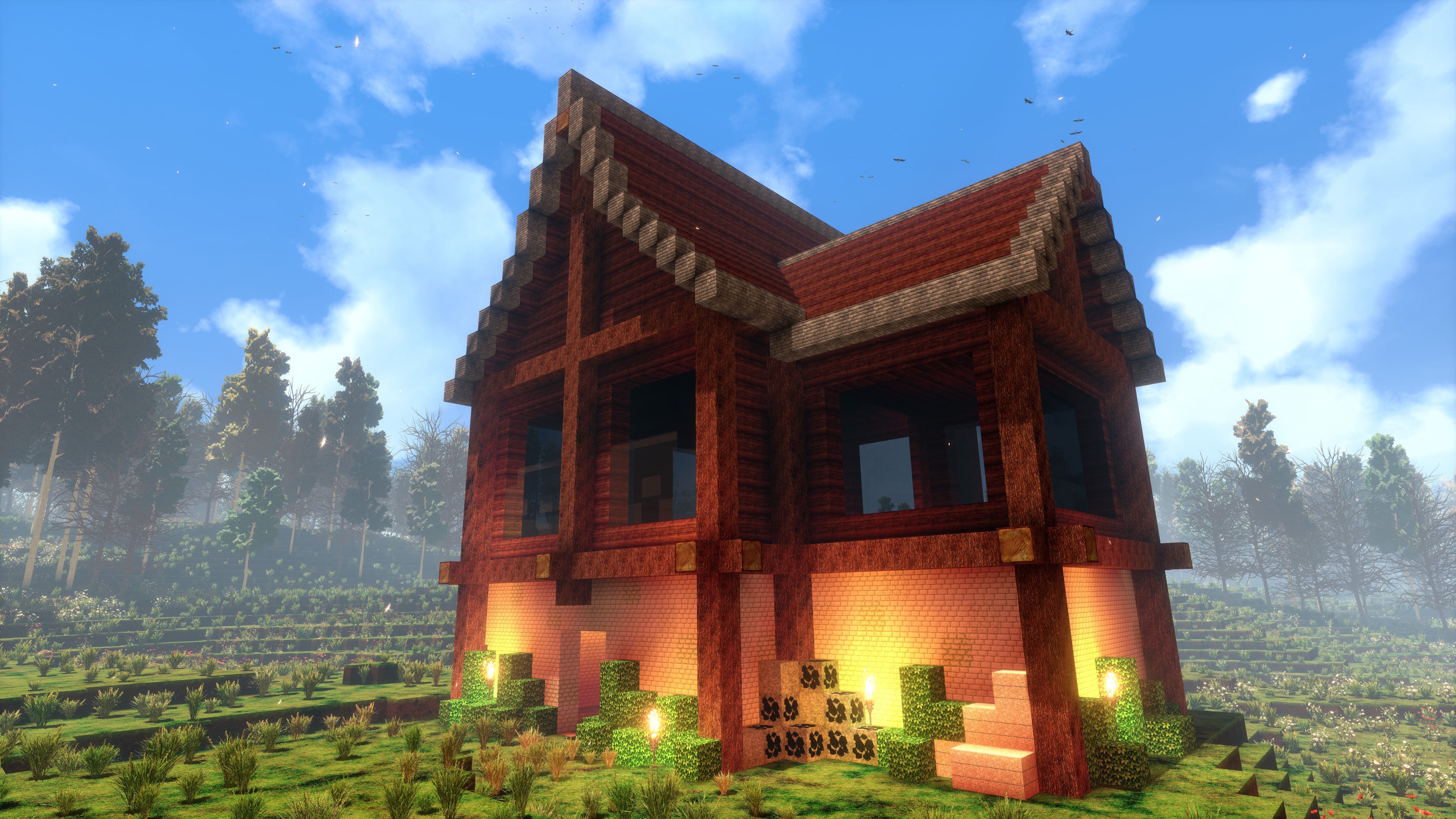
A Simple House | Built by: Albertbz
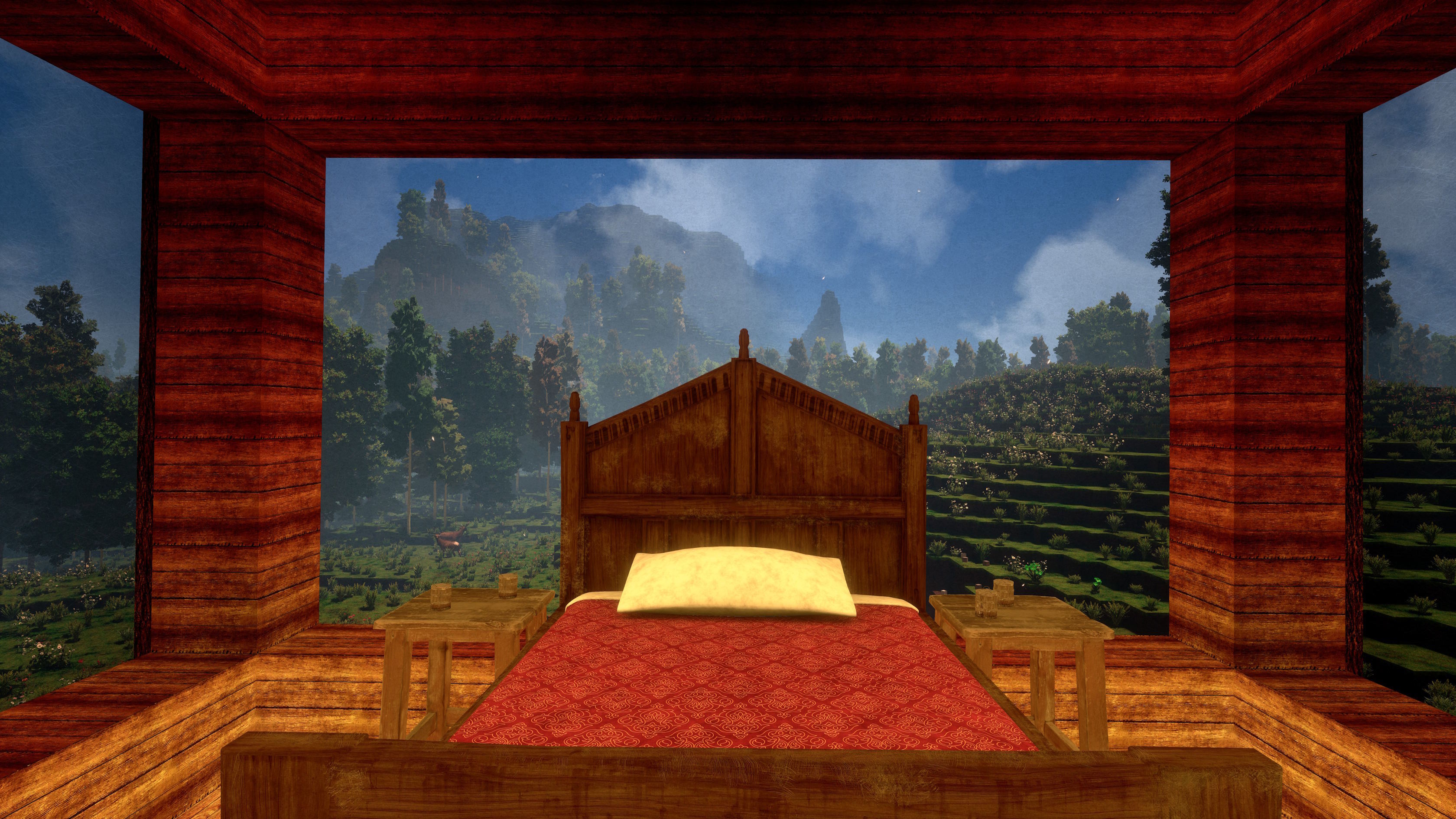
A Simple House Bedroom | Built by: Albertbz
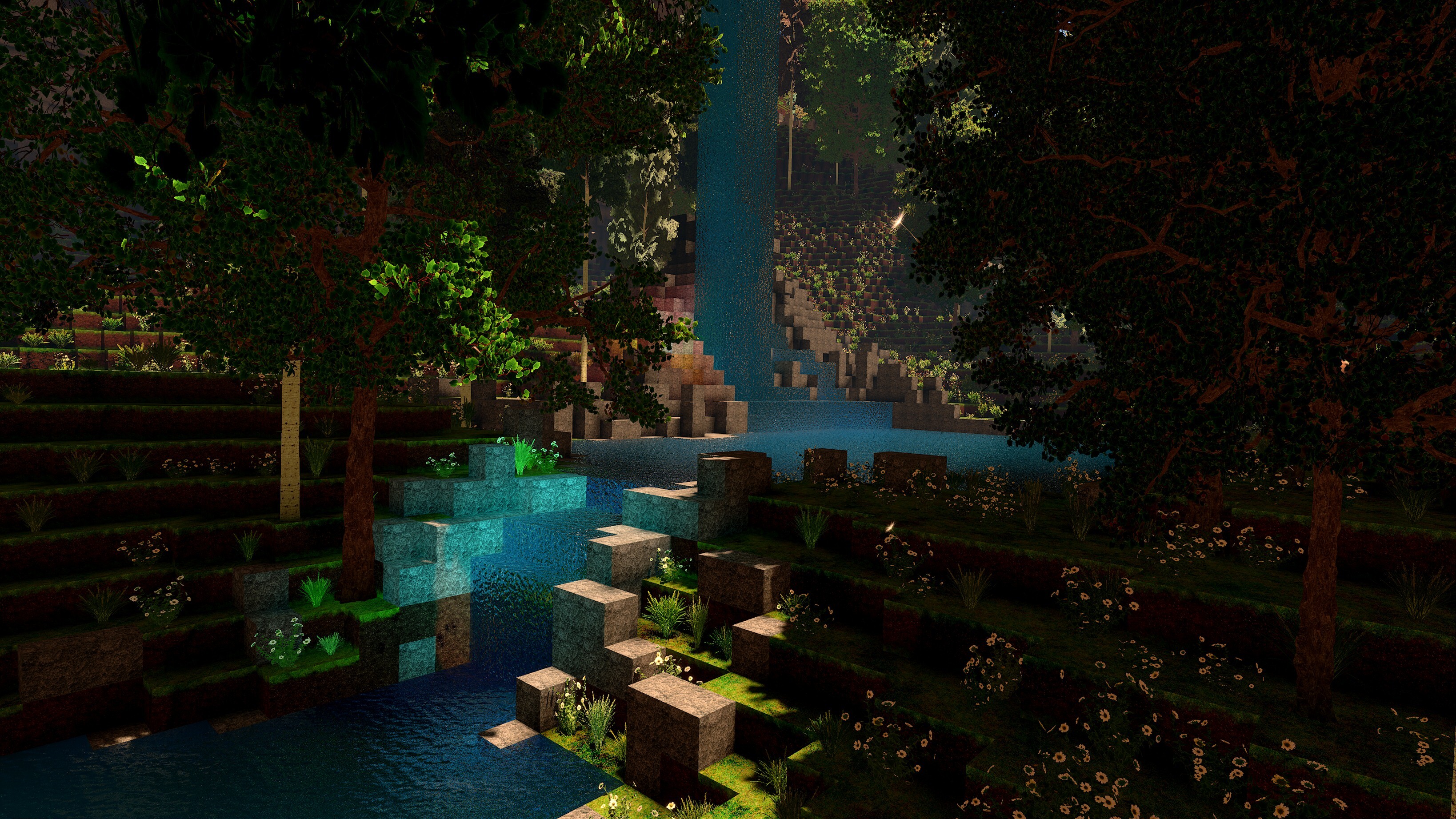
A Small Lake in a Pretty Clearing | Built by: H2O
Balloons | Built by: H2O
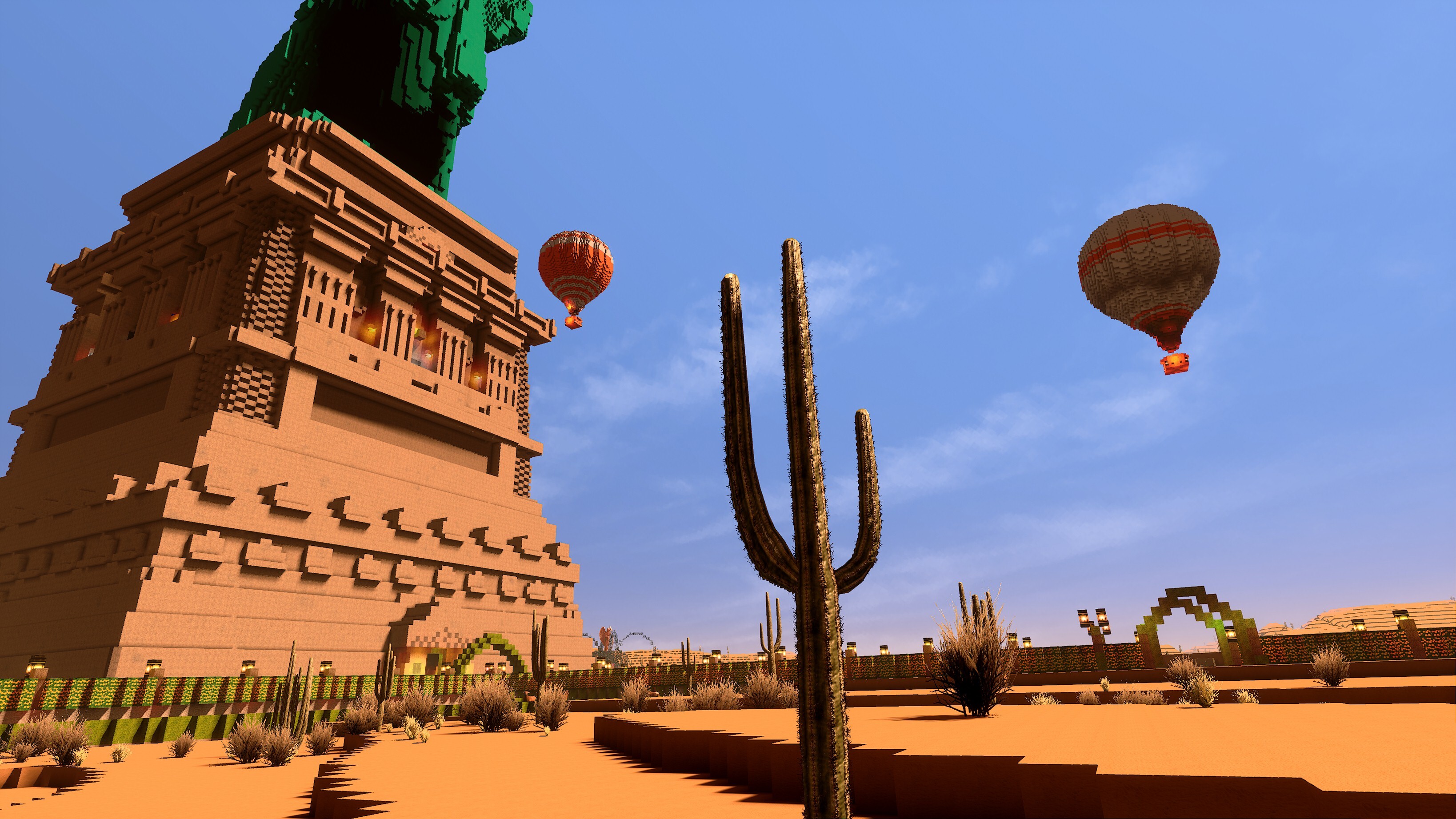
Bridge in City | Built by: lonewolf2912
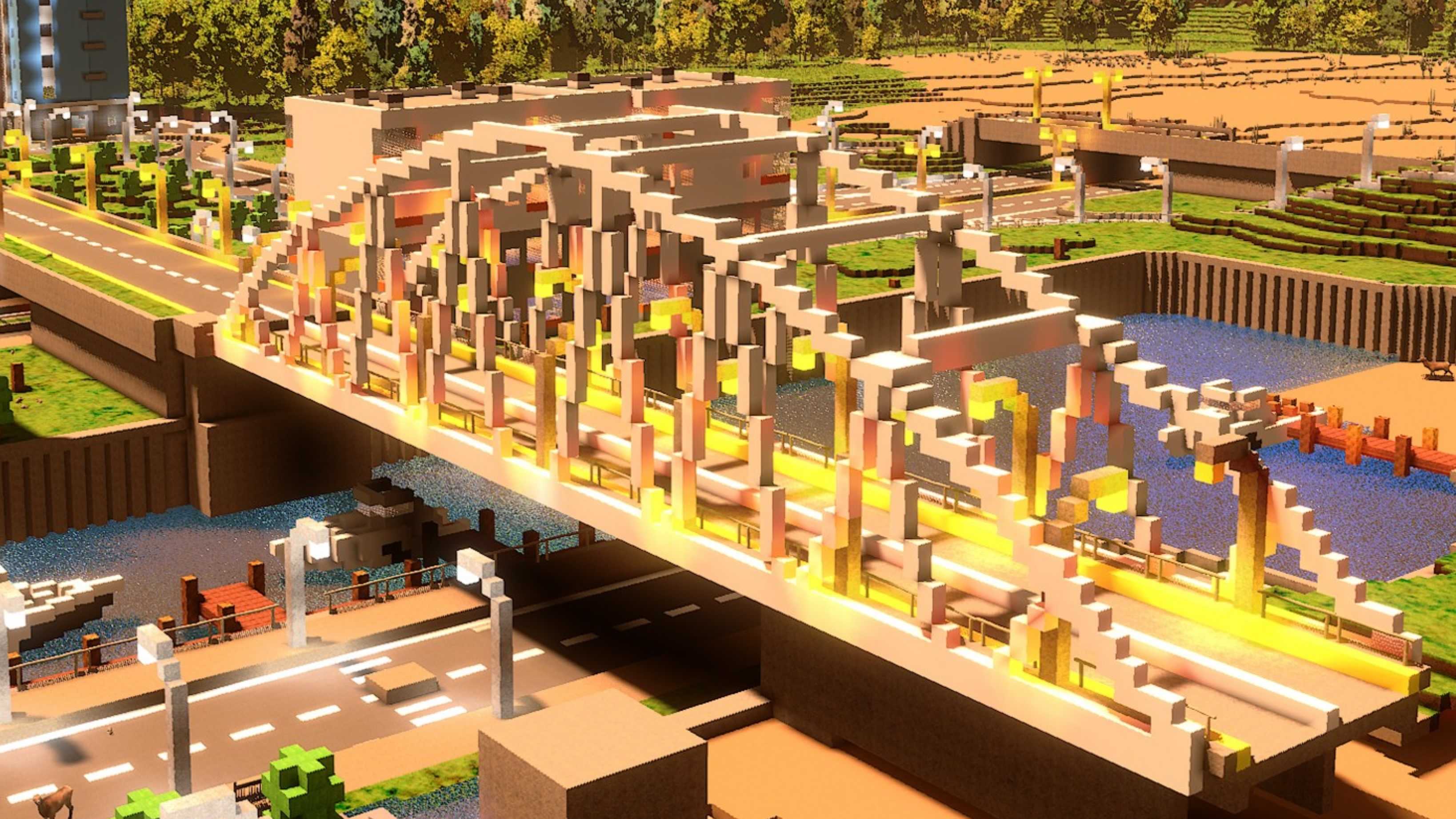
Cafe and Library | Built by: lonewolf2912
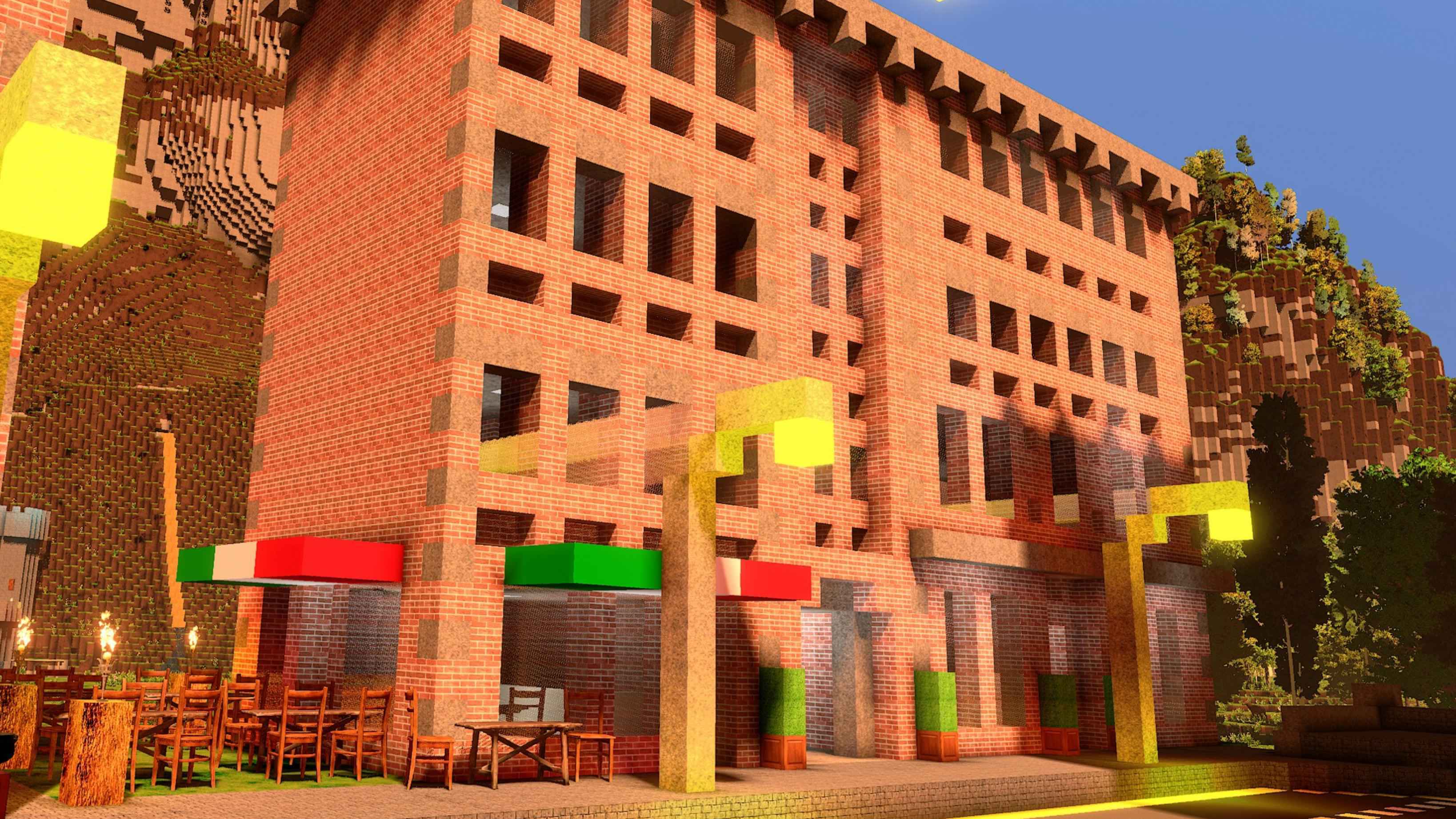
Castle Grayskull | Built by: Bob
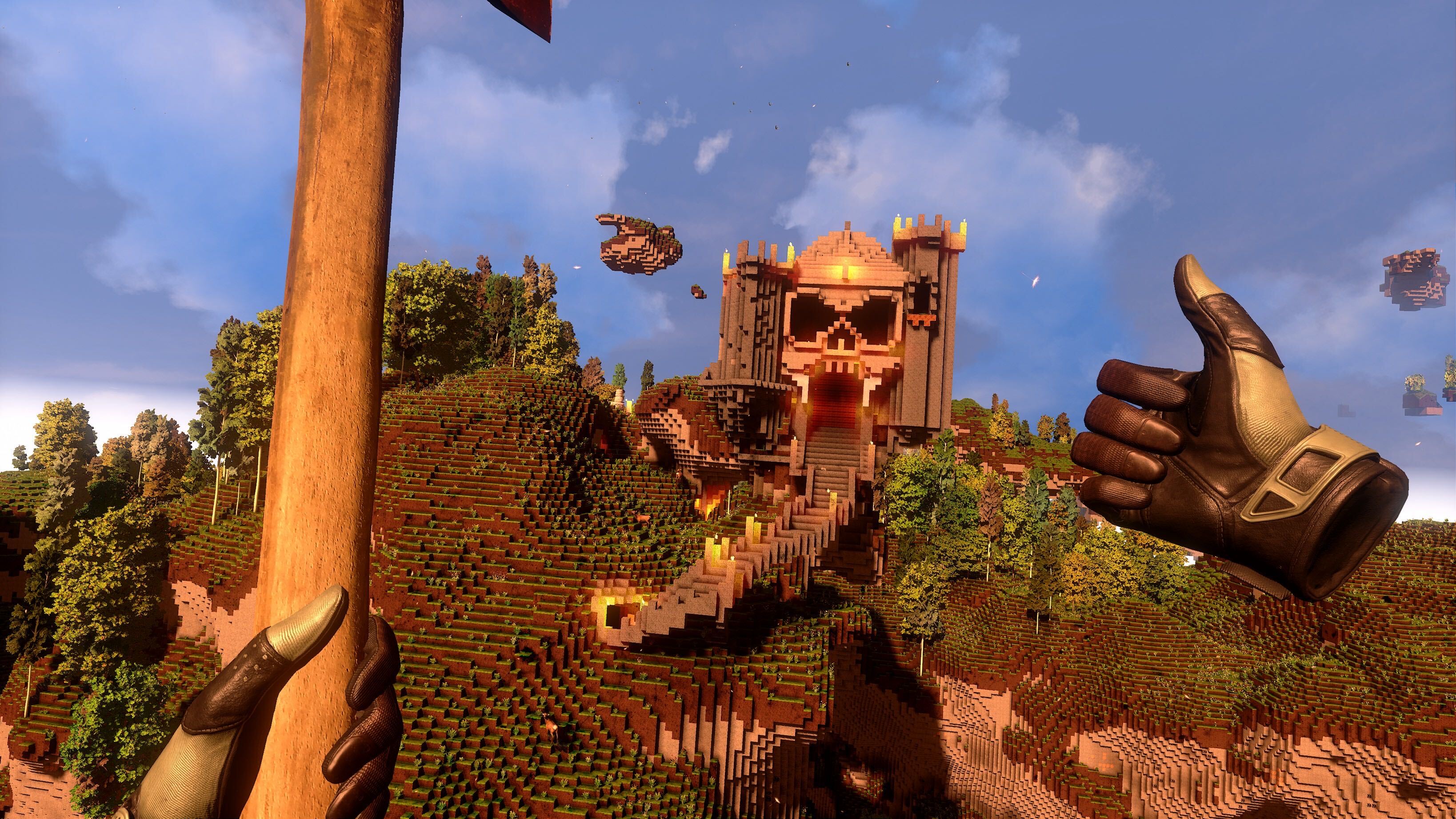
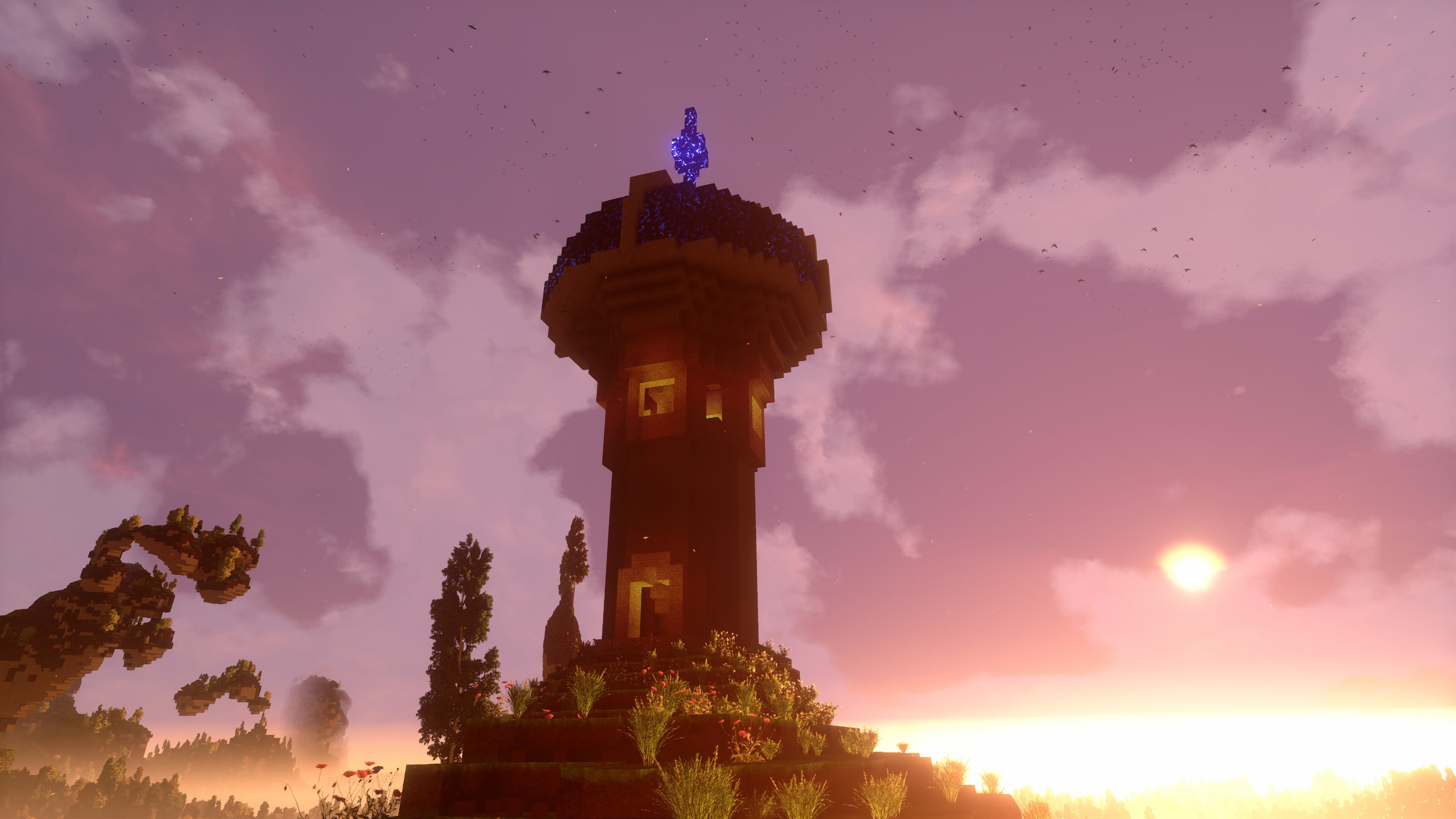
Crystal Scrying Tower | Built by: Lucius TLG
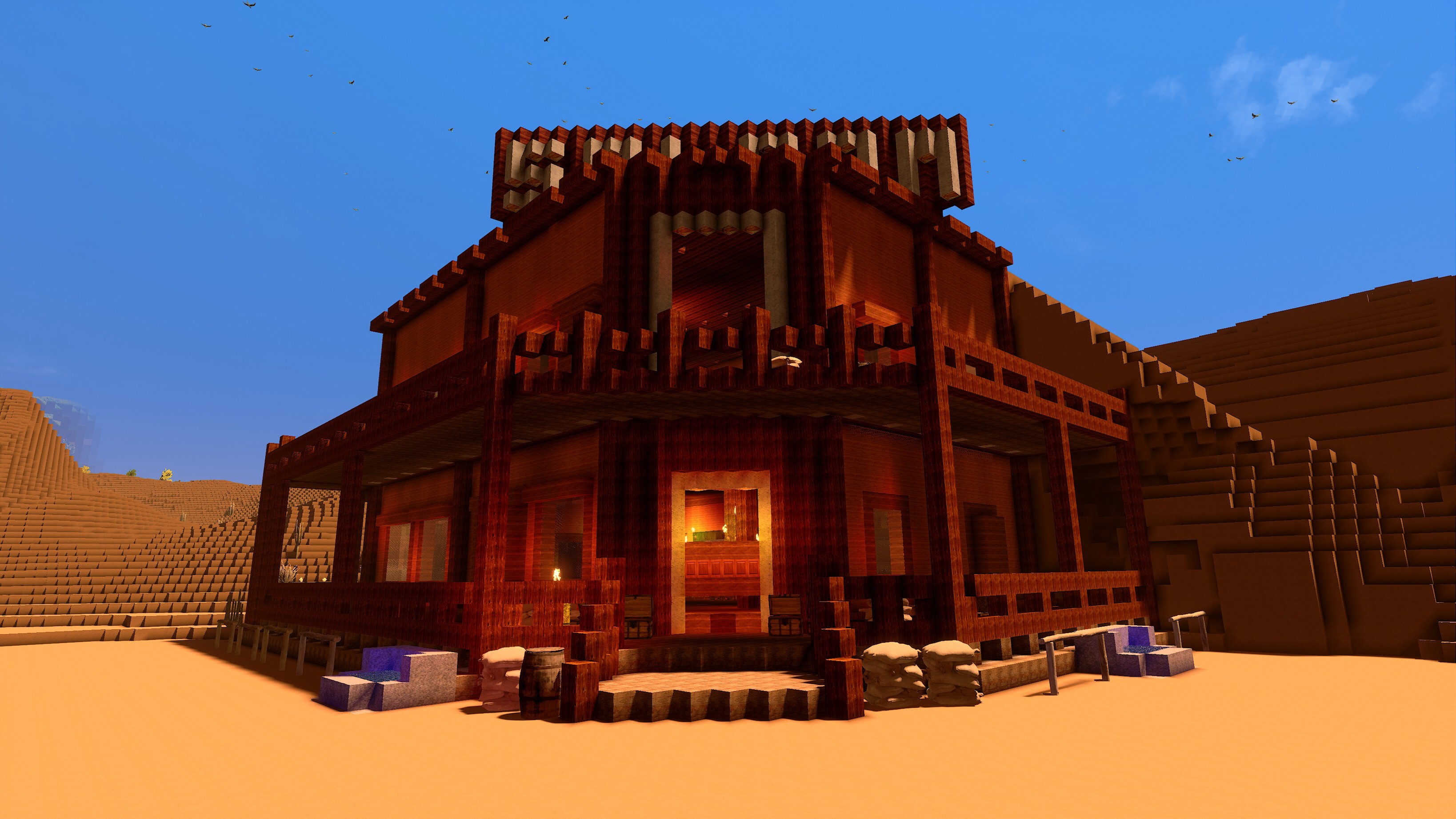
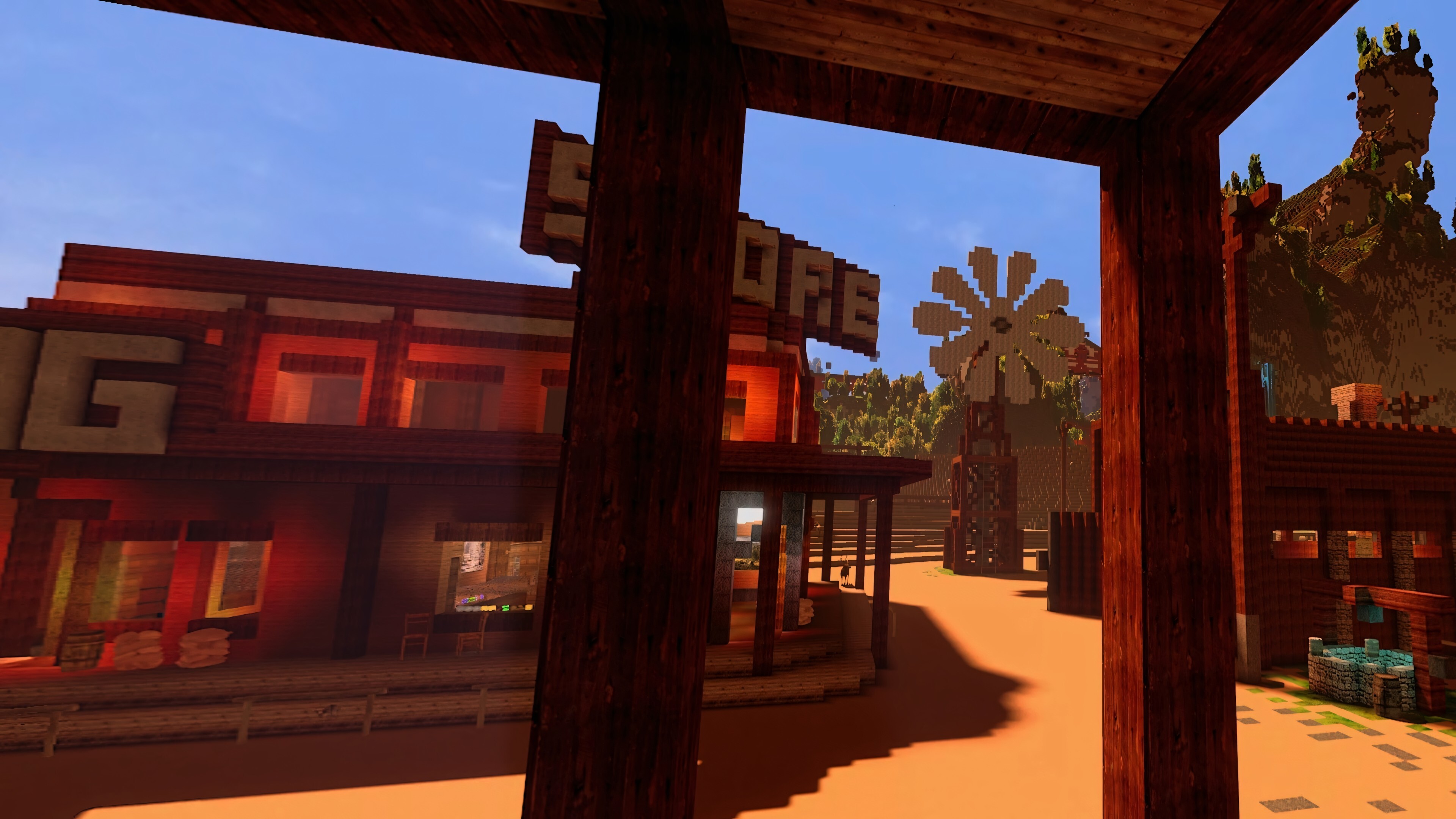
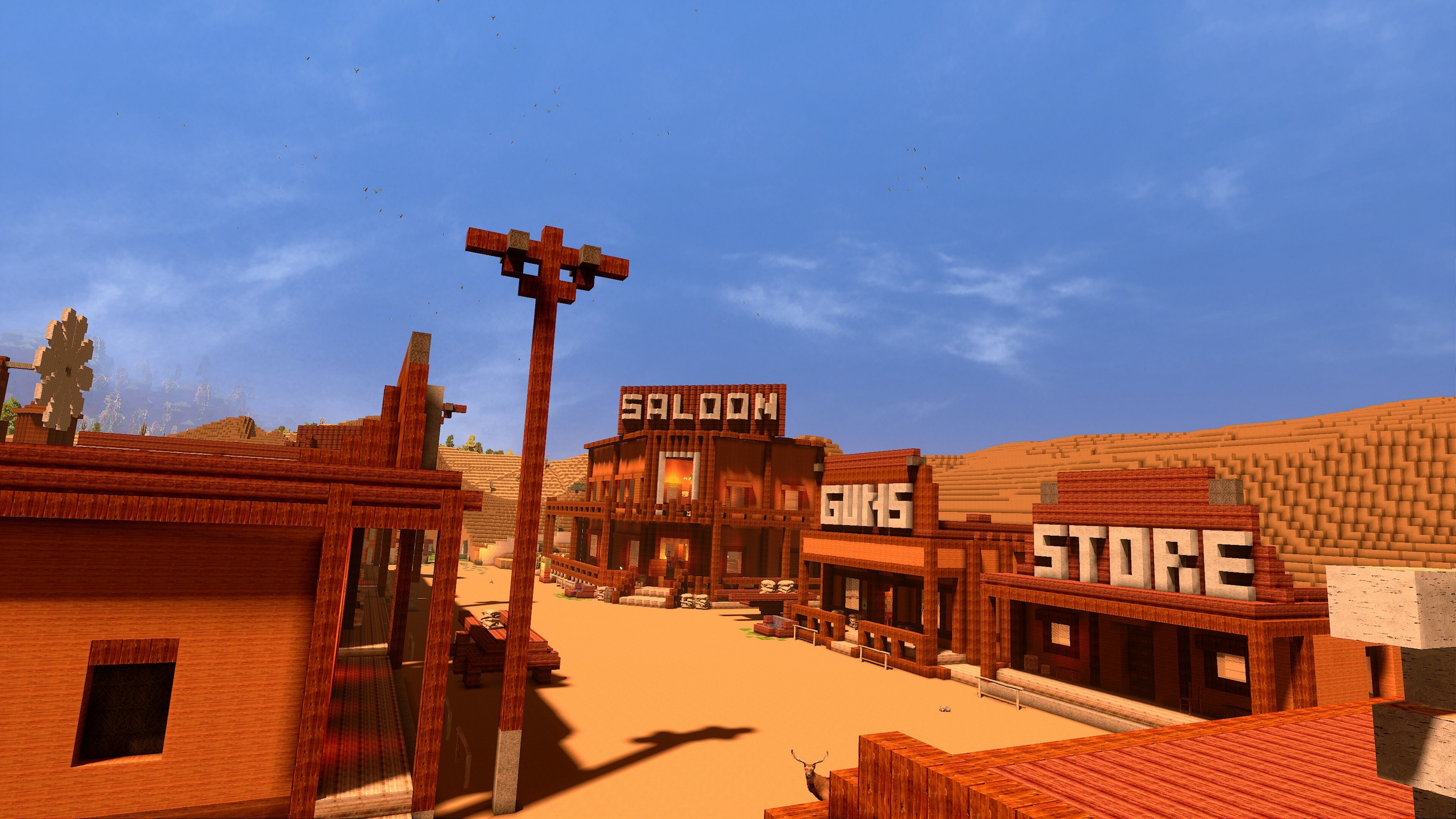
Desert Town Building | Built by: H2O
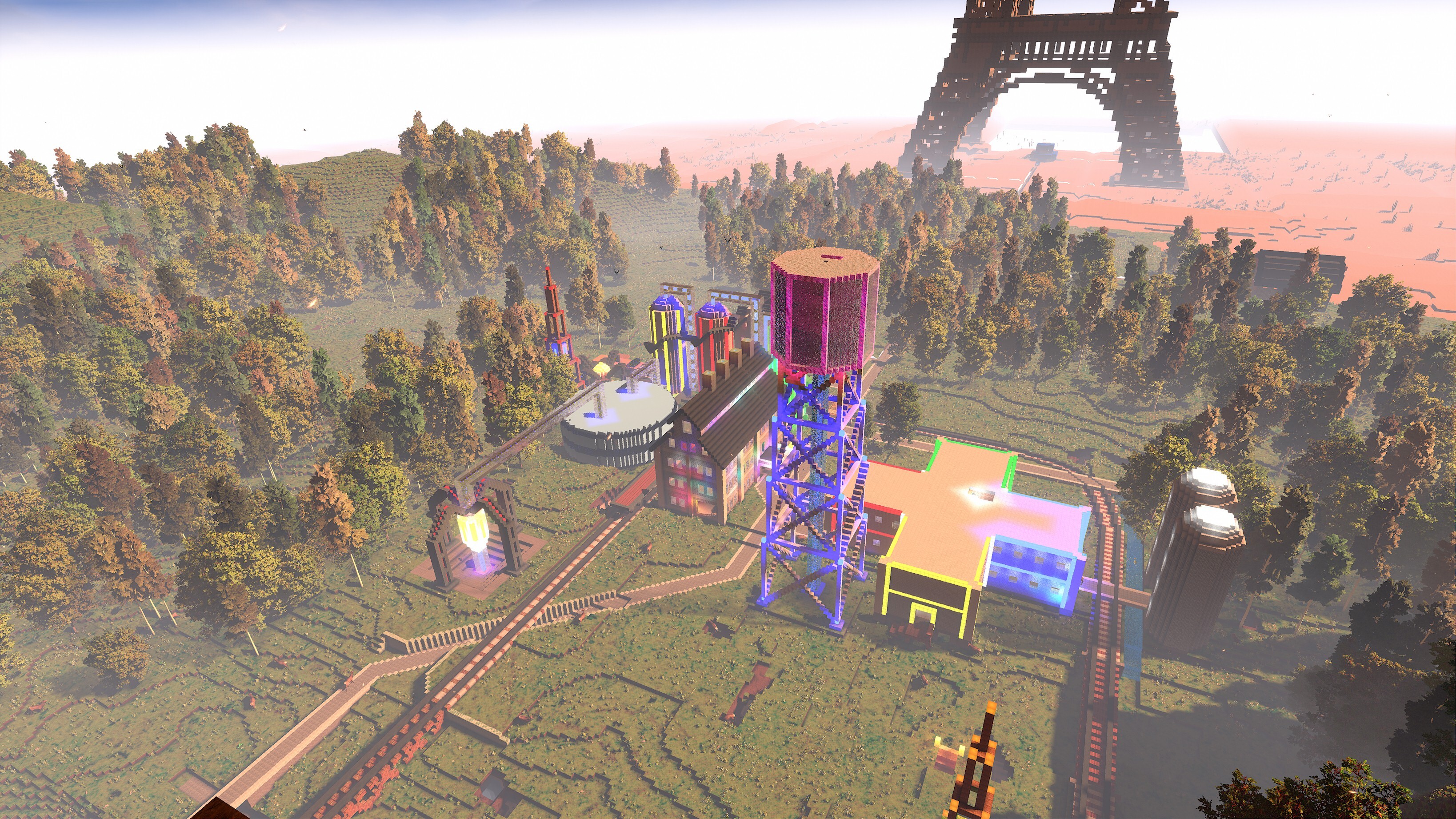
Factory Zone | Built by: Oriondestiny
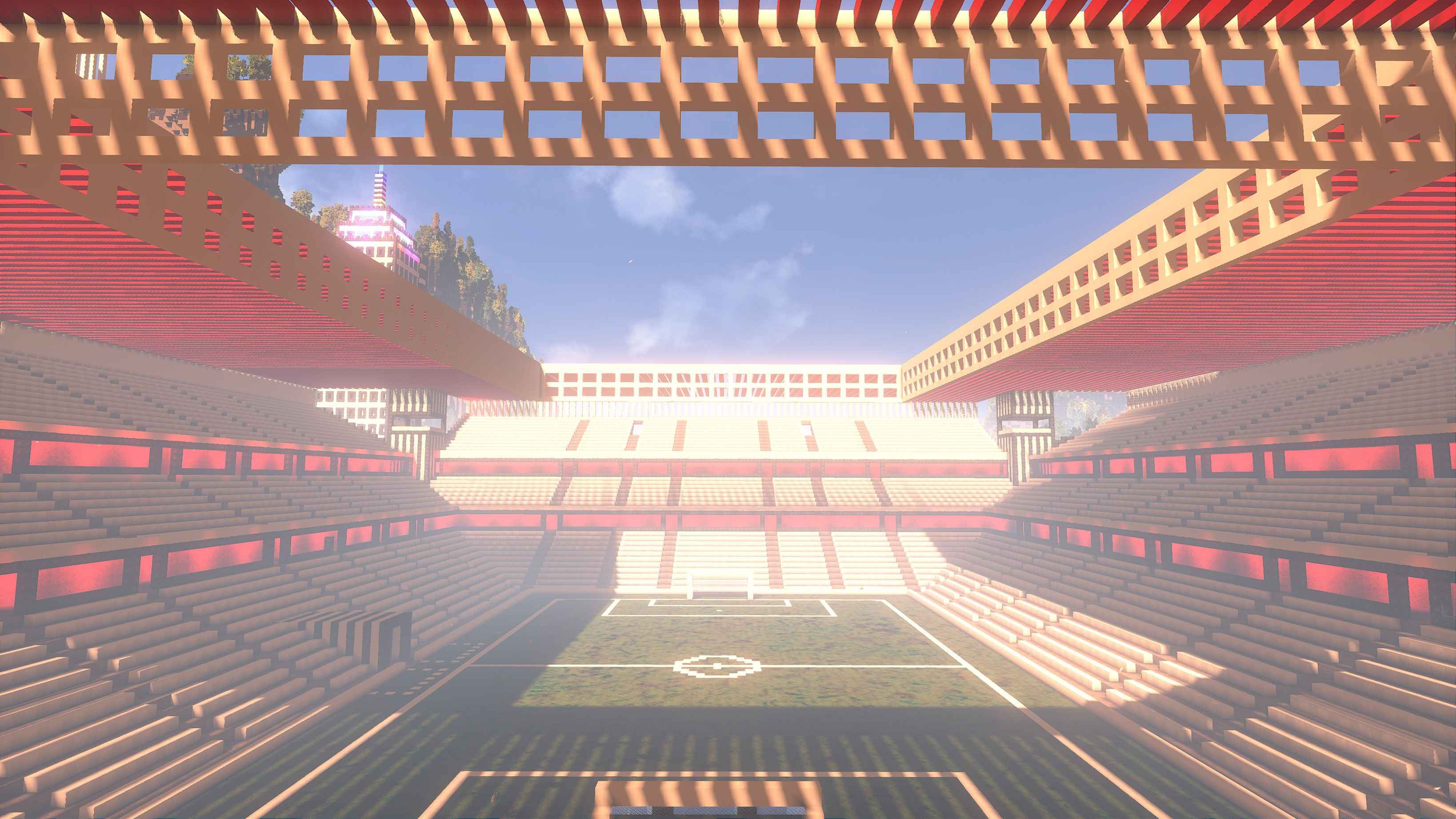
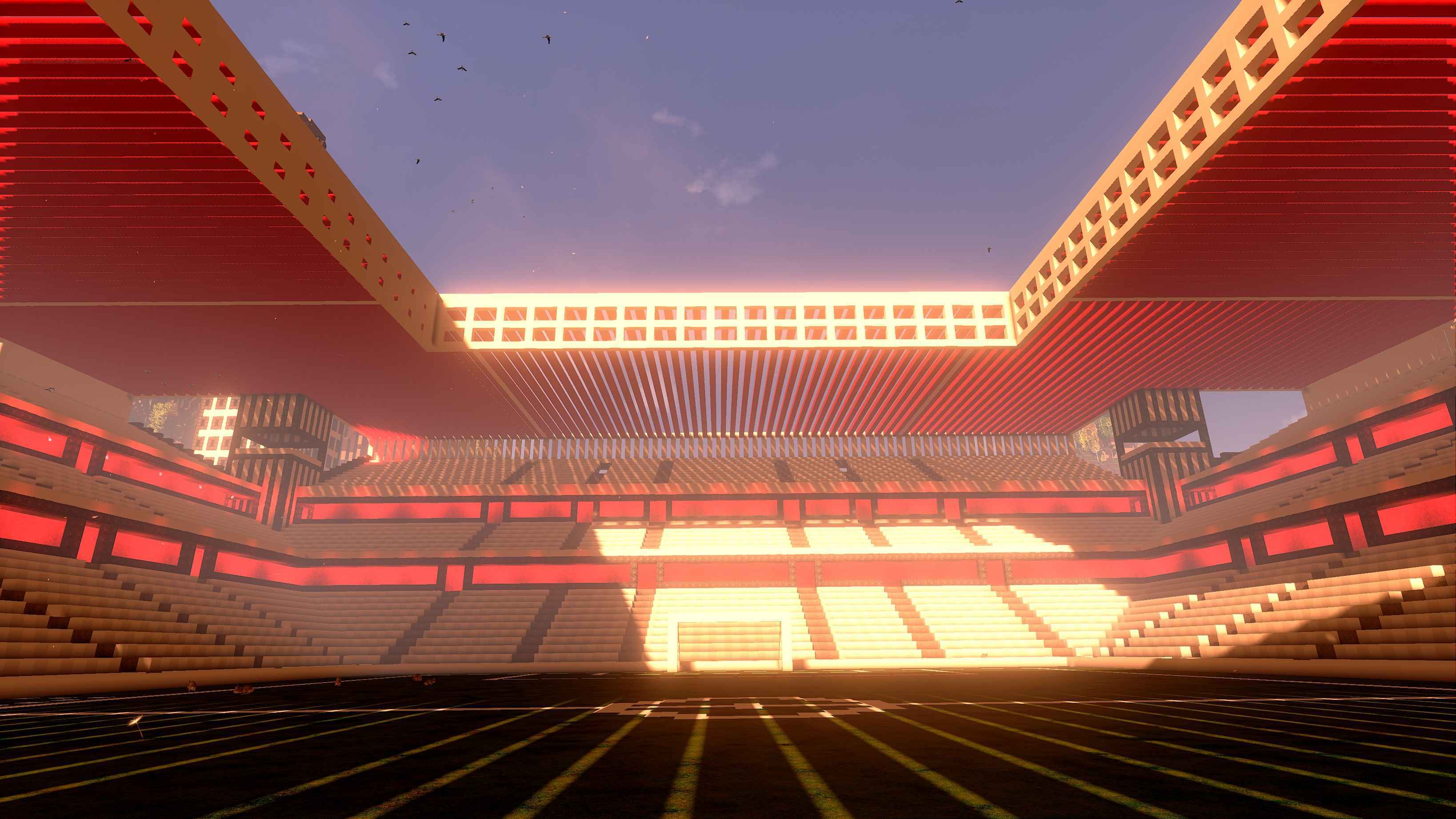
Football Stadium | Built by: CINEMATIC VR
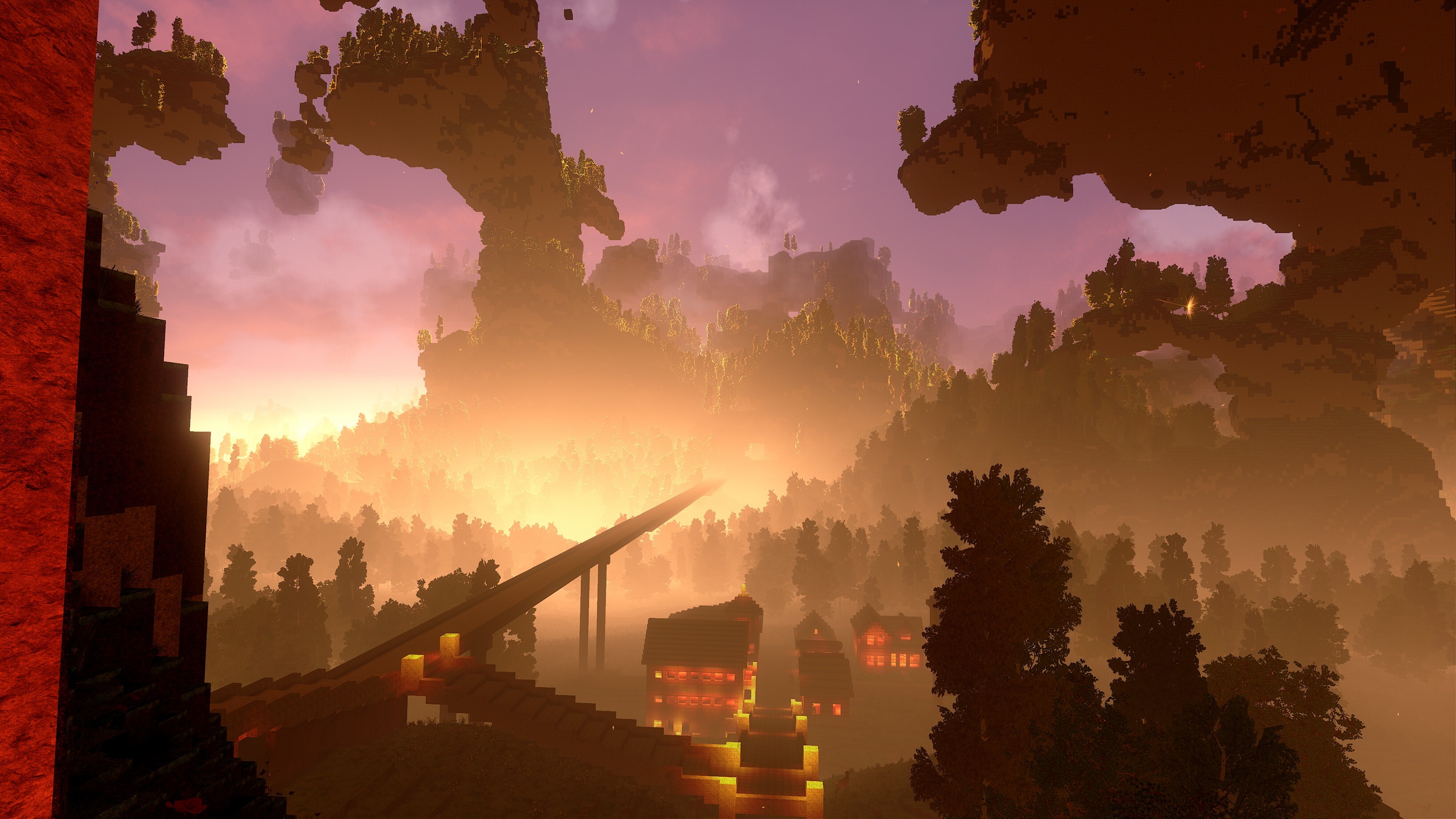
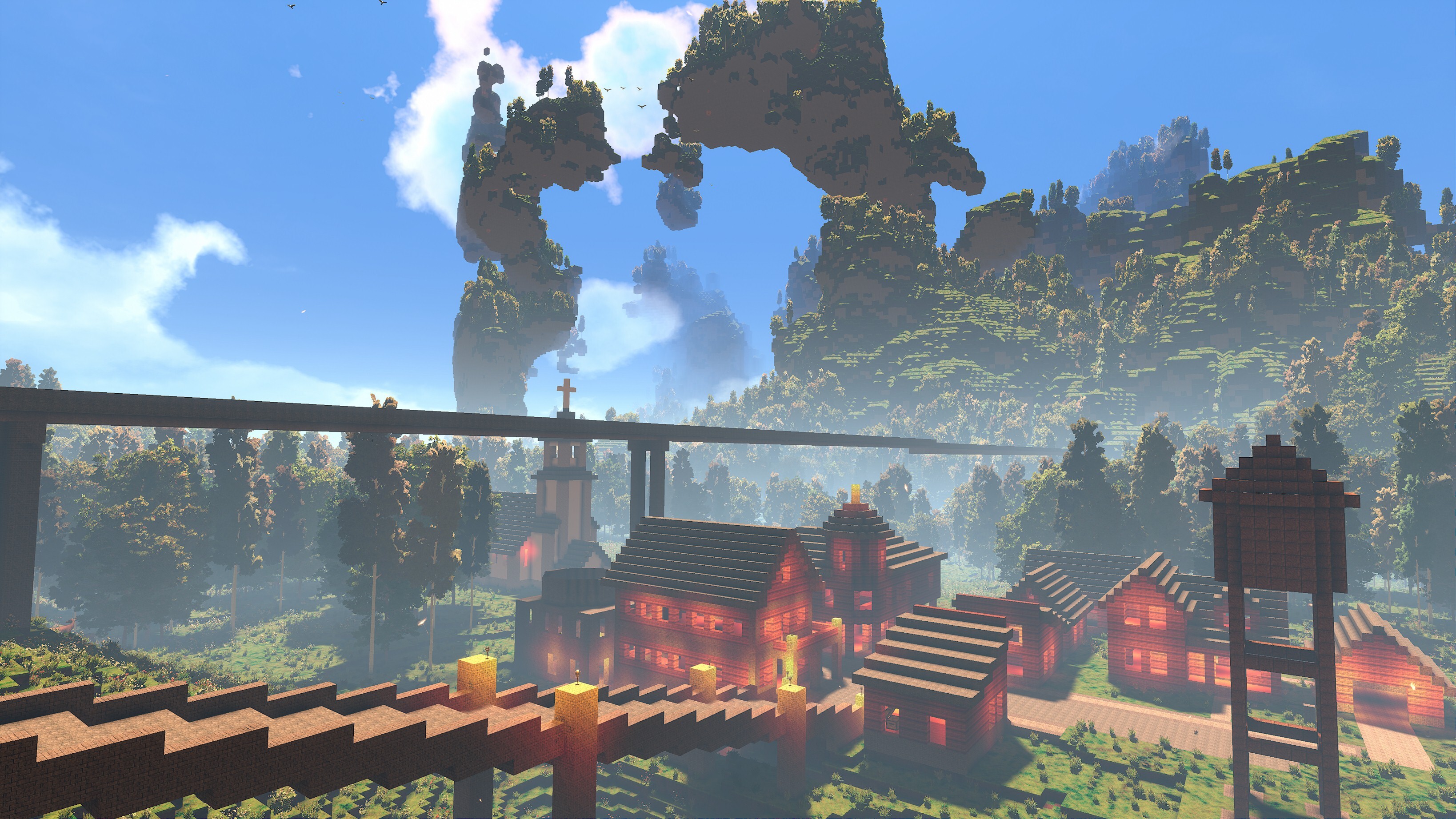
Hope Valley Settlement | Built by: Oriondestiny
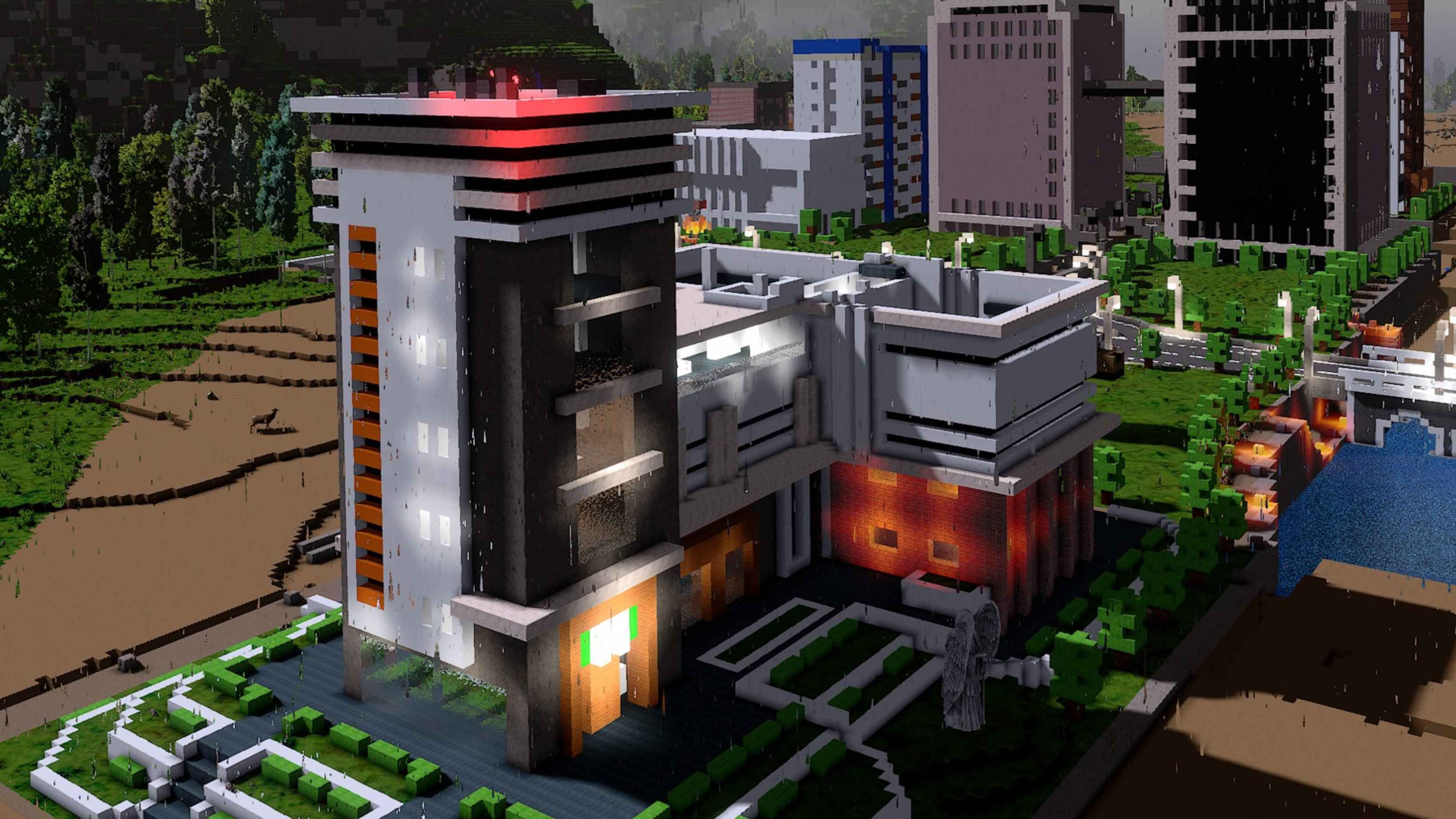
Hospital half way done in Rain | Built by: lonewolf2912
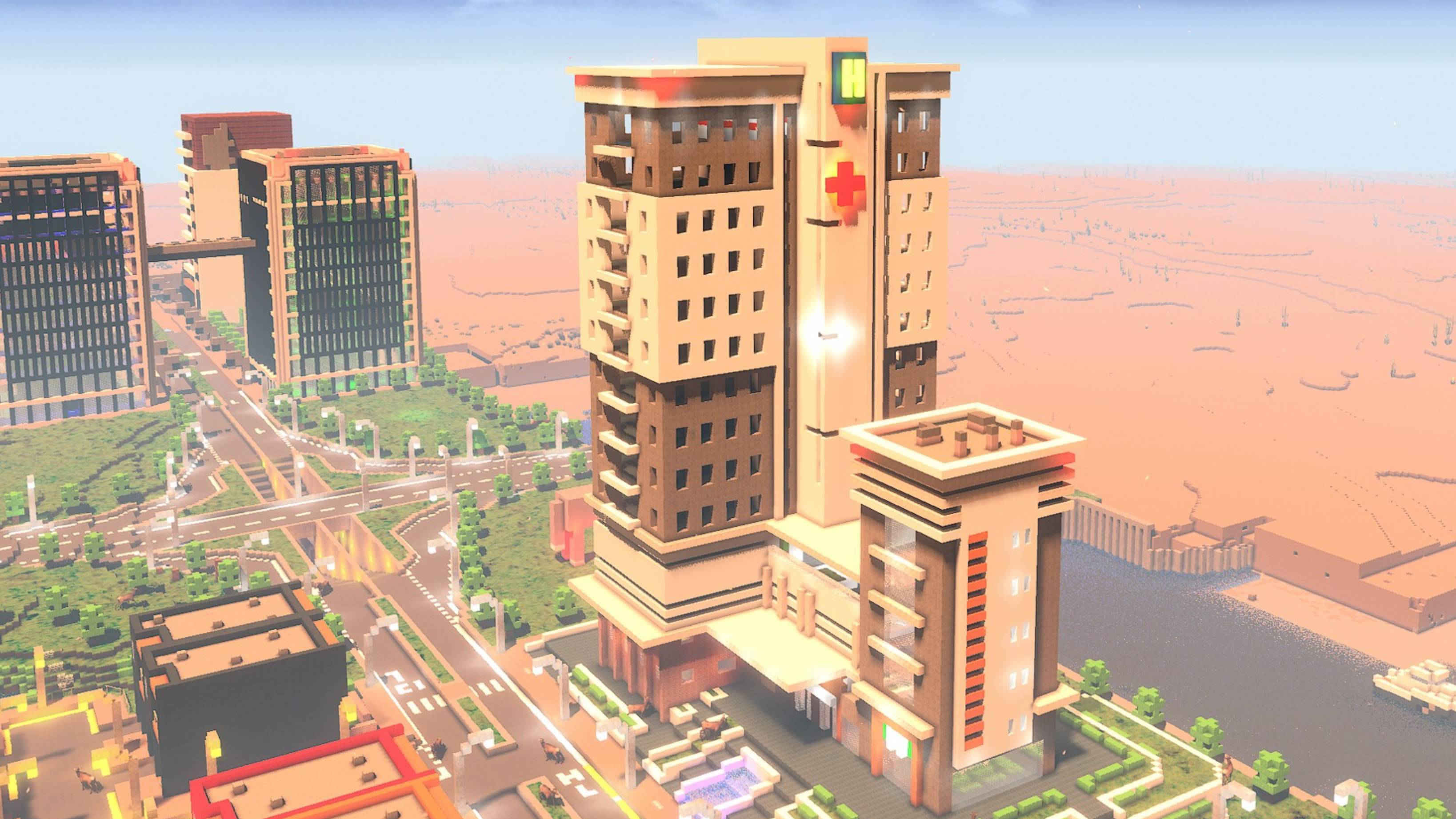
Hospital | Built by: lonewolf2912
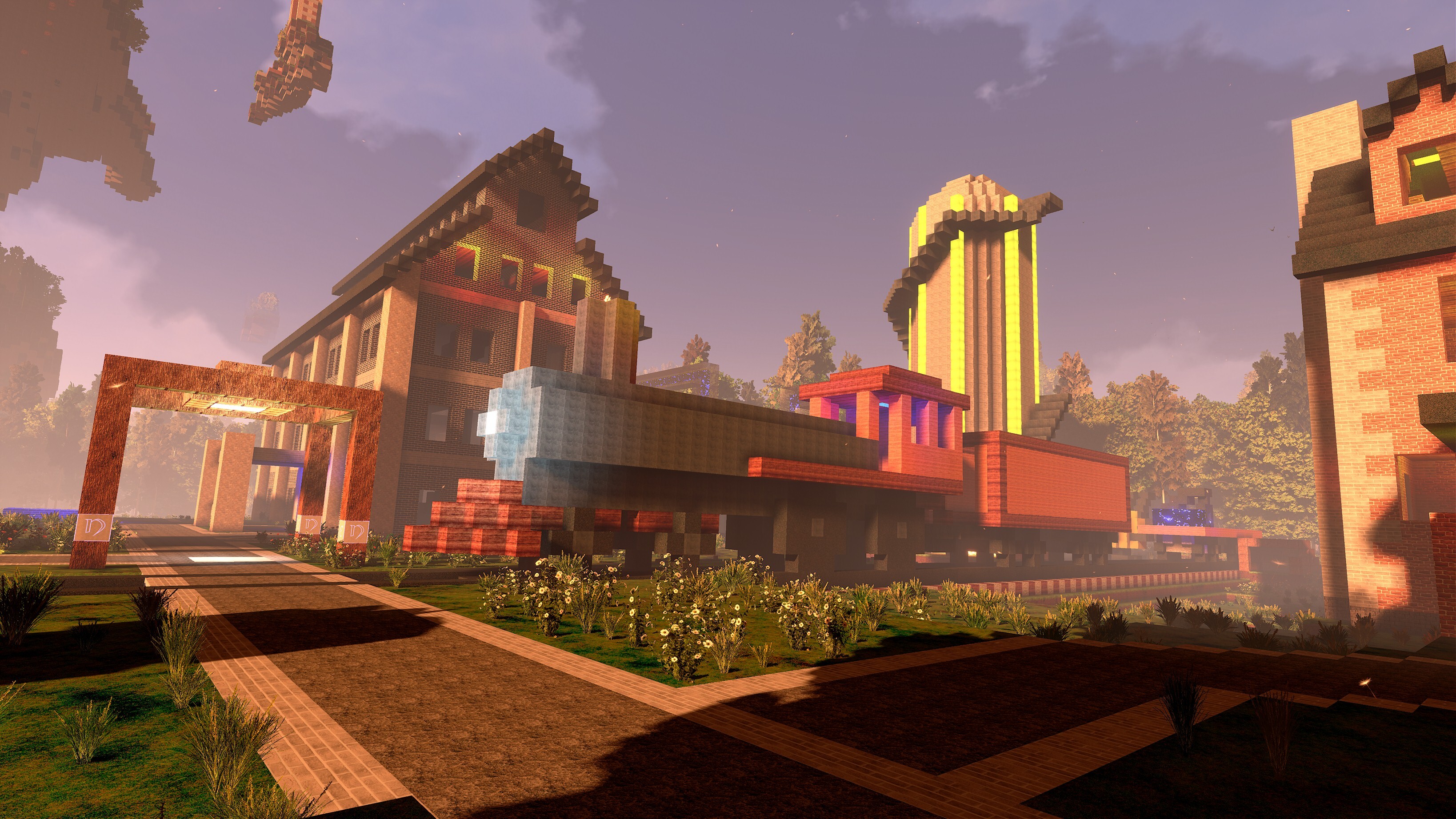
Locomotive with a coal car | Built by: Oriondestiny
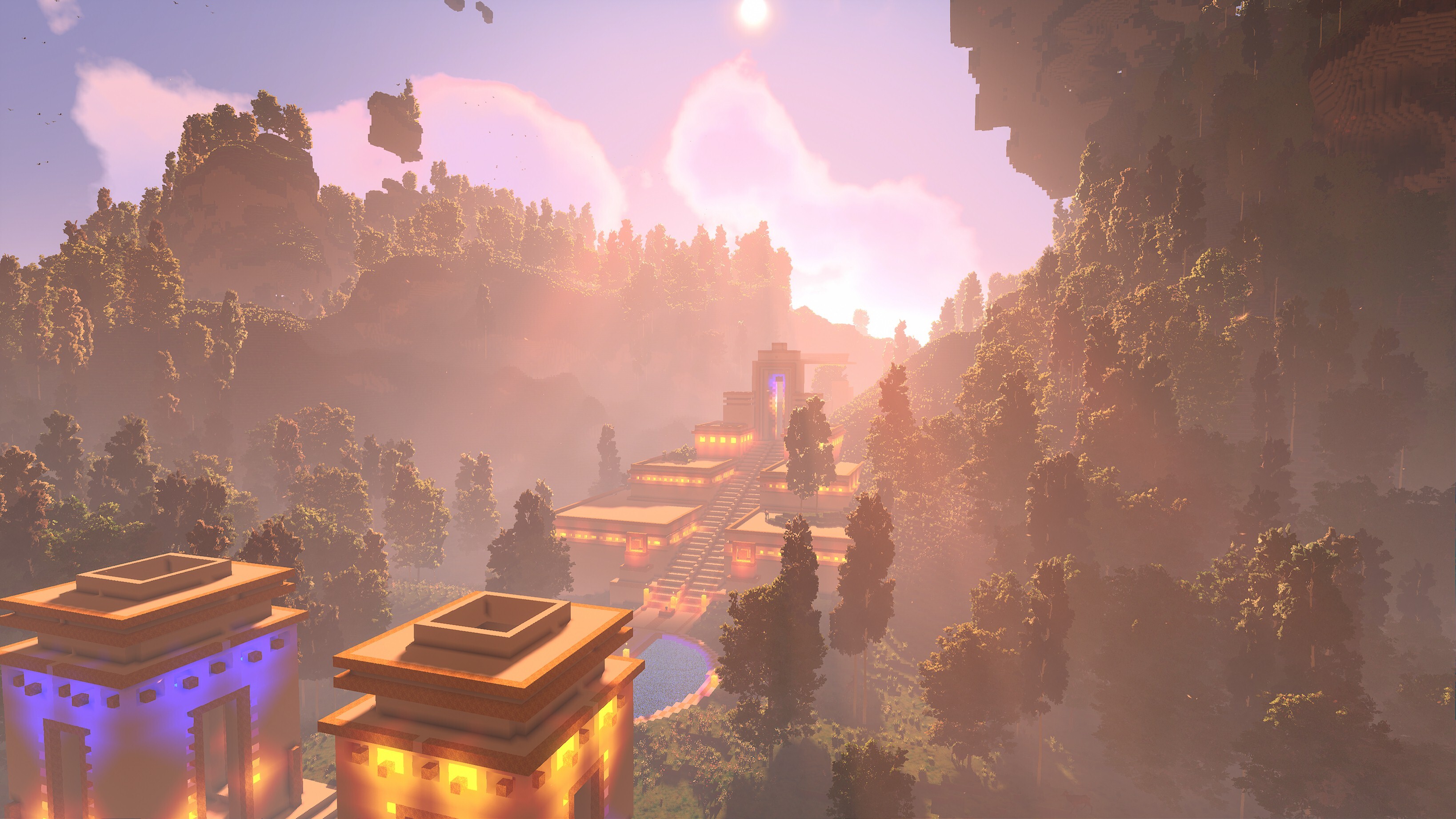
Lost Inca/Maya City | Built by: H2O
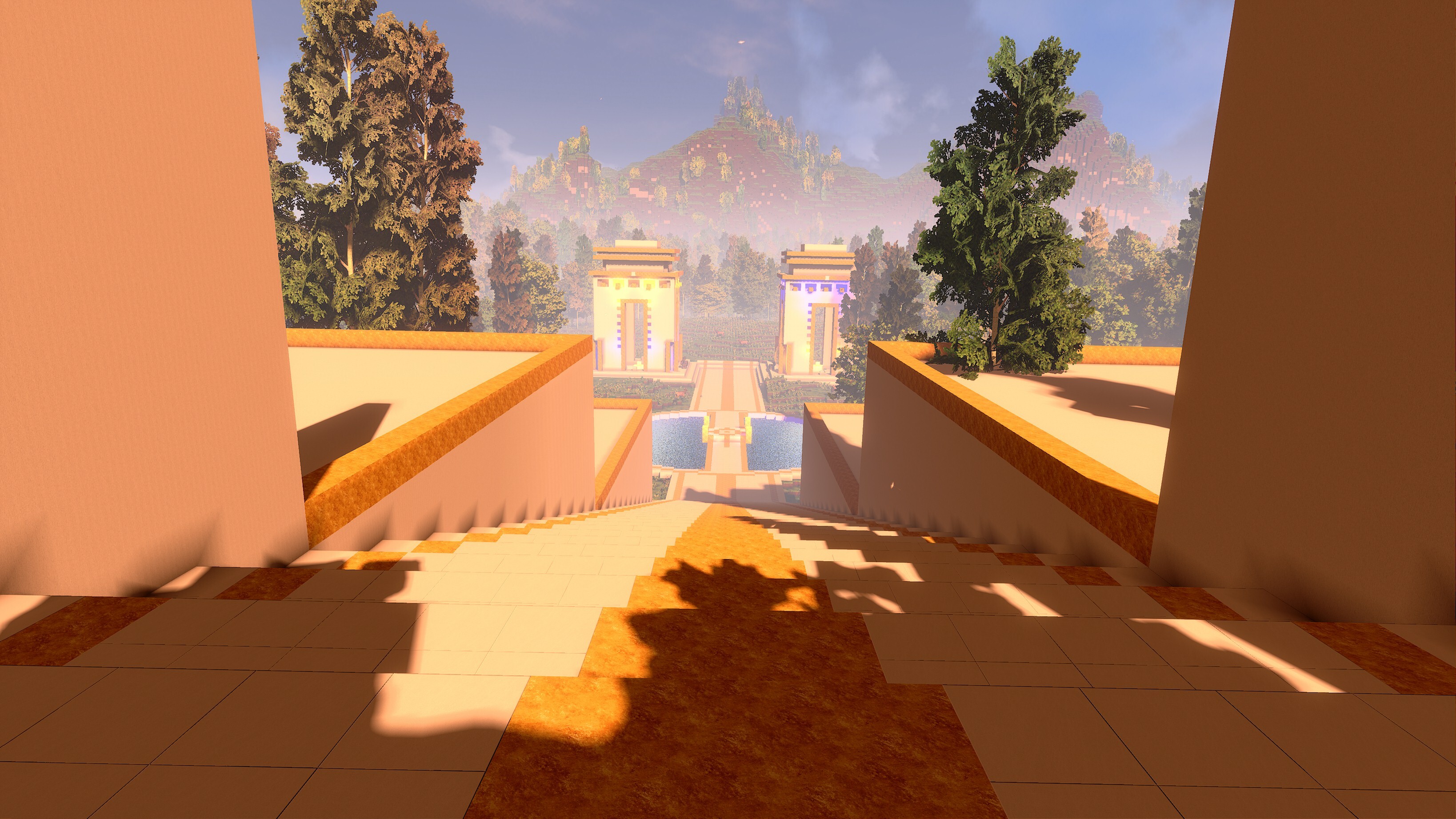
Master Bedroom | Built by: Oriondestiny
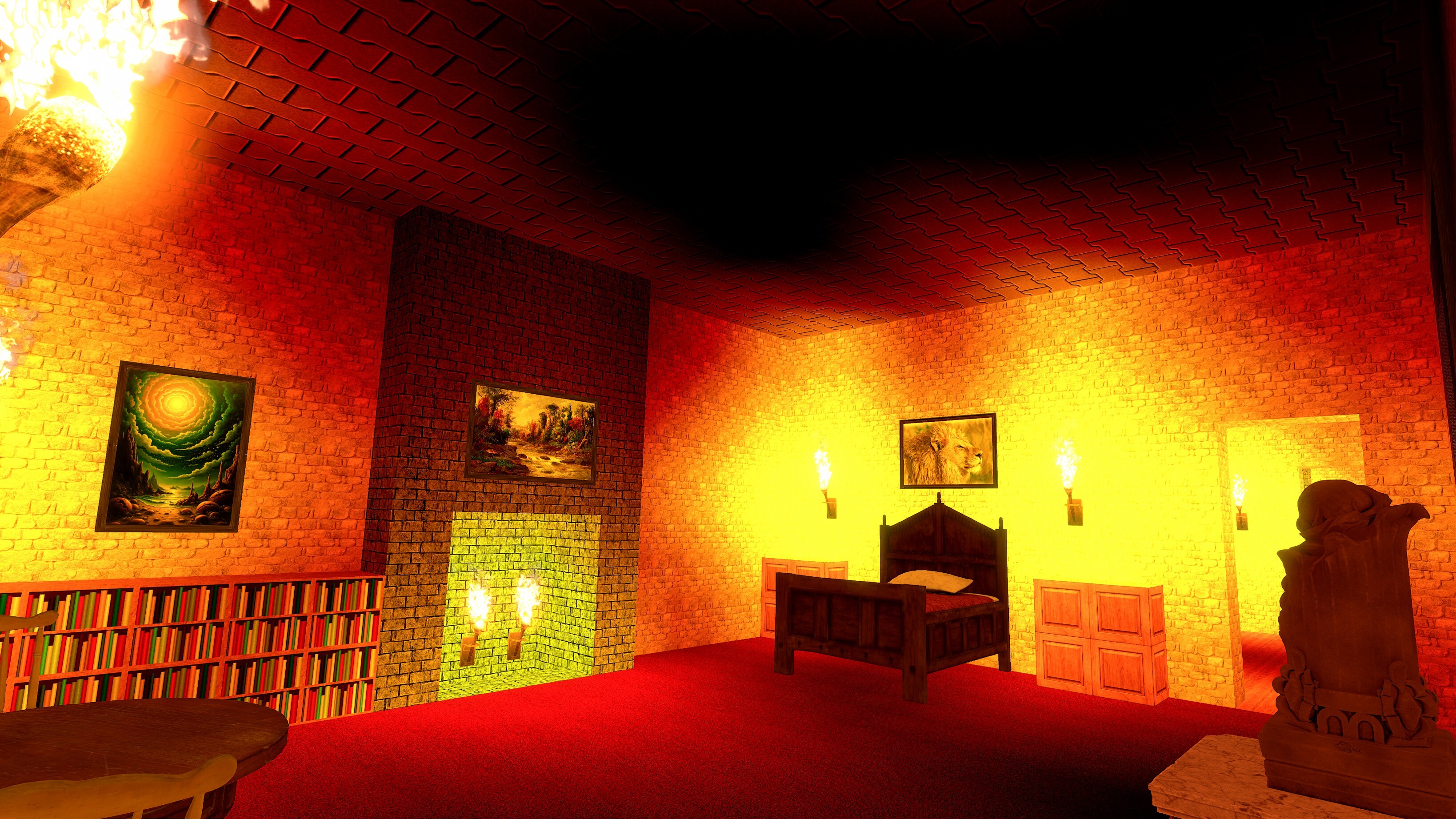
Movie Theater Lobby | Built by: Oriondestiny
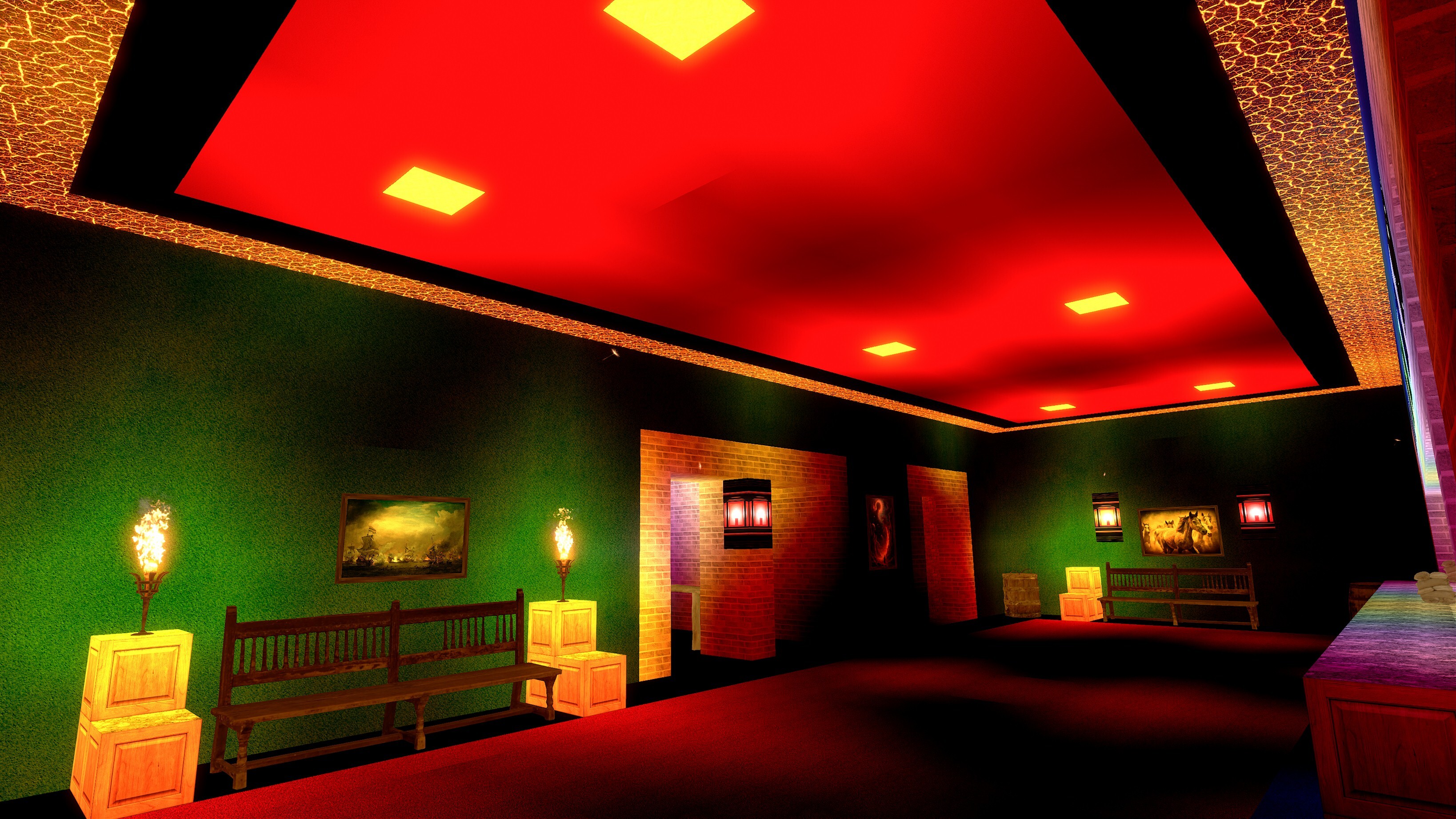
Pagoda | Built by: H2O
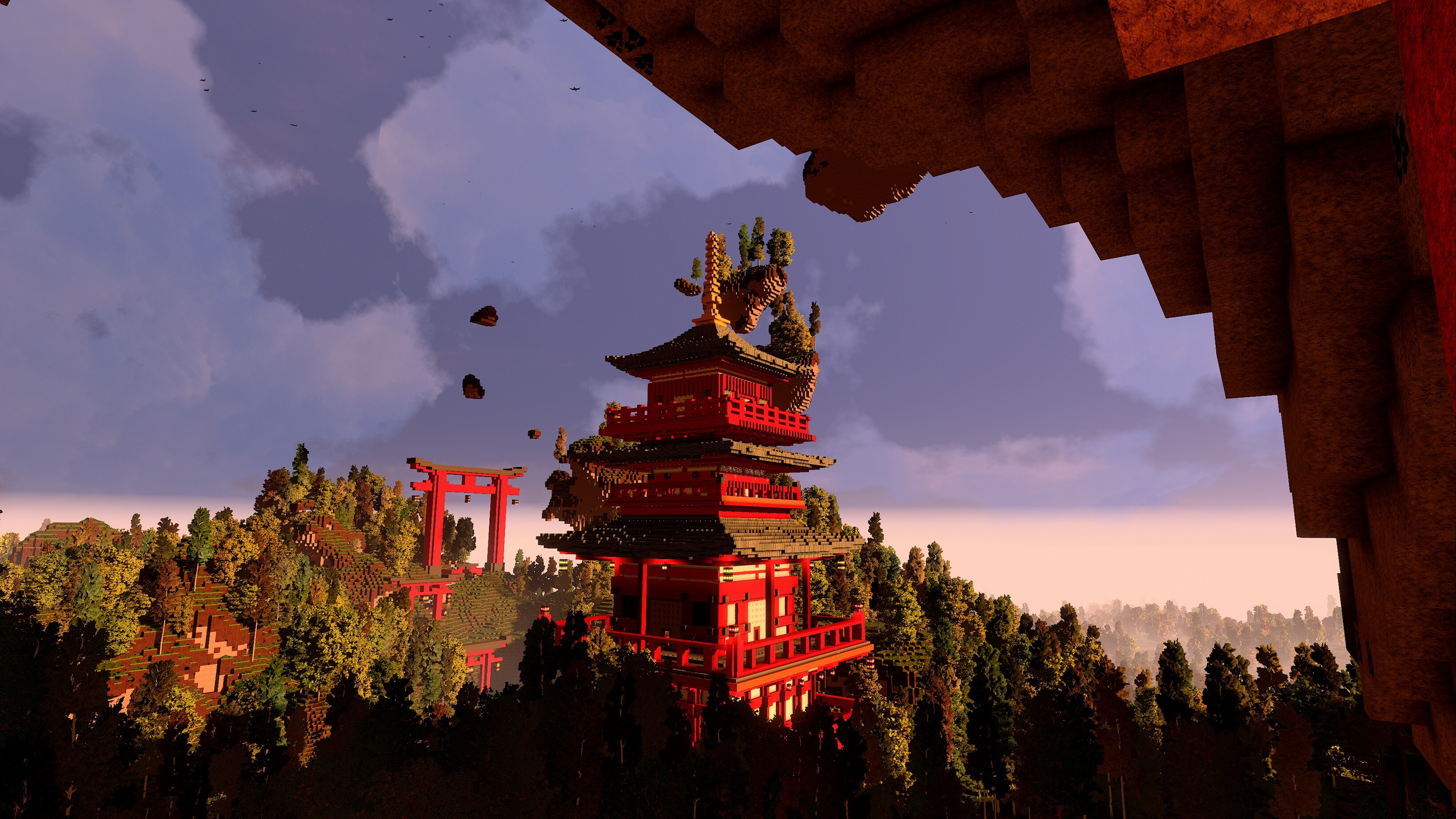
Pool | Built by: H2O
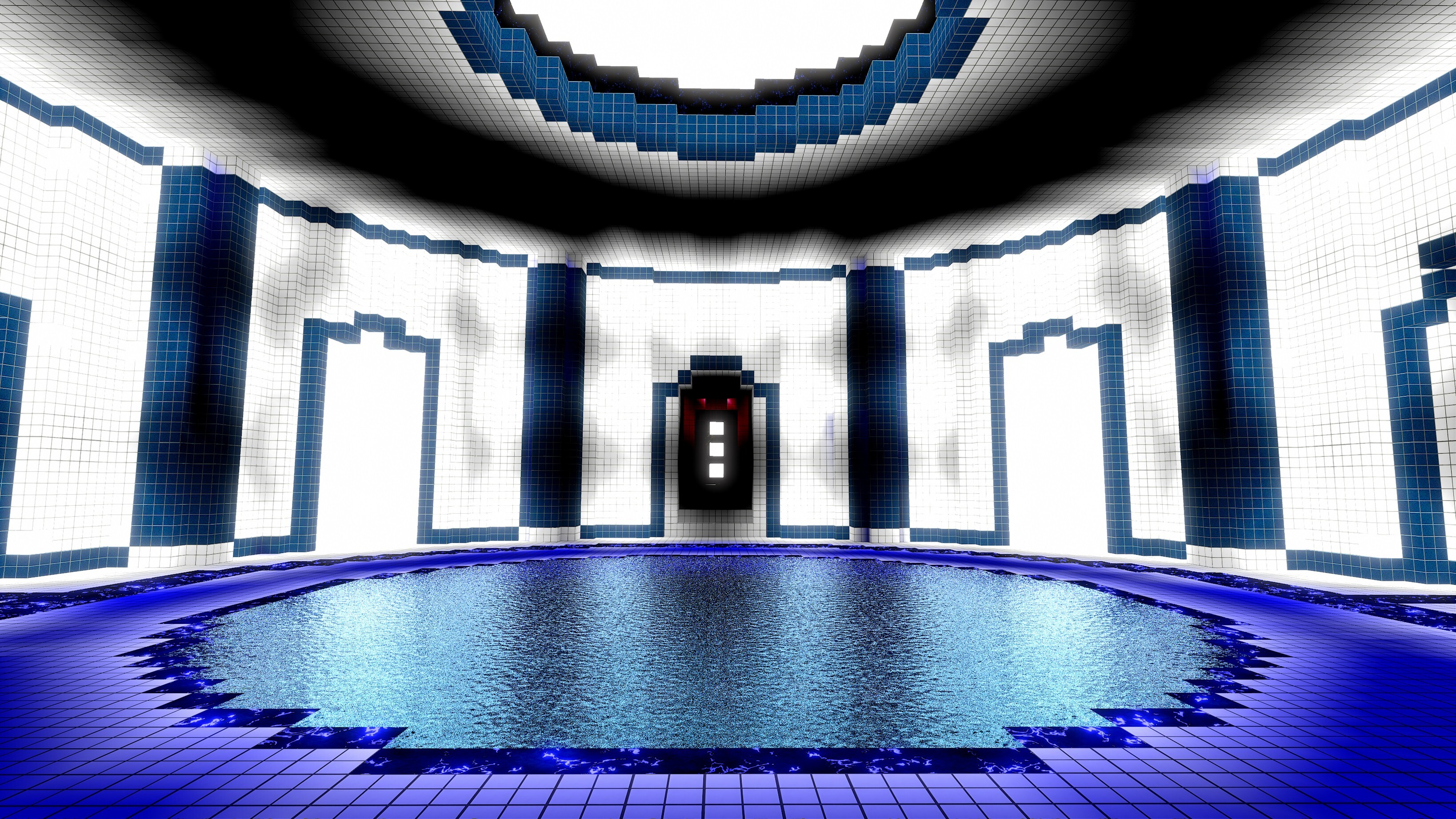
Pyramid House | Built by: Oriondestiny
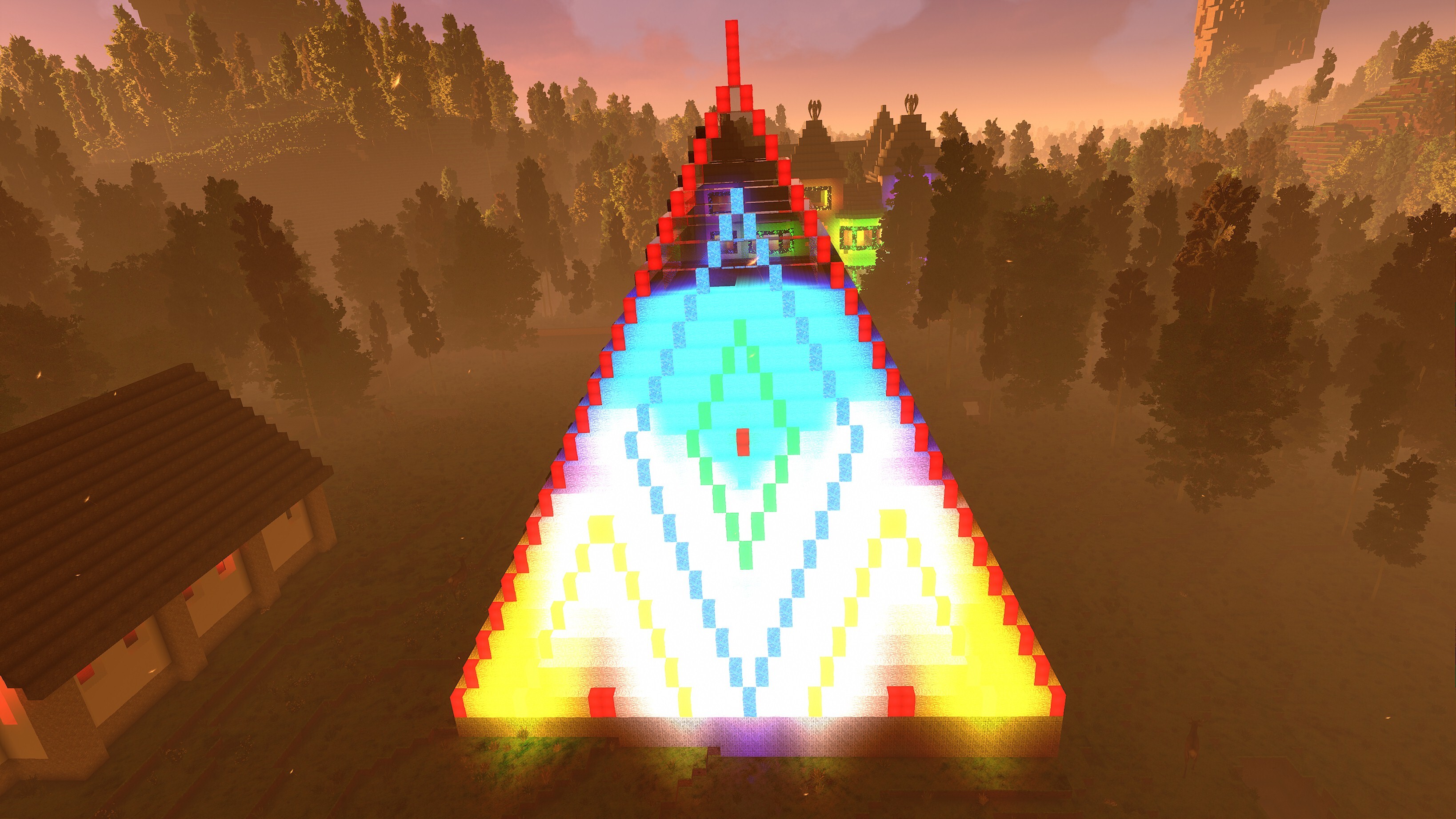
Randwulf Castle | Built by: Oriondestiny
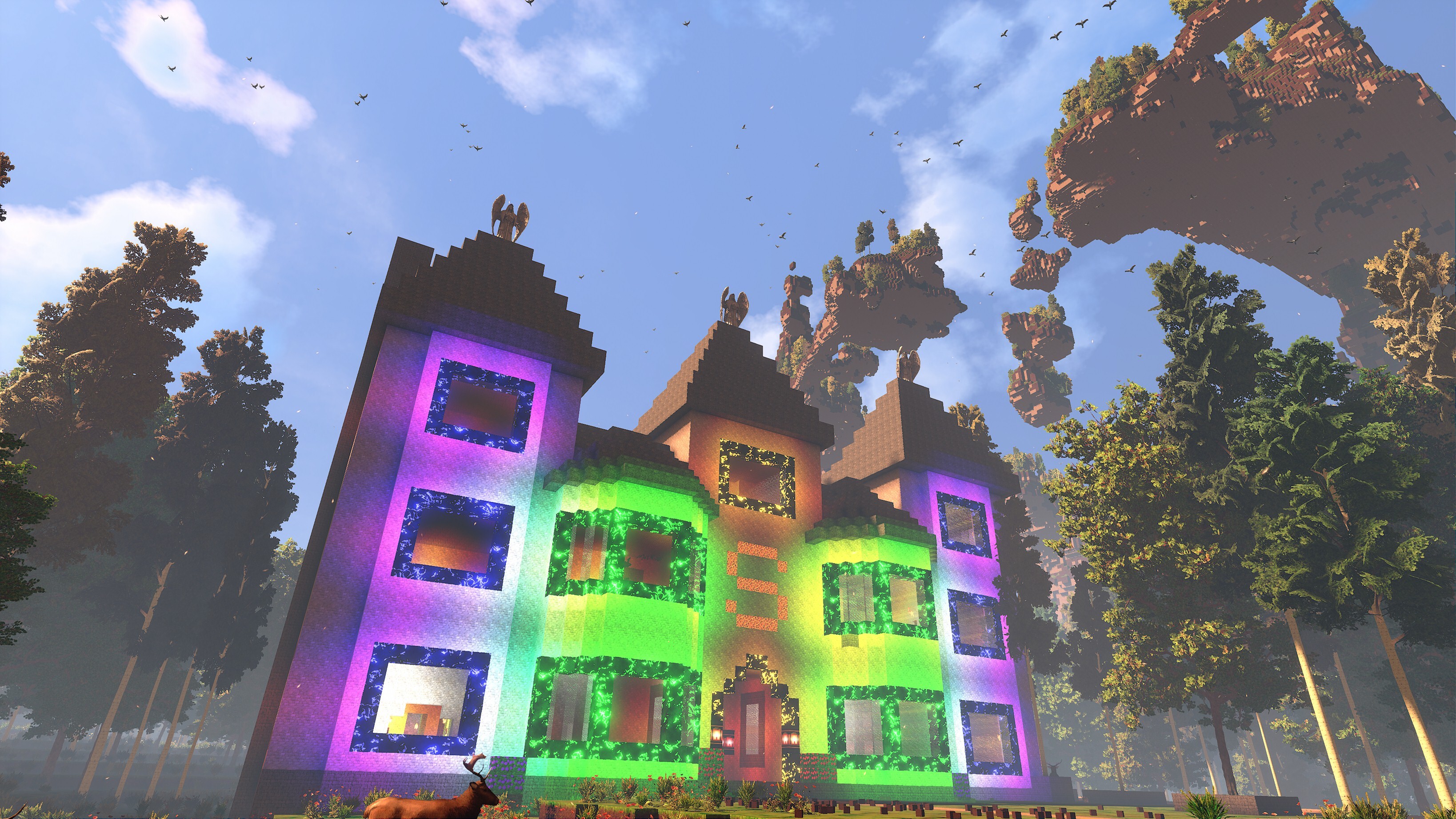
Water in City | Built by: lonewolf2912
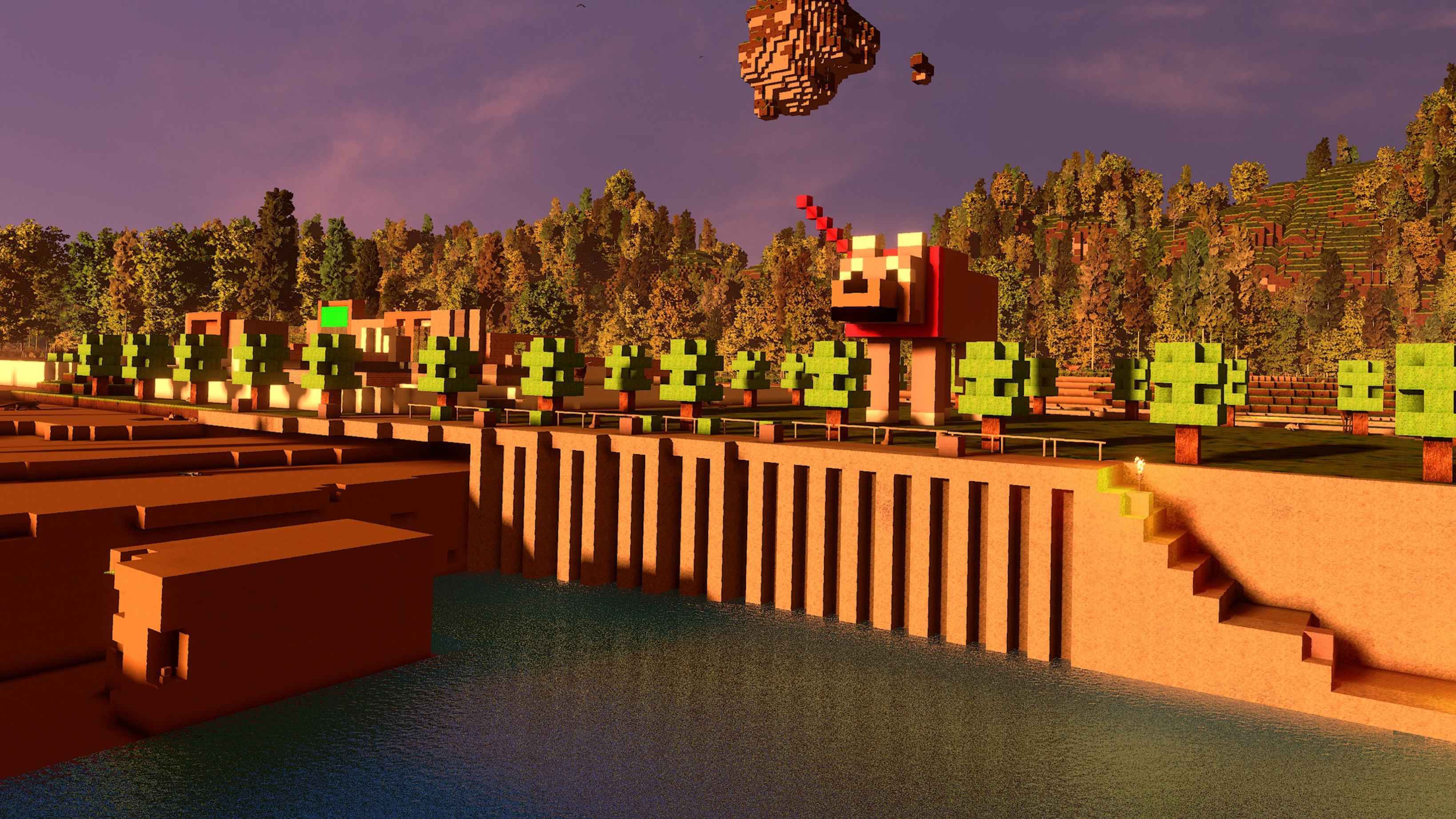
Statue in City | Built by: lonewolf2912
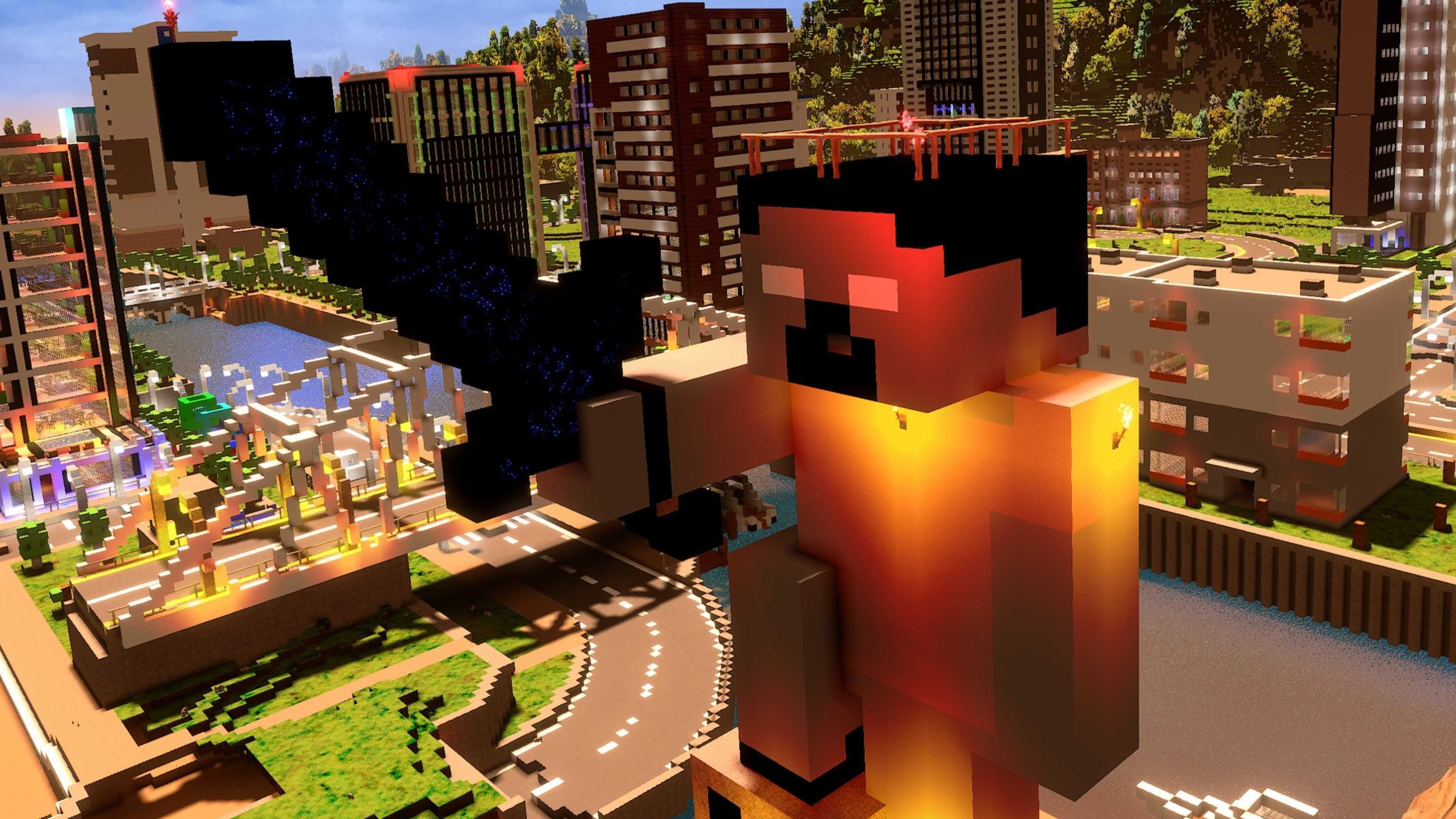
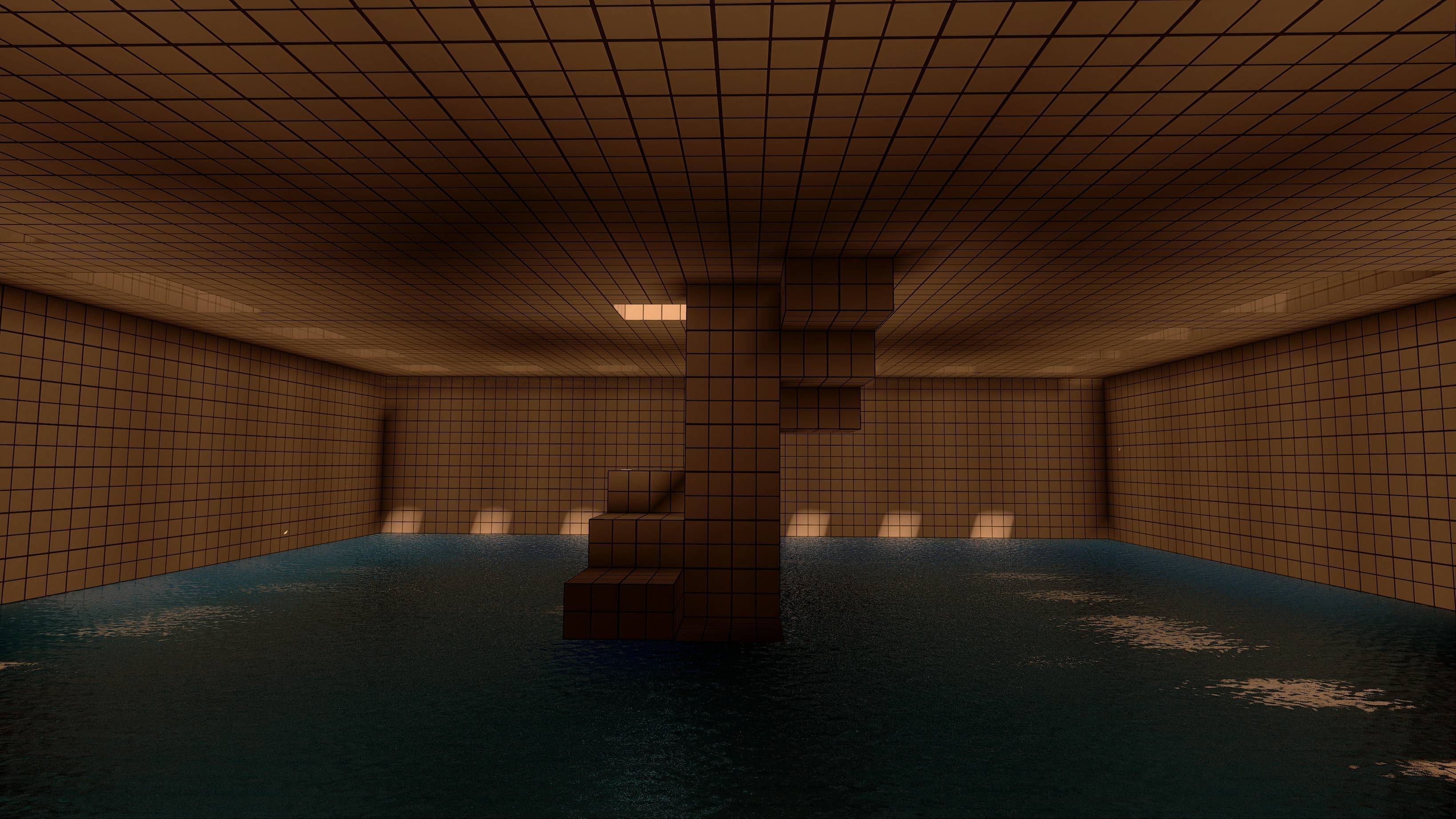
Poolroom | Built by: Blacklight Foxy
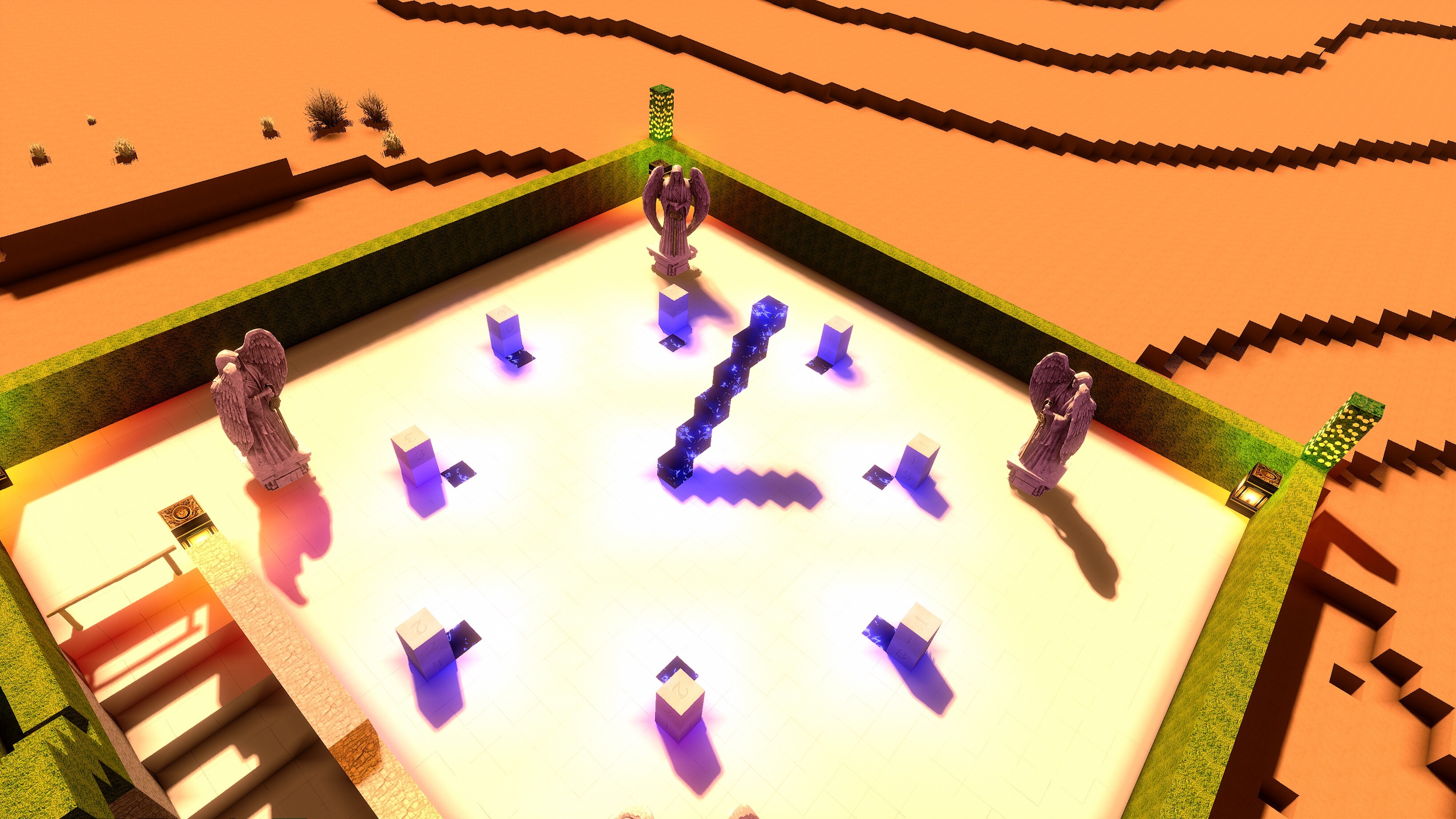
Sundial | Built by: H2O
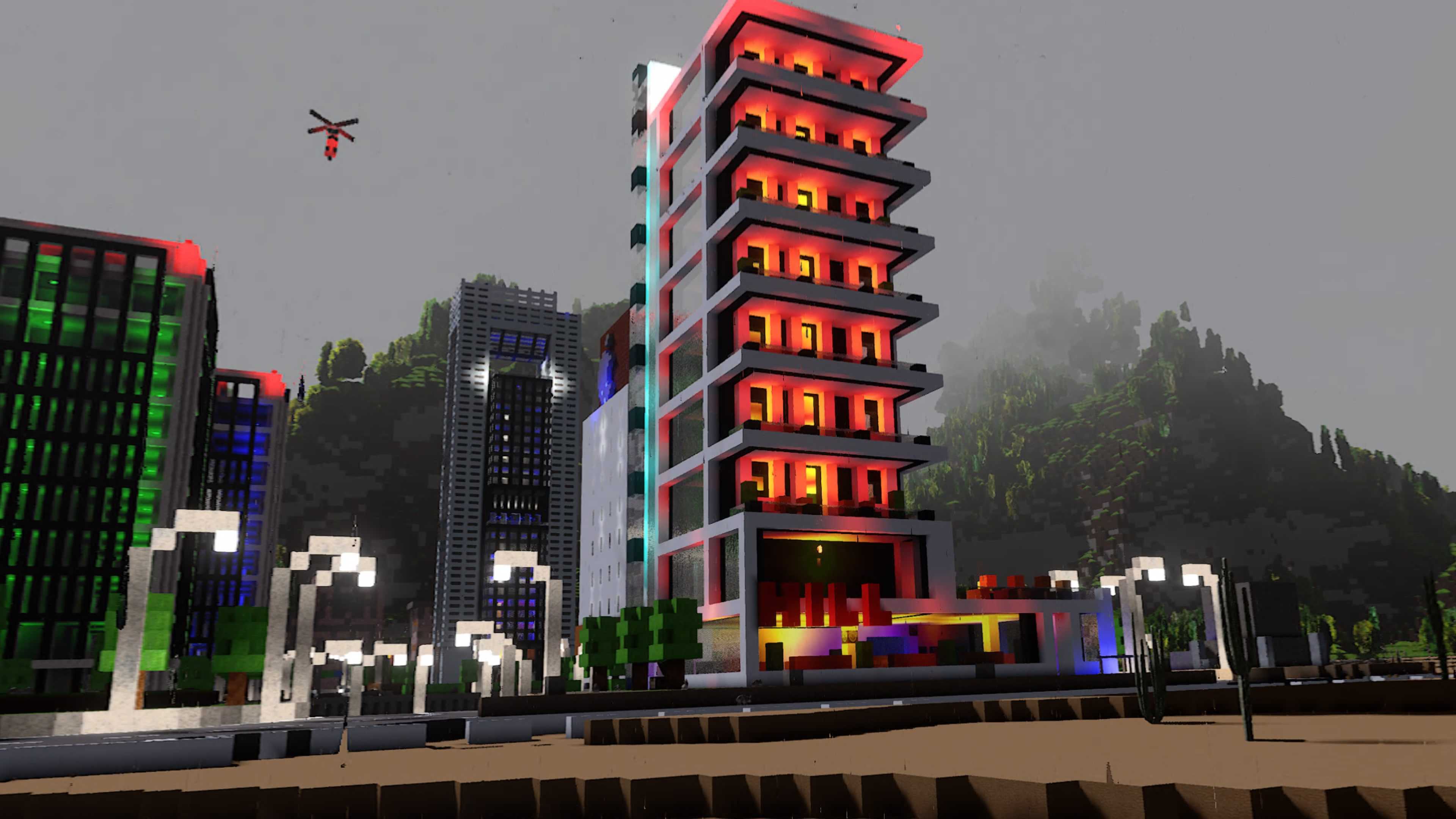
The Hill Hotel | Built by: lonewolf2912
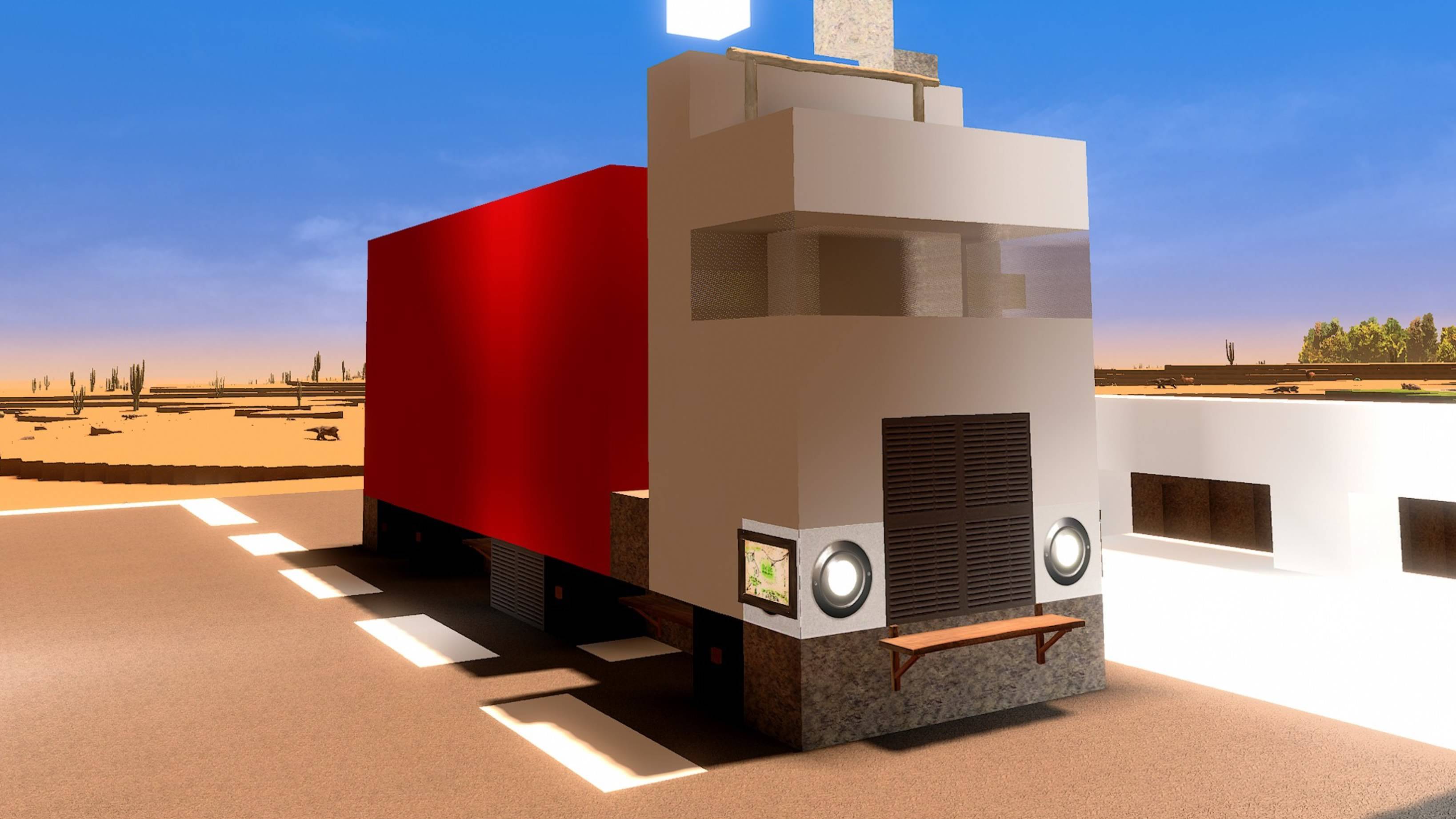
Truck | Built by: lonewolf2912
Wild West Town | Built by: H2O
More awesome new custom blocks
Since the last update, a huge amount of new awesome custom blocks were added to the cyubeVR Steam Workshop!
https://steamcommunity.com/sharedfiles/filedetails/?id=3592645202
https://steamcommunity.com/sharedfiles/filedetails/?id=3591628348
https://steamcommunity.com/sharedfiles/filedetails/?id=3591621141
https://steamcommunity.com/sharedfiles/filedetails/?id=3591620905
https://steamcommunity.com/sharedfiles/filedetails/?id=3591613113
https://steamcommunity.com/sharedfiles/filedetails/?id=3582856421
https://steamcommunity.com/sharedfiles/filedetails/?id=3582856349
https://steamcommunity.com/sharedfiles/filedetails/?id=3582856300
https://steamcommunity.com/sharedfiles/filedetails/?id=3582856259
https://steamcommunity.com/sharedfiles/filedetails/?id=3582856204
https://steamcommunity.com/sharedfiles/filedetails/?id=3582856144
https://steamcommunity.com/sharedfiles/filedetails/?id=3582856108
https://steamcommunity.com/sharedfiles/filedetails/?id=3582856046
https://steamcommunity.com/sharedfiles/filedetails/?id=3582856001
https://steamcommunity.com/sharedfiles/filedetails/?id=3582855962
https://steamcommunity.com/sharedfiles/filedetails/?id=3582855916
https://steamcommunity.com/sharedfiles/filedetails/?id=3582855856
https://steamcommunity.com/sharedfiles/filedetails/?id=3582855791
https://steamcommunity.com/sharedfiles/filedetails/?id=3582855691
https://steamcommunity.com/sharedfiles/filedetails/?id=3582855524
https://steamcommunity.com/sharedfiles/filedetails/?id=3582855387
https://steamcommunity.com/sharedfiles/filedetails/?id=3582854792
https://steamcommunity.com/sharedfiles/filedetails/?id=3582854503
https://steamcommunity.com/sharedfiles/filedetails/?id=3582466237
https://steamcommunity.com/sharedfiles/filedetails/?id=3582456016
https://steamcommunity.com/sharedfiles/filedetails/?id=3582455765
https://steamcommunity.com/sharedfiles/filedetails/?id=3582434766
https://steamcommunity.com/sharedfiles/filedetails/?id=3582434613
https://steamcommunity.com/sharedfiles/filedetails/?id=3582434240
https://steamcommunity.com/sharedfiles/filedetails/?id=3582434066
https://steamcommunity.com/sharedfiles/filedetails/?id=3582433056
https://steamcommunity.com/sharedfiles/filedetails/?id=3578215283
https://steamcommunity.com/sharedfiles/filedetails/?id=3578215176
https://steamcommunity.com/sharedfiles/filedetails/?id=3578215040
https://steamcommunity.com/sharedfiles/filedetails/?id=3578214849
https://steamcommunity.com/sharedfiles/filedetails/?id=3578184177
https://steamcommunity.com/sharedfiles/filedetails/?id=3578183862
https://steamcommunity.com/sharedfiles/filedetails/?id=3575776308
https://steamcommunity.com/sharedfiles/filedetails/?id=3575740385
https://steamcommunity.com/sharedfiles/filedetails/?id=3575104617
https://steamcommunity.com/sharedfiles/filedetails/?id=3574619875
https://steamcommunity.com/sharedfiles/filedetails/?id=3574619458
https://steamcommunity.com/sharedfiles/filedetails/?id=3574619256
https://steamcommunity.com/sharedfiles/filedetails/?id=3574564899
https://steamcommunity.com/sharedfiles/filedetails/?id=3574564606
https://steamcommunity.com/sharedfiles/filedetails/?id=3574564299
https://steamcommunity.com/sharedfiles/filedetails/?id=3574564156
https://steamcommunity.com/sharedfiles/filedetails/?id=3574563890
https://steamcommunity.com/sharedfiles/filedetails/?id=3574563565
https://steamcommunity.com/sharedfiles/filedetails/?id=3570340890
https://steamcommunity.com/sharedfiles/filedetails/?id=3570340473
https://steamcommunity.com/sharedfiles/filedetails/?id=3570340165
https://steamcommunity.com/sharedfiles/filedetails/?id=3570339997
https://steamcommunity.com/sharedfiles/filedetails/?id=3570339684
https://steamcommunity.com/sharedfiles/filedetails/?id=3570339543
https://steamcommunity.com/sharedfiles/filedetails/?id=3570339266
https://steamcommunity.com/sharedfiles/filedetails/?id=3569343465
https://steamcommunity.com/sharedfiles/filedetails/?id=3565737490
https://steamcommunity.com/sharedfiles/filedetails/?id=3563433656
https://steamcommunity.com/sharedfiles/filedetails/?id=3563433151
https://steamcommunity.com/sharedfiles/filedetails/?id=3563418413
https://steamcommunity.com/sharedfiles/filedetails/?id=3563418005
https://steamcommunity.com/sharedfiles/filedetails/?id=3563417650
https://steamcommunity.com/sharedfiles/filedetails/?id=3563415815
https://steamcommunity.com/sharedfiles/filedetails/?id=3563415631
https://steamcommunity.com/sharedfiles/filedetails/?id=3563414987
https://steamcommunity.com/sharedfiles/filedetails/?id=3563414322
https://steamcommunity.com/sharedfiles/filedetails/?id=3563414002
https://steamcommunity.com/sharedfiles/filedetails/?id=3563413675
https://steamcommunity.com/sharedfiles/filedetails/?id=3563413518
https://steamcommunity.com/sharedfiles/filedetails/?id=3442546696
https://steamcommunity.com/sharedfiles/filedetails/?id=3367258503
https://steamcommunity.com/sharedfiles/filedetails/?id=3367249836
https://steamcommunity.com/sharedfiles/filedetails/?id=3366613707
https://steamcommunity.com/sharedfiles/filedetails/?id=3366613591
https://steamcommunity.com/sharedfiles/filedetails/?id=3366613394
https://steamcommunity.com/sharedfiles/filedetails/?id=3363963653
https://steamcommunity.com/sharedfiles/filedetails/?id=3363577728
https://steamcommunity.com/sharedfiles/filedetails/?id=3363577284
https://steamcommunity.com/sharedfiles/filedetails/?id=3363576800
https://steamcommunity.com/sharedfiles/filedetails/?id=3363576635
https://steamcommunity.com/sharedfiles/filedetails/?id=3363576461
https://steamcommunity.com/sharedfiles/filedetails/?id=3363570926
https://steamcommunity.com/sharedfiles/filedetails/?id=3363329737
https://steamcommunity.com/sharedfiles/filedetails/?id=3363272112
https://steamcommunity.com/sharedfiles/filedetails/?id=3362588759
https://steamcommunity.com/sharedfiles/filedetails/?id=3362196974
https://steamcommunity.com/sharedfiles/filedetails/?id=3362196807
https://steamcommunity.com/sharedfiles/filedetails/?id=3362196651
https://steamcommunity.com/sharedfiles/filedetails/?id=3362196206
https://steamcommunity.com/sharedfiles/filedetails/?id=3362195968
https://steamcommunity.com/sharedfiles/filedetails/?id=3361070380
https://steamcommunity.com/sharedfiles/filedetails/?id=3361038559
https://steamcommunity.com/sharedfiles/filedetails/?id=3358901425
https://steamcommunity.com/sharedfiles/filedetails/?id=3351496841
https://steamcommunity.com/sharedfiles/filedetails/?id=3351496509
https://steamcommunity.com/sharedfiles/filedetails/?id=3351466963
https://steamcommunity.com/sharedfiles/filedetails/?id=3351466683
https://steamcommunity.com/sharedfiles/filedetails/?id=3351466306
https://steamcommunity.com/sharedfiles/filedetails/?id=3349408488
https://steamcommunity.com/sharedfiles/filedetails/?id=3349368136
https://steamcommunity.com/sharedfiles/filedetails/?id=3349368039
https://steamcommunity.com/sharedfiles/filedetails/?id=3349367835
https://steamcommunity.com/sharedfiles/filedetails/?id=3349367725
https://steamcommunity.com/sharedfiles/filedetails/?id=3349367581
https://steamcommunity.com/sharedfiles/filedetails/?id=3349367469
https://steamcommunity.com/sharedfiles/filedetails/?id=3349367264
https://steamcommunity.com/sharedfiles/filedetails/?id=3349367061
https://steamcommunity.com/sharedfiles/filedetails/?id=3349366735
https://steamcommunity.com/sharedfiles/filedetails/?id=3349366303
https://steamcommunity.com/sharedfiles/filedetails/?id=3349365969
https://steamcommunity.com/sharedfiles/filedetails/?id=3349364845
https://steamcommunity.com/sharedfiles/filedetails/?id=3349364592
https://steamcommunity.com/sharedfiles/filedetails/?id=3349363971
https://steamcommunity.com/sharedfiles/filedetails/?id=3349363879
https://steamcommunity.com/sharedfiles/filedetails/?id=3349363753
https://steamcommunity.com/sharedfiles/filedetails/?id=3349363547
https://steamcommunity.com/sharedfiles/filedetails/?id=3349363468
https://steamcommunity.com/sharedfiles/filedetails/?id=3349363371
https://steamcommunity.com/sharedfiles/filedetails/?id=3349363228
https://steamcommunity.com/sharedfiles/filedetails/?id=3349363133
https://steamcommunity.com/sharedfiles/filedetails/?id=3349362925
https://steamcommunity.com/sharedfiles/filedetails/?id=3349362825
https://steamcommunity.com/sharedfiles/filedetails/?id=3349362317
https://steamcommunity.com/sharedfiles/filedetails/?id=3349361887
https://steamcommunity.com/sharedfiles/filedetails/?id=3349361433
You can easily install any of them with a single button click. Make sure to regularly browse through the Steam Workshop and subscribe to anything you find useful for building in cyubeVR, or create your own custom blocks!
It's super easy to create your own custom blocks! Did you know there is a super easy to use GUI tool now for creating cyubeVR custom blocks? Everything you need to know about how to create custom blocks you can find here: https://steamcommunity.com/app/619500/discussions/3/1640917625019543783/
And if you want to create more sophisticated mods for the game, that's possible too! Check out this page that explains all the different types of modding possible with cyubeVR: https://github.com/cyubeVR-Modding
Thanks very much to all the Patreon supporters!
A big thanks to everyone for supporting the development of cyubeVR on Patreon! I'm working full-time on cyubeVR, so any Patreon Supporter is really worth a lot for the continued development of the game. Thanks so much to all the Patreon Supporters (list sorted by total lifetime donation, highest first):
ChibiArcher, Arados, B4nH4mm3r plays, Kontorminator, John Patton, Albertbz, Lynx, Altair, Plantmaster, Ethernoctis, Bhima, Quill, Lucanes, KroyVR, Trevor Berninger, Saltshine, SkyBlaze, oODesihraOo, ErrorNull, Sceptrex, Mika, DiamondHunter_, Tom Hörberg, gunair, David R., Nathaniel Despres, Al Raw, wherr, David O, Yasha, Eti the Spirit, Shanya / Sabrina, Leo McKeon, MightyDuck, Super Papita, Oakridge, VenturePopTV, WillyVR, Austin Flores, Talsma, TallOnTwo, Tiddlez, Michael Ballard, M1kk3l, Zarvock, WarChi1d, Jackerino, Alphie, Andrew Stevenson, Irwin Fletcher, Swartnir, Solid Hernando, __mt, Curzek, Lucas van Leiden, WillyVR, mazzawoollza, RelativelyQuantum, vlp, Joshua Huddleston, Netshaman, Lumezzangeles, Dave Pearson, Bucket Codes, texhnobees, Daniel Crawford, TinyMrMan (MB), Wyrm, AnubisXtreme, Rüdiger Raab, joerkig, MurphChops, Connor A, Algiz, MeisterSasa, Daniel Fernandes Simoes, nqeron, Frederik Jacobus Jansen van Rensburg, SingingFluffyUK, Idalinn, TNMPlayer, Cameron Dean
Patreon rewards are being mentioned in the list of Patreon supporters in the main menu, getting a special colored name in the official cyubeVR discord, and physical items like a sticker, mug, or T-Shirt with cyubeVR designs.
As usual, thanks very much to our great beta testers in the official cyubeVR discord who tested this update as part of 55 separate beta builds! If you want to test new features earlier when they come out in the beta branch, make sure to join the discord and take a look at the #beta-build-patch-notes and #beta-build-discussion channel!
That's all for today! If you like the game, don't forget to tell other people about it and write a review on Steam if you haven't done that already, even if it's simply "good game". Writing a positive review is the easiest way you can support the game because indie devs like me are very dependent on the Steam Algorithm recommending the game to new people to be able to afford to keep working on it!
Thanks for caring about the game and as usual, make sure to report all issues you see and give me as much feedback as possible in the official forums or the official discord server, join it before its full ;) If you don't like something about the game, please tell me there and I'll try to improve it! I'm available to chat with anyone in Discord :)
There's also the official cyubeVR subreddit on Reddit, if you're active on Reddit, make sure to subscribe to it and maybe post some great screenshots there!
You can also follow cyubeVR on X/Twitter or follow cyubeVR on Bluesky, but there is generally not much activity there, the main place for following development "live" is the Discord.
And lastly, don't forget there's an official roadmap with voting features.
Looking forward to hearing what you think about the new update :)
Cheers!