Developed by Joy Media Limited and co-published by Fenglin Studio & Yixiangfeng Interactive Entertainment, the bond-driven live-action interactive adventure game SubZero (冰点之下) officially launches globally on Steam at 16:00 Beijing Time (UTC+8) today (May 29). The original price is $9.99 USD, with a limited-time launch discount of 23% off – yours for just $7.69 USD. Immerse yourself in a frozen, zombie-infested post-apocalyptic survival experience starting now!
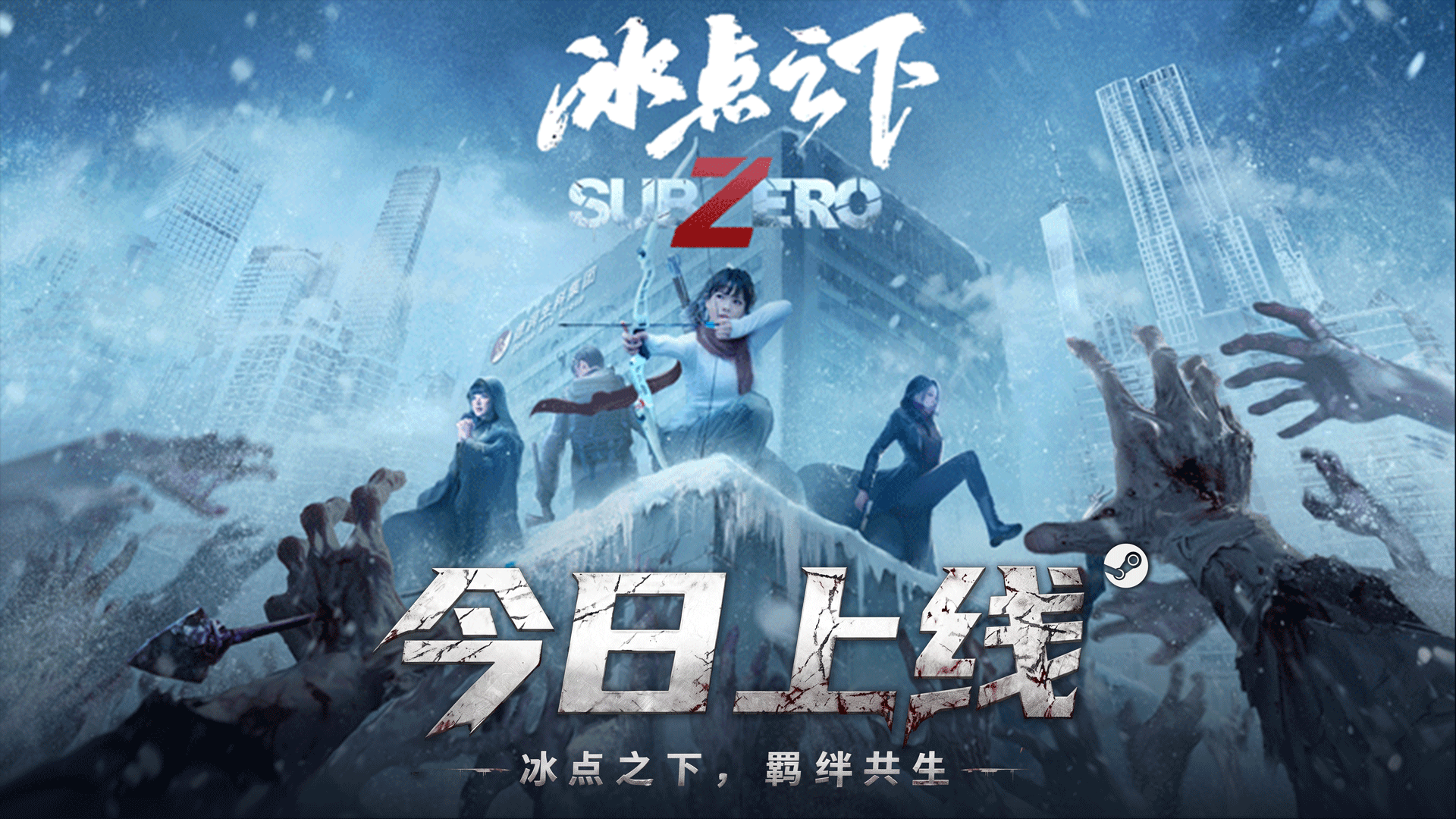
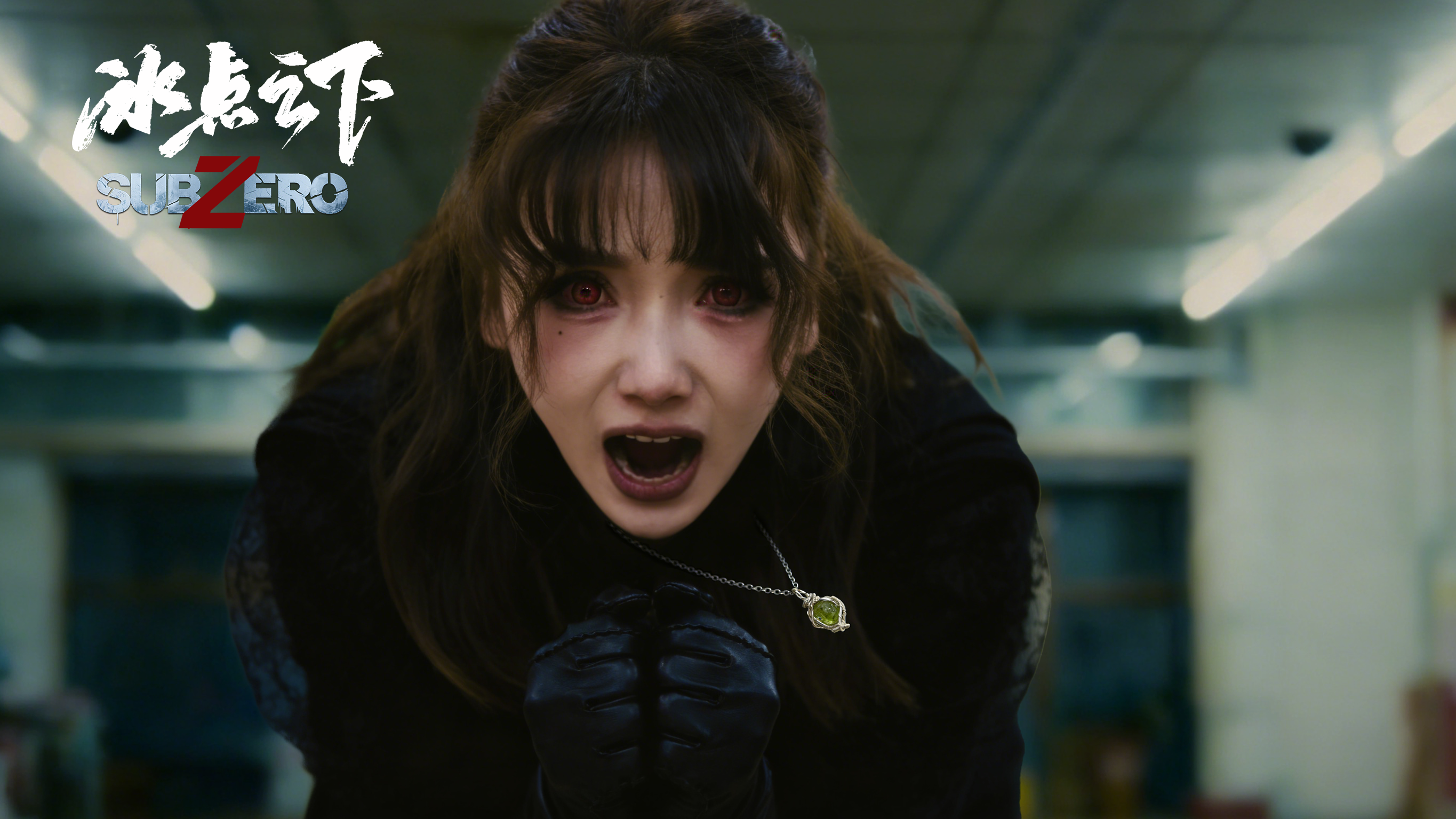
SubZero, where frozen hearts find warmth; between choices, bonds are born. Set in a world frozen over by a global ice age, SubZero follows Wu Yi, an ordinary warehouse clerk. As a tropical harbor freezes overnight and zombies roam the wasteland, he encounters three distinctive survivors: Li Meng, an archery student; Meng Kelan, a mysterious and elegant woman; and Reina, a cheerful pastry chef. Together, they embark on a desperate journey of survival. When extreme cold buries civilization and whispers of zombies cut through the blizzard, the line between good and evil blurs, and the test of humanity is relentless. Every critical choice you make will shape the bonds between characters, alter the story’s direction, and unlock multiple, vastly different endings.
Starts at 16:00 Beijing Time (UTC+8) today (May 29) – the bond-driven post-apocalyptic interactive game SubZero makes its global debut on Steam. Original price $9.99 USD, limited-time launch discount of 23% off – get it for only $7.69 USD.

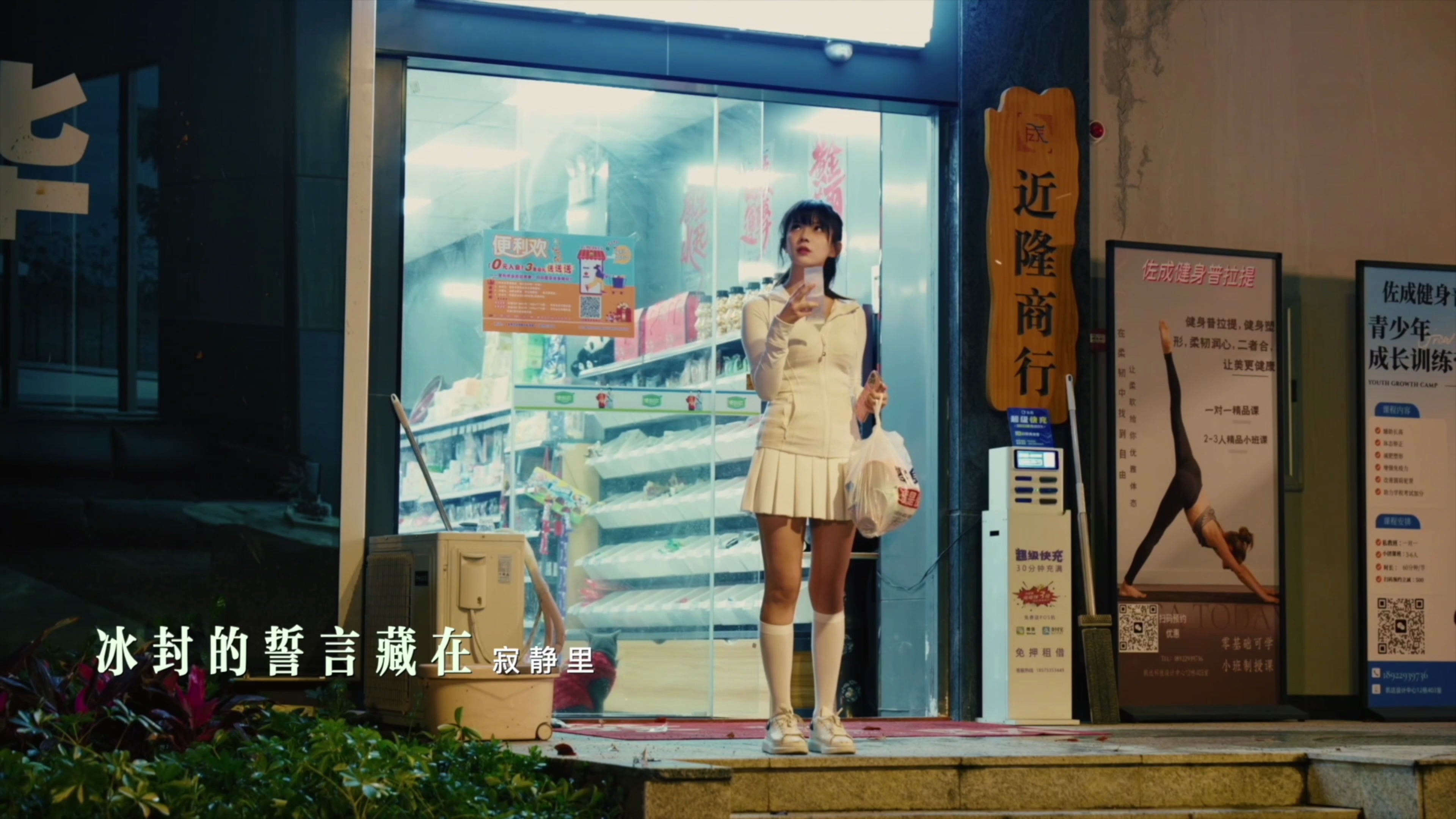
The official theme song MV "SubZero" was released on May 15 on major social media platforms. Its melody carries the solitude and warmth of the frozen apocalypse, singing of perseverance and bonds in desperate times. A delicate musical interpretation of human warmth and survival – immerse yourself in the unique atmosphere of SubZero.
The frozen end has come. Your bonds will write the story. Global freeze, zombie siege – the struggle between humanity and despair begins now! Head to the Steam store page, search for SubZero (冰点之下), add it to your wishlist, and secure the launch discount. Follow our official channels (Bilibili / Douyin: 冰点之下SubZero, Player QQ Group: 225189431) for the latest story spoilers, launch benefits, and news.
SubZero Steam Store Page: [dynamiclink href="https://store.steampowered.com/app/3711170/_/"]
May 29, 16:00 Beijing Time (UTC+8) – answer the call of the frozen winter. Forge your life-and-death bonds in the icy wasteland. Your choices are the final answer of the apocalypse!
[p align="center"]
Frequently Asked Questions (FAQ)
Launch Events
Q: Are there any launch events?
A: Yes! We have prepared exciting reward events on our official QQ group (225189431), Douyin, Bilibili, Xiaoheihe, and more. Prizes include signed merchandise and gift packs. Follow our official account "冰点之下SubZero" for details.
\[Tencent Docs] SubZero Single Entry Event Registration Form
https://docs.qq.com/form/page/DZmJmc3hXWGVvZU1Y
\[Tencent Docs] SubZero Freebie Event Registration Form
https://docs.qq.com/form/page/DV0NvaGFrUm1ZZWha
Q: How do I report bugs in the game?
A: You can join our official QQ group (225189431) and contact an admin, or fill out the online bug report form:
\[Tencent Docs] SubZero Launch Bug Report Form
https://docs.qq.com/sheet/DV3JRbnZJZVRNT3NK?tab=BB08J2
Game-related Questions
Q: Is this game only playable on PC?
A: Yes, currently available for search and download on the Steam store.
Q: Why can't I enter the game sometimes?
A: This is usually caused by network issues. Try closing VPN and restarting Steam.
Q: Do I need a game accelerator (VPN/proxy)?
A: If you are in mainland China, it is recommended to turn off any accelerator. If you are overseas, please try connecting to nodes in mainland China, Hong Kong, Germany, or the United States.
Q: The game occasionally stutters or drops frames. How can I fix it?
A: The game uses full-motion video and dice gameplay mechanics, which require a relatively high amount of background resources. On some lower‑end systems, occasional minor stuttering or frame drops are normal and will not affect the core story experience. We suggest: closing other background programs to free up memory. If the issue occurs frequently, please contact an official community admin with your specific system configuration, and we will do our best to help investigate.
Q: I can only see the UI, but the video is black. How do I fix this?
A: Try restarting Steam and the game. If the issue persists, please contact an official community admin with your specific system configuration, and we will do our best to help investigate.
Q: The game crashes frequently. What should I do?
A: Try disabling compatibility mode for Steam (right-click Steam → Properties → Compatibility → uncheck "Run this program in compatibility mode").
Q: How do I handle game launch failure or other runtime issues?
A: 1. Verify local file integrity (right-click game in Steam library → Properties → Installed Files → Verify integrity of game files).
2. Check for Steam updates – ensure Steam is up to date.
3. If your system meets the requirements, try updating your graphics drivers, clearing memory, or freeing up disk space.
Q: What are the system requirements for this game?
A: For a smooth installation and experience, please refer to the following requirements:
Minimum:
OS: Windows 10
Processor: Intel Core i3
Memory: 4 GB RAM
Graphics: GTX 1050 or better
DirectX: Version 11
Storage: 20 GB available space
Recommended:
OS: Windows 10 / Windows 11
Processor: Intel Core i5 or AMD equivalent
Memory: 4 GB RAM
Graphics: GTX 1050 or better
DirectX: Version 11
Storage: 20 GB available space
