Finally a new update is available! It introduces various new things, changes and improvements and also several bugfixes.
Item Placement
With this update you can place items persistently in the world (this means they won't despawn after a restart). To do that, hit the B key twice to place the currently equipped item (this key binding can be changed in the settings). Alternatively right-click on an item in your inventory and select "Place".
Placing an item works similar to placing other elements. You can freely rotate and even resize the item.
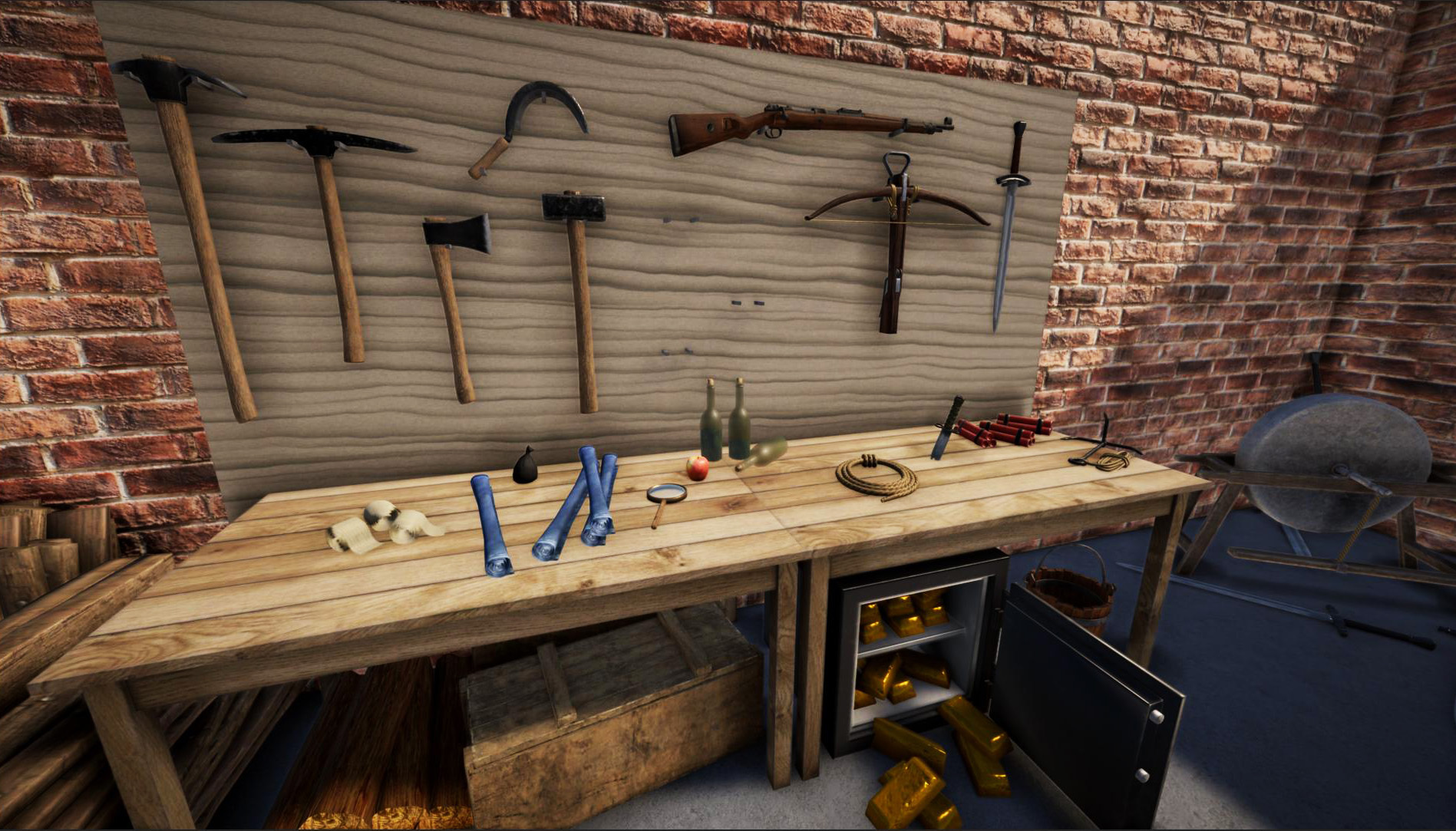
We've implemented some optimizations to keep the performance overhead low, however, there is still room for improvements. If you notice any issues when placing items in your world, please let us know!
Animal Breeding and Husbandry
We've also worked on animal husbandry and breeding. Unfortunately not all features made it into this update and will be part of the next update instead, but (domesticated) female animals can now get pregnant under certain circumstances. For a female animal to become pregnant, a male partner must be nearby. It's also necessary that the animal got used to the player (e.g. by keeping them in a fenced pasture).
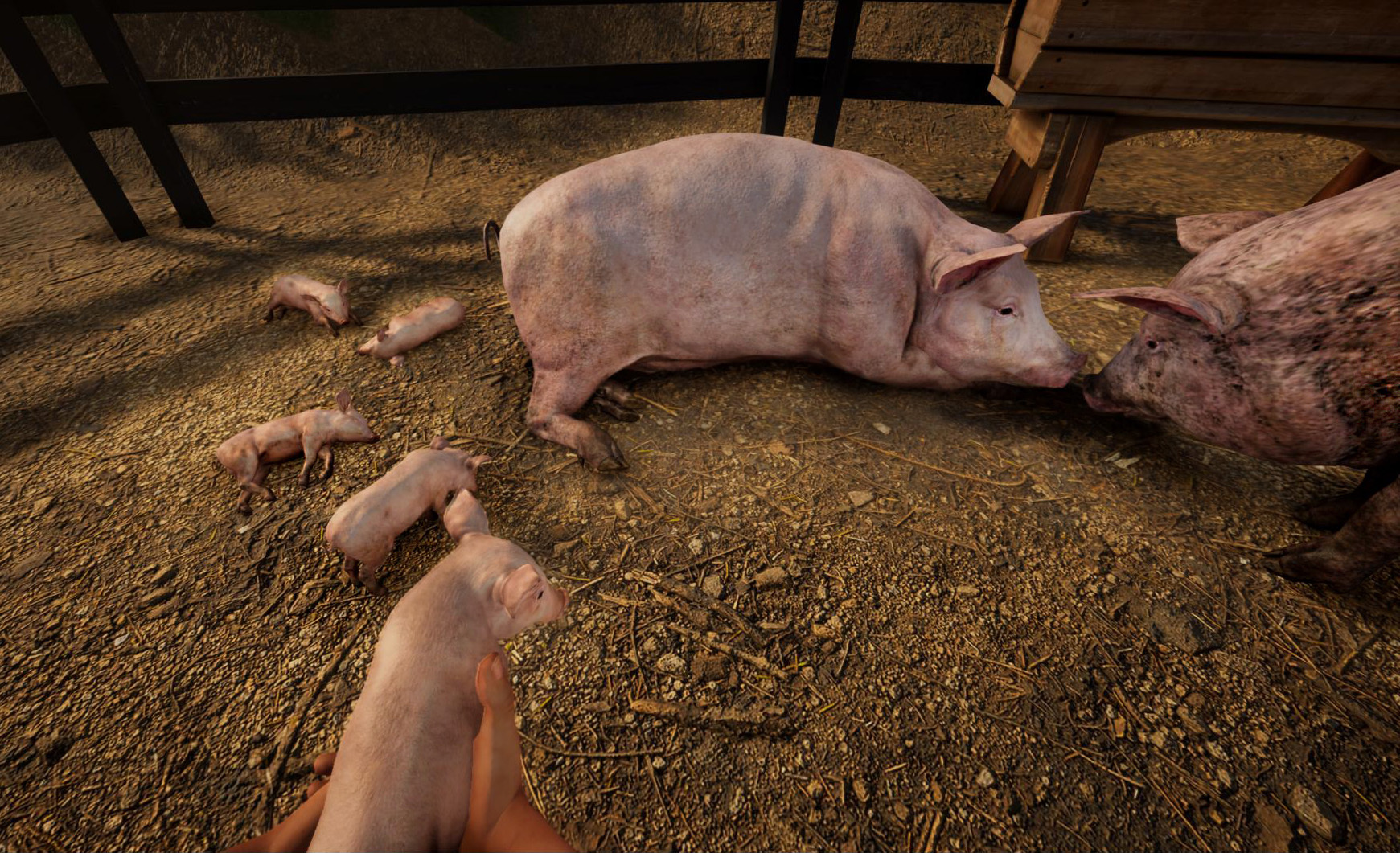
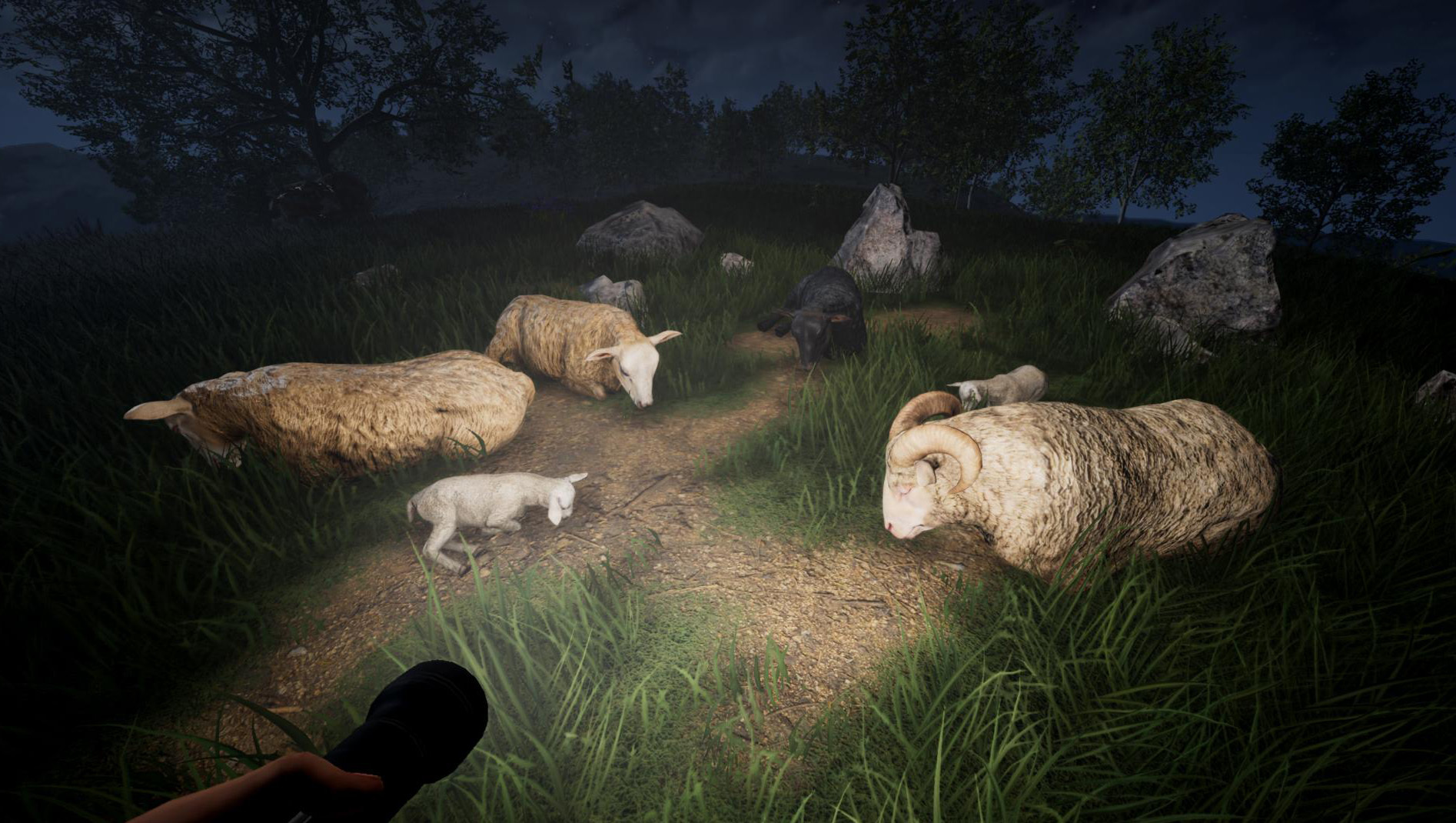
Pregnancy has a visible impact on the animal. As the pregnancy progresses, the animal spend most of their time lying down. Newborn animals are particularly small and spend most of their time sleeping.
As a side note, most animals now sleep at night.
After giving birth, cows produce milk for a period of time. Their udders then become larger. If you find a wold cow, there is also a chance that it's currently producing milk - especially if there are calves in the herd.
Use a bucket to milk a cow. You can then fill the milk into the butter churn to turn it into butter.
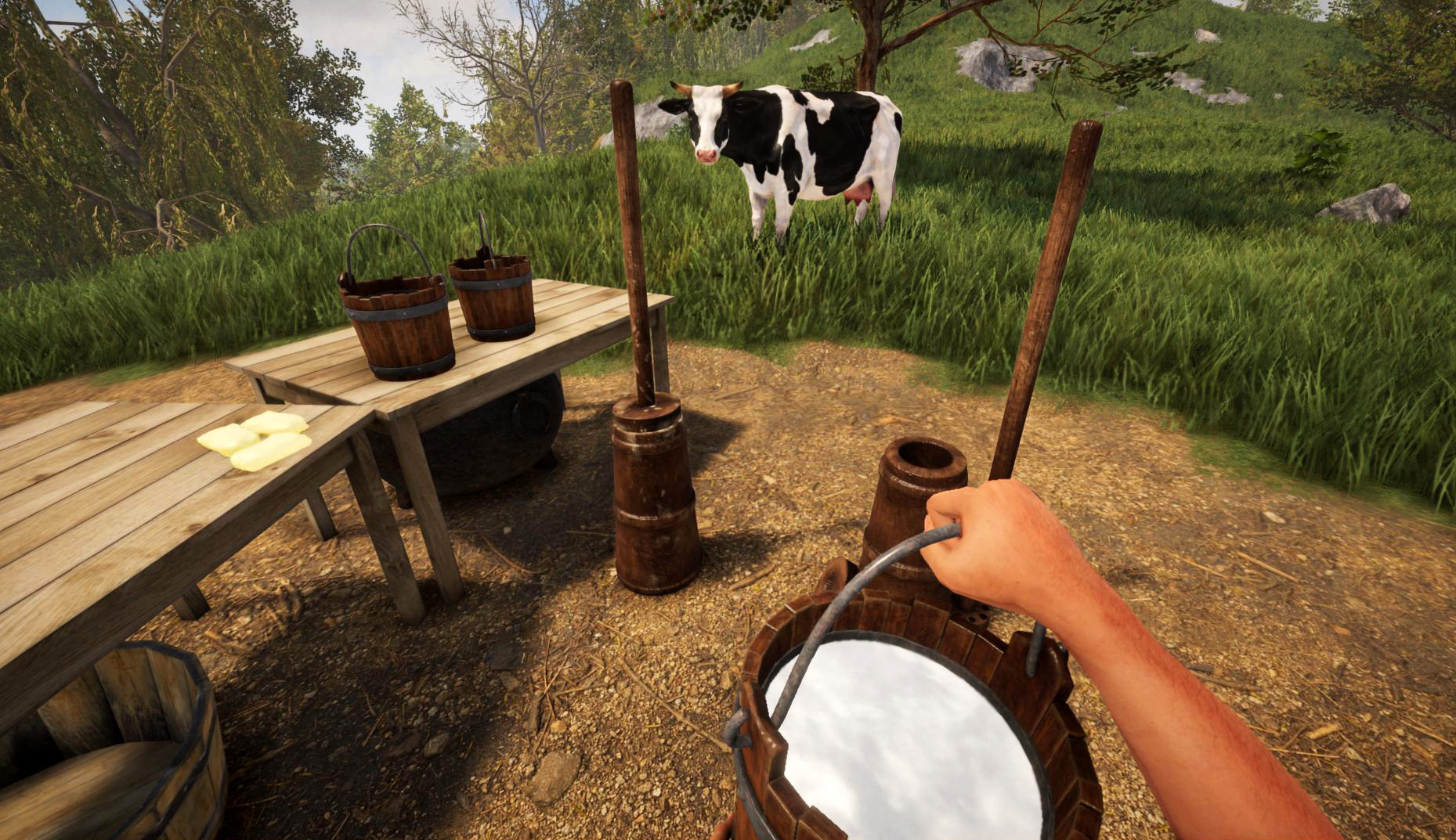
By the way, buckets can also be used to collect water and fill water containers.
World Repair Tool
Not a direct game feature, but still very useful: the game now provides a built-in tool to repair corrupted world data. There had been cases where an external factor resulted in corrupted world files. This tool tries to recover as much world data as possible.
If you try to load a broken world, you will typically get an error message. When this happens, the game will provide an option to repair the world after right-clicking on it in the world list.
But it's always a good idea to create manual backups of your worlds. The game provides an option to create (or restore) backups by right-clicking on a world in the world list, or alternatively you can also create backups of your currently loaded world (from the ESC menu). Backups are stored in the game directory in a folder called "Backups".
Better Controller Support
We also spend some time to improve native controller support of the game. You should now be able to use almost all game mechanics and navigate through almost all menus without having to use a mouse or keyboard.
For text input, the game also provides a built-in virtual keyboard that should show up as soon as you select a text field. It's from the game and does not depend on the operating system or Steam (e.g. Big-Picture-Mode) etc.
Input should also work properly on Steam Deck.
But if you were using an input template in Steam, it might still be active (overwriting the default game input).
However, please bear in mind that there might still be bugs and some situations where controller input does not work properly. Some controller-related features are also still missing, e.g. a built-in way to rebind gamepad controls.
We have a pinned topic for controller support in our forums. If you run into any issues, please post any feedback there! It's our goal to achieve full controller support in the near future :)
Other Changes
Of course there are also several other changes and fixes. This update introduces a few new Points-of-Interest, new creative mode tools and fixes several bugs.
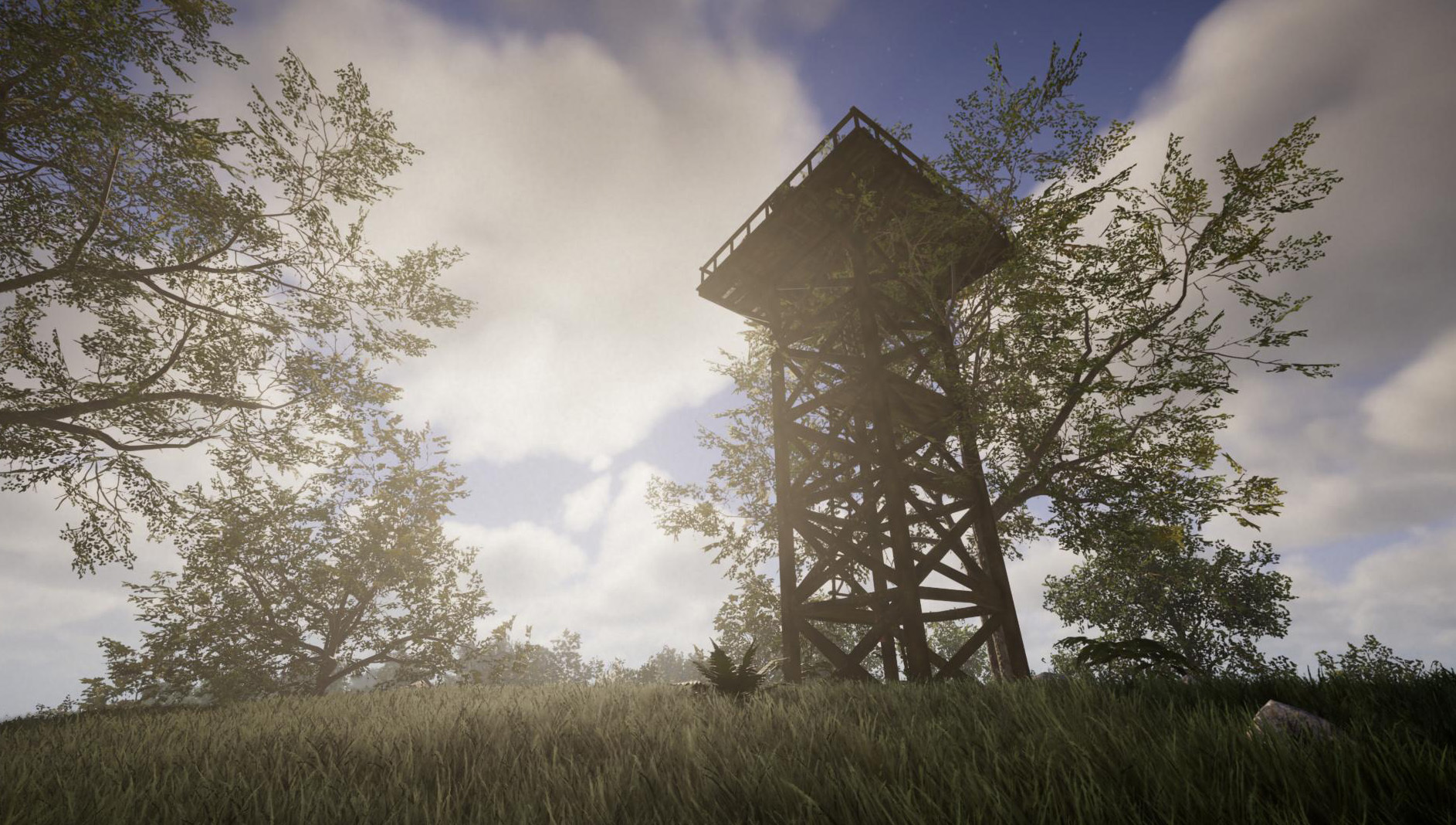
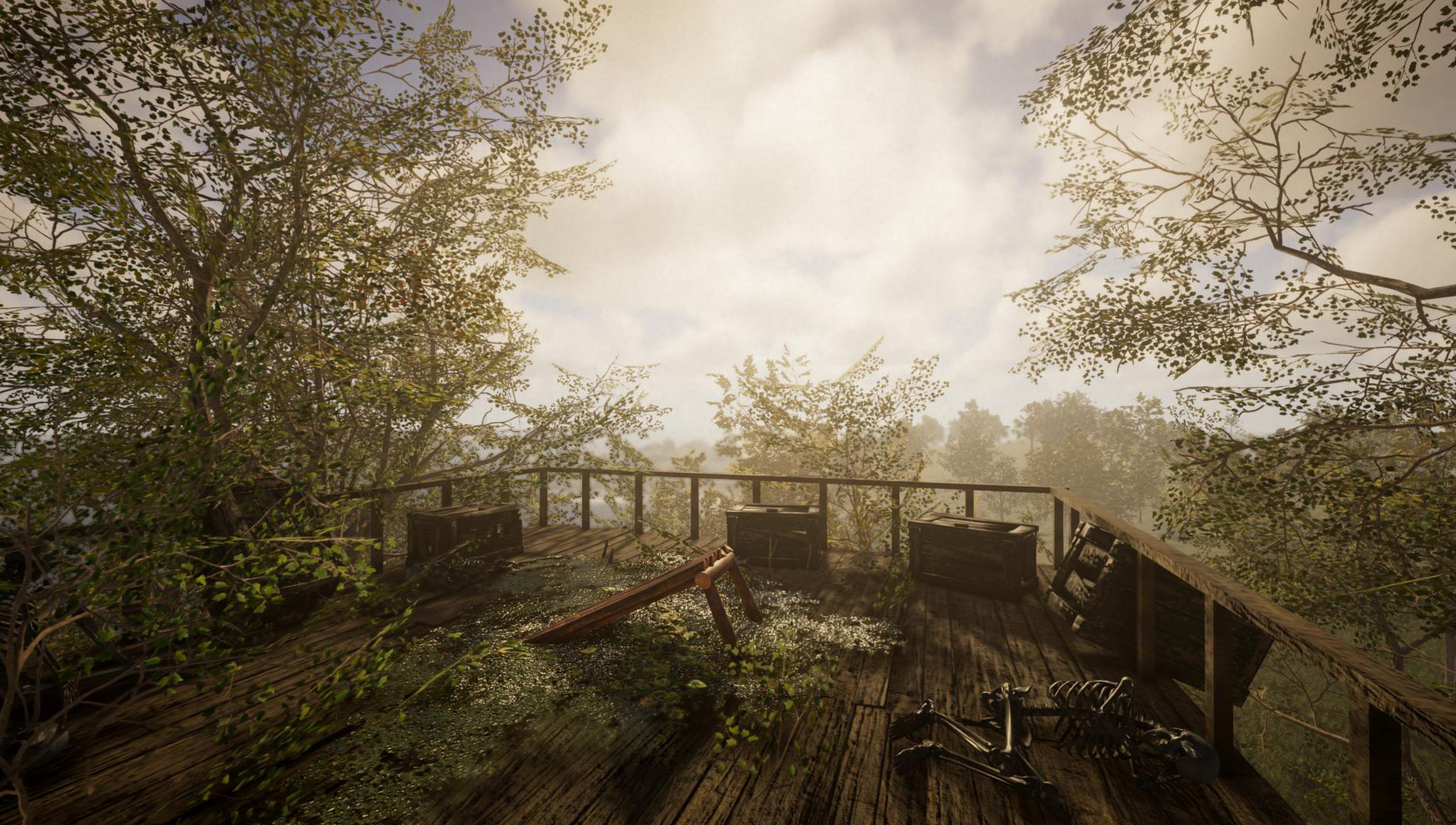
The edit-menu for (dummy) npcs now provides an option to force a specific animation (e.g. force the npc into a sitting position etc). Currently this also forces the npc into a static position (so you can freely move it). We want to make this tool a bit more flexible (e.g. tell the npc to sit on a nearby chair instead of having to move him there manually), but we appreciate any feedback!
To get an overview of all changes, please see the changelog below.
Next Updates
We were working on several other features (animal feeding and taming, dungeons, food spoilage etc) which did not make it into this update unfortunately. However, the next update won't be long in coming. Stay tuned!
_____________________________________
Changelog 0.9.2 (2026-04-30):
- [New] Controller support considerably improved
- Almost all game mechanics can now be used with controller
- Most UI menus now fully support controller input (crafting, settings, console, sign editor etc)
- Built-in on-screen-keyboard for gamepad text input
- Almost all game mechanics can now be used with controller
- [New] Added option to repair corrupted worlds, i.e. if a world file is damaged, you can now recover it (depending on the degree of file corruption)
- [New] Some animals can now become pregnant. For this to happen, a male and a female must be together
- [New] After birth, young animals are considered "newborn" (which affects their size and behaviour)
- [New] New item: wooden bucket, which can be used to fill water containers
- [New] You can now collect milk from cows
- [New] New interactive object: butter churn, which can be used to convert milk to butter
- [New] Added new points-of-interest (camp and large observation platforms)
- [New] Creative mode placement tool (F6) for construction elements (3) and objects (4) is now available
- [New] You can now force a specific animation (e.g sitting, lying etc) for human npcs (see "editnpc" dialog)
- [New] Fox cubs can now be picked up
- [New] Added elephant calf variant
- [New] Some animals now sleep during night
- [New] You can now get snake meat from killed snakes
- [Change] Paper press now requires water to turn rags into paper
- [Change] Cookie recipe now additionally requires eggs and butter
- [Change] Crossbow remains cocked after being put away
- [Change] Text object can now be resized
- [Change] Most clothes are now visible when holding an item in your hands
- [Change] Construction elements now optionally keep their size after removing them via sledgehammer (see "Keep Construction Size (Item)" setting under Misc)
- [Change] Console no longer opens if a text field is focused
- [Change] Player group markers are no longer visible when opening the map
- [Change] When other players are moving (multiplayer) there are no more shadow artifacts (from sunlight) visible on them
- [Change] Different moon phases now blend in better with the night sky
- [Change] Ladders can now be stacked in inventory (please note that this only affects newly crafted ladders!)
- [Change] Sleeping during the night in winter now sets the time forward to 9 am (because it was still too dark at 7/8 am)
- [Change] Player now has a different sitting animation when a seat is placed on the ground
- [Change] Circuit boards can now be stacked in inventory
- [Bugfix] Fixed sudden FPS drop during sunset and sunrise
- [Bugfix] Fixed a crash in multiplayer when a mount died while a player was riding it
- [Bugfix] Fixed a server crash in multiplayer when a player with corrupted data joined
- [Bugfix] Fixed sporadic FMOD error after placing lots of construction elements
- [Bugfix] Fixed potential performance issues caused by snow effect (need feedback)
- [Bugfix] Fixed npc with "static" flag/attribute having wrong position after a world reload
- [Bugfix] Fixed old boot item messing up inventory in multiplayer
- [Bugfix] Fixed seat not working anymore if it was scaled too small
- [Bugfix] Fixed flickering of compass needle
- [Bugfix] Fixed "setrotation" console command not working properly for blueprints
- [Bugfix] Fixed some UI elements being displayed distorted when playing with a resolution that has an aspect ratio smaller than 16:9
- [Bugfix] Fixed player preview sometimes being displayed incorrectly
- [Bugfix] Fixed construction elements sometimes not having correct collisions if a chunk contained several tens of thousands of elements
- [Bugfix] Fixed clothes sometimes still reverting to a default variant when taking them off
- [Bugfix] Fixed construction elements not being visible underwater
- [Bugfix] Fixed wrong area permission after deleting an area (multiplayer)