Ver.3.0.0 releases February 13th, 2026.
Ver.3.0.0 Patch Notes
Please check the list of changes below for details on the main improvements and fixes in this patch.
○ New DLC "High Resolution Texture Pack" added
For instructions on how to install the DLC on Steam®, please refer to the Steam news post titled "How to install the DLCs", which was posted on October 26, 2023. [dynamiclink href="https://steamcommunity.com/ogg/2131650/announcements/detail/3736358345125342520?snr=2___"] The following amount of free space will be required in order to install the High Resolution Texture Pack.
Steam®:Approx. 70 GB
System specifications for this DLC when used with the Steam® version are listed below.
Intel(R) Core(TM) i5-10400 |
16 GB RAM |
NVIDIA GeForce GTX 1070 |
SSD recommended |
Intel(R) Core(TM) i7-10700 |
16 GB RAM |
NVIDIA GeForce RTX 2070 |
SSD required |
Please note that while installing the High Resolution Texture Pack is possible on the Steam Deck™, it is not possible use it in-game.
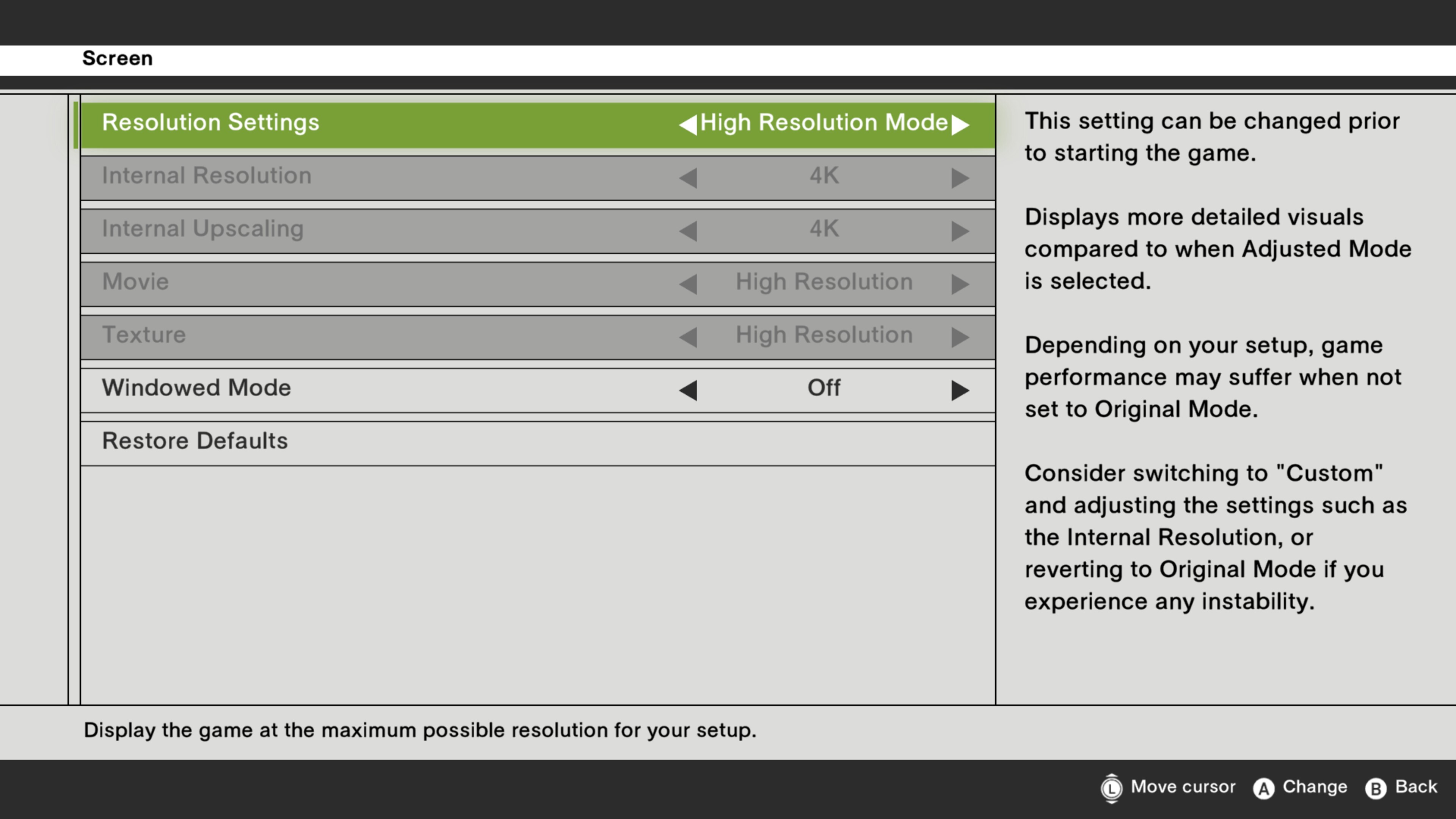
Screen settings will display additional options upon applying the High Resolution Texture Pack.
The following options will be added to the Screen settings.
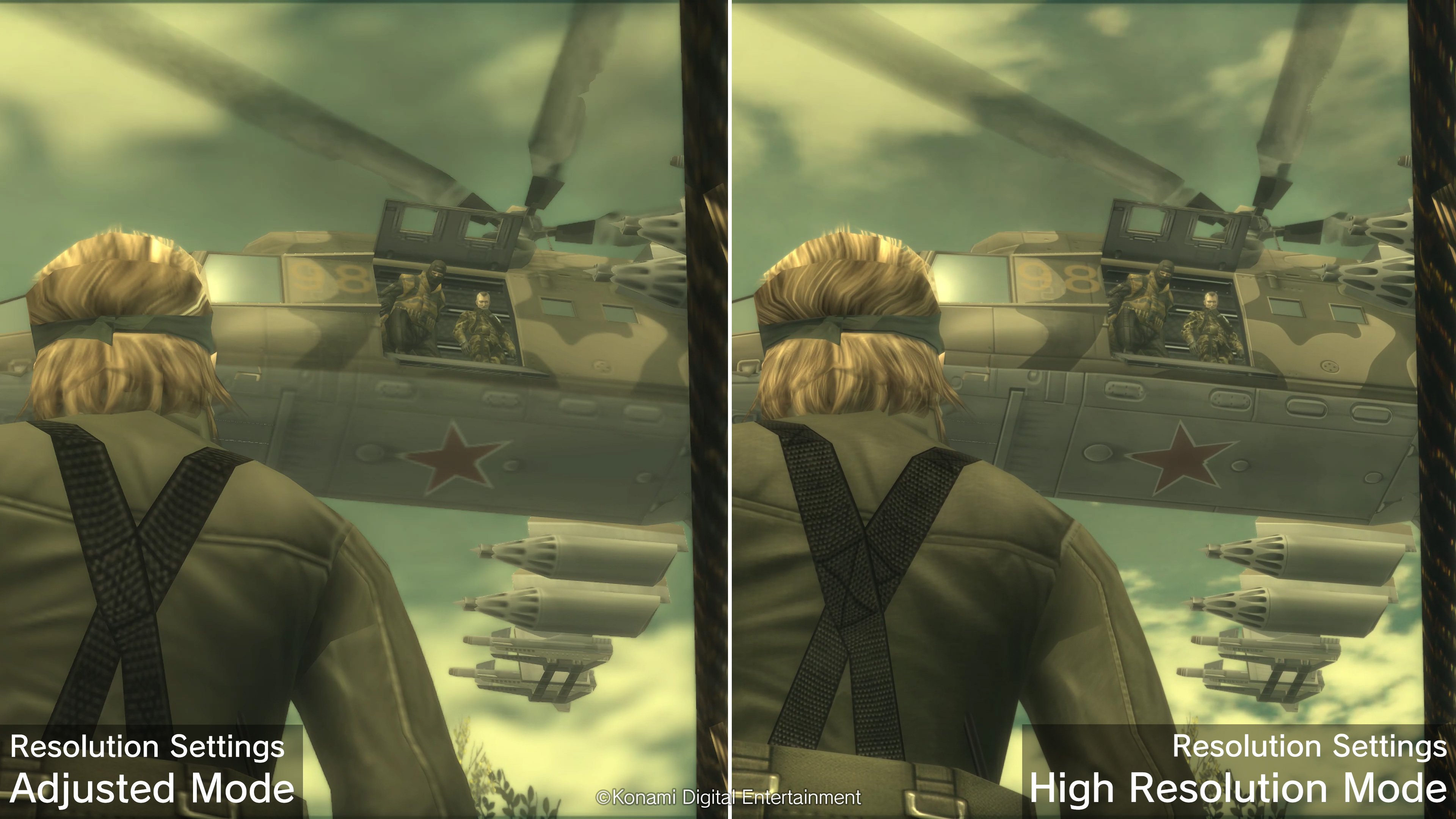
(1) "High Resolution Mode" preset added |
| A "High Resolution Mode" preset will be added to the Screen settings under the Options menu. | |
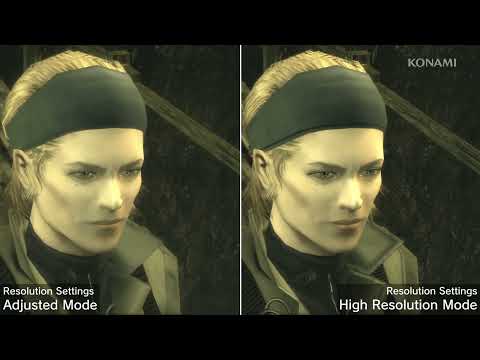
| In High Resolution Mode, the game will be displayed in greater detail compared to Adjusted Mode. | |
| The specific settings for the "High Resolution Mode" preset are as follows. |
| Internal Resolution: Maximum resolution possible on your device from FHD (1080p)/WQHD (1440p)/4K (2160p) | |
| Internal Upscaling: Maximum resolution possible from FHD (1080p)/WQHD (1440p)/4K (2160p) | |
| Movie: High Resolution | |
| Texture: High Resolution |
(2) "Custom" preset expanded |
| The number of options available for the "Custom" resolution setting in Screen settings under the Options menu will be expanded. |
| (A) Increased maximum possible internal resolution |
| The maximum possible internal resolution increased. | |
| The maximum possible internal resolutions are as follows. | |
| Steam®: 4K(2160p) *1 | |
| *1 This option may not be available depending on your setup. |
| (B) Textures |
| High resolution textures can now be selected in addition to original textures. | |
| By selecting High Resolution, certain textures will be displayed at a higher resolution. |
| These settings cannot be changed after starting the game. | |
| Applying high resolution textures may cause longer loading times than previously. | |
| Some setups may experience some instability if these settings are changed. | |
| Consider reverting back to the default settings if you experience any instability. |