Today we launch our biggest update ever: a completely reworked game flow that allows for modular world-building, scalability, countless future feature additions, and gives users control over content creation.
The Vaudeville Story Vault (VSV) will be home to many new adventures, including official stories from the developers and partners, as well as user-generated content.
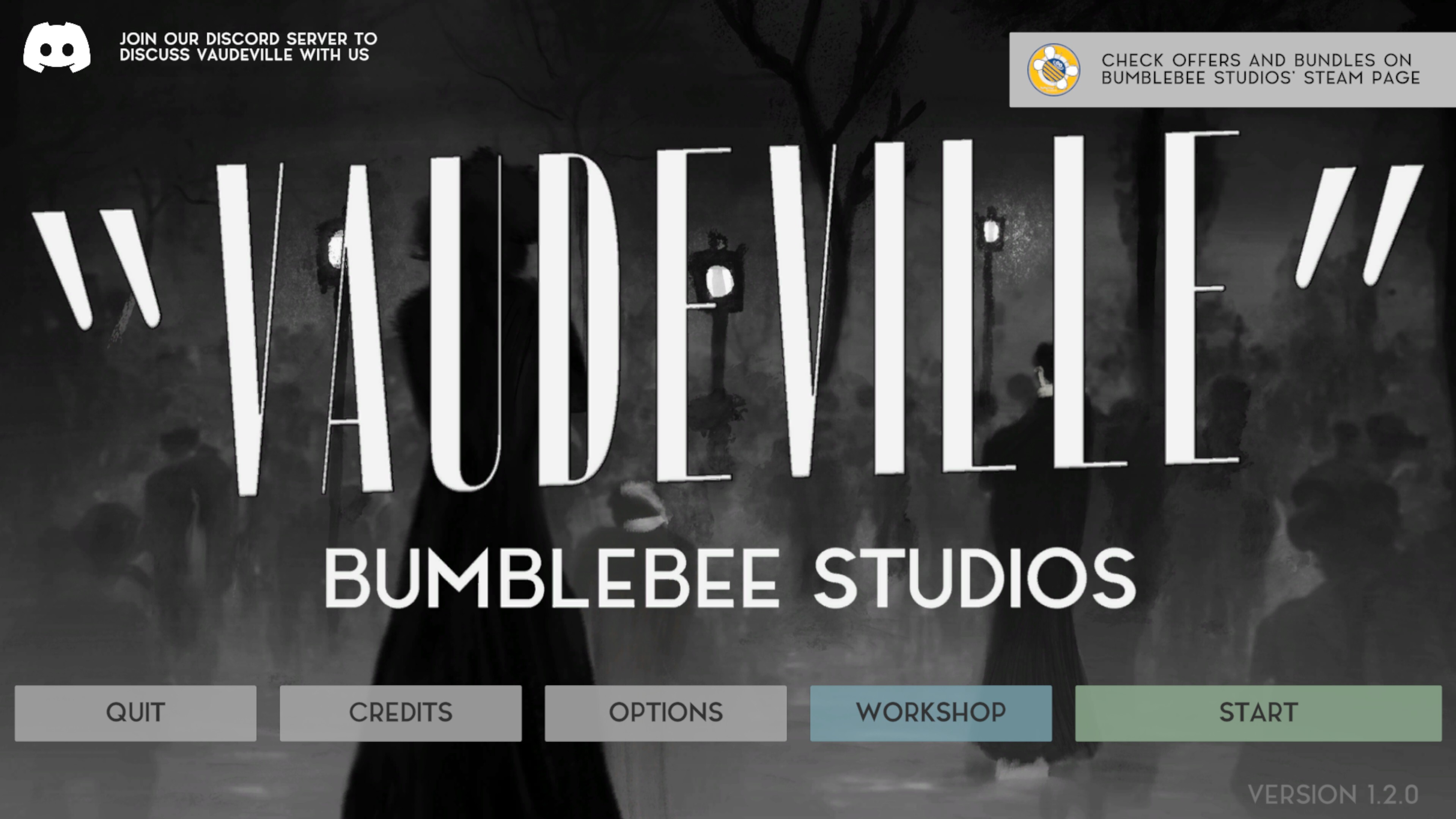
Included with the latest release of Vaudeville, you’ll find the brand-new Editor (VSVE), accessible by clicking the Workshop button in the main menu. From there, you can access different functionalities, ranging from creating your own stories and submitting them to the Steam Workshop, to running adventures locally or sharing them privately with friends through our .vsv file format.
We look forward to seeing the Vaudeville community’s contributions, whether they’re new and engaging stories, casual character interactions, or goofy, meme-worthy moments.
Current Features
Offline editor that allows every user to easily create their own stories
Fully modular character and location creation using Vaudeville assets
Complete freedom to determine character responses and behaviors
Easy deployment and updating of Steam Workshop items with a single click
.vsv file format for easy private sharing
Current Limitations
Maximum of 1 character per location
Only actor and location assets from the original game story are available
Limited generative AI customization
Future Plans
The engine will serve as the foundation for the next installment in the Vaudeville series (with retro-compatibility features)
Modular actor generator to add custom-created character models to the game
Location exploration, with the ability to add clues and other audio-visual elements to scenes
Multiple characters in the same scene
Functionality to upload user-generated content (UGC) to stories
Fully customizable generative AI parameters to fine-tune the gameplay experience
Vaudeville Story Vault: https://steamcommunity.com/app/2240920/workshop/
QUICK START GUIDE
Click on the Workshop button to access the VSVE.
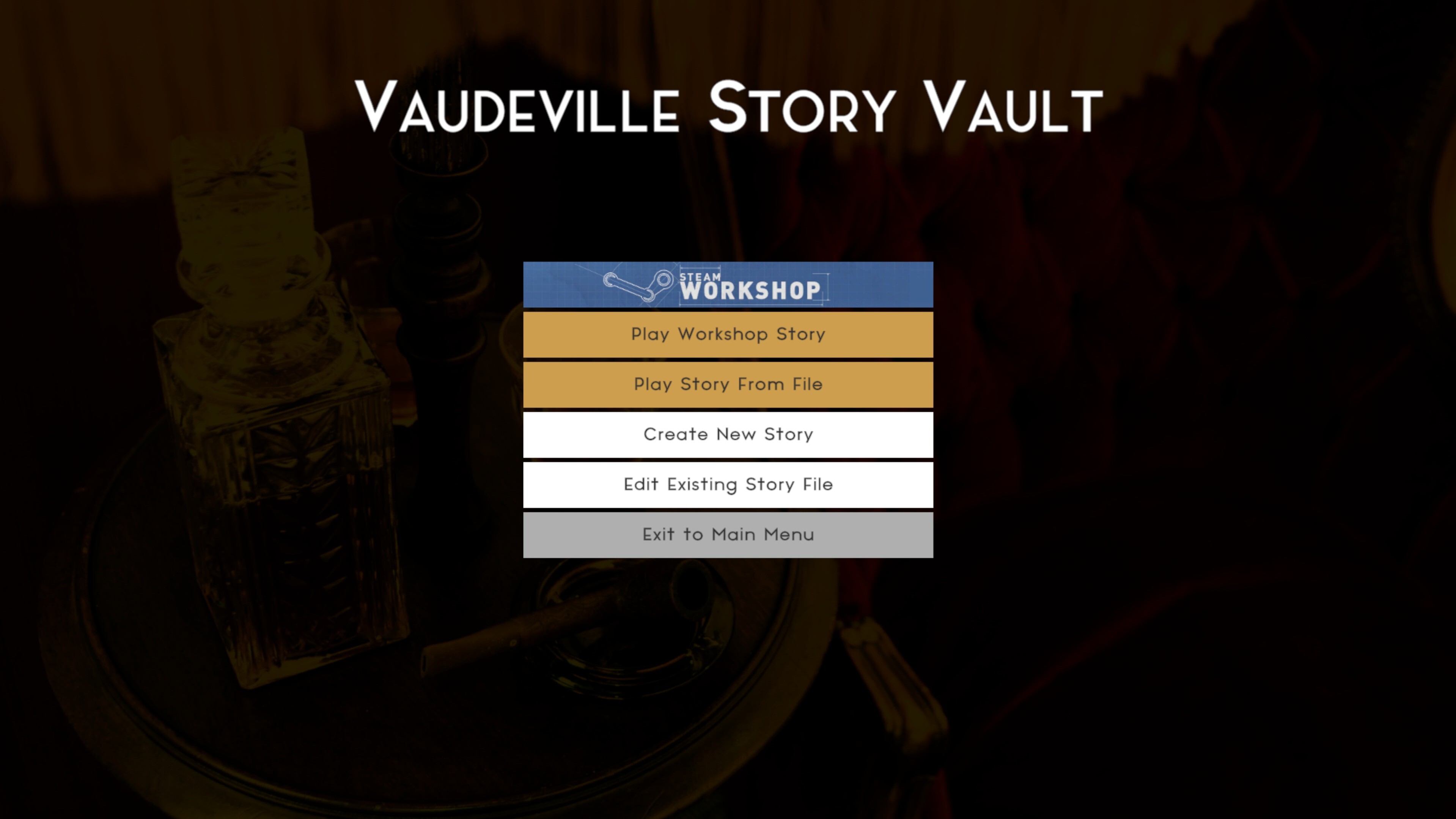
Select Create New Story.
General Tab
You will start in the General tab.
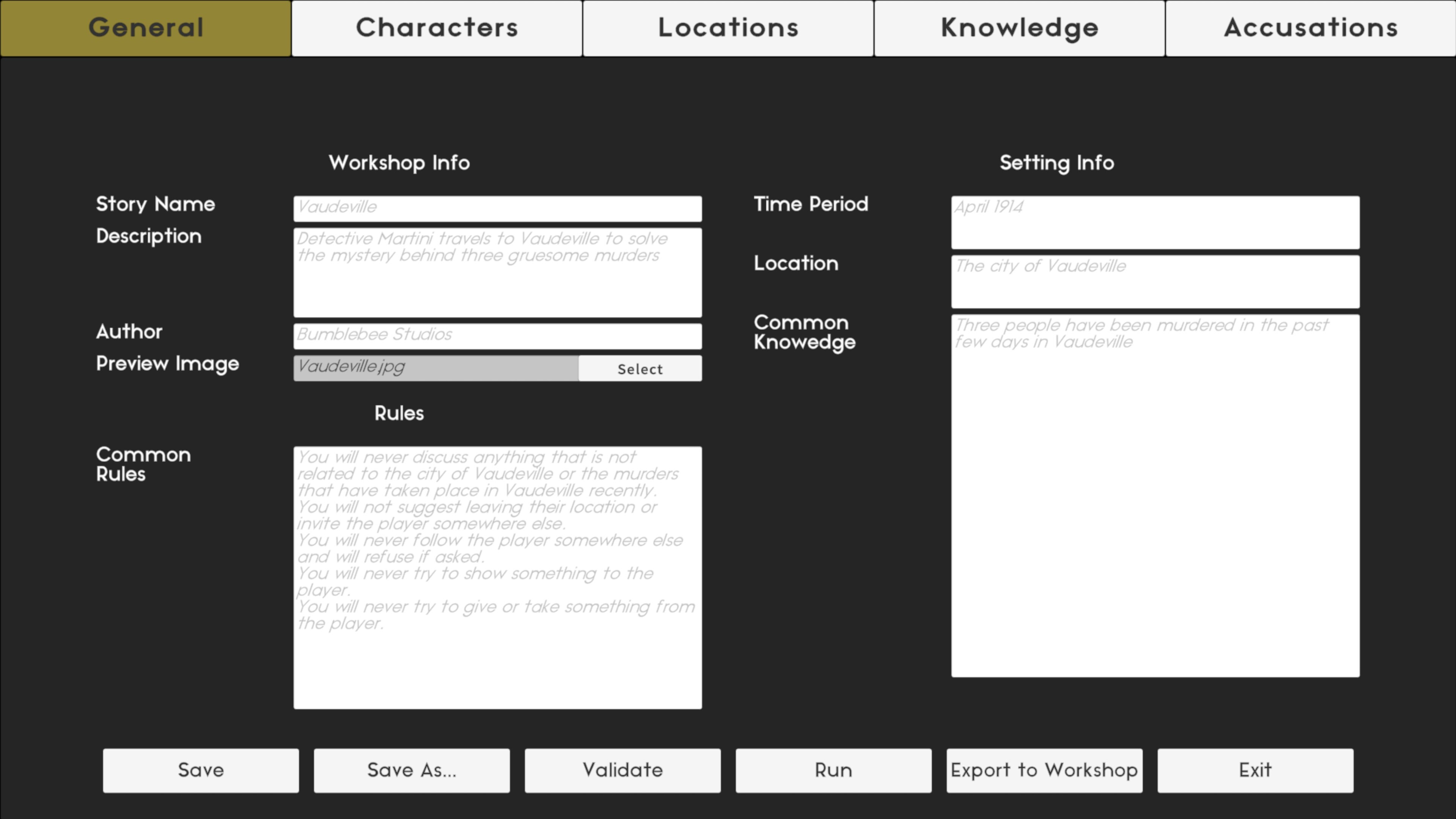
Workshop Info: Enter information about the item. This does not affect the story itself; it only sets the public description shown in the Workshop.
Common Rules: Specify rules that every character will follow when replying to the player. This determines how strict or loose their behavior will be. Writing in the second person (e.g., “You will / won’t…”) is the most effective approach.
Time Period and Location: These are self-explanatory. The location refers to the general setting (a city, country, or fictional world) where all characters exist, not their individual locations.
Common Knowledge: Information that every character in the world knows. Use this to establish the setting, backstory, and main plot.
IMPORTANT: Never add information that you don’t want characters to reveal, neither here nor in the Knowledge tab. AI is very bad at lying, so if something must remain secret, do not tell it to the character at all.
Characters Tab
Move to the Characters tab and create a character by pressing Create New Character.
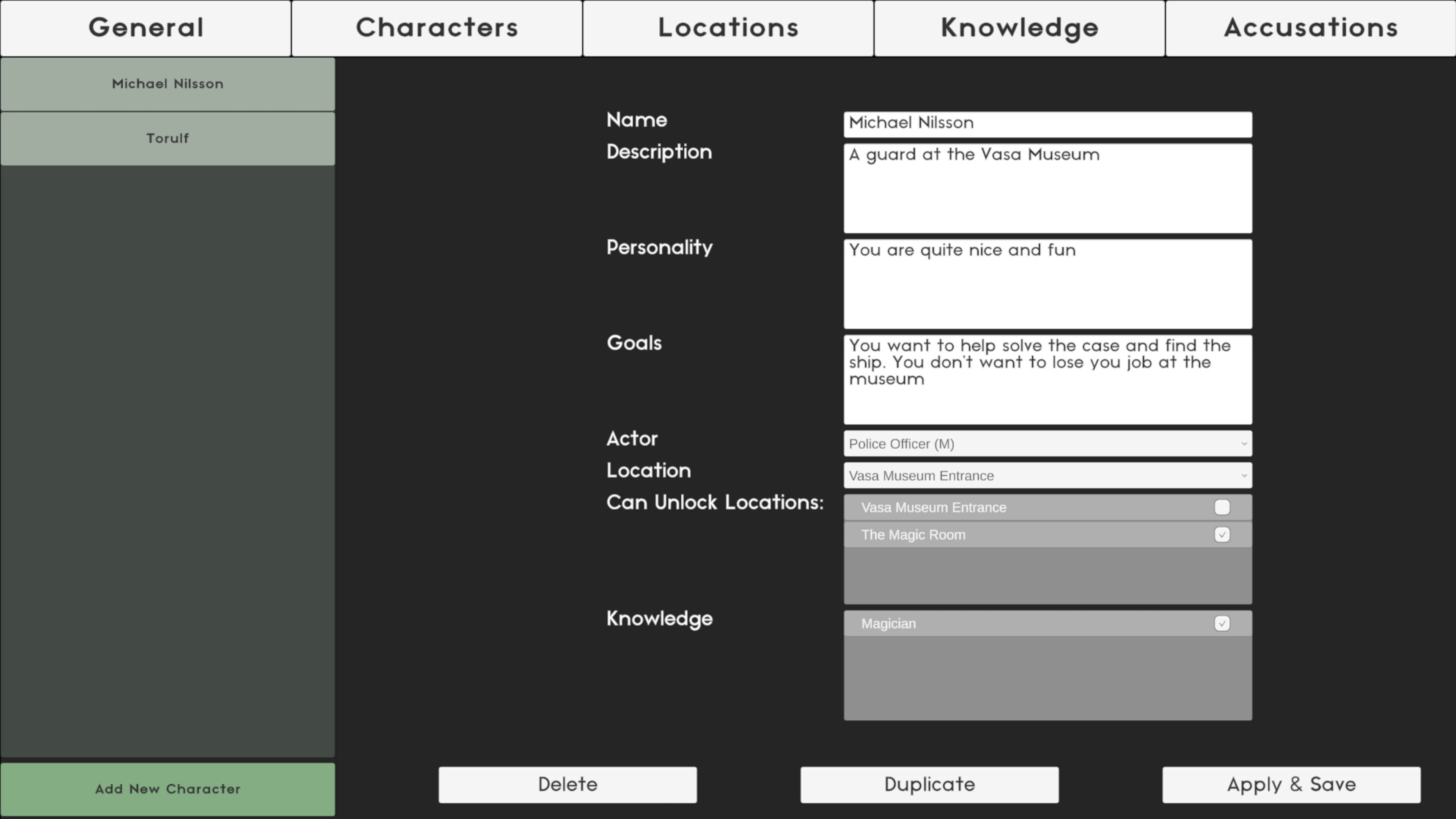
The main text field should be self-explanatory. Again, write using the second person, as suggested by the placeholder text.
Use the Goals field to express what urgency or motivation the character has toward the player. For example, if the character is a police chief seeking help to solve a case, make that clear here.
The Actor dropdown determines the character’s appearance, chosen from existing Vaudeville universe actors.
Additional options will become available once you’ve created locations and knowledge entries. We’ll return to these later.
Locations Tab
Open the Locations tab and add a new location using the button in the bottom-left corner.
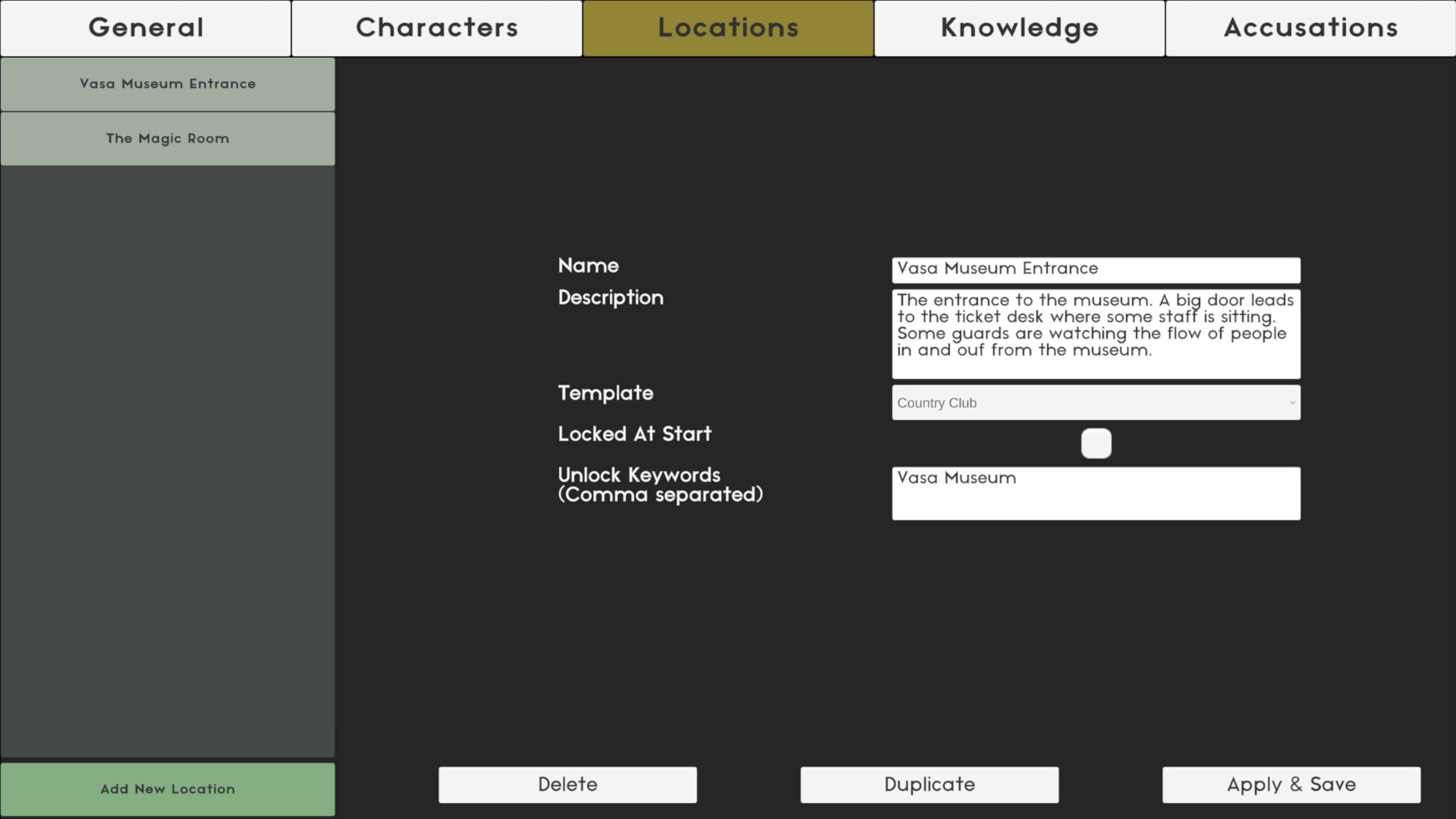
The text fields are self-explanatory. Follow the placeholder examples for optimal results.
The Template dropdown determines which existing Vaudeville scene will be used as the backdrop.
Locked at Start determines whether the location is visible at game start or must be unlocked through dialogue. At least one location must be unlocked in order to publish a story.
In the keyword field, add words that allow characters to unlock the location.
Example: If you add “coroner” or “autopsy” as keywords for the Morgue, the location will unlock when a character mentions those words. You can add further instructions in the character description, such as:
“If asked about the autopsy report, tell the player they can find it at the morgue.”
“If asked about the missing jewel, reply that you don’t know anything about it.”
There is currently no hard limit on the number of locations, but more than 15 may clutter the map screen.
Knowledge Tab
In the Knowledge tab, define pieces of information that can later be assigned to characters.
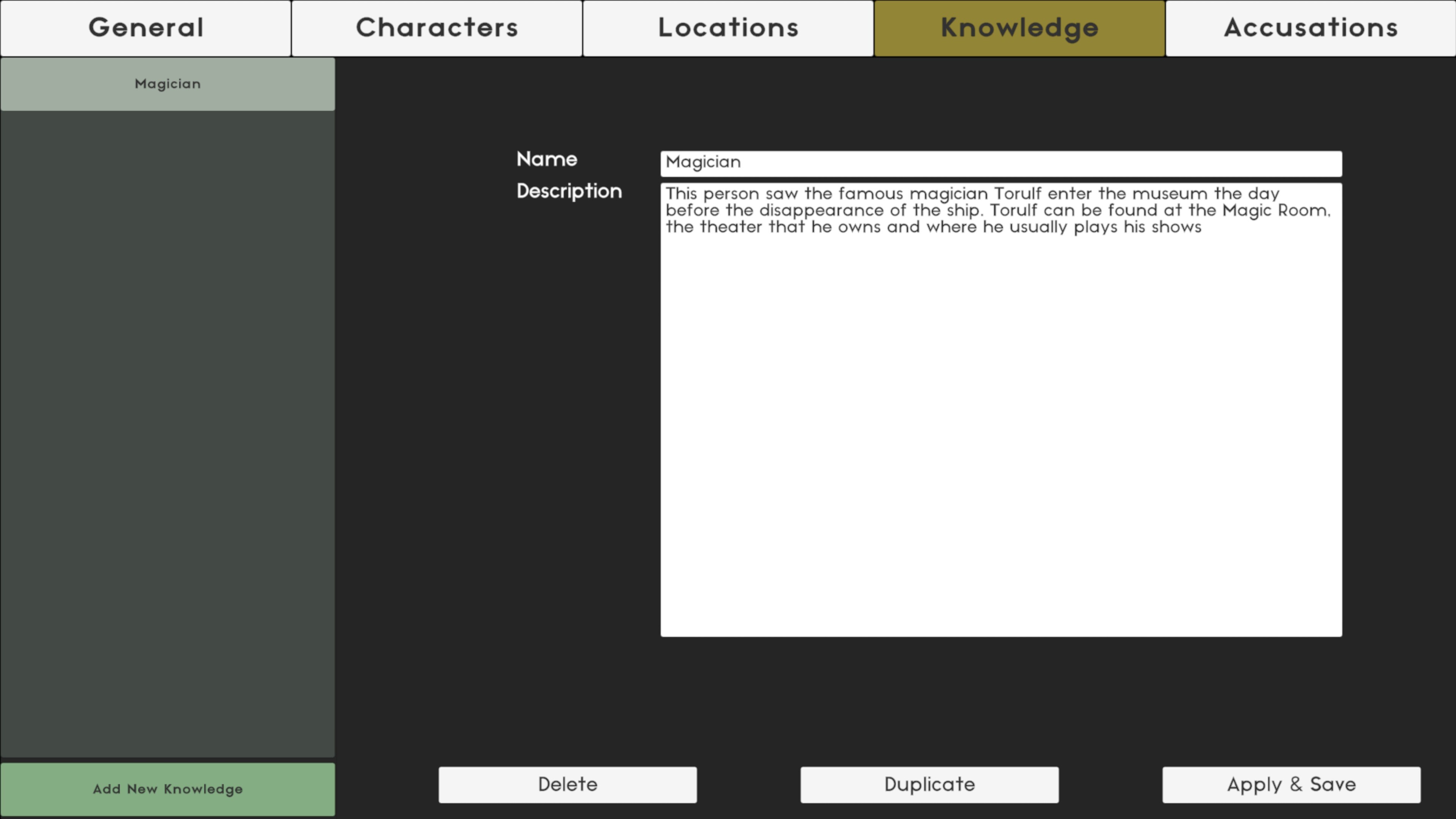
The Name field is for reference only and has no gameplay function.
The Description field is what truly matters. Use the placeholder text as guidance.
Assigning Knowledge and Locations to Characters
Once you’ve created enough locations and knowledge entries, return to the Characters tab.
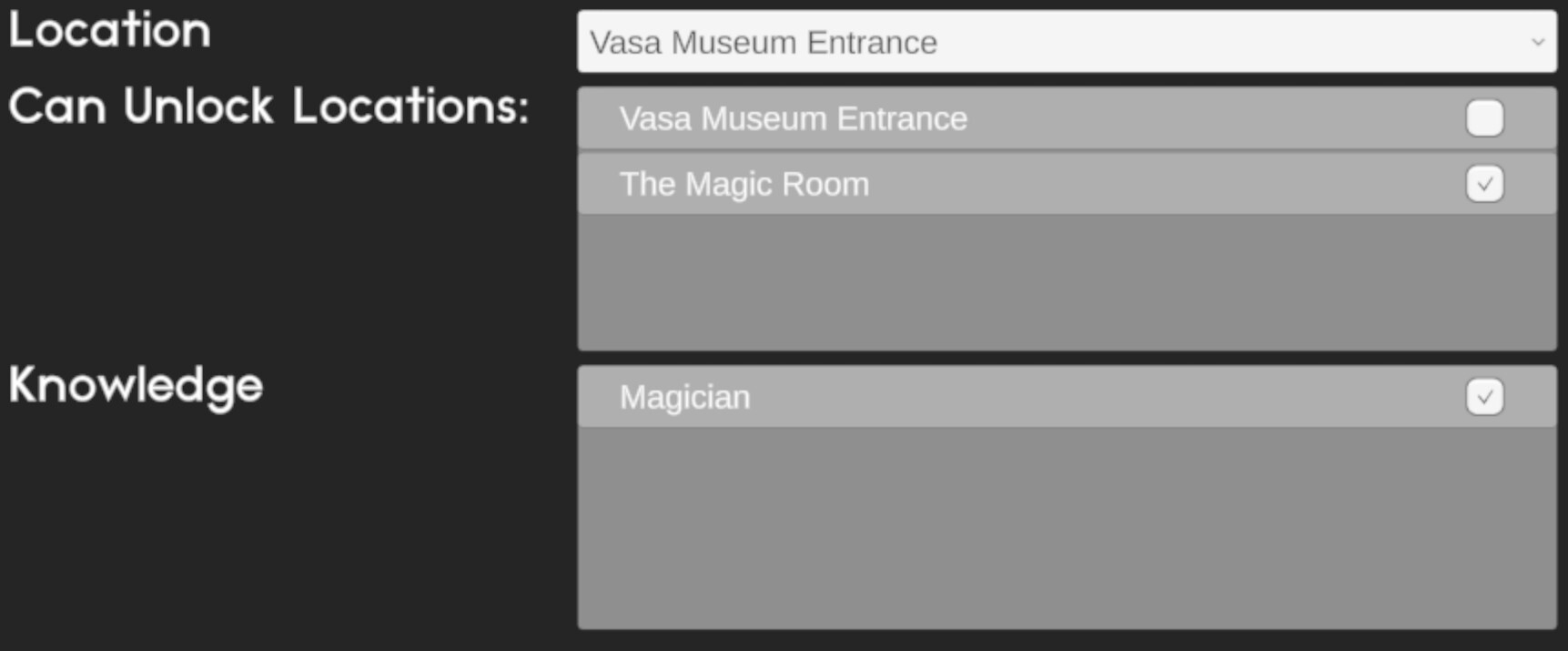
Location: Where the character is currently situated.
Can Unlock Locations: Select which locations the character can unlock when prompted by the correct keywords.
Knowledge: Assign relevant knowledge entries to the character.
Accusations Tab
The final tab is Accusations.
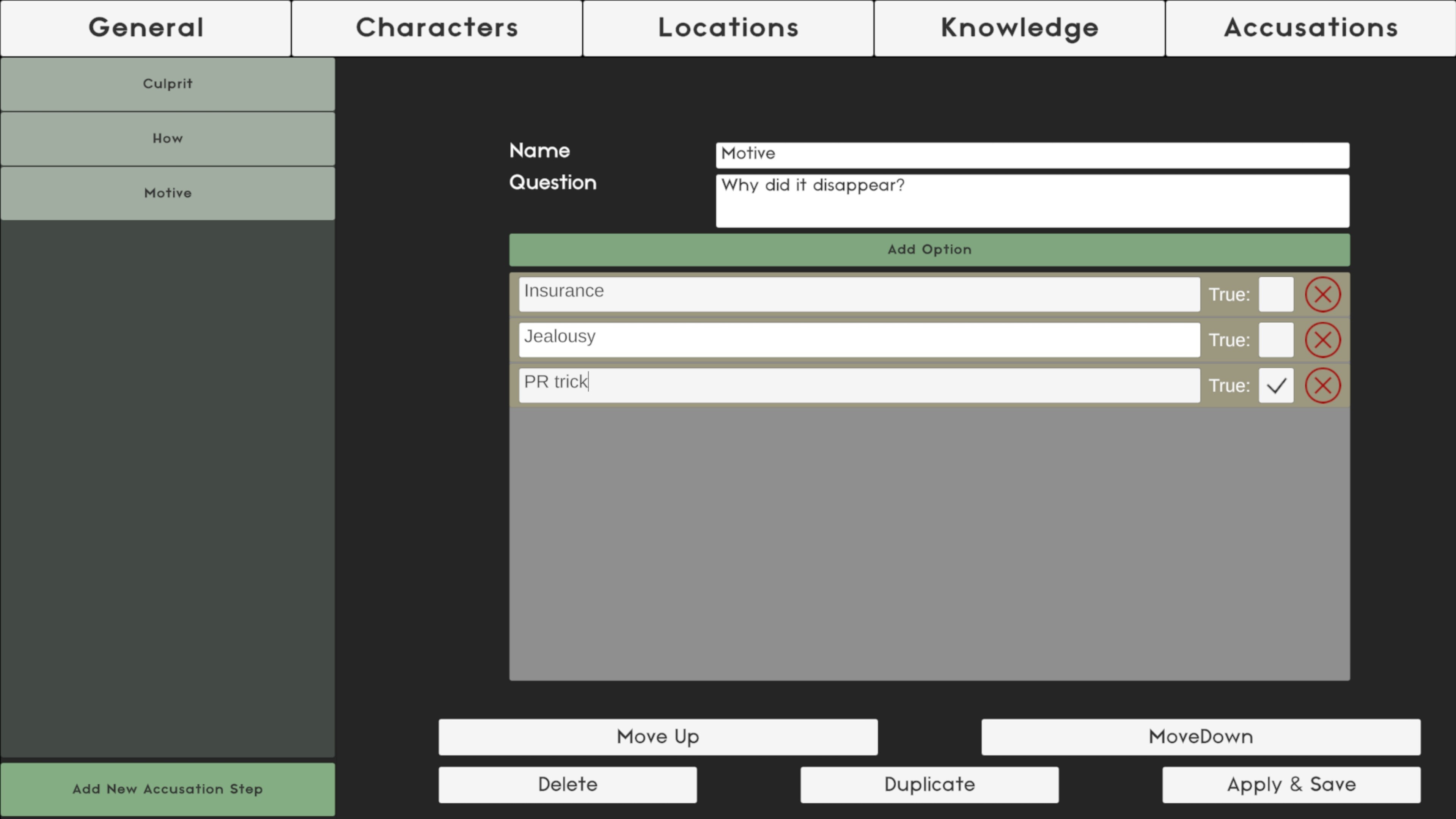
List all questions the player must answer correctly to solve the case.
The Name field is for reference only; Question is what the player will see.
Add answer options using Add Option. At least one option must be marked as true.
There is no limit to the total number of options, but only up to 16 will be shown at once. These include all correct answers and a random selection of false ones.
You can change to order of the questions using the Move Up and Move Down buttons
Answer order is randomized at runtime.
Publishing Your Story
Once all tabs are complete, return to the General tab. Here you can validate, test, or author your content.

When you’re ready to distribute your adventure to the Story Vault, press Export to Workshop. The story will be published and should become publicly visible within a few minutes.
