Map Editor — First Version
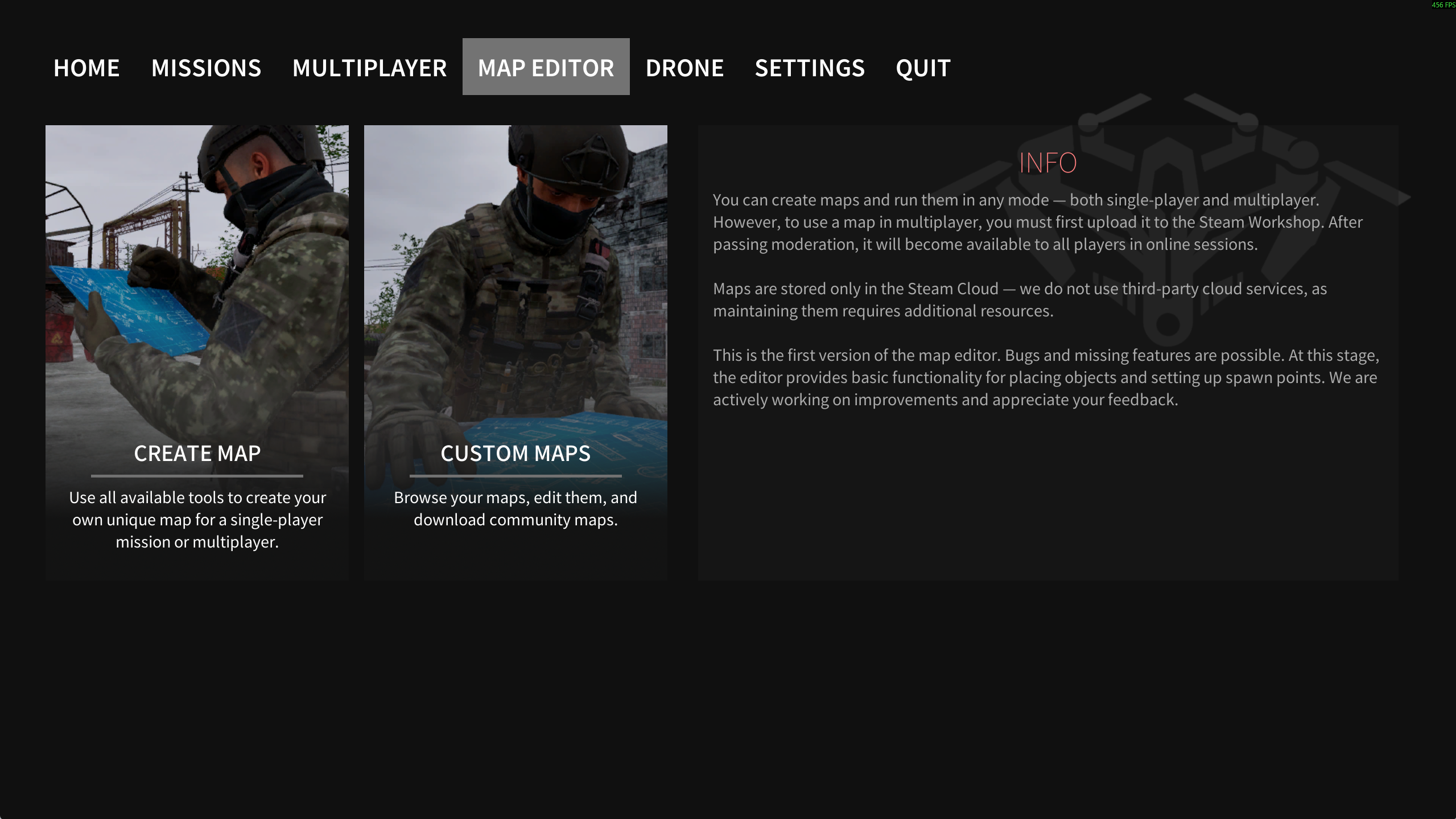
The game now features the first alpha version of the Map Editor.
This is a simple and still very early tool, but it already allows you to create your own maps and run them in any available game mode.
How to Create Your Own Map
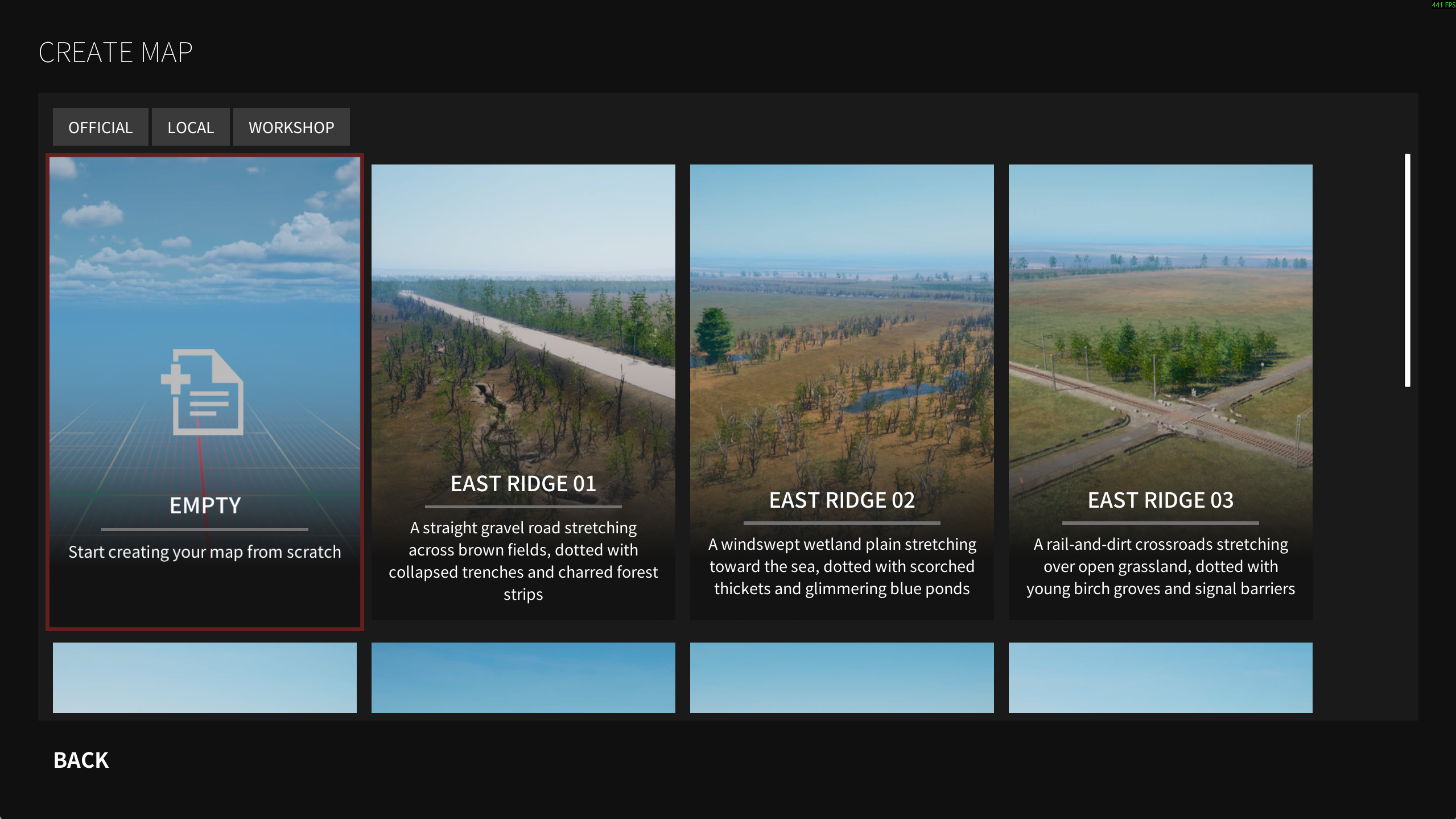
In the Map Editor section, select Create Map. You can create a map from scratch or use one of the base maps as a starting point. The selected base map determines the environment and visual style of the scene.
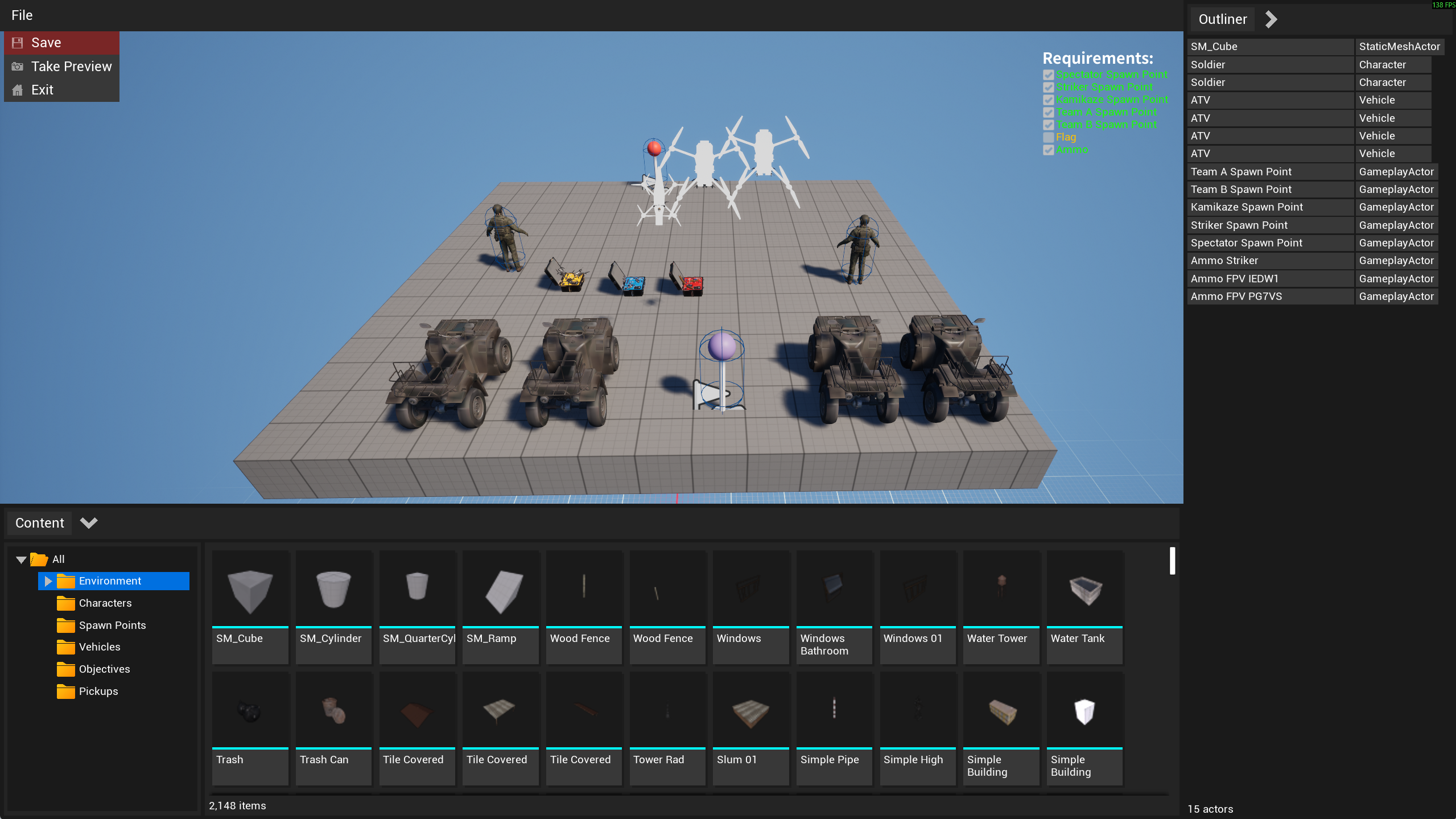
You can place any static objects from the Environment category on the scene. Be sure to add spawn points for:
drones
Team A and Team B players
bots
vehicles
All required elements are available in their respective categories (for example, Spawn Points).
The editor displays map requirements on the screen. Meeting these requirements ensures that the map will work correctly in all available game modes, including multiplayer.
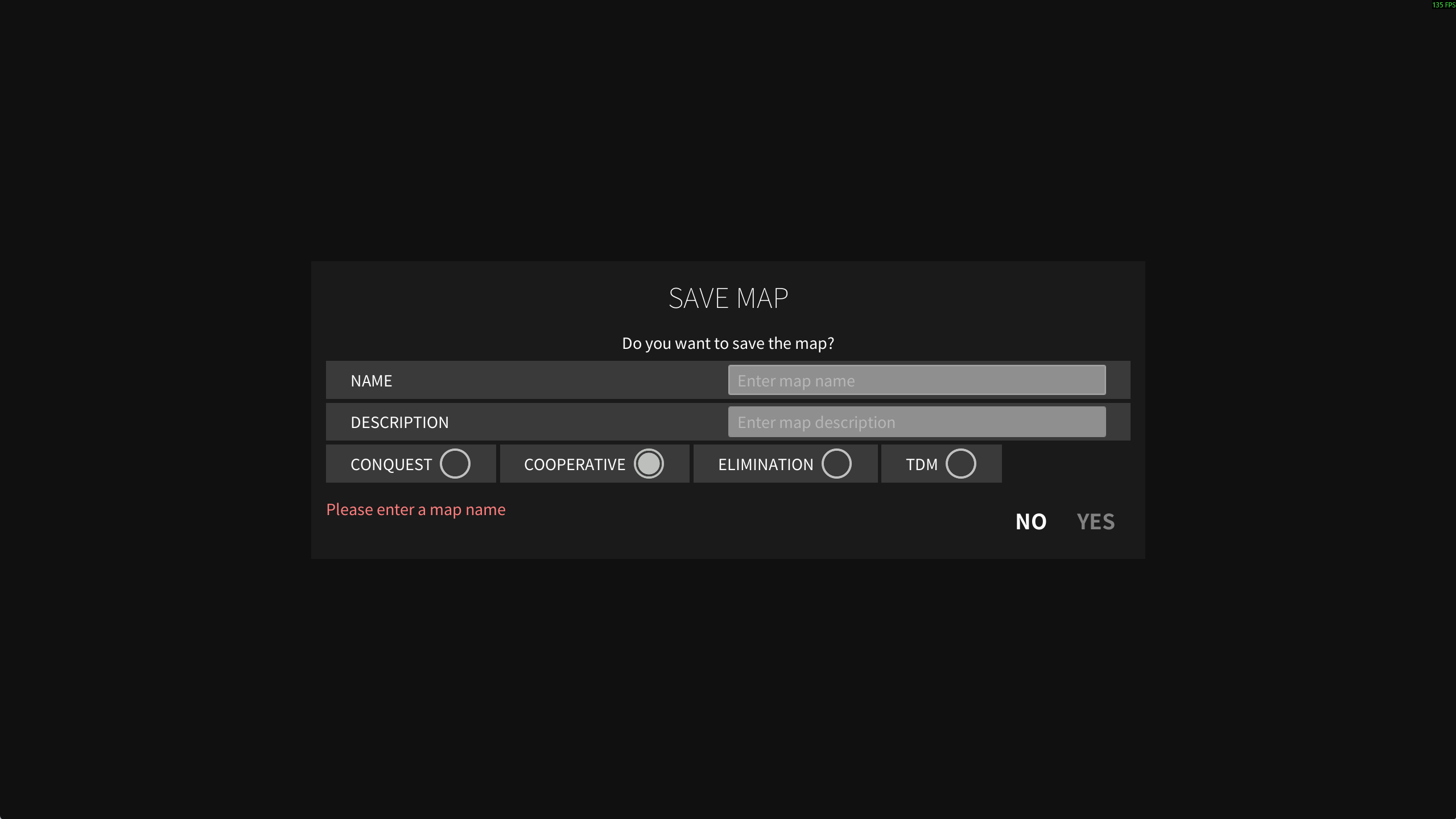
Saving the Map
When saving the map, specify:
name
description
supported game modes
At the moment, there are issues with saving tags in Steam. If needed, you can add tags manually on your Workshop item page.
If the Conquest mode is selected, you must place from one to five flags. Without this, the mode will not function correctly.
How to Play on Your Maps
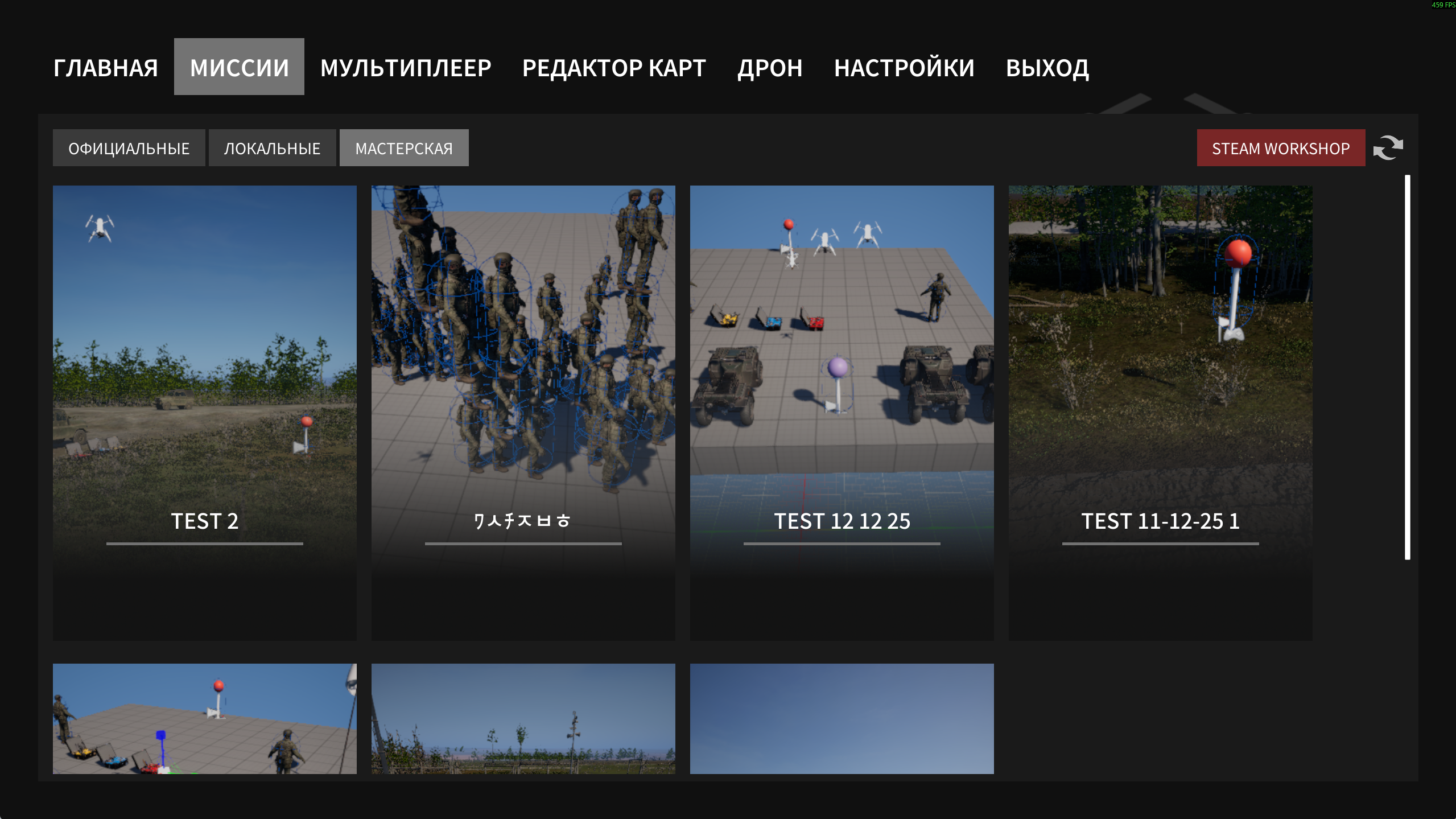
After saving, return to the main menu, go to Missions, open the Local tab, and select your map for testing.
Multiplayer
To play your map in multiplayer, upload it to the Steam Workshop:
Open the Map Editor
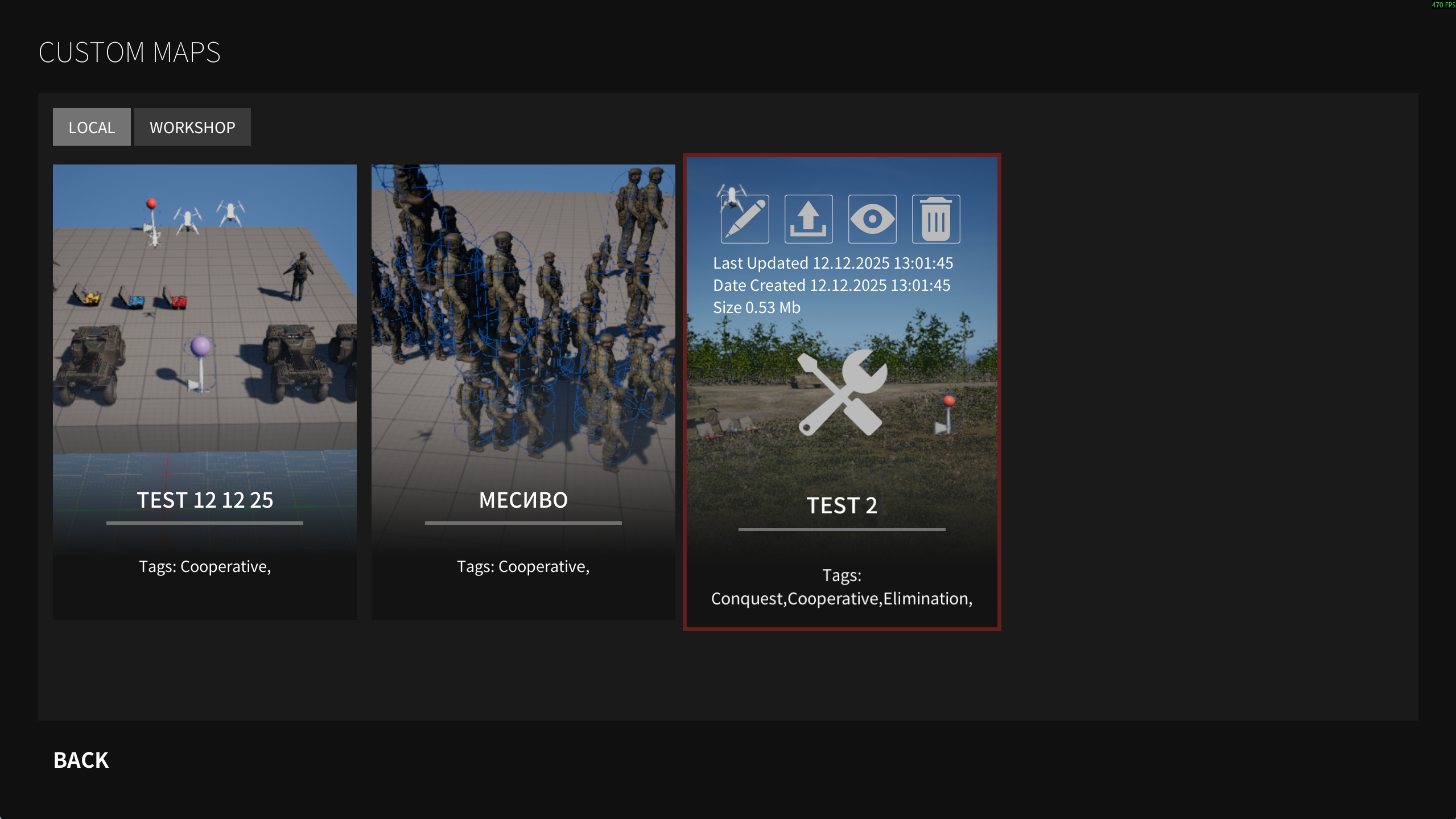
Go to Custom Maps → Local
Find your map and click Upload (up arrow icon)
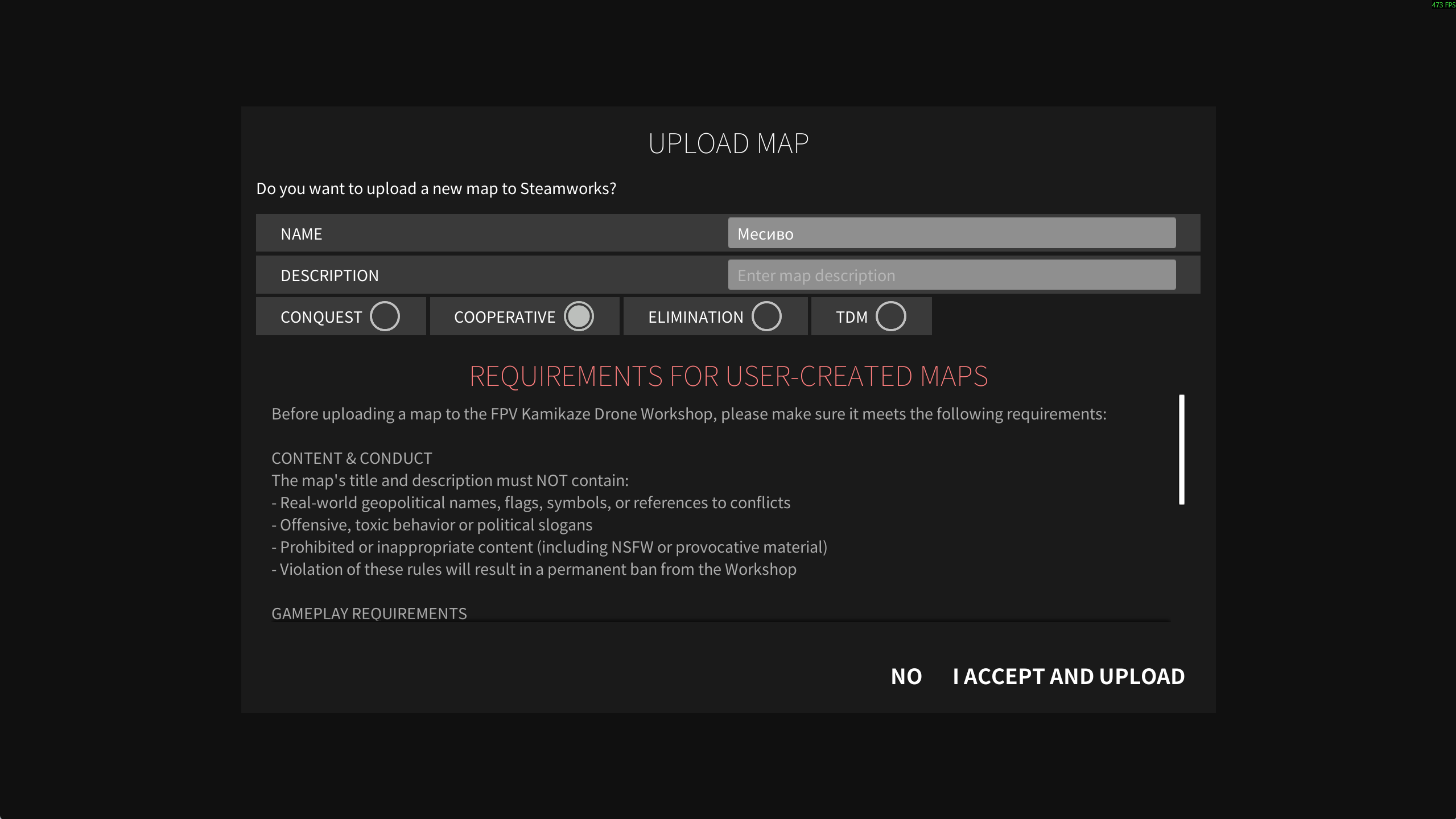
Before uploading, make sure that:
the map name and description are clear and well written
supported game modes are specified
there is no profanity, offensive content, or irrelevant material
map and object names are fictional
After uploading, the map is sent for developer review and Steam’s automatic moderation. Once approved, the map becomes available to all players.
Before moderation is completed, you can still host a server using your map — the map files will be transferred directly from you to all connecting players. If your internet connection is slow or unstable, it is recommended to wait for approval so players can download the map directly from the Workshop.
After moderation, players will automatically subscribe to and download the map from the Steam Workshop when joining the server, without putting load on the host.
Updating a Map
If you decide to make changes:
Click Upload
Provide a list of changes
Publish the new version
While the update is under moderation, the previous version of the map remains available for play.
Disclaimer
Additional bugs, issues, and errors may be present. Please keep this in mind.
Other
Changes
The UAZ is now without a canvas top and windows Passengers can fire their weapons but remain vulnerable
Some maps received visual improvements
Ambient background audio has been added to the last three maps
Bullet impact effects on the ground have been added to newer maps
Fixes
Fixed an issue where a passenger could get stuck after exiting a vehicle
Fixed a gear shifting issue at high speed
