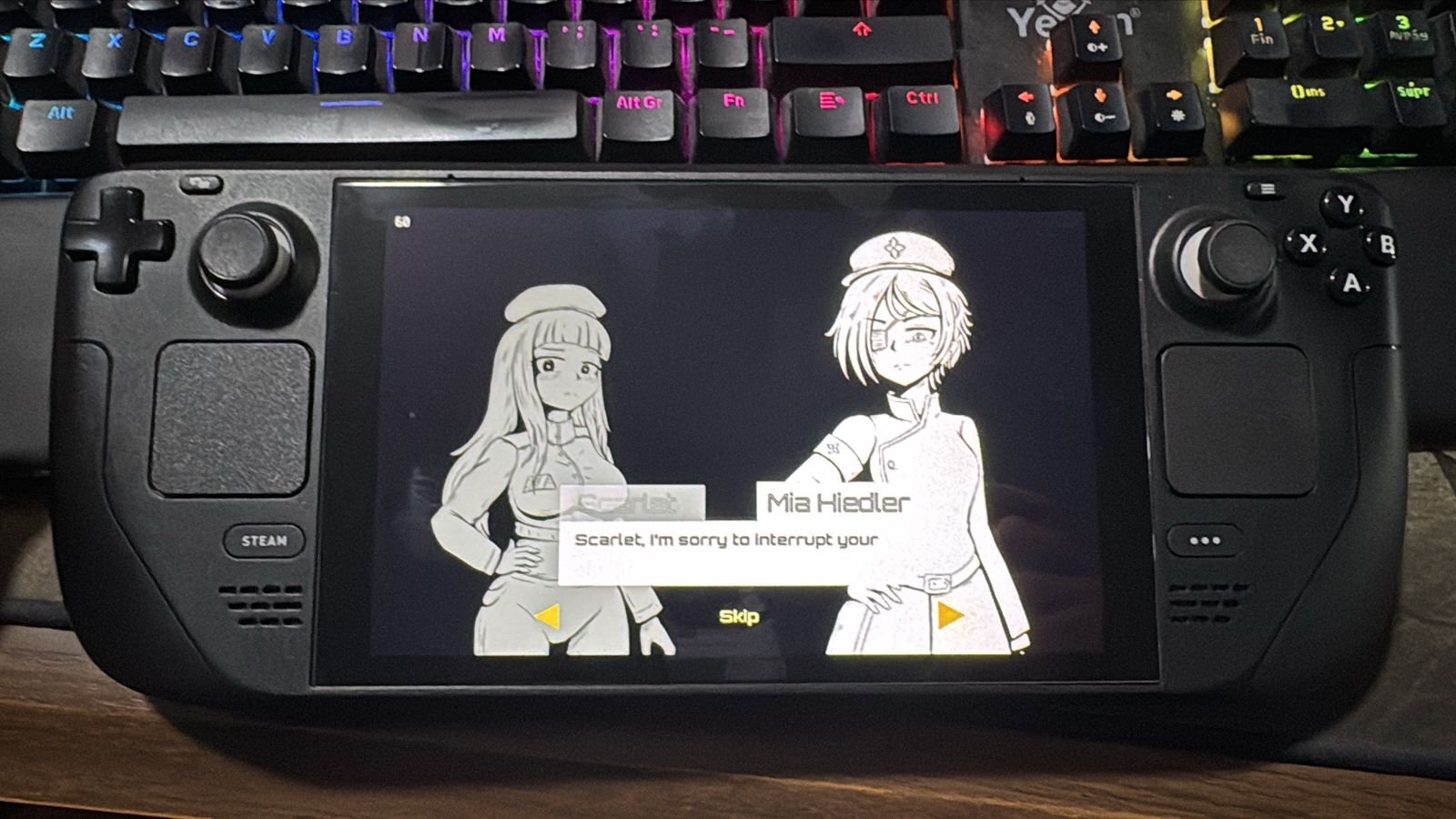
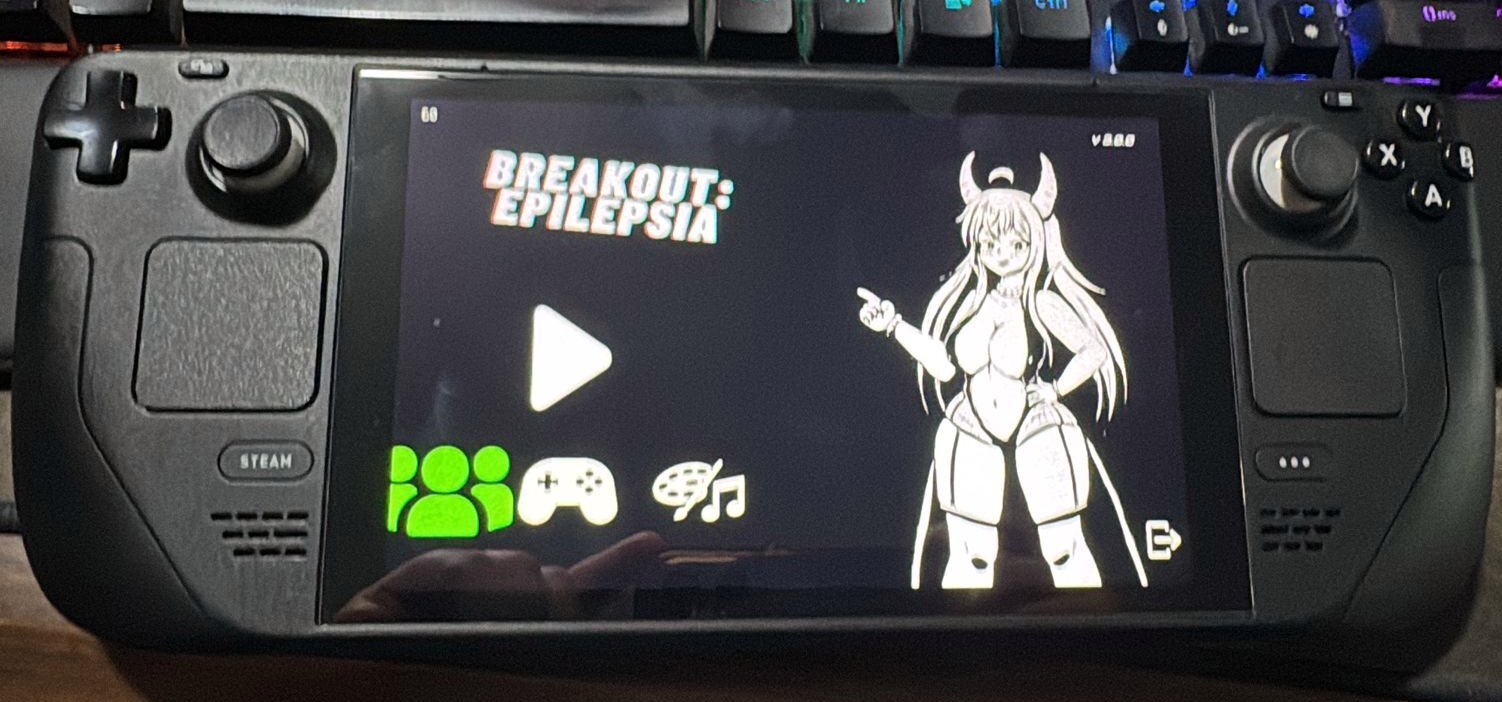
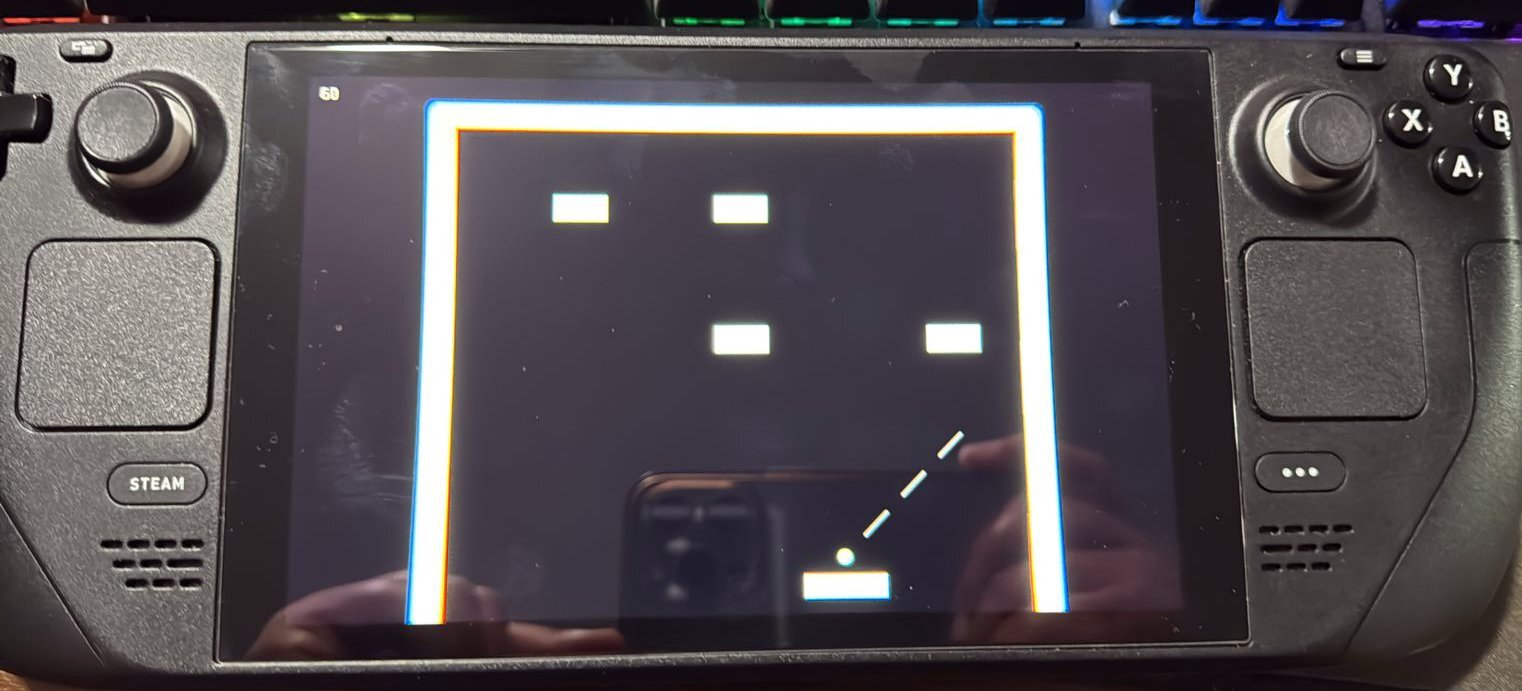
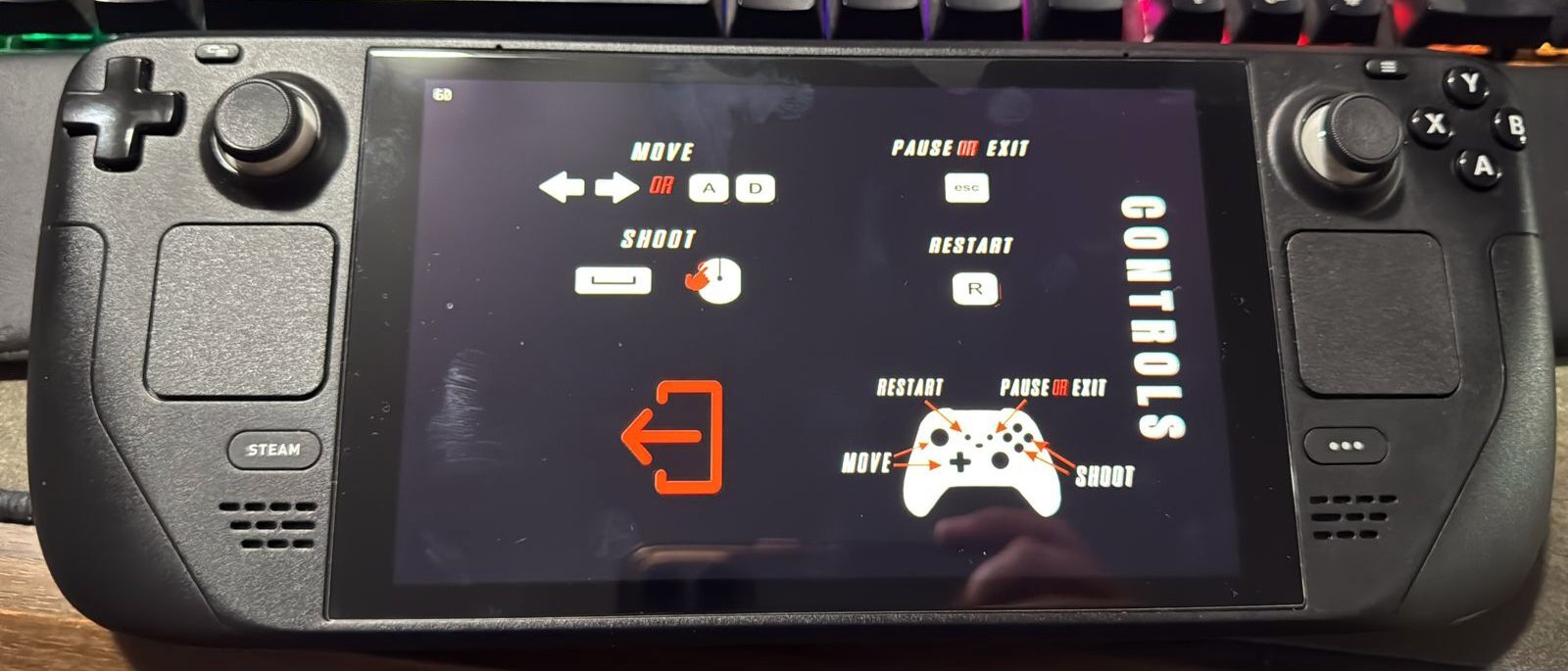
To be transparent: I don’t own a Steam Deck to test Breakout Epilepsia personally, but several players have done so and confirm that the experience on the device is smooth and complete.
All elements of the screen and menus display correctly, with nothing going off-screen.
Menus are touch-friendly, making navigation easy with the touchscreen.
The “A” button works to shoot, advance in visual novel mode, and launch the ball.
The Left Stick allows horizontal movement during gameplay and navigating menu options.
The pause menu, accessible with the Start button, navigates correctly using the Left Stick.
As a free game, anyone with a Steam Deck can try it directly and see that controls and gameplay are fully optimized.
Photos are included to show how the game looks on Steam Deck.