Summer’s heating up in Lynked: Banner of the Spark—and so are the Twitch Drops! From exclusive scuba gear to limited-time Unibot styles, there’s no better time to dive in, tune in, and earn some loot.
Watch your favorite Lynked streamers between June 26 and July 9 to unlock all-new, aquatic-themed cosmetics. Drops are split into two waves, so make sure to catch both before time runs out!
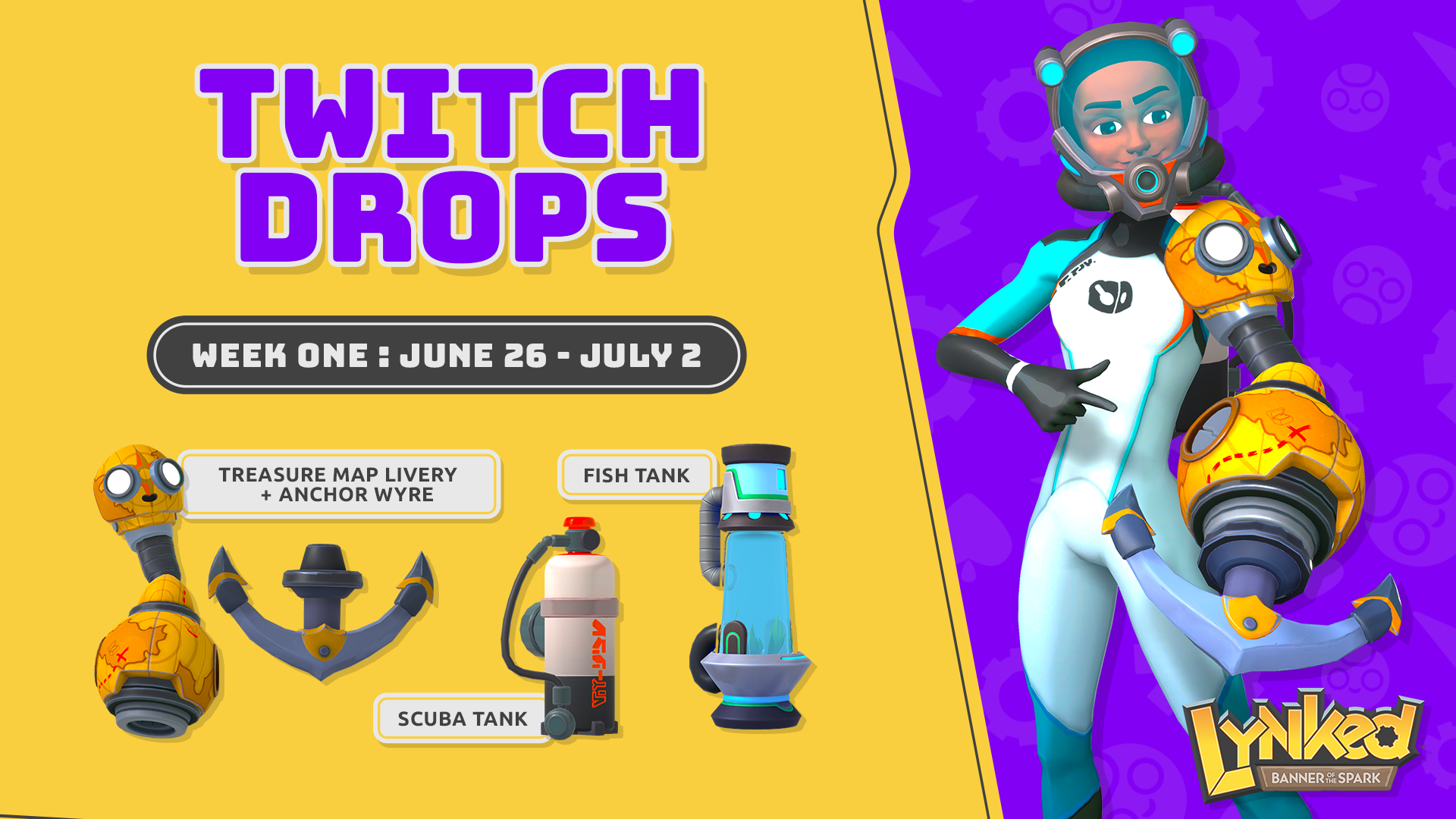
🌊 WEEK ONE: June 26 – July 2
Watch any participating Lynked streamer to unlock:
15 Minutes: Scuba Tank (Backpack)
20 Minutes: Fish Tank (Decor)
30 Minutes: Treasure Map Livery + Anchor Wyre (Weapon Style)
🕛 You have until July 2 at 11:59 PM PT to claim these!
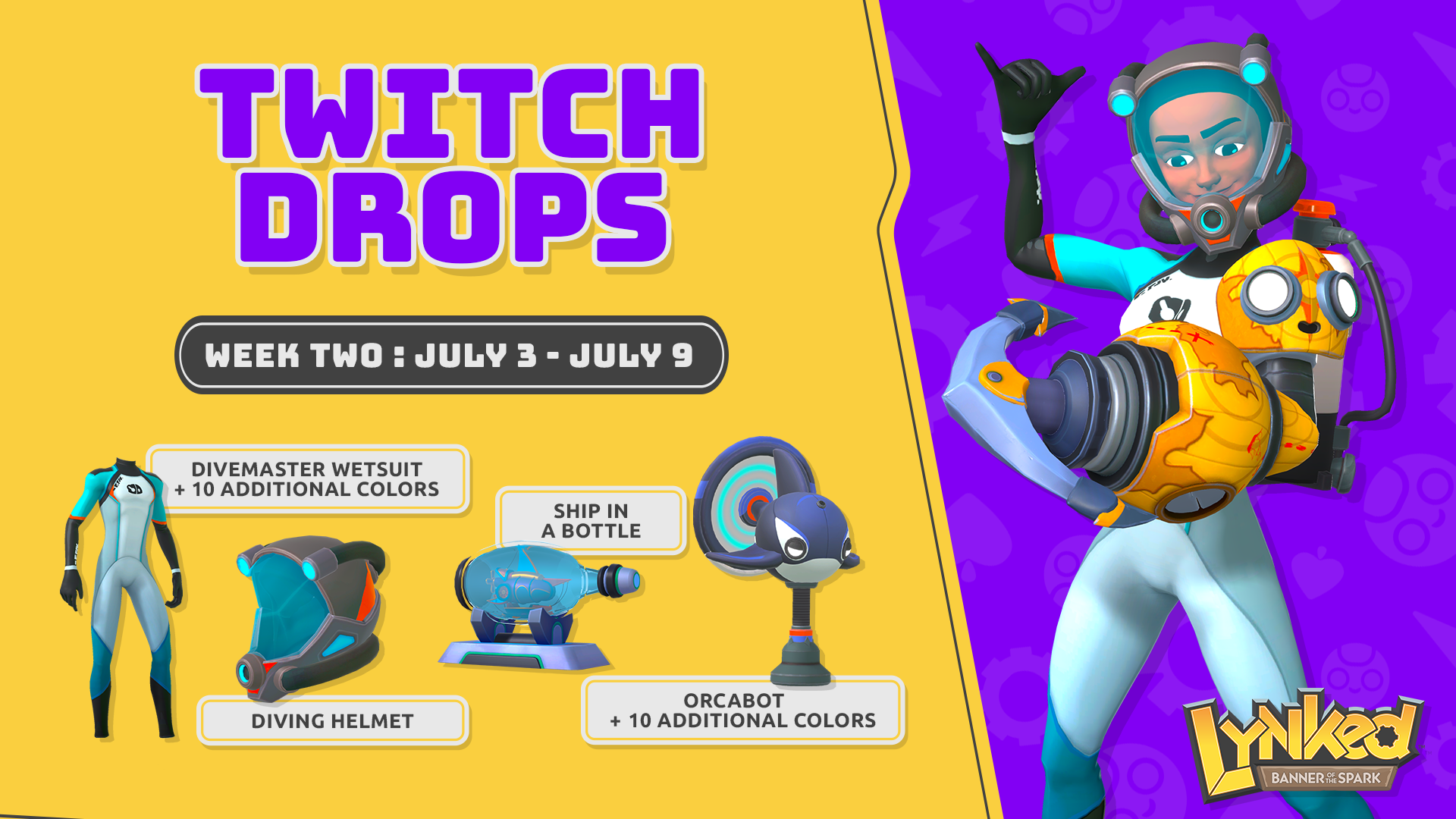
🐋 WEEK TWO: July 3 – July 9
Watch to earn:
1 Hour: Ship in a Bottle (Decor)
2 Hours: Diving Helmet (Headgear)
3 Hours: Orcabot + 10 Color Variants (Goodbot Style)
4 Hours: Divemaster Wetsuit + 10 Color Variants (Outfit)
🕛 Available until July 9 at 11:59 PM PT.
🔗 How to Link Your Accounts
To be eligible for these rewards, you must first make sure that your Twitch and either your Xbox, PlayStation, or Steam account are properly linked to our system! Click the button and follow the steps below to get ready for the drops:
STEP 1: Click on “LINK ACCOUNT” to go to the next screen.
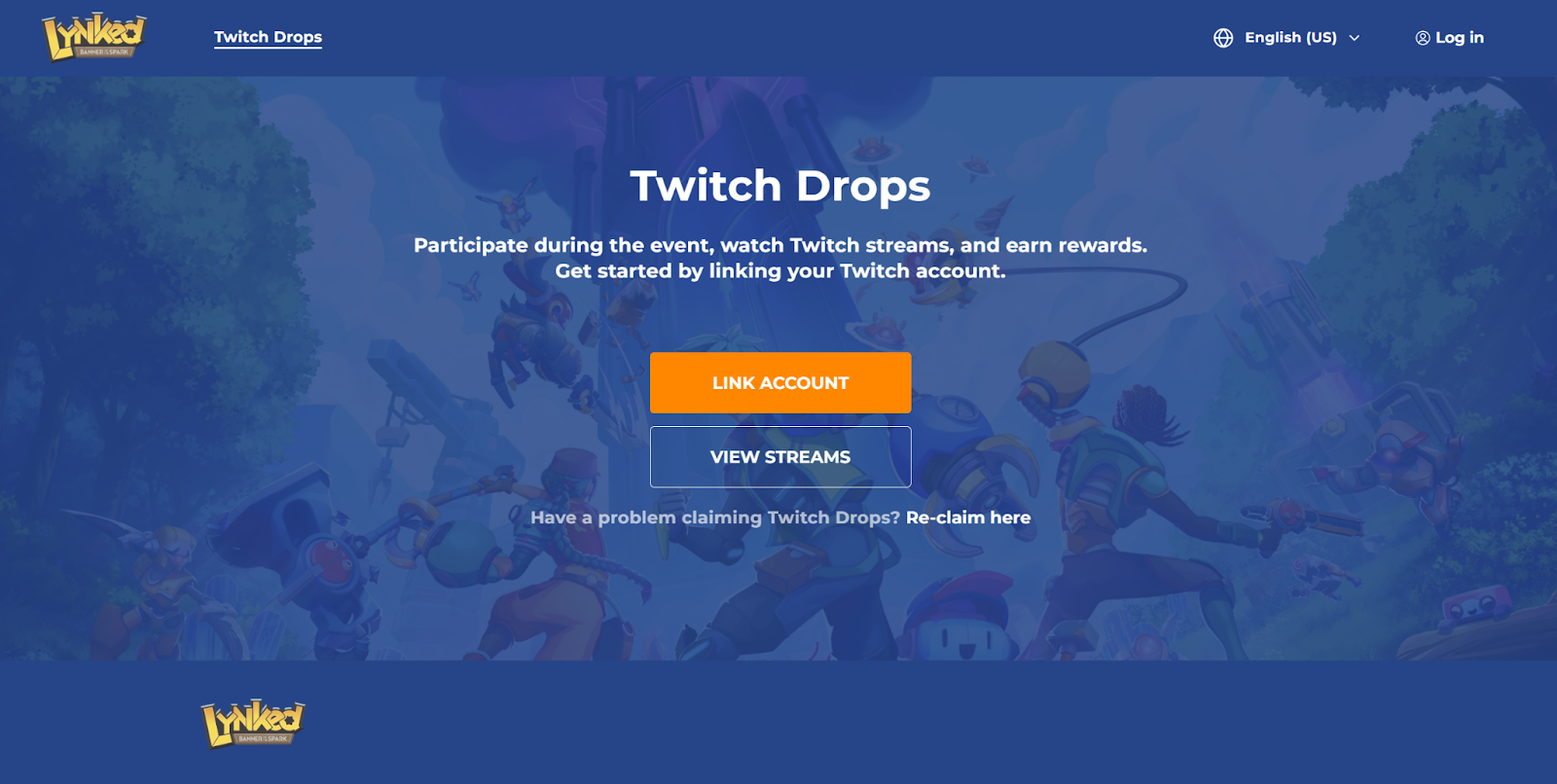
STEP 2: Select the platform you'd like to link — Steam, PlayStation, or Xbox. Log in to your account using your credentials. This process may include two-factor authentication (2FA), depending on your security settings.
IMPORTANT NOTE: Make sure to log in using the platform you’re using to play Lynked: Banner of the Spart to receive your rewards.
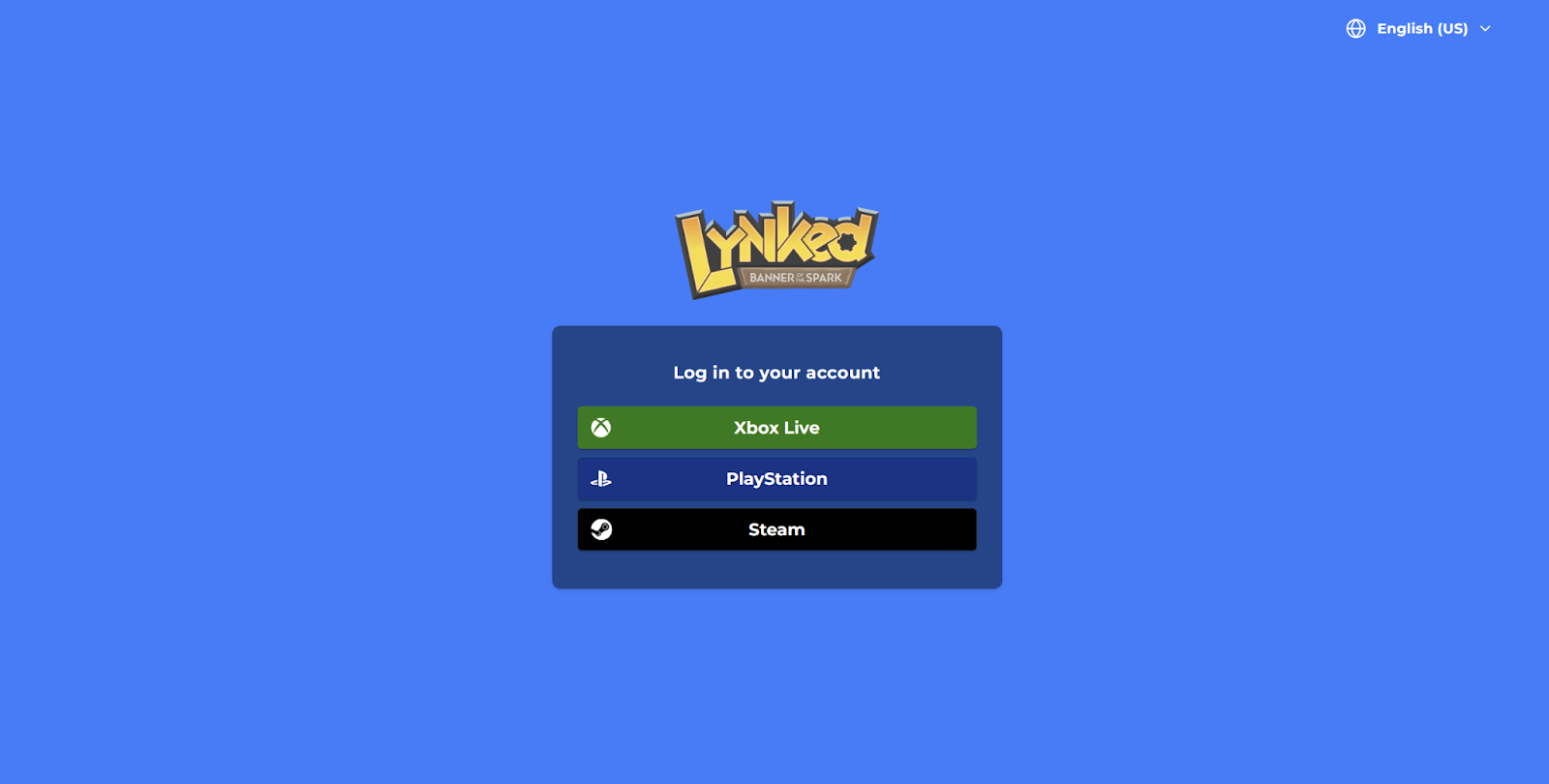
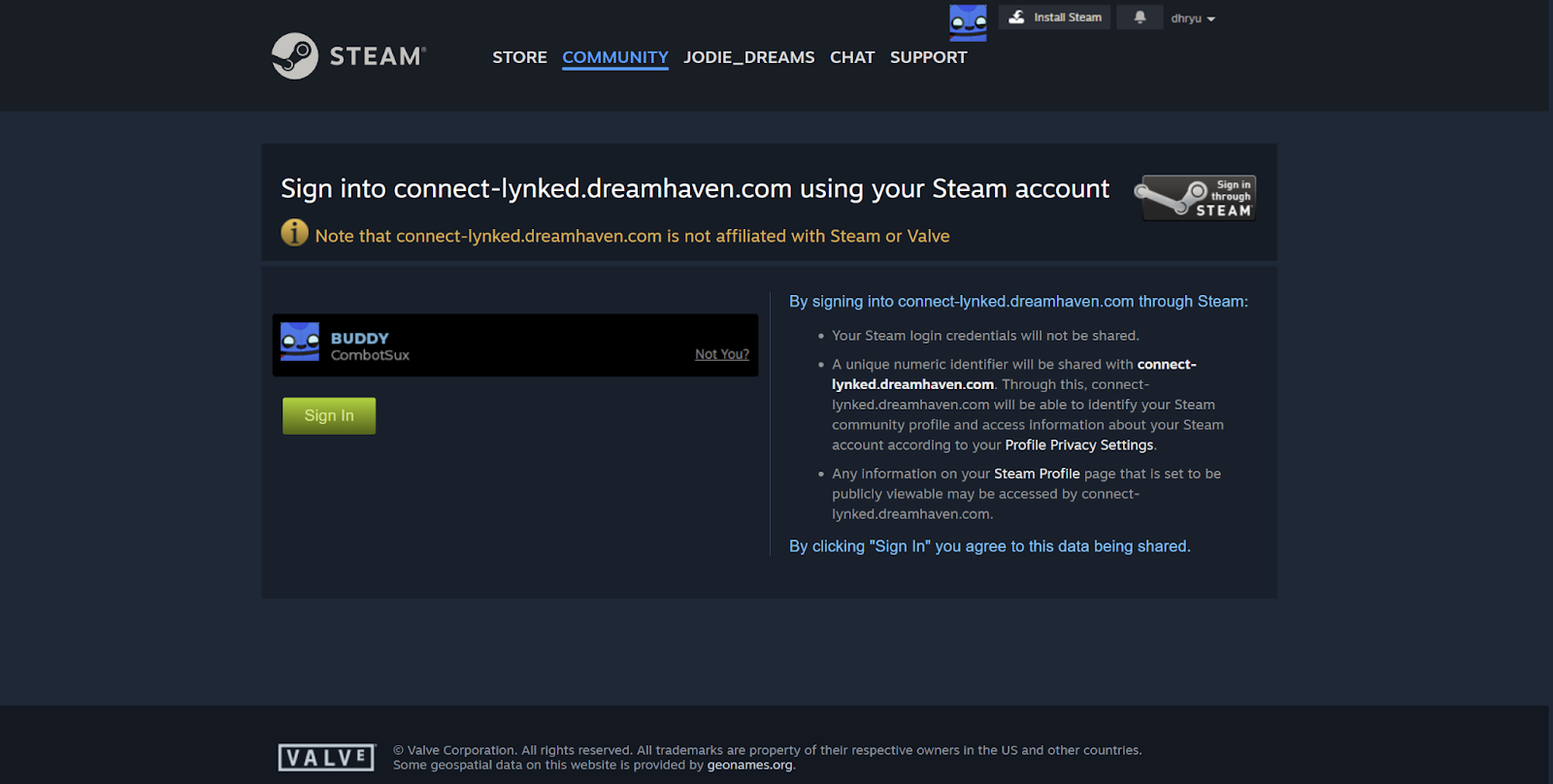
STEP 3: After successfully logging in to your chosen platform, you’ll return to the Twitch Drops screen. Click “LINK ACCOUNT” again to proceed to the next step.
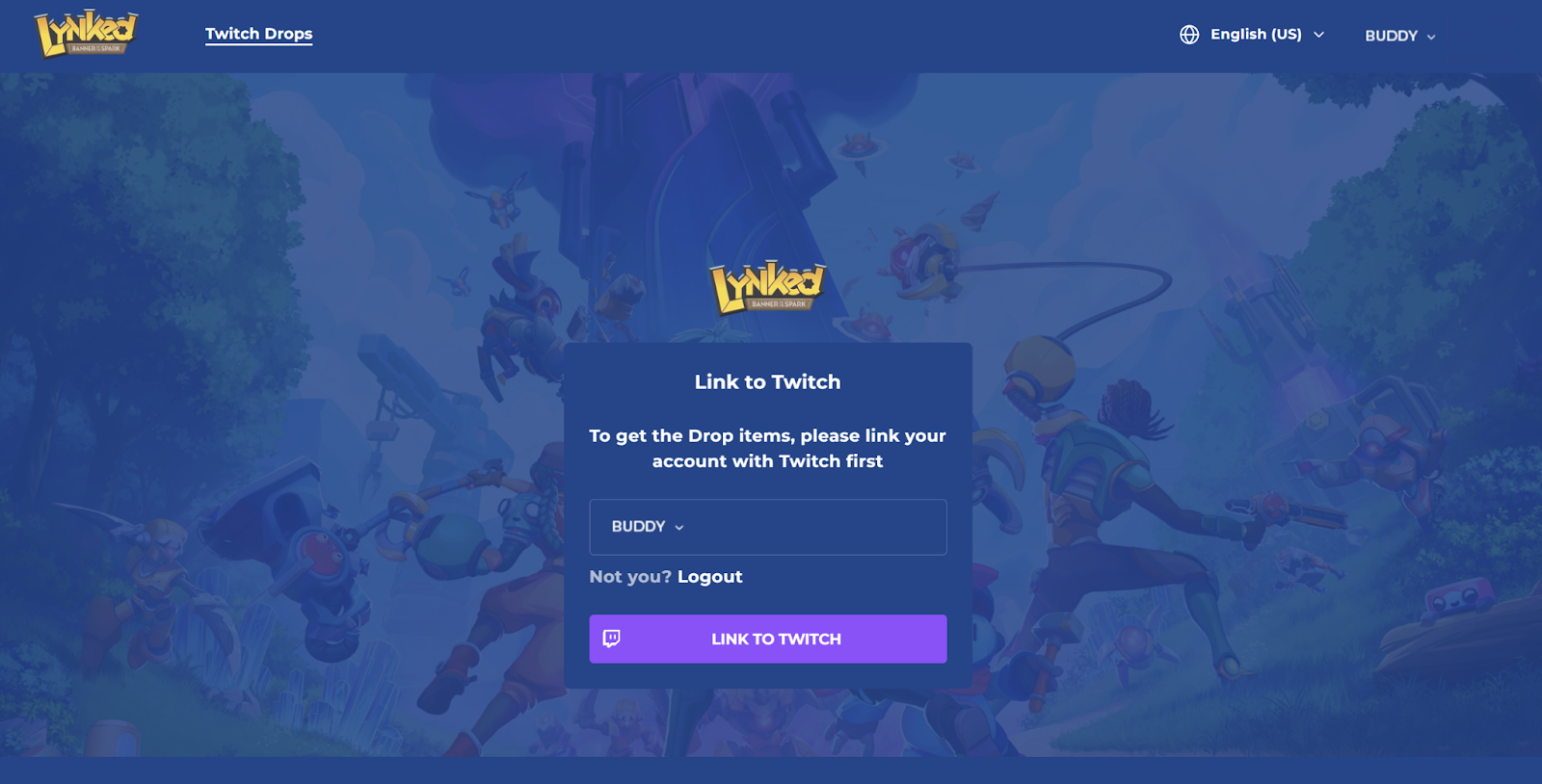
STEP 4: Confirm that the correct platform account (Steam, PlayStation, or Xbox) is displayed. Then, click “Link to Twitch.”
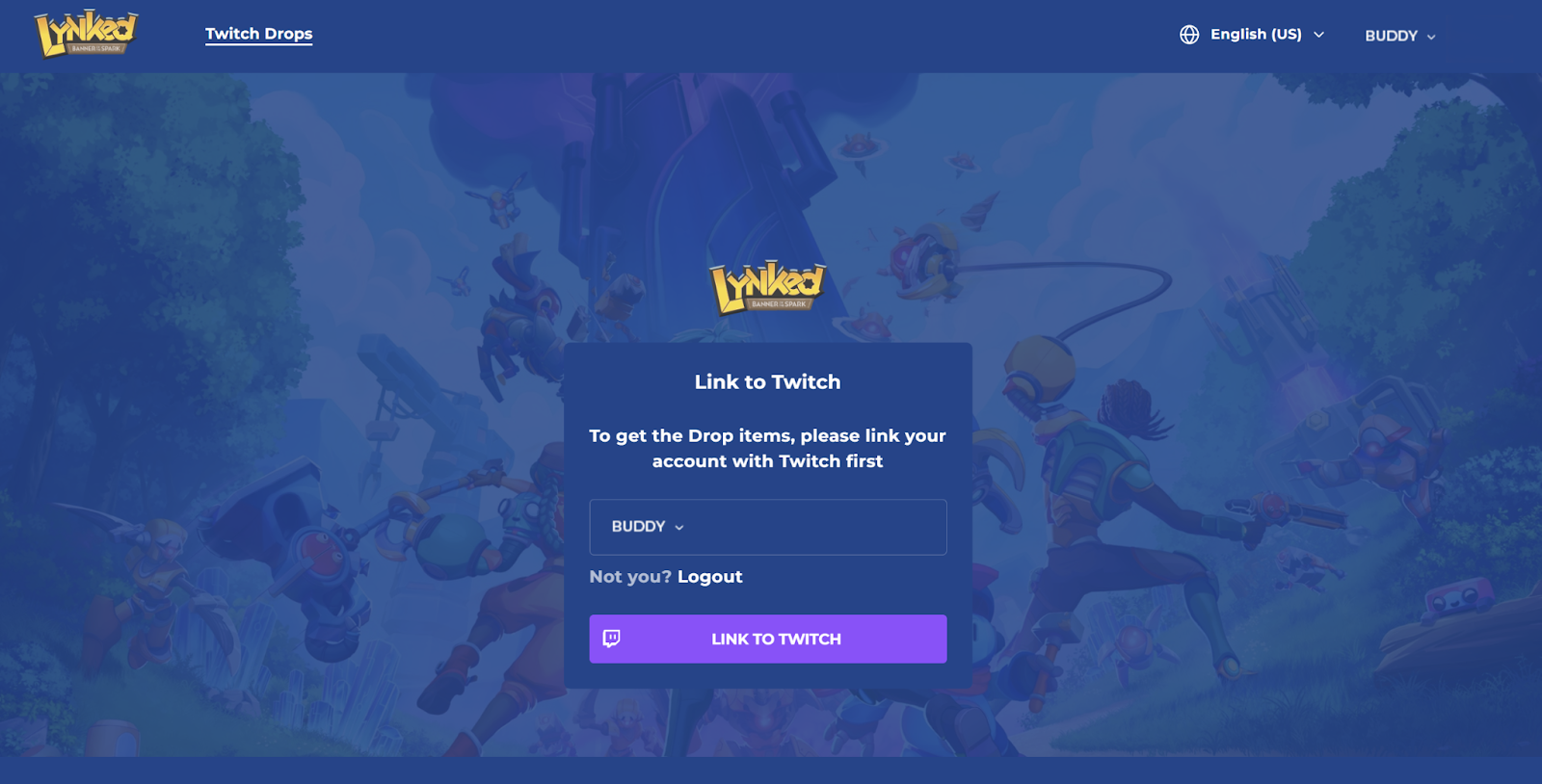
STEP 5: Log in to your Twitch account. This process can include two-factor authentication (2FA) depending on your settings. (This step will be skipped if you’re already logged in to Twitch.)
STEP 6: Click “Authorize” to finish the linking process.
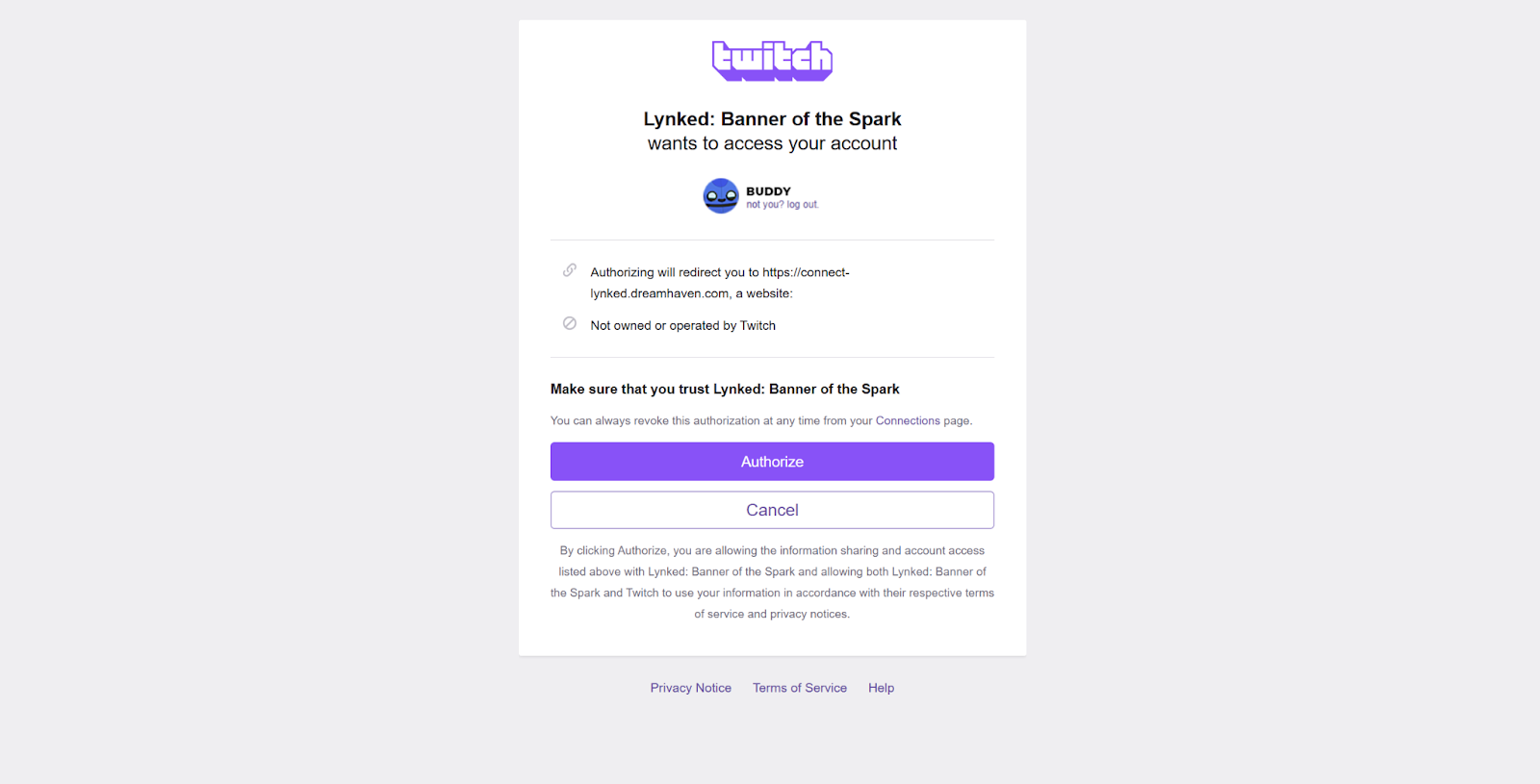
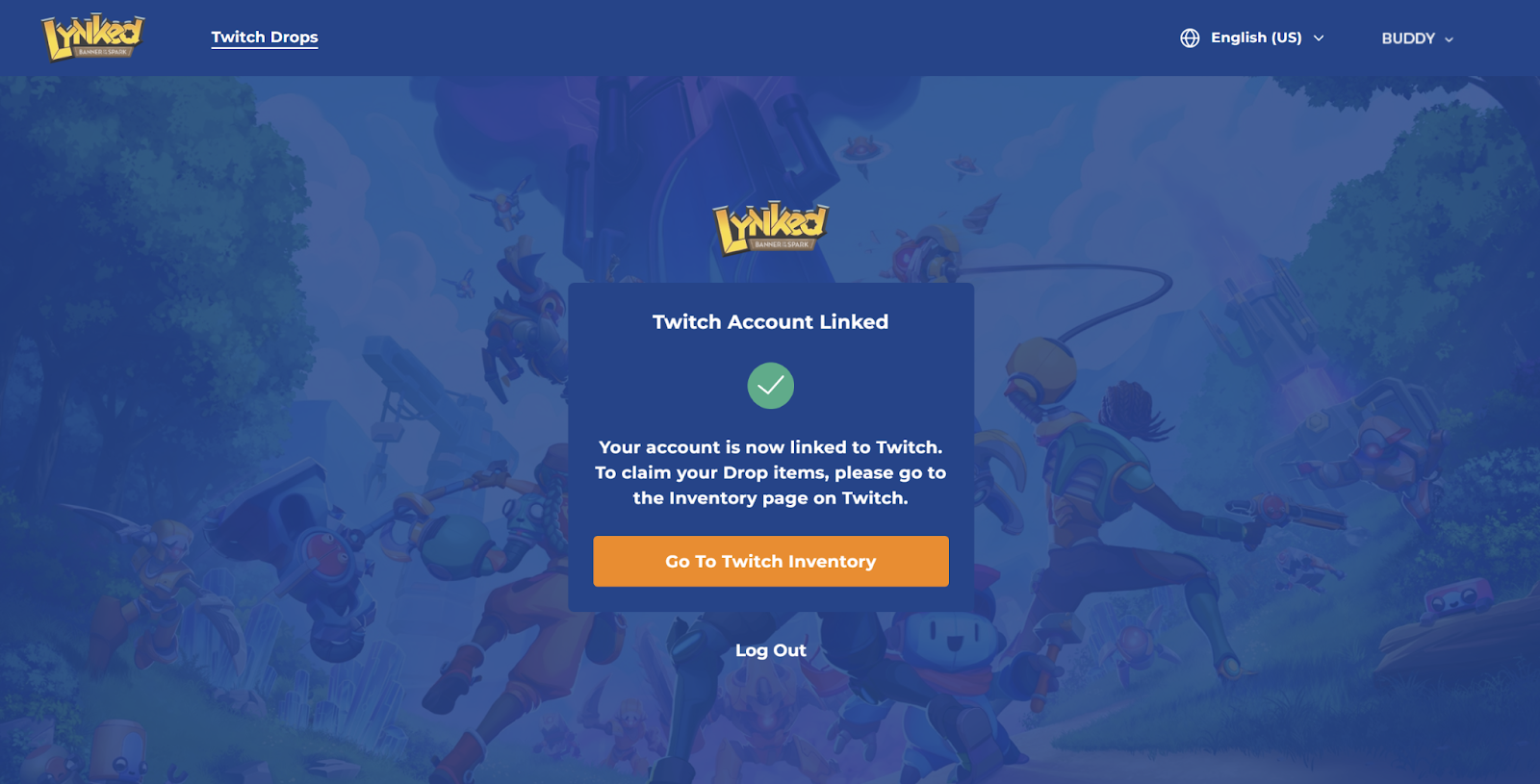
That’s it! Now you can click on “Go to Twitch Inventory” to check your Drops & Rewards.
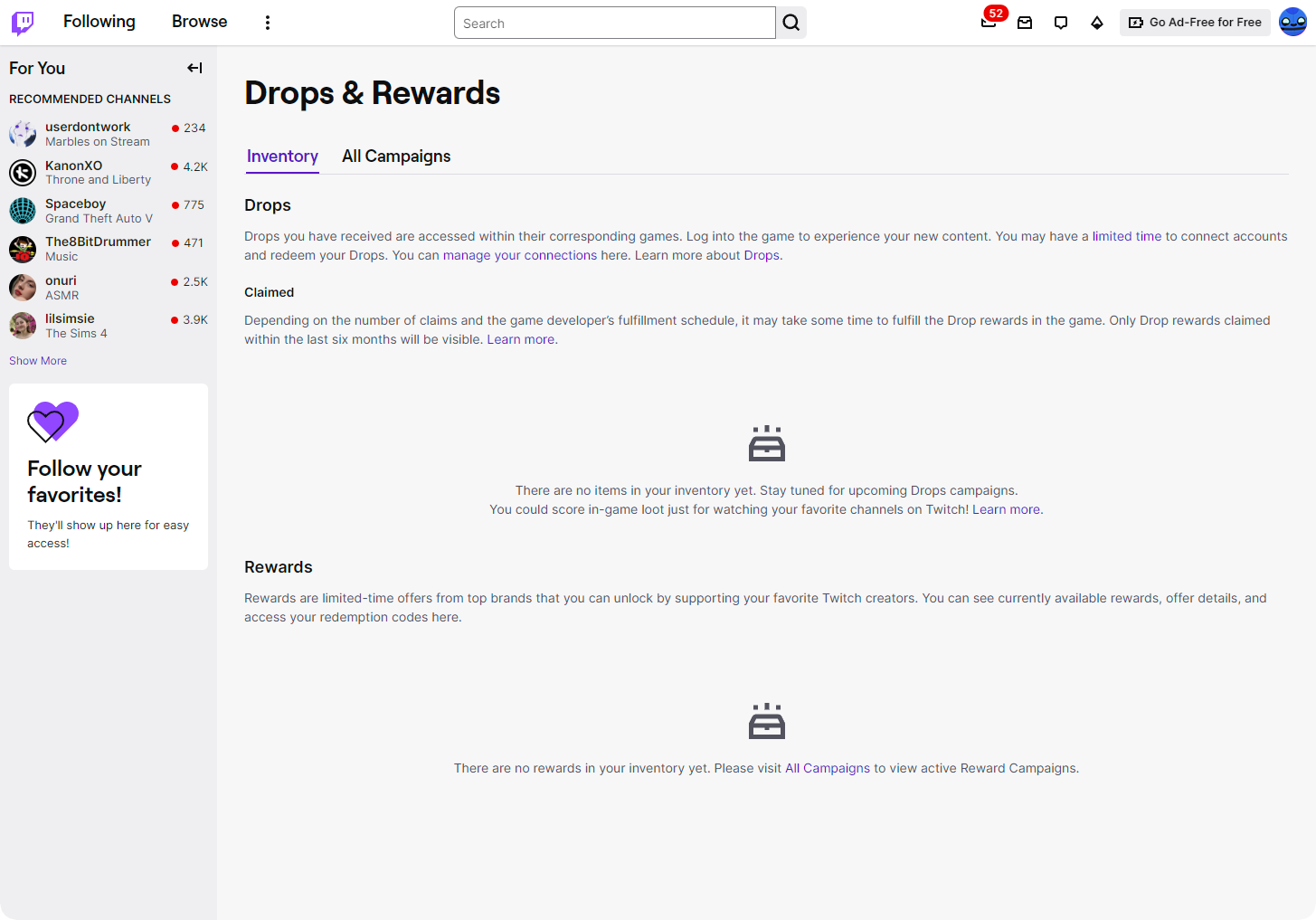
After linking, all you need to do is watch any eligible streamer during the campaign to start earning!
🎉 Don't forget to show off your new gear in-game and join our community Discord server to connect with members of the Banner of the Spark and FuzzyBut developers!