Home / News / DYNASTY WARRIORS 8: Xtreme Legends Complete Edition
Update information (2017/02/07)
Read the original on Steam ↗For text displayed within the game, you can select any of the following languages:
- English
- French
- German
- Chinese (Traditional)
- Chinese (Simplified)
- Japanese
To select the display language, please follow the instruction below.
1. From your game library, right-click the game title, and then select Properties.
2. After selecting the LANGUAGE tab, select the language you want to use from the menu.
* Select "ENGLISH" here if you want to play in "GERMAN" or "FRENCH"
3. After selecting the PLAY button, from Configuration, launch the configuration tool.
4. If a language configuration item exists within the tool, select the language you want play in.
Concerning save data, note that data is separated into the following 3 groups:
- English, French, German
- Chinese (Traditional), Chinese (Simplified)
- Japanese
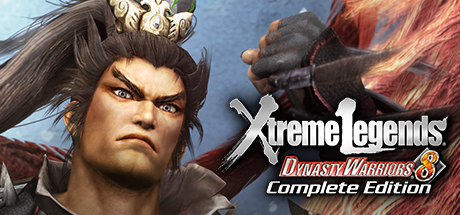 MORE ON STEAMCOZYDYNASTY WARRIORS 8: Xtreme Legends Complete Edition
84.0% positive · 13,497 reviews
Price tracking · player charts · similar games →
MORE ON STEAMCOZYDYNASTY WARRIORS 8: Xtreme Legends Complete Edition
84.0% positive · 13,497 reviews
Price tracking · player charts · similar games →
This announcement was written and published by the developers/publisher of DYNASTY WARRIORS 8: Xtreme Legends Complete Edition on Steam; it is mirrored here unedited for readability, with full credit and a link to the original above. © the respective rights holders. Rights holder and want it removed? Email us — we take it down promptly.