Object Grab / Inspect
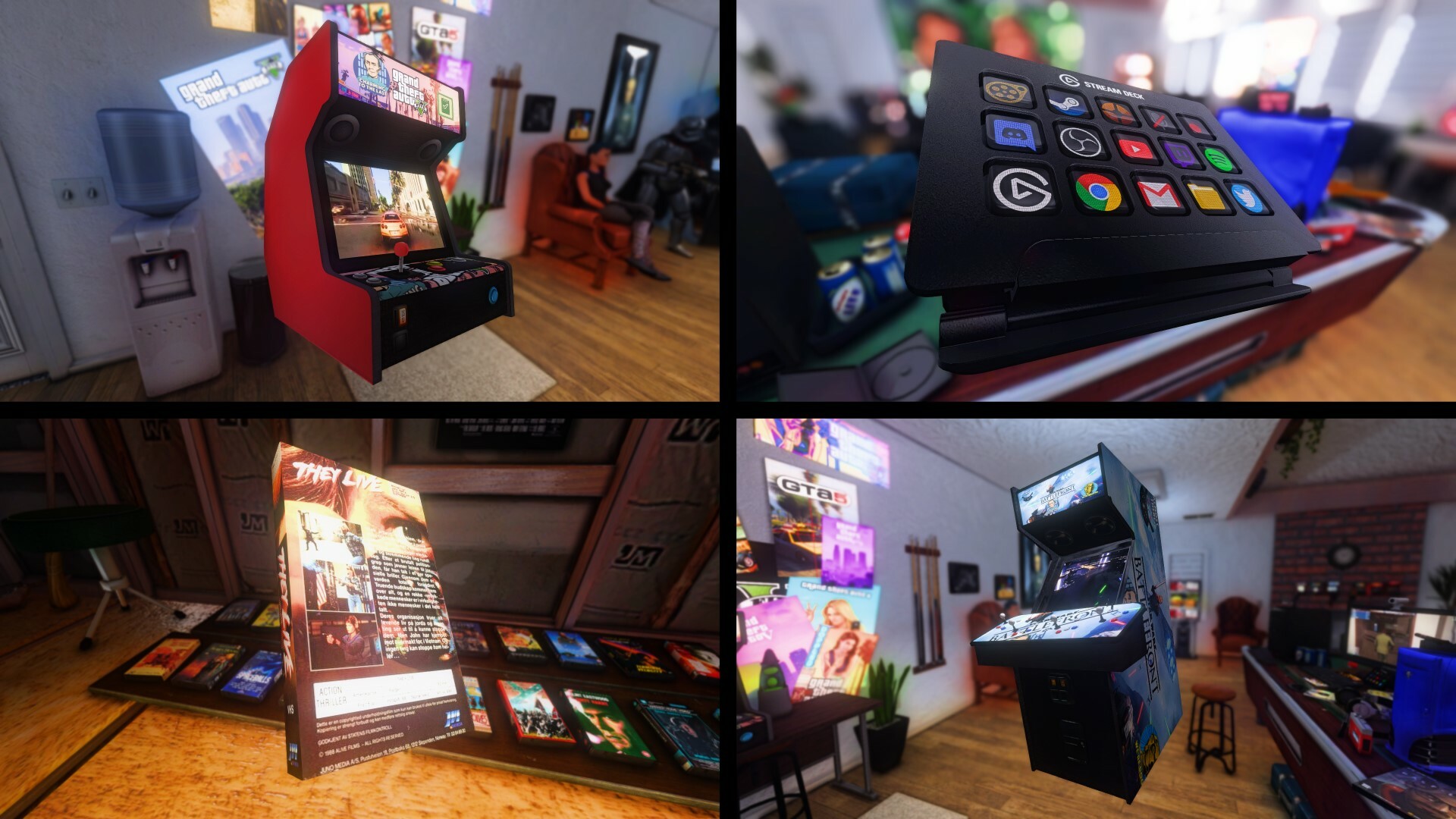
Pick things up & hold them very close to your face. Rotate & move them w/ mouse or joysticks. This is what the new Object Grab command in the Tab Menu > Commands tab lets you do.
They go back to where they were when you let go of them. Here's the details on how to control things you grab.
Gamepad
- Left Analog = Move X/Y
- Right Analog = Rotate
- LT/RT = Move Up/Down
- Start = Exit Inspect Mode
- Hold LB = Carry Mode
Keyboard & Mouse
- Left Mouse = Rotate
- Right Mouse = Move X/Y
- Middle Mouse = Move X/Z
- CTRL + Right or Middle Mouse = Move Rotation Origin
- CTRL + any 2 mouse buttons at the same time = Reset Rotation Origin
- Hold SHIFT = Carry Mode
The default rotation origin is the center point of the model. Sometimes models have weird center points (like if they have invisible bones.) So that's when you'll want to use the Move & Reset Rotation Origin stuff.
When you're in Carry Mode you can walk around while holding the object. Its rotation might get weird while you're walking around, but when you go back to Inspect Mode it should be smooth again.
Note that rotation behaves differently after you've walked around. This will be improved in the future.

Custom Cabients Tab
Custom cabinets now have their own category on the Build Menu. Hold down the Virtual Mouse Input button (right mouse) while placing an item to access it.
Any cabinet that doesn't already exist in one of the other categories will show up here. They'll just have the default auto-generated thumbnail (if you have model thumbnails enabled.)
You can also hide cabinets from the menu. (See Settings > UI tab > Manage Hidden Entries to un-hide stuff, if needed.)
Custom cabinets are created by compiling Source engine props that reference special material names to indicate the screen & marquee surfaces. Technical info on how to create custom cabinets is at: https://trello.com/c/F3KfrfEu/1887-advanced-cabinet-guide
Radial Menu Command
You can already access your library through the regular Library Browser by middle-clicking on an empty spot. Or you could already use the F6 button to access the Tab Menu > Library tab view of your library.
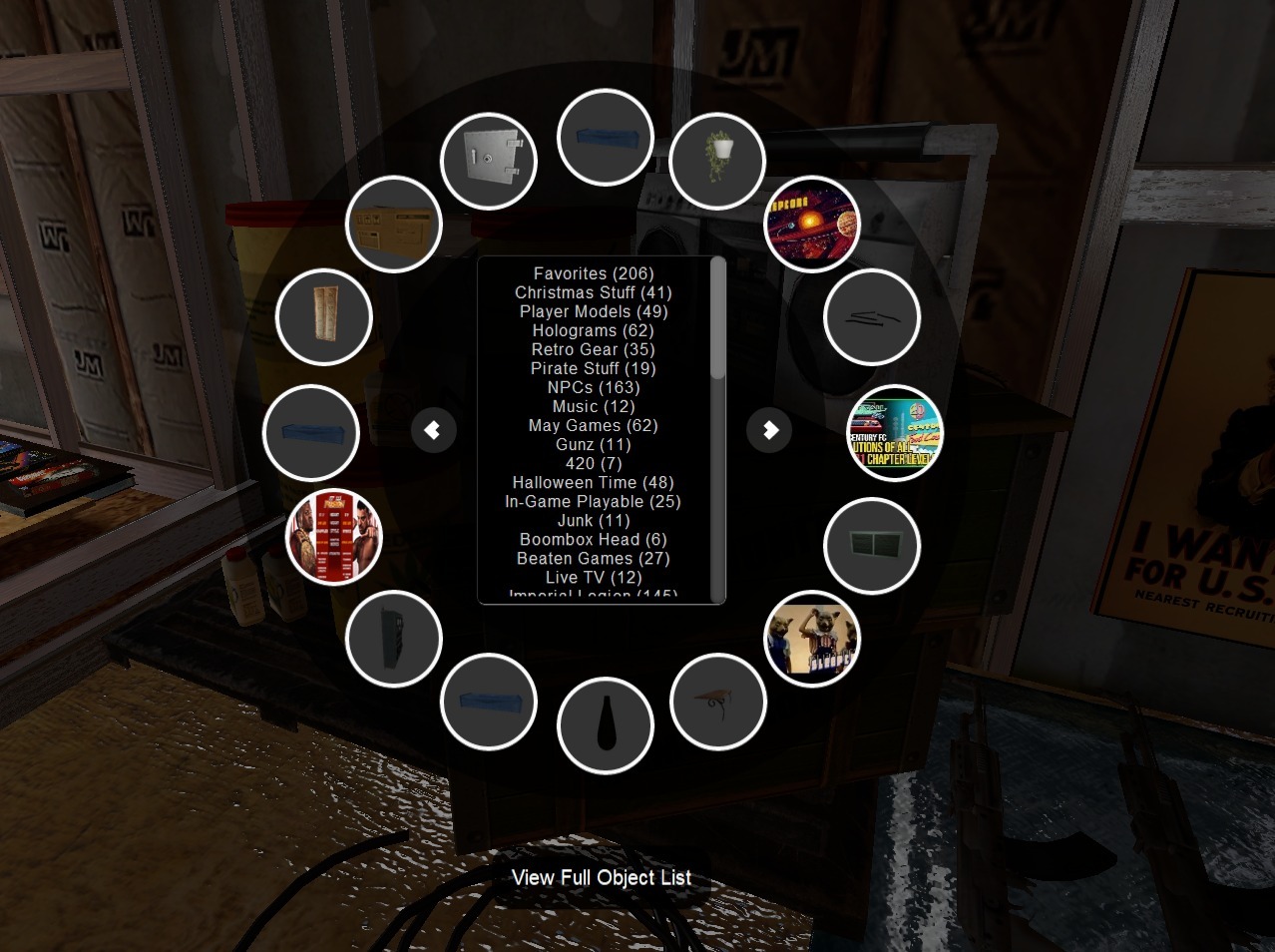
Now there is also the Radial Menu - which you can bind in the Commands Tab. Here's the deal with the radial menu...
It is all about the objects that are IN your current arcade - and quick access to your favorites lists to spawn new things.
It shows you nearby objects on pages. (Or you can use View Full Object List if you wanted to search through ALL objects in your arcade.)
You can click on an object in the menu to spawn another clone of it - or you can display a favorites list & spawn stuff from it instead.
Objects that already exist in your current arcade are highlighted. This makes it easier to avoid spawning the same thing twice. (This improvement also applies to the F6 Library tab.)
The Radial Menu also lets you update a model's thumbnail. Long-click with left-mouse on a model to regenerate its thumbnail.
Studio Cameras Hotkeys
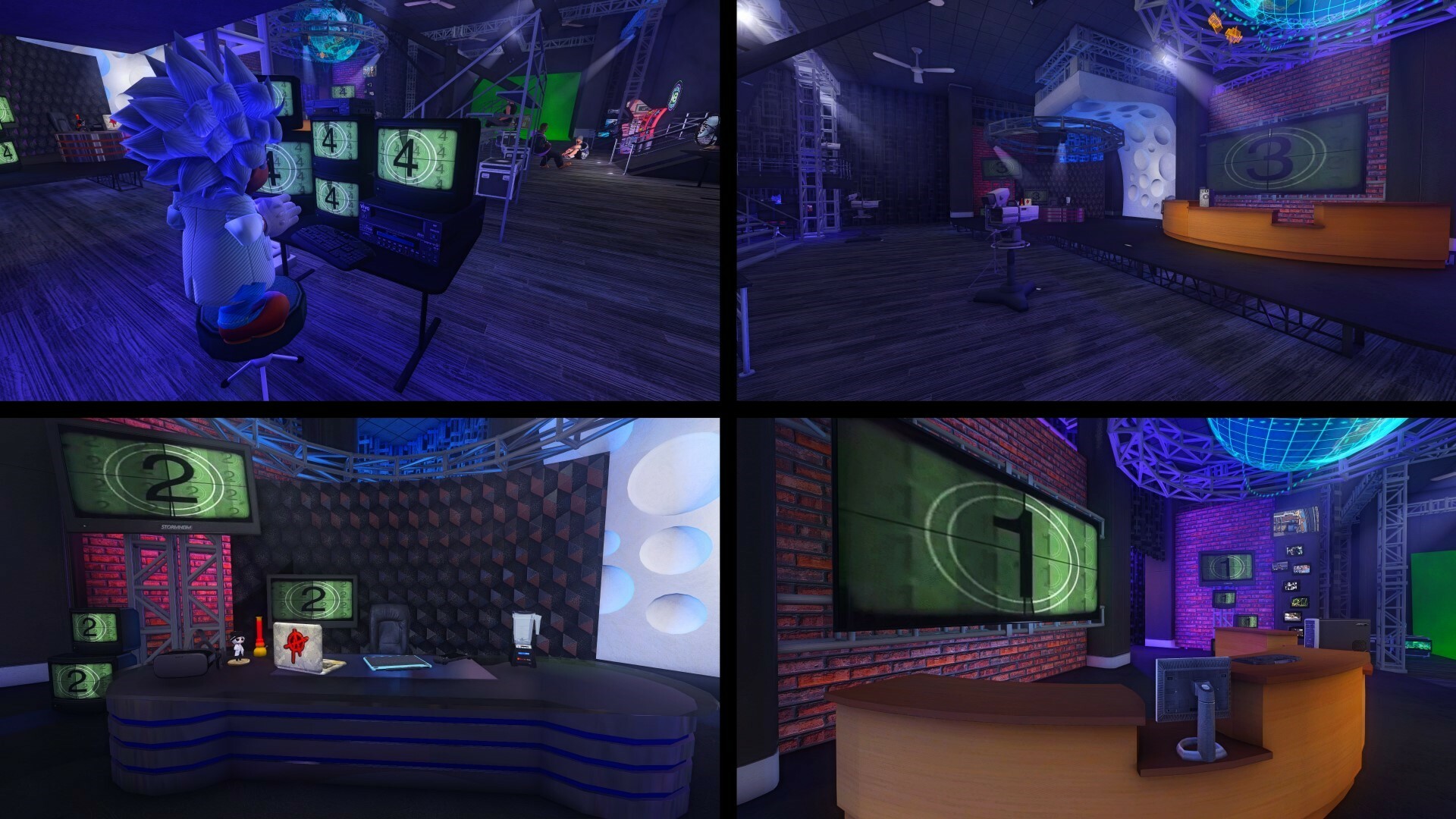
If you ever wanted to switch between specific camera views like some kind of virtual talk show camera operator - now you can.
Numpad 0-9 can now be used as camera hotkeys. CTRL + NUMPAD# to set your current position as a camera. Then just NUMPAD# to cut to that camera. ESC to exit. (You must be in 1st person mode.)
Camera positions will save automatically as convars (as long as AArcade doesn't crash-close.) They don't save per-map though.
Custom Particle Systems in Multiplayer
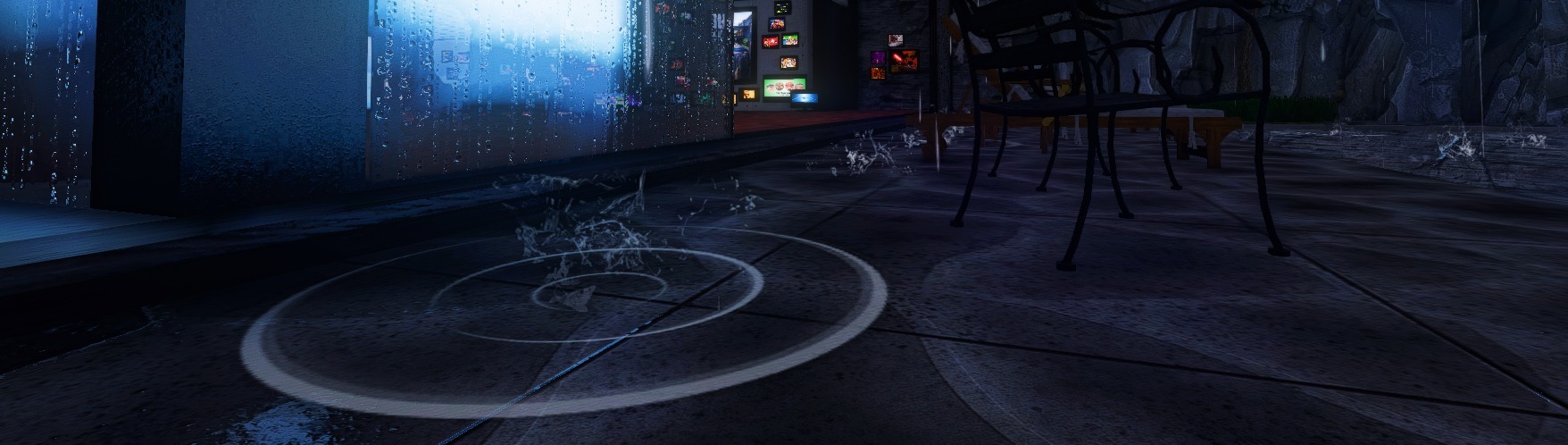
Today's update improves AArcade's ability to sync custom map assets to include Source engine particle systems.
When you create custom maps through AArcade's Level Editor menu and then host your map in an online server, the custom assets (models, textures, etc.) you use can be synced by AArcade without you having to go through the technical steps that are normally required. (ie. PakRat not required.) And now the assets related to custom particle systems will also sync.
Lots of stuff from games like TF2. Rain drops, puddles, fire, magic dragons - anything you can get into Hammer.
Hammer Trigger Volume Enhancement
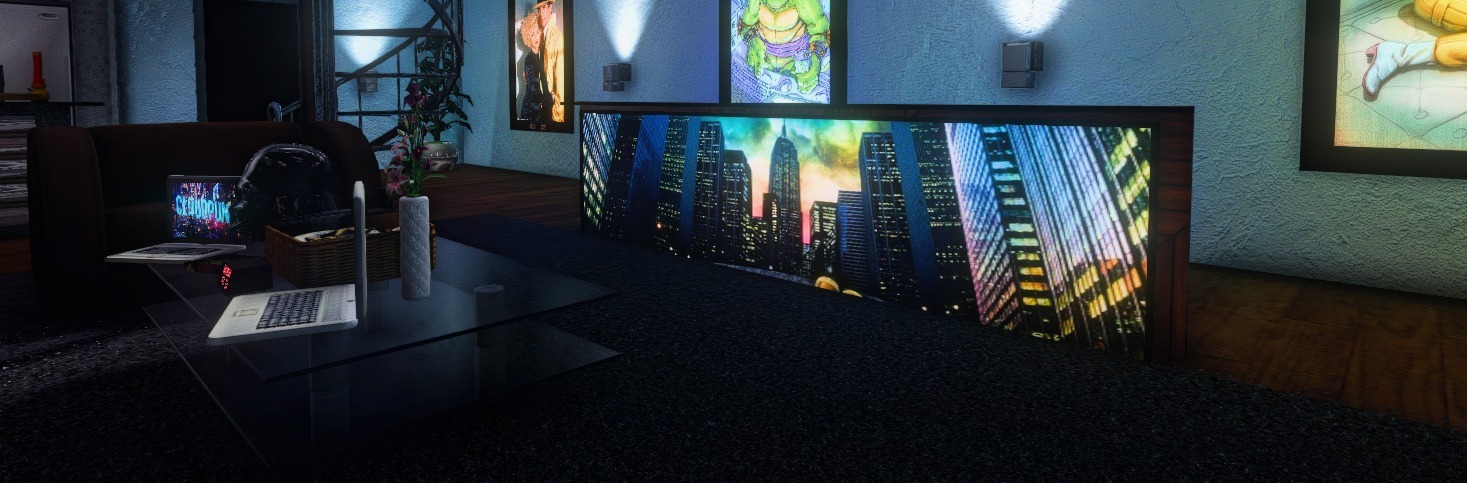
Useful for parenting prop_shortcut's to moving entities during runtime - today's update includes the ability for trigger volume entities to filter entities by origin rather than BBOX. This allows for easier rigging of TV's that slide out of the floor or other interactive uses.
(Technically, you set the Disallow Bots flag to indicate to AArcade that you want to filter w/ origin.)
We have an example VMF that can be shared in our Discord if you are a Hammer user and wish to see how to use it.
Updated TheMovieDb.org Wizard
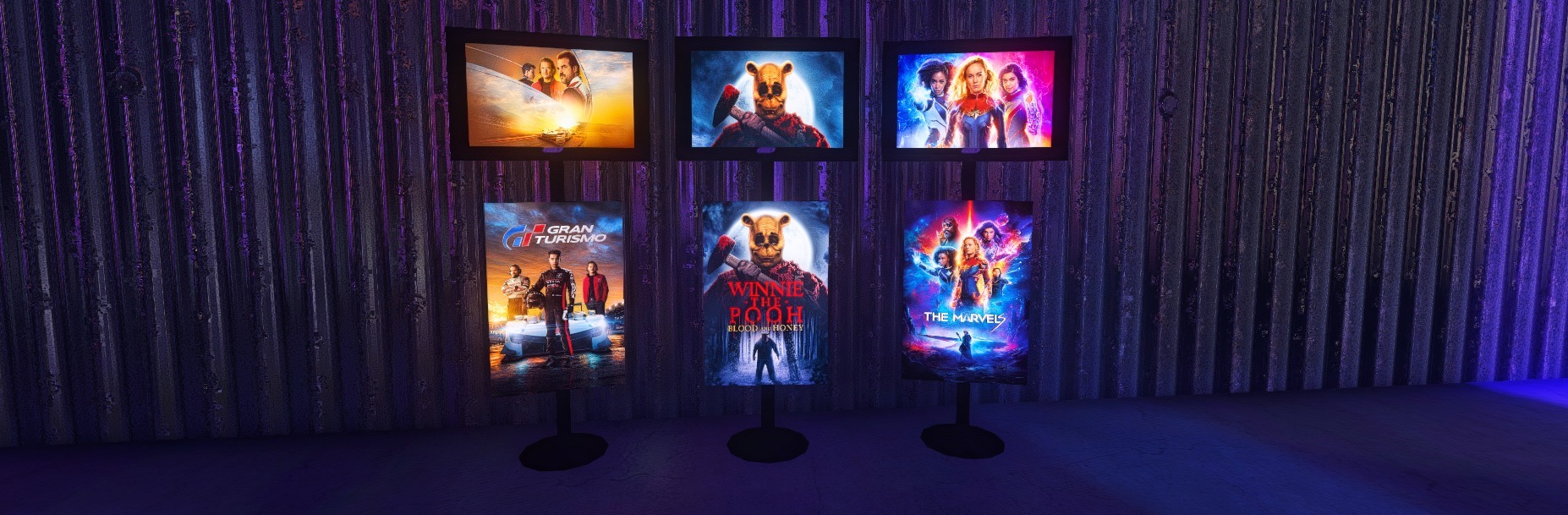
Wizards are scripts that help you look up info about media on database sites - so that you don't have to manually fill out all the details about mainstream games & movies that you spawn.
There are only 2 wizards that are maintained in working condition: the Steam Store for games, and TheMovieDb for movies. (The rest are outdated & will be hidden/removed soon.)
Today's update has a fix to AArcade's TheMovieDb wizard so that it can properly retrieve poster & wallpaper images again.
Note that as an alternative to wizards you could use drag & drop. You could drag & drop images directly from your desktop or standalone web browser into a specific image channel of an item in AArcade if you hover over the object & choose a channel before you drop it in.
In-progress for next time
There are some features in-the-works that I couldn't get polished enough for this update, so they'll likely be in the next one.
Those include: VR support, simple pets that follow you around, item spawn randomization, item re-roll, Libretro next/previous buttons, export to Hammer, Source vehicle menu. Stay tuned for future update news - or drop into the Discord if you'd like to follow dev more closely or interact w/ the community. (There's a link on the bottom of AnarchyArcade.com )
I hope you enjoy the inspect mode as much as I do, and find the Radial Menu useful! I'll be in the Discord as usual in case anything comes up. Have fun! ːilyː ːspg2anarchyː
P.S.
If you're wondering why my screenshots look so good, it's ReShade! If you need help setting up ReShade, feel free to ask or check out this help doc: https://hackmd.io/@smsithlord/H1fdj8T-9#How-to-manually-update-ReShade
Change Log
- Added Object Grab to the Commands tab. It lets you pick up & inspect objects. Gamepad: Left analog = move X/Y, right analog = rotate, LT/RT = move up/down, start = exit, hold LB = carry mode. Keyboard & mouse: Left mouse = rotate, right mouse = move X/Y, middle mouse = move X/Z, CTRL + right/middle mouse = move rotation origin, CTRL + 2 mouse buttons at same time = reset rotation origin, hold SHIFT = carry mode.
- Added a Custom tab to the cabinet selection on the Build Menu. Any cabinets that aren’t already in other categories will appear in this tab. Can also hide cabinets from the menu. (See Settings > UI tab > Manage Hidden Entries to un-hide stuff, if needed.)
- Added Radial Menu to the Commands tab. It is an alternative way to see nearby objects, spawn things from favorites lists, see a full list of all objects in the world, or regenerate model thumbnails. (Long-click w/ left-mouse on a model thumbnail to regenerate.)
- Added support for hotkey controlled studio-style cameras. CTRL + NUMPAD# to set your current position as a camera. Then NUMPAD# to cut to that camera. ESC to exit. Must be in 1st person mode.
- Added support for syncing Source engine particle system assets in multiplayer. (If you use custom particle systems in your custom multiplayer map, you’ll have to re-host for changes to take effect.)
- Hammer: Added support for trigger volumes to filter objects based on ORIGIN point instead of BBOX. (Set the “Disallow Bots” flag to indicate to AArcade that you want to filter w/ origin.)
- Updated the TheMovieDb’s wizard to properly retrieve poster & wallpaper images again. (Note that only the Steam Store and The Movie DB wizards are expected to be in working order.)
- Improved “:/Windows” folder blacklisting to allow for things like “:/Windows Stuff”.
- Improved stability of joining multiplayer servers a little bit. (Erroneous double slashes in internal asset names no longer cause 0 byte MDLs.)