"Rolling Switch" has been secretly shown at various real events,
In fact, you can play it on your own as long as you have the Steam version and a controller.
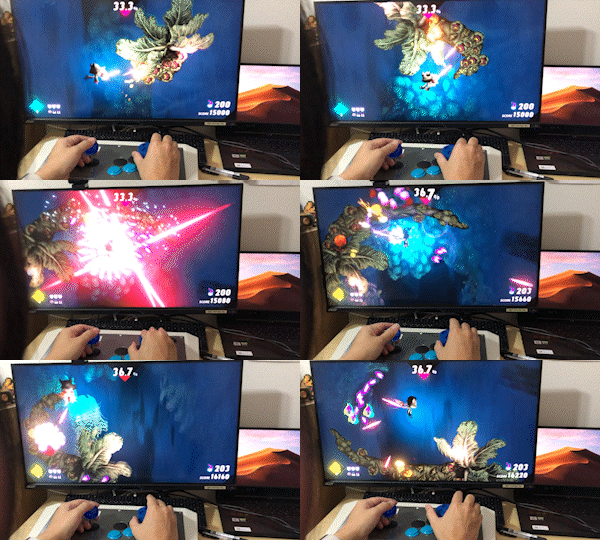 .
.The method is simple!
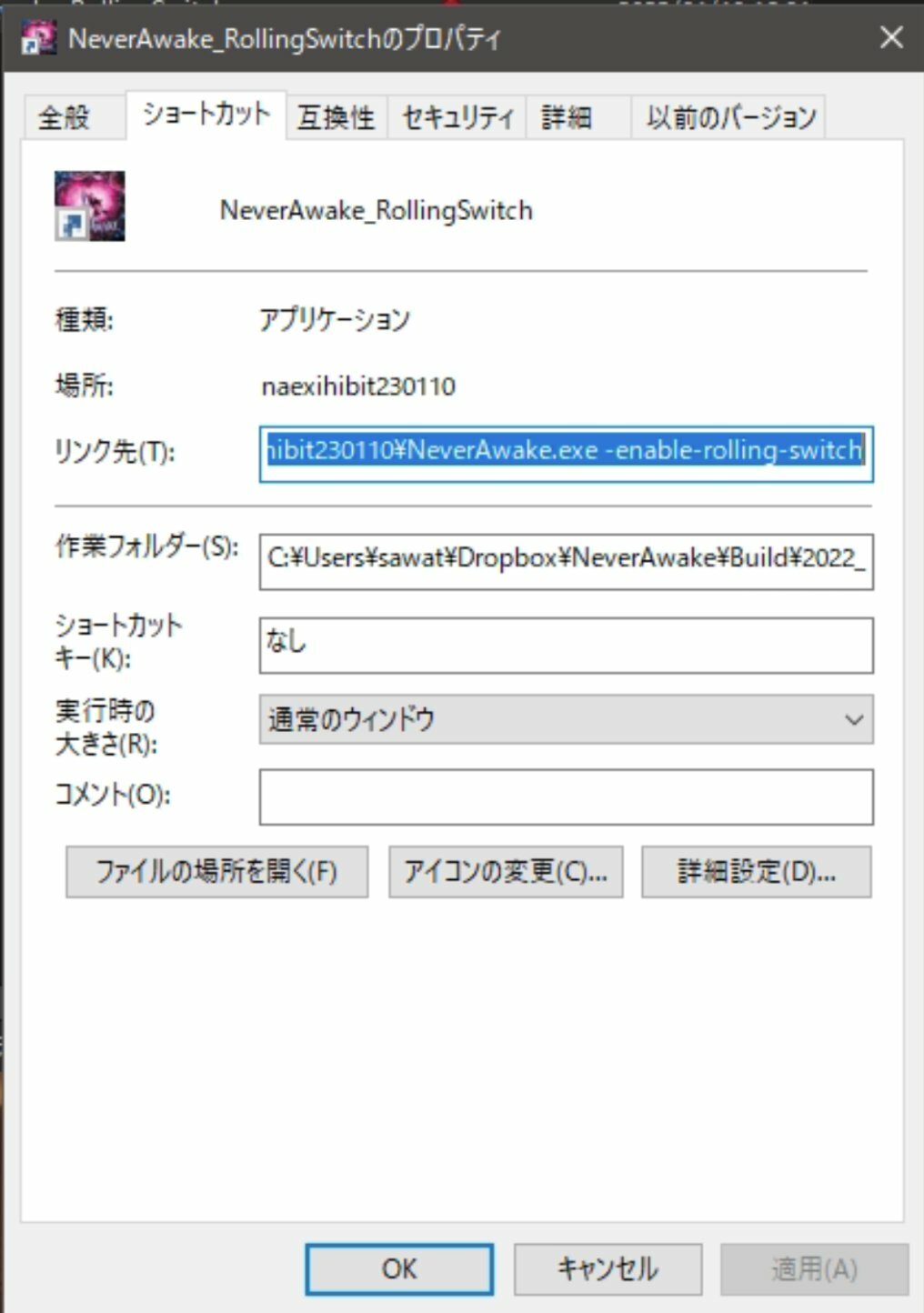
Just run the Steam version with the following parameters!
NeverAwake.exe -enable-rolling-switch
Now you have the following specifications.
- so that moving the mouse left or right will cause LEM to roll.
- make auto-shot.
- decision-button/weapon-firing consolidated into the A button
▽Reference
https://twitter.com/saddy575/status/1727701615636074521
* It is convenient to create a shortcut as shown in the image below.
Inside the arcade controller used in various exhibitions,
It looks like it has a mouse board in addition to the regular arcade controller board, he said.
Preparing the controller is a hurdle, though,
We hope you will find your own way to enjoy "NeverAwake" by using various controllers.
So, continue to have a good nightmare!!!