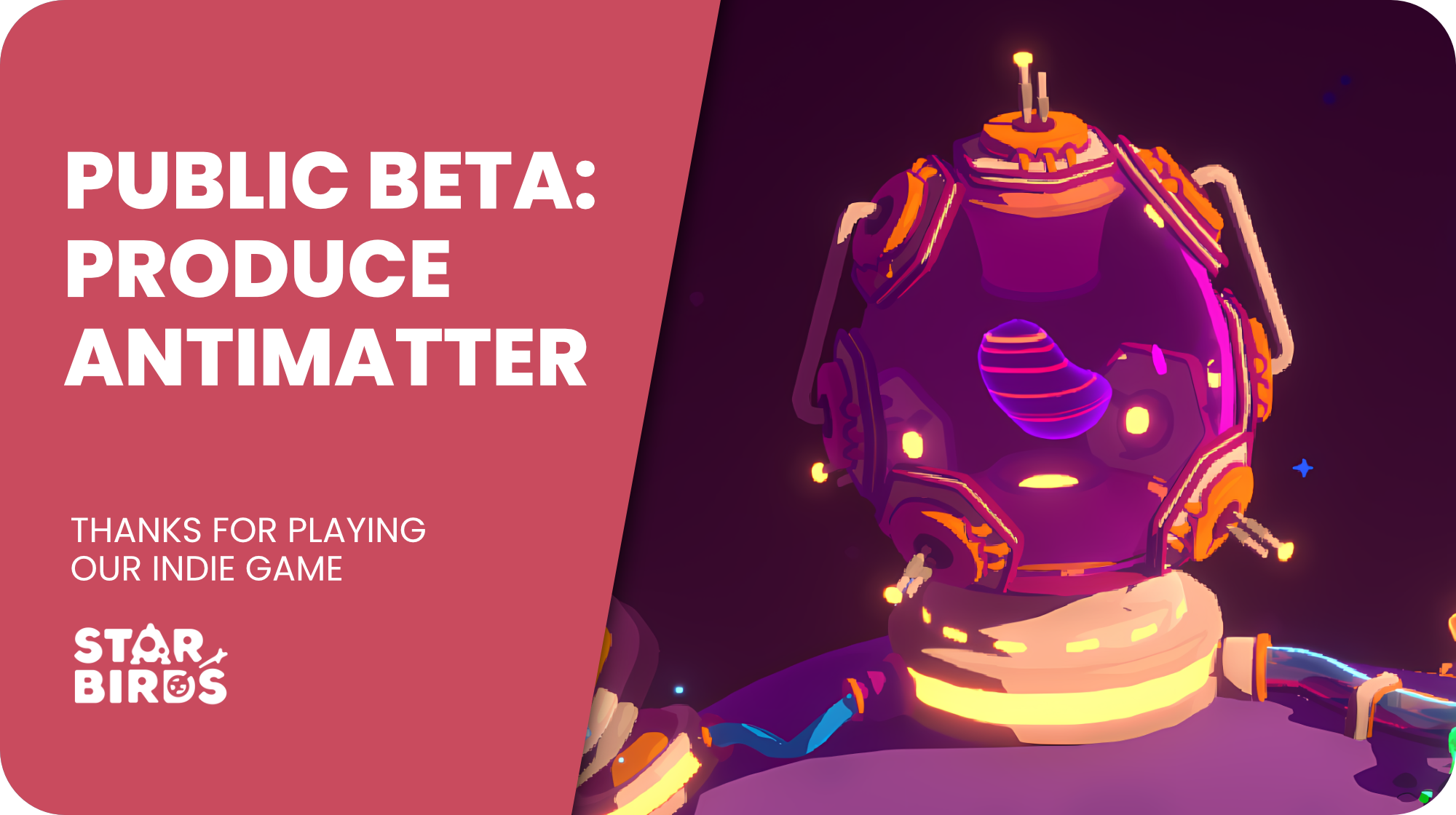
Level 15 is only a few weeks away! But if you don’t want to wait, you can play it right now in the Star Birds Public Beta! 🚀
The beta branch is open to all players, so jump in, give the new level a try, and let us know what you think. Your feedback will help us put the finishing touches on Level 15 before its official release.
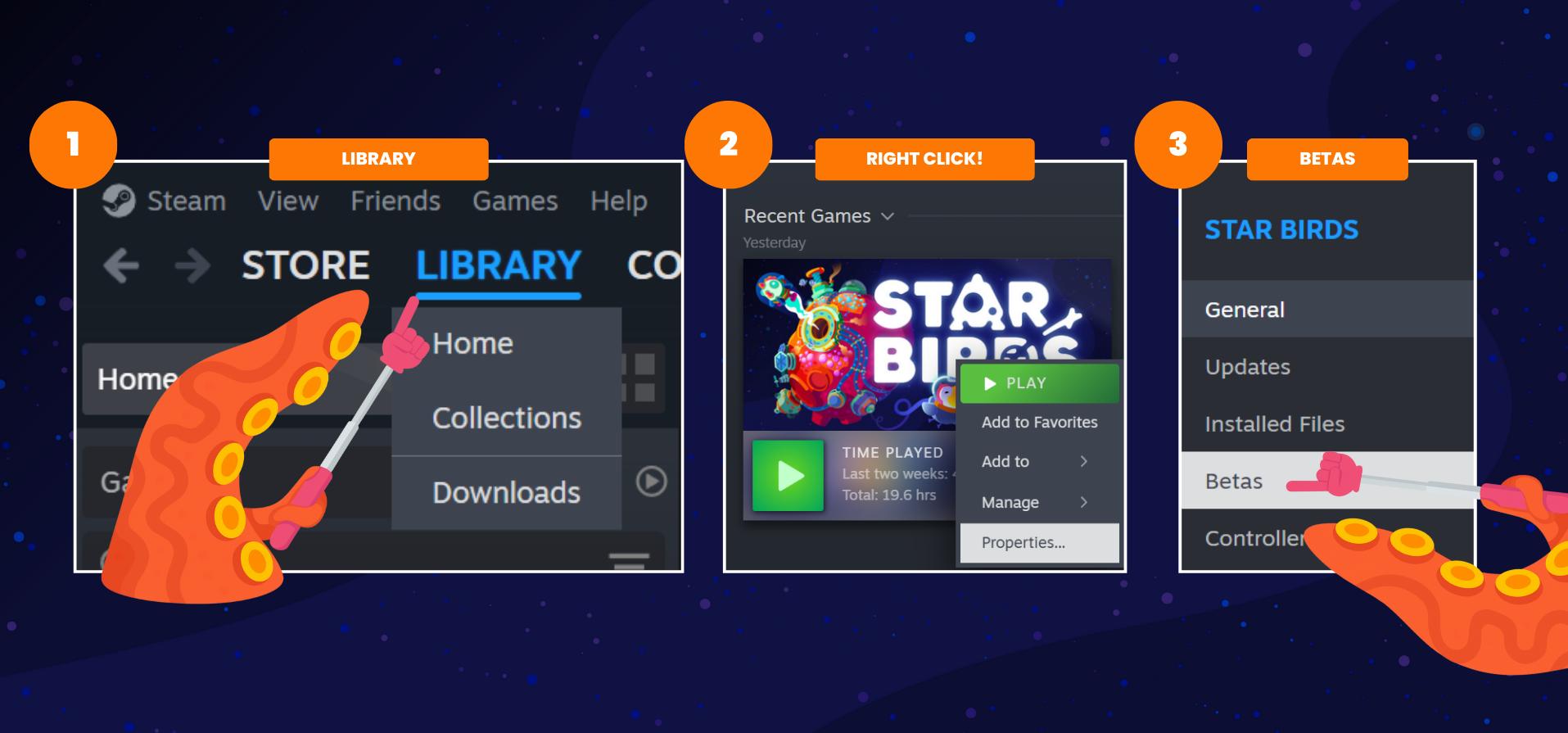
How to access the Public Beta
Open your Steam Library
Right-click Star Birds
Select Properties
Open the Betas category
Select the Public Beta branch
Steam should then automatically switch to the beta version.
Just remember to switch back to the main branch once you’re done testing.
What awaits you in Level 15?
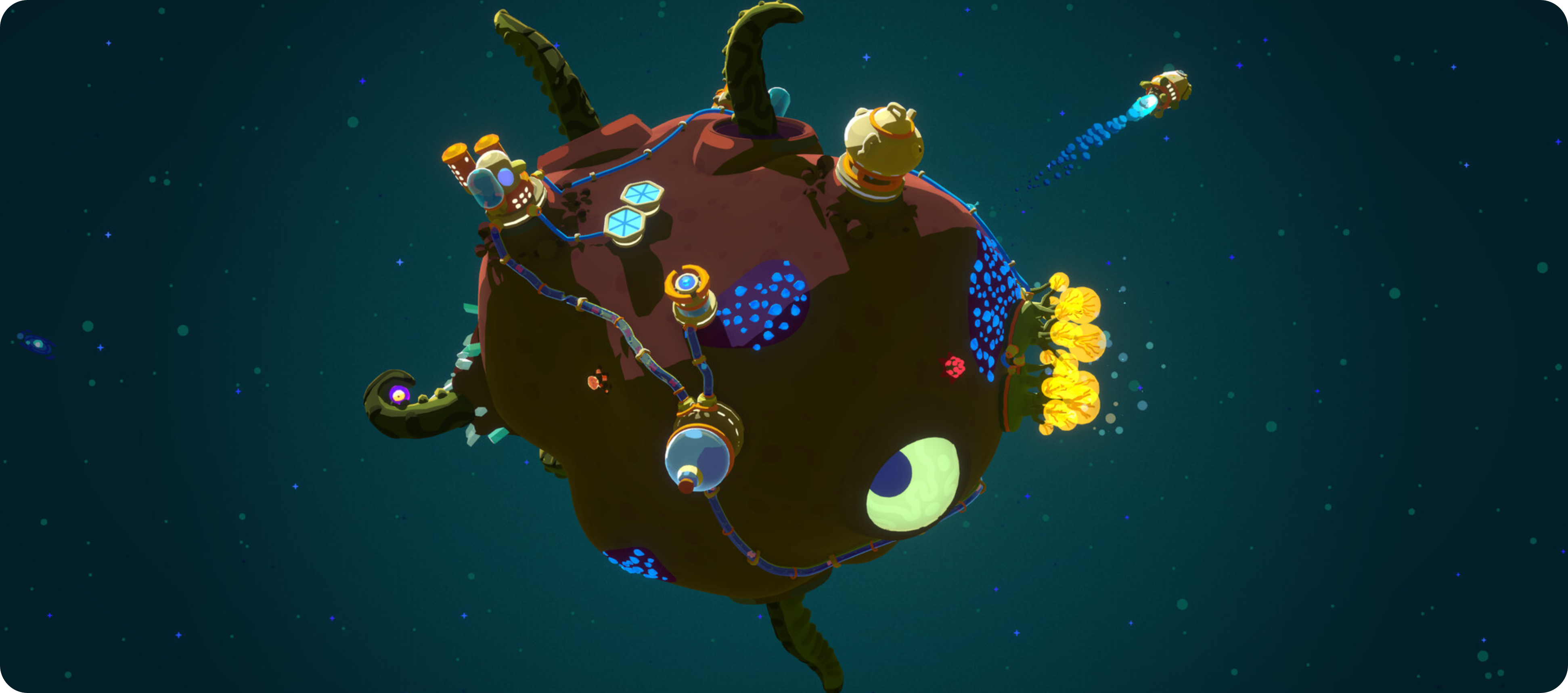
The Bird Crew is currently exploring Cinnakeet, a Star System dominated by extreme heat, with asteroids covered in bubbling pools of lava. And they’re still searching for the origin of the mysterious Strangelets.
There’s just one small problem.
Stella realizes that she has colossally underestimated the distance to their source. The scale of it is downright absurd. How are the birds ever supposed to cross distances like these? Clearly, a new kind of propulsion is needed.
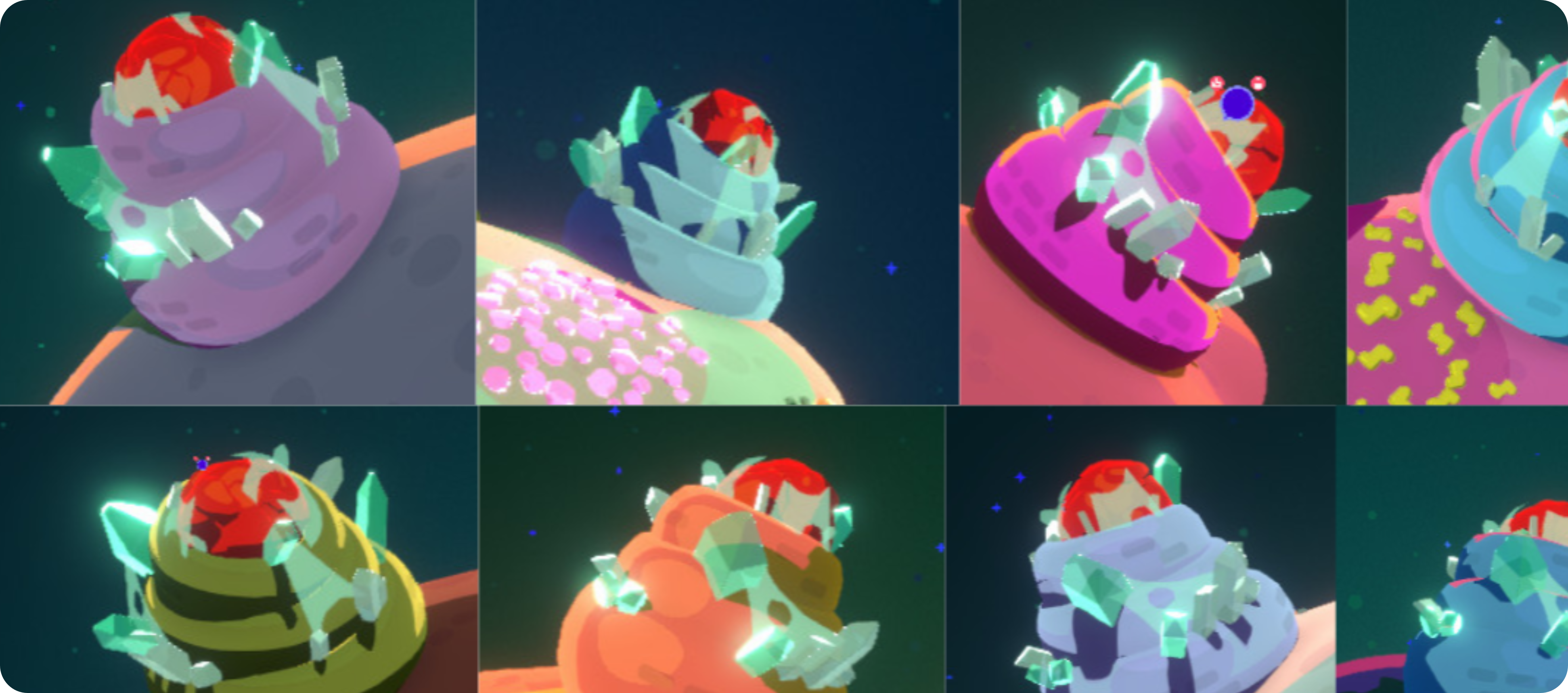
And in the end, it all comes down to a matter of... antimatter.
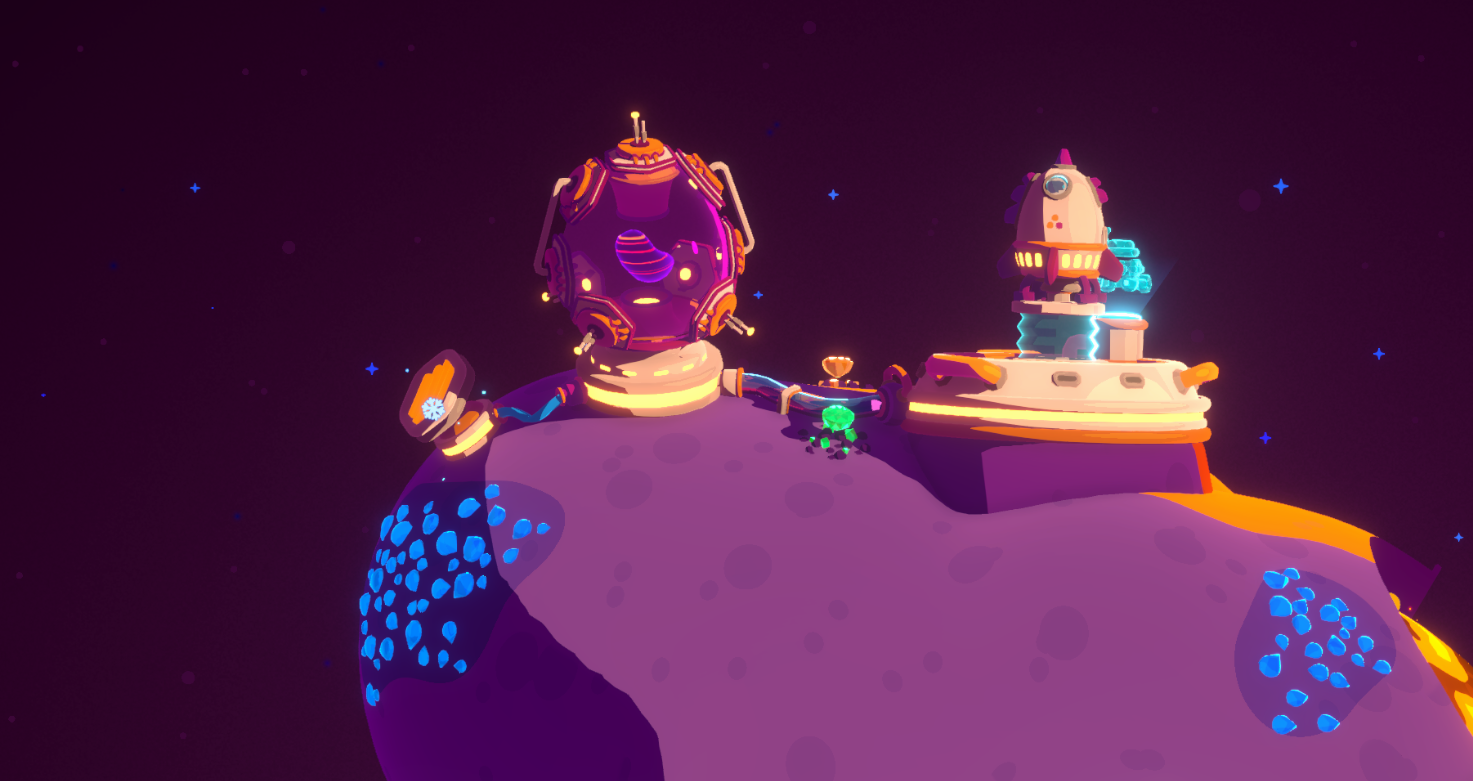
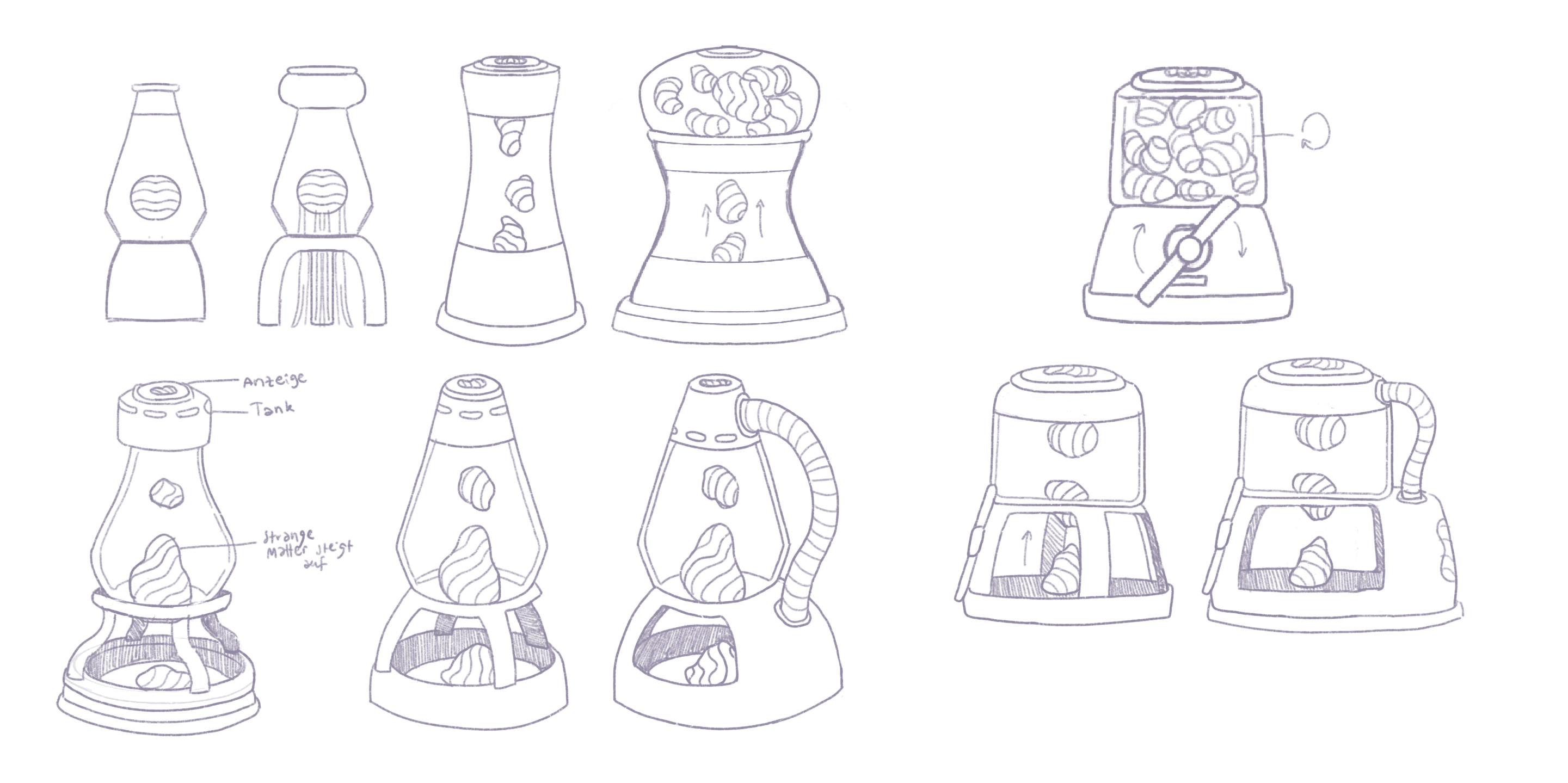
Image: Producing Antimatter, In-Game and Building Development Sketches
More BOOOM! 💥
If you enjoyed blasting your own little craters into asteroid surfaces, Level 15 has something new for you.
A new tool is joining your inventory. And let’s just say it takes your building options to a whole new level.
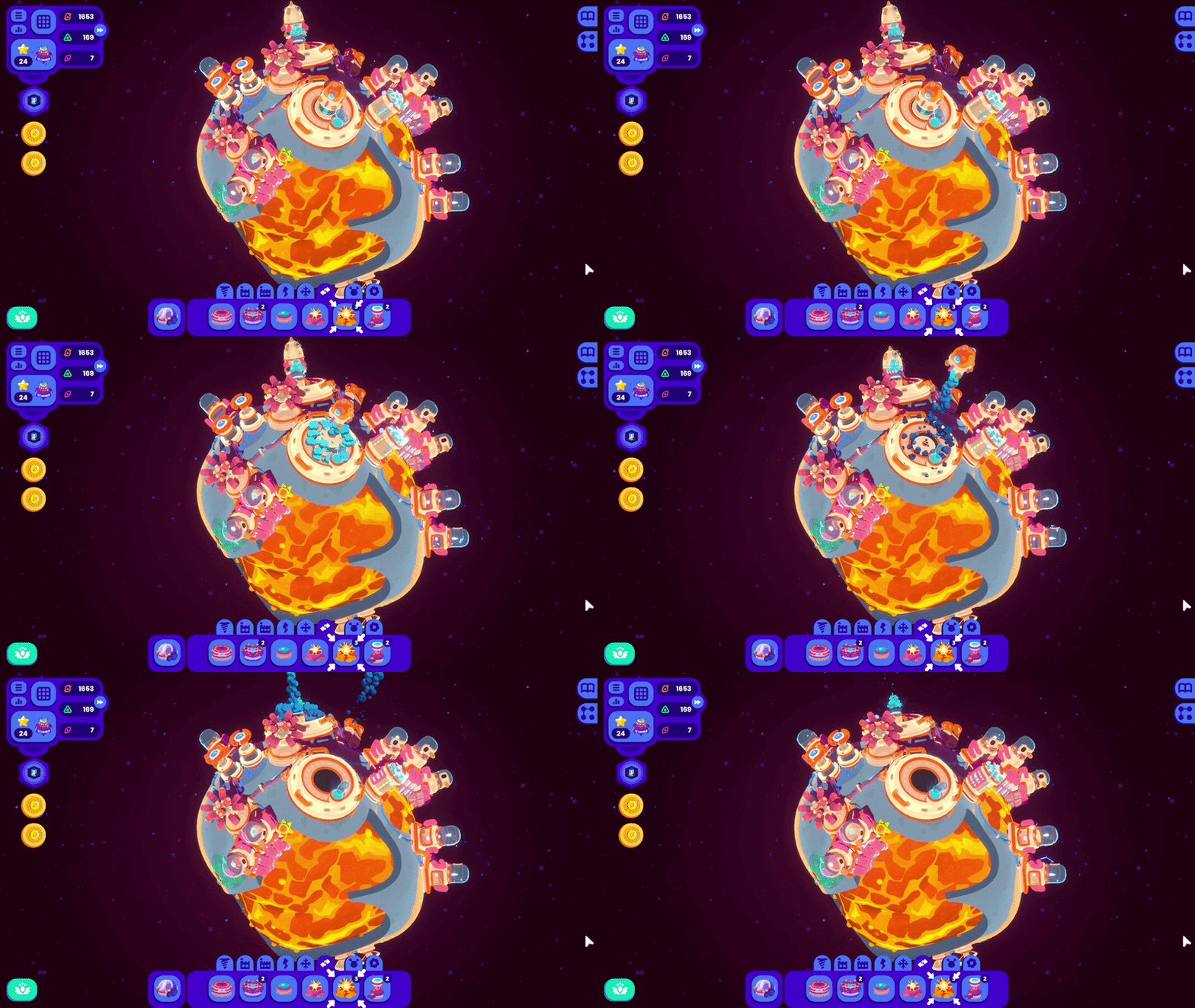
Image: New Explosives
A New Way to Make Credits
The birds have some ambitious construction plans ahead of them, and those don’t come cheap. Good thing Level 15 also introduces a new way to earn Credits!
Until now, you could fill your account by completing quests, earning passive income from resources, and collecting Credits with the rover. Level 15 adds another option to the mix.
We’ll leave the details for you to discover.
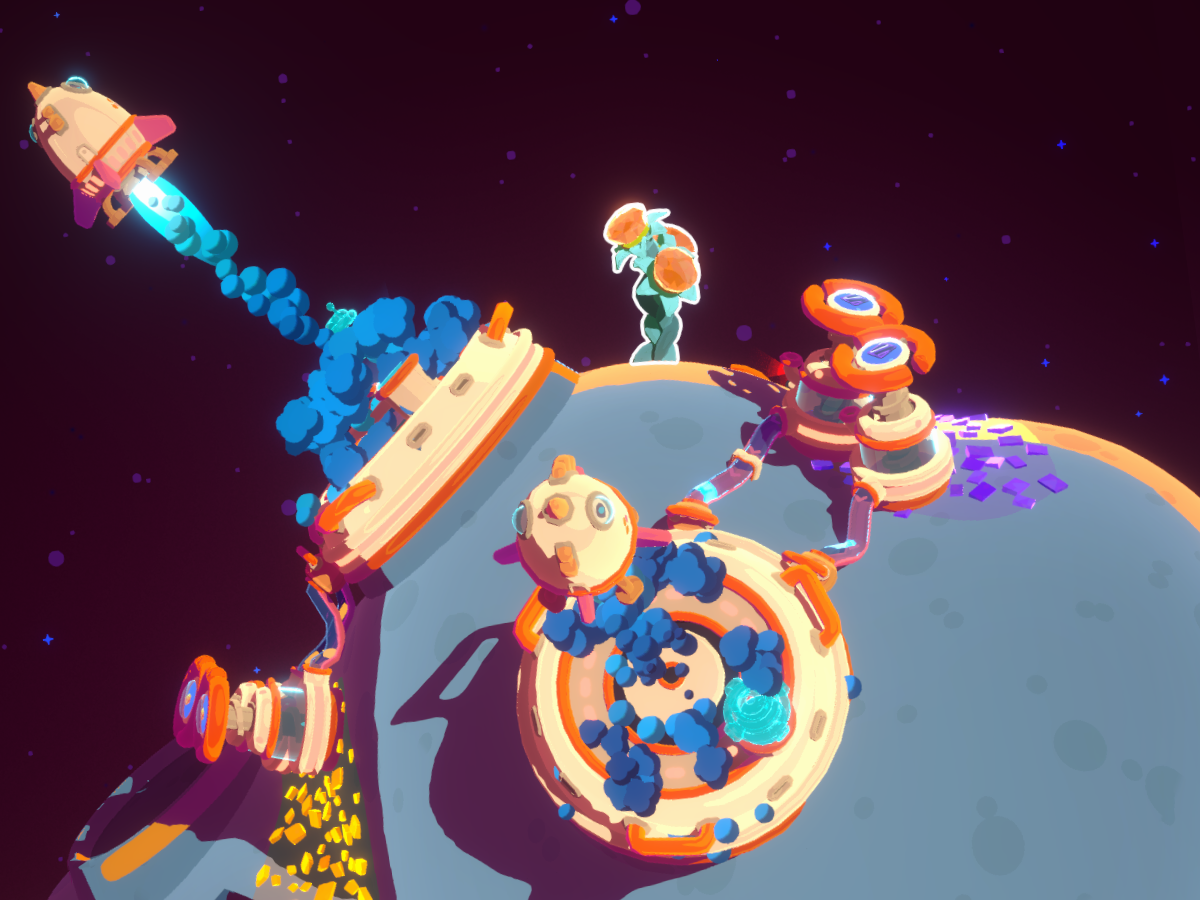
Image: Money Does Not Grow on Trees (... right?!)
Help Us Polish Level 15!
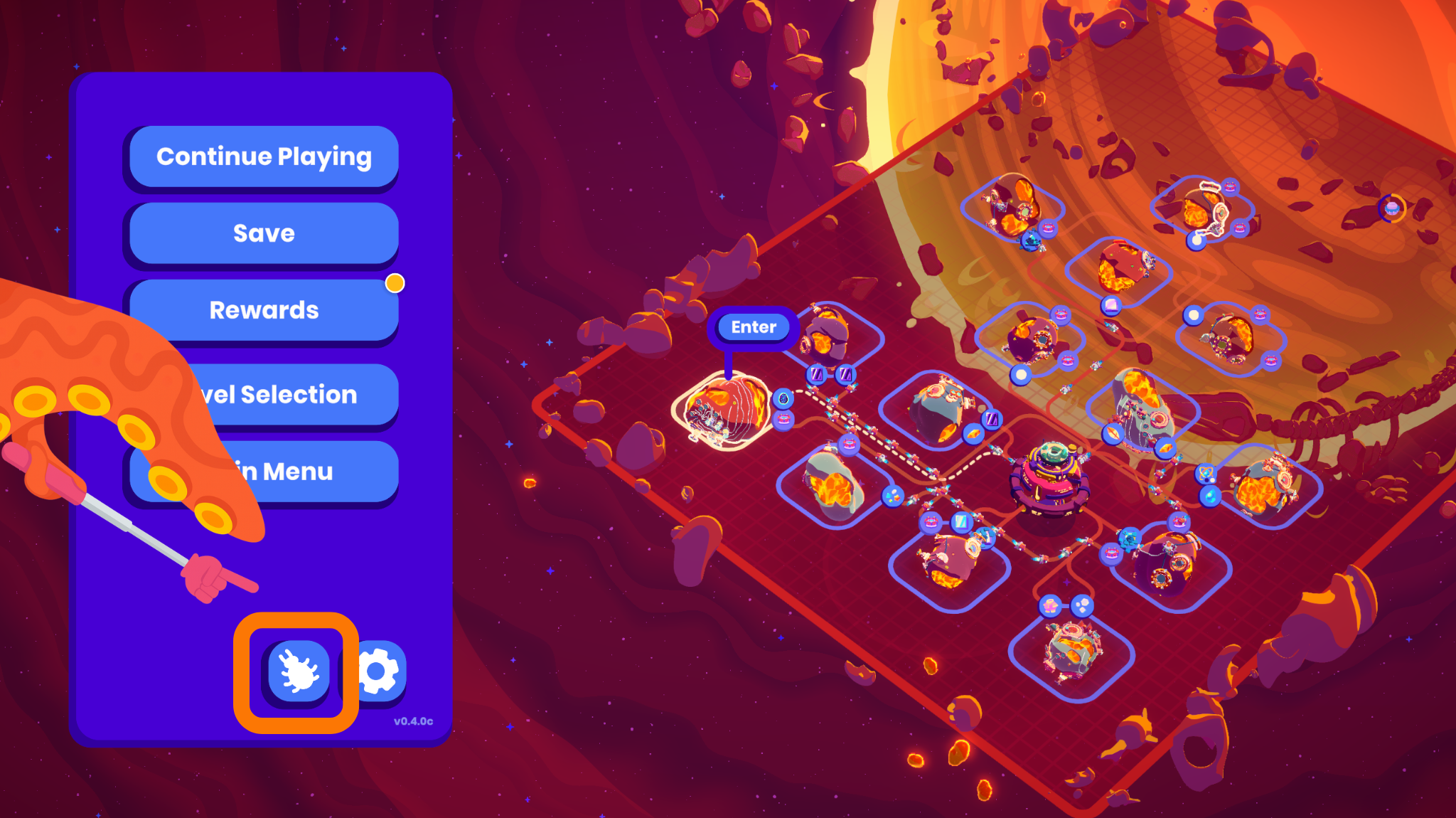
If you run into bugs or have feedback while playing the beta, the best way to reach us is through the in-game bug reporting form. Look for the little beetle icon. You know... the bug. 🪲
You can also share your thoughts with us on our Discord server.
Thanks so much for jumping into Level 15 early and helping us get everything ready for its official release. We hope you have fun exploring what’s next for the Bird Crew! Big distances call for big ideas.
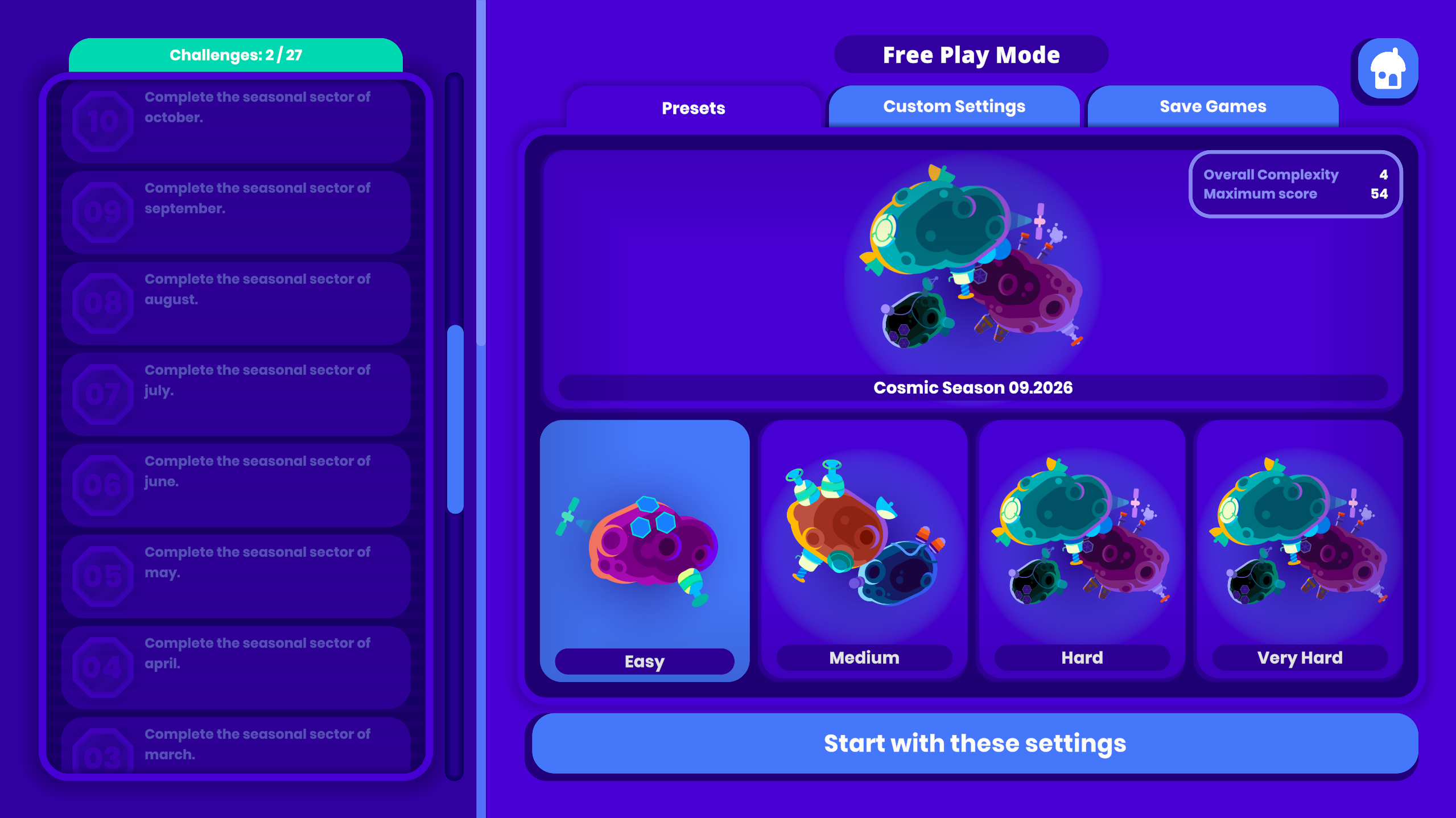
P.S.: We’ve also already integrated Cosmic Seasons, our monthly challenges, into Free Play Mode. The first challenge should already be available to play! The polished version, featuring the star constellations suggested by the community, will arrive in October with the official update release.
Public Beta Patch Notes 0.4
Listing in detail what we added and improved on the Beta Branch. Approved changes will come to the official Main Branch in a couple of weeks.
☀️ = Fixes & Improvements Based on Community Feedback
Cinnakeet Finale
Added campaign sector 15, the final sector of Cinnakeet, with new story and dialogue
Added new buildings: Strange Factory, Fusion Reactor and Big Explosive
Added new plant: Fortune Twig
Added new resources: Fabric, Plushie, Pyjama, Antimatter + one secret resource
Added new achievements for sector 15
Cosmic Seasons
Added new game mode, located in the Free Play mode screen: Cosmic Seasons, a new sector every month
Every player gets the identical sector each month, regardless of their unlock progress. No permanent unlocks happen during a seasonal run
Added 12 seasonal achievements, one per month, for completing Cosmic Season sectors
Added Cosmic Season leaderboards
Free Play mode and Cosmic Seasons now display a title screen
New Crafting Tree
Implemented a new and improved version of the resource crafting tree that displays all available crafting recipes and resources in each level
☀️ Improved line routing and visuals
☀️ Recipe cards turn green once all of their input and output resources are being produced
Click on resources to highlight their connections to other recipes
Added a button to open the Crafting Tree directly
☀️ The Crafting Tree can now be used with a controller, including stick scrolling
Free Play Mode
Added "Very Hard" difficulty and "Very Large" map size
Improved the Free Play mode preset screen
Leaderboards
The stats screen now displays your global leaderboard rank, if available for this level
When you tie with the global #1 score, you are also displayed as global #1 on the in-game leaderboard
On the Friends Only leaderboard, tied scores use competition ranking
Quality of Life
☀️ Added Ctrl + Number hotkey to directly select a building inventory tab
☀️ Added Shift + Tab to cycle to the previous building inventory tab
☀️ Escape now closes the screen, popup or tooltip you currently have open, matching the controller's B button. Previously it only opened the pause menu. Escape on a text field or open dropdown closes that first instead of the screen behind it
☀️ To land on an asteroid, you can now place a Landing Pad instead of a Launch Pad. You can also use Launch Pads that are already in your inventory to reduce landing costs
Solar Panels can now be placed in the shadow to be used as a cable hub
☀️ Alien Trader quests are now cancelable. One additional fulfilled quest is needed before the trader returns
☀️ Moving a building now keeps its settings and puts it back where it was if you cancel
The building info box now shows the cooling network status
Building inventory button tooltips display how much energy a building produces or requires
☀️ Click the receiver in the Quest UI to jump there, for example to an Excavation Hub or the Alien Trader
☀️ In the selection UI of launch pads or landing pads, jump directly to the connected icon by clicking on its icon.
☀️ Added edge scrolling on the star system map while drawing connections and placing buildings
☀️ When leaving an asteroid and returning to it, it will have the same rotation as it did when you left it
Entering an asteroid now displays its name
Achievement and perk sections in the rewards screen are now expandable and collapsible
Quest tooltips now close when the scene changes
Visuals
Changed the decoration building category icon from a flower icon to a ribbon
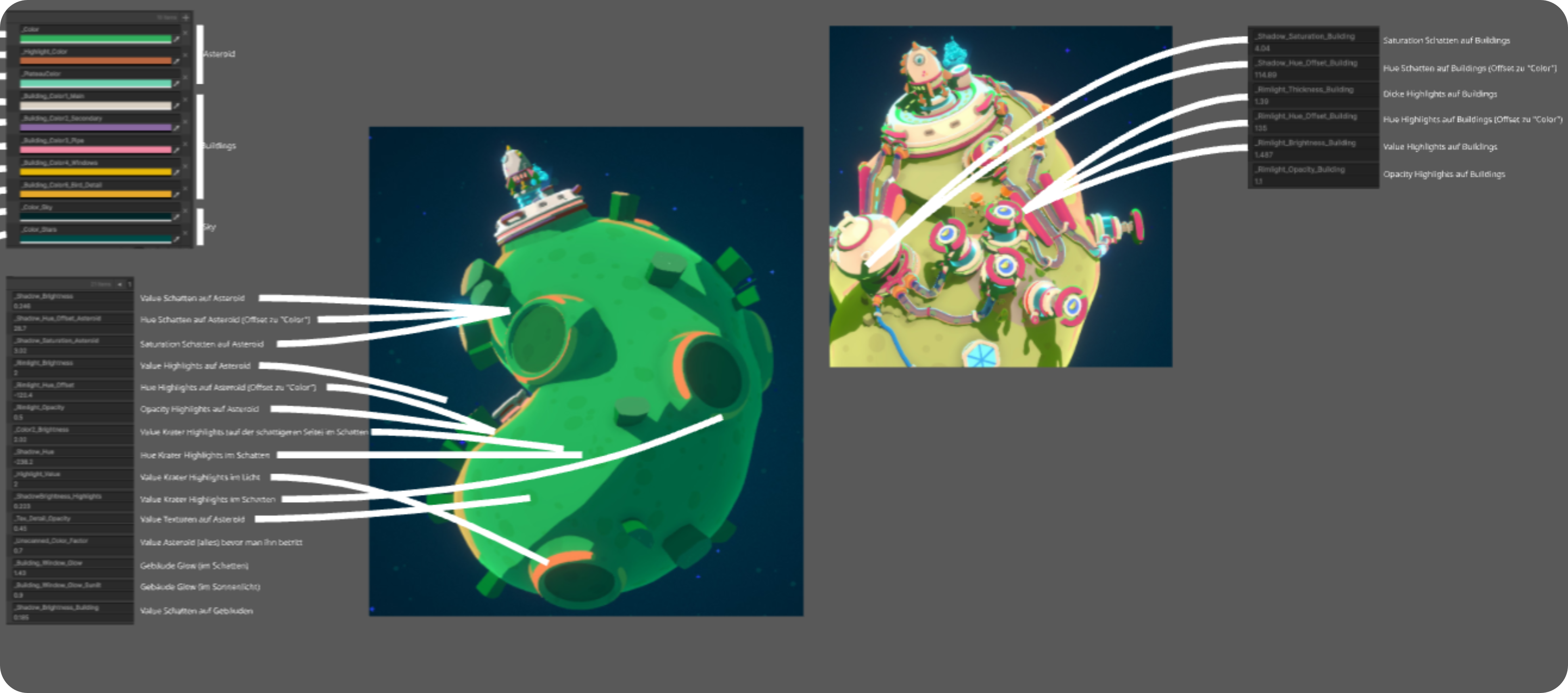
Improved Cinnakeet colors and reworked the asteroid shadow colors for better readability
☀️ Improved cooling pipe visuals and added a completion effect for cooling pipes
Improved performance when a building UI with an operator bird is open
Added new VFX for alien slime bubbles
Added new level-of-detail models for Plateau Ramp, Plant Pot, Volt Shroom, Bio Energy Reactor, Geothermic Reactor, Resource Filter and Strange Factory
Improved UI of level display on Perk purchase buttons in the rewards screen
Improved UI of the upgrade section in the building info UI
Audio
Added sound effects for alien tentacles, the alien eye and the Alien Trader building
Added sound effects for lava bubbles, rocket landings and harvesting fortune twigs
Added building placer feedback sounds for a preview turning valid, turning invalid, and an invalid placement attempt
Added a warning signal for buildings in a problem state
Added sound effects for quest icon reordering and for expanding and collapsing the info box and quest bubble
Moving a building now plays a sound when you pick it up
Improved sound effects for building upgrade, retrieval, interplanetary connection drawing, rocket flying and despawn
Fixed sound randomization
Cutscenes
☀️ Implemented better performing H264 cutscenes, falling back to the previous ones only if the codec is unavailable
If a cutscene falls back, a notice explains that installing the Windows Media Feature Pack restores full quality
☀️ Improved performance of cutscenes by disabling game rendering while they play
☀️ Cutscenes that fail to load now abort cleanly instead of hanging on a black screen
Balancing
Rebalanced building costs and upgrade costs
☀️ Energy is now distributed by priority instead of build order. Quest buildings such as the Excavation Hub and Strangelet Detector are served last, and the Cooling Tower only draws the energy its connected cooling actually needs
Nuclear Lab requires less energy and cooling
Changes to Be Aware Of
Custom key bindings for the building placement keys 1 to 9 have been reset. These keys now use fixed bindings, 1 to 9 to place a building and Ctrl + 1 to 9 to jump to an inventory tab, and can no longer be rebound
Bugfixes
The Rover no longer loses its drawn path when you click the UI while it is selected
☀️ Non-purchasable buildings are no longer greyed out when offered as a quest reward or shown in the Wiki
Fixed the Super Factory jerking between animations
Fixed the Alien Trader playing its animations when loaded after a scene change
☀️ Fixed the building inventory tab row overflowing its background and the spacer jumping between tabs
☀️ Fixed the upgrade button unlock state not being shown in the building info
Fixed moving a building breaking on plateau ramps
☀️ Fixed blueprint quests in free play mode sometimes asking for resources that are produced by the very building they unlock
Fixed the goal quest keeping the wrong label when a bird other than the Captain is the requester
☀️ Fixed the wrong building category being highlighted when unlocking advanced production buildings
Fixed hovering a quest icon highlighting unrelated buildings in asteroid view
Fixed environmental speed modifiers not applying when steering the Rover directly
Download Star Birds & Join Our Newsletter
Star Birds is an indie project by Toukana Interactive and kurzgesagt. We are over the moon to have such an amazing community. You are the reason why this project exists.
If you want to support us, download the game here on Steam, and tell your friends about it.
If you would like to be the first to read content like this, we recommend our newsletter – once a month, no spam. Sign up at toukana.com/starbirds.
       |