Hello, Engineers!
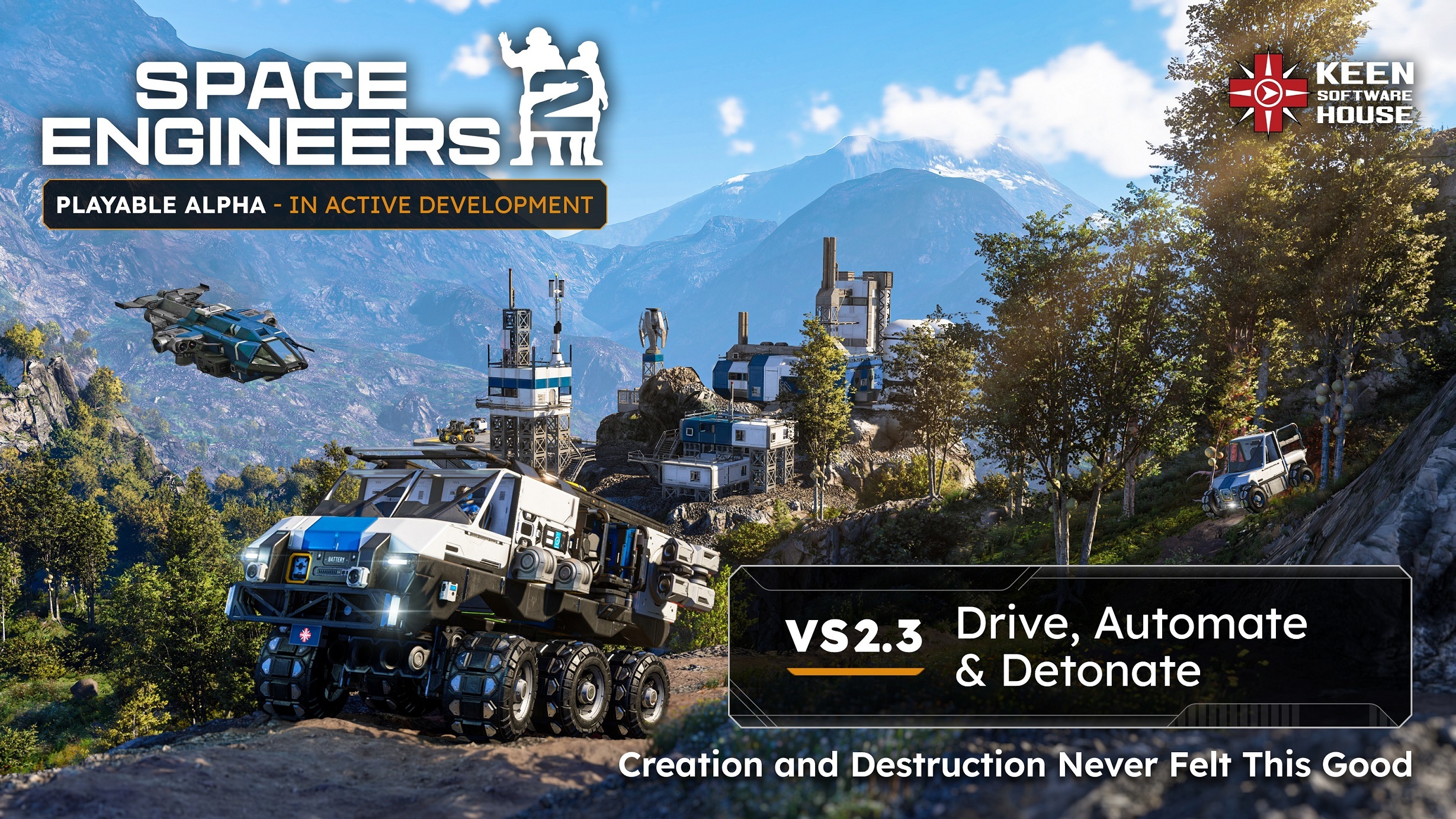
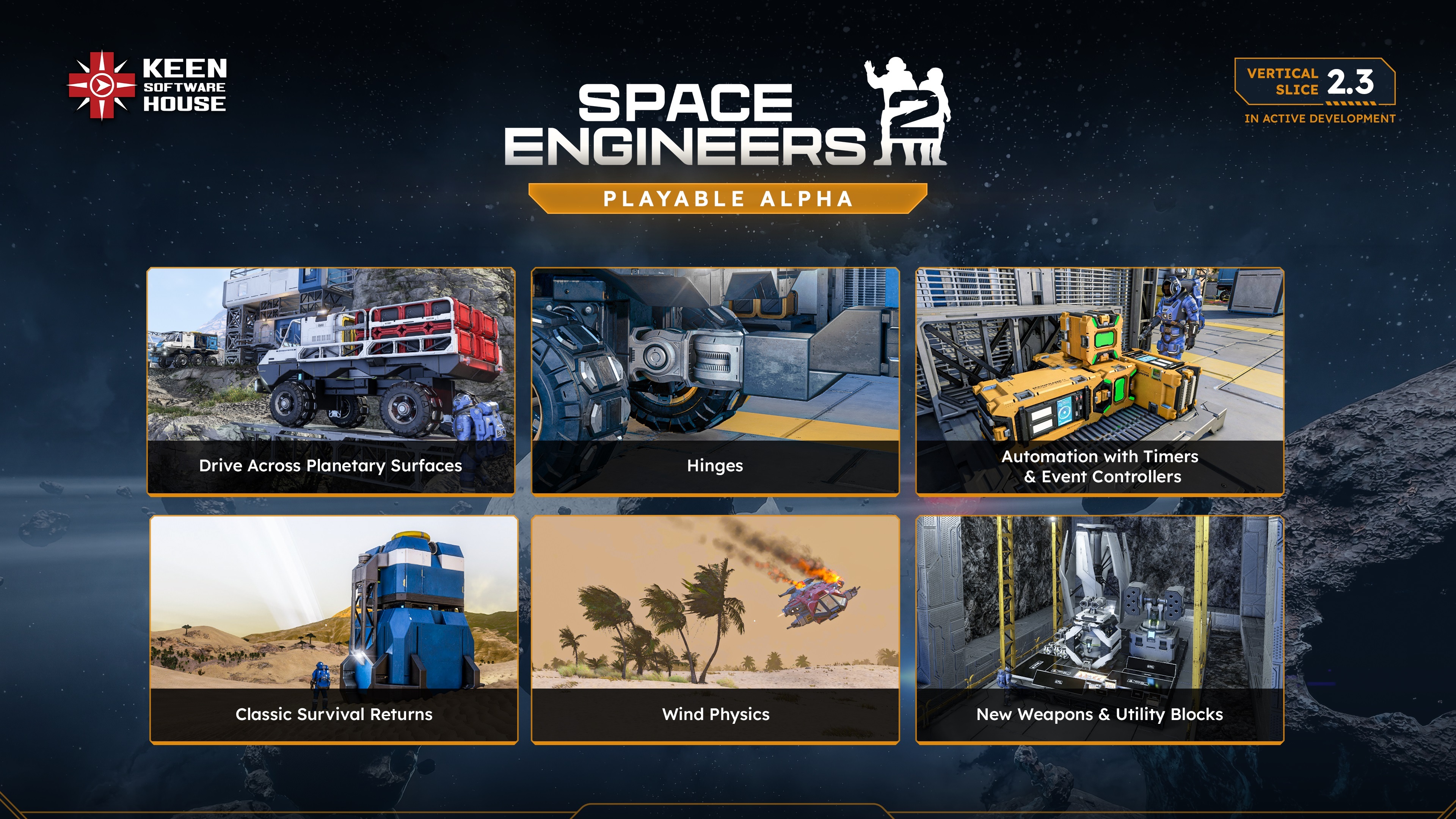
Major Update VS2.3: “Drive, Automate & Detonate” is here, bringing the final Mechanical Blocks (Wheels & Hinges), destructive Warheads, and core Automation tools (Timer, Sensor, Event Controller) to the game!
This update also expands exploration with new planetary stations and Endless Encounters, while introducing critical Combat enhancements and foundational Reworks to Survival progression and Ore Distribution.
This Major Update pushes Space Engineers 2 forward in a big way - and we’re excited to finally share it with you!

In VS2.3, we are delivering key automation, mobility, and combat systems that shape the future of dynamic gameplay in Space Engineers 2. Wheels, Warheads, Hinge blocks, and the core Automation blocks (Timer, Sensor, and Event Controller) are not just standalone features - they are core building blocks that upcoming updates will expand upon. Each system is designed to integrate into the larger vision, allowing us to iterate, deepen mechanics, and layer more complex gameplay over time.
Wheels and Rovers
Wheels are now available in Space Engineers 2.
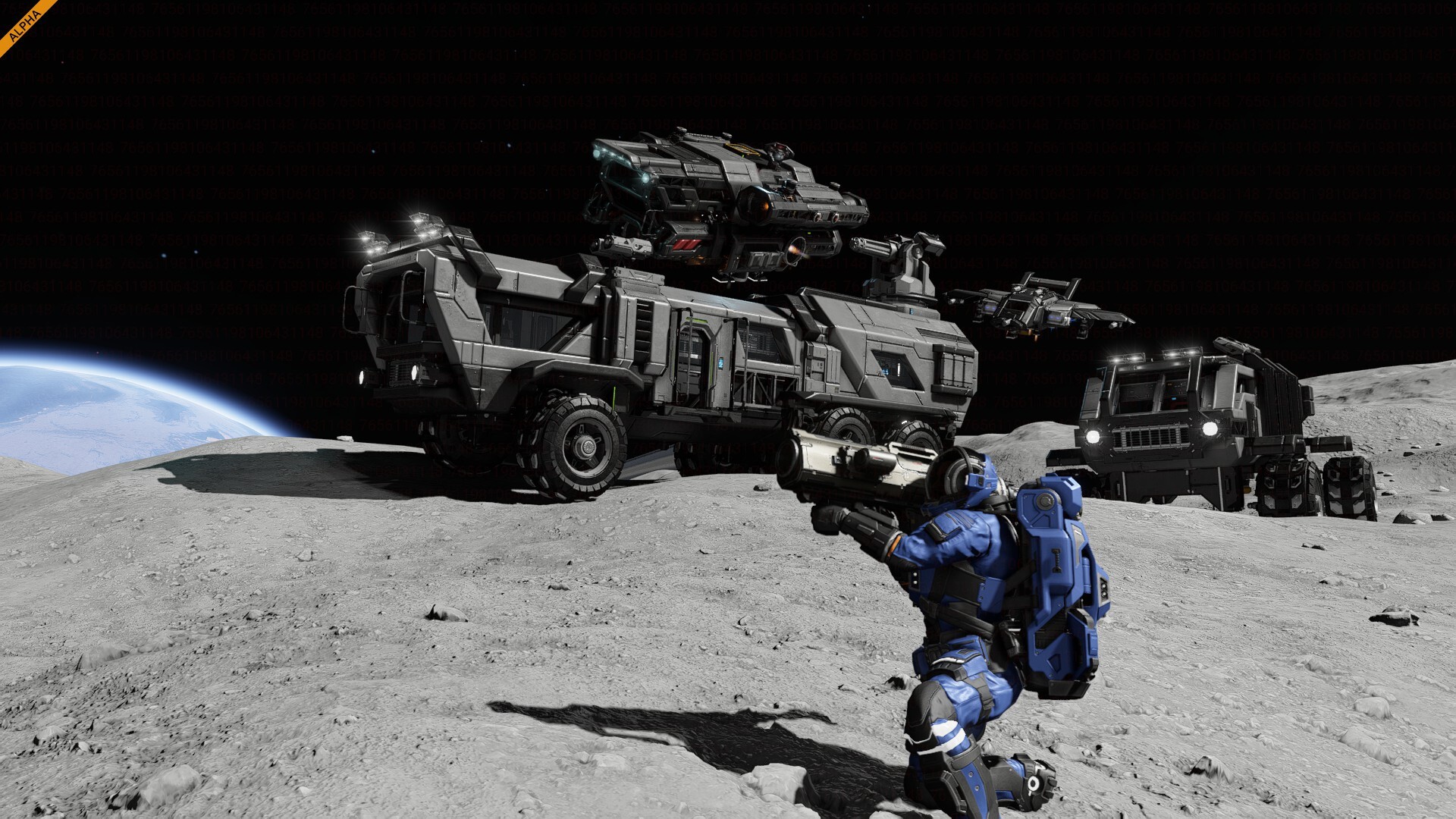
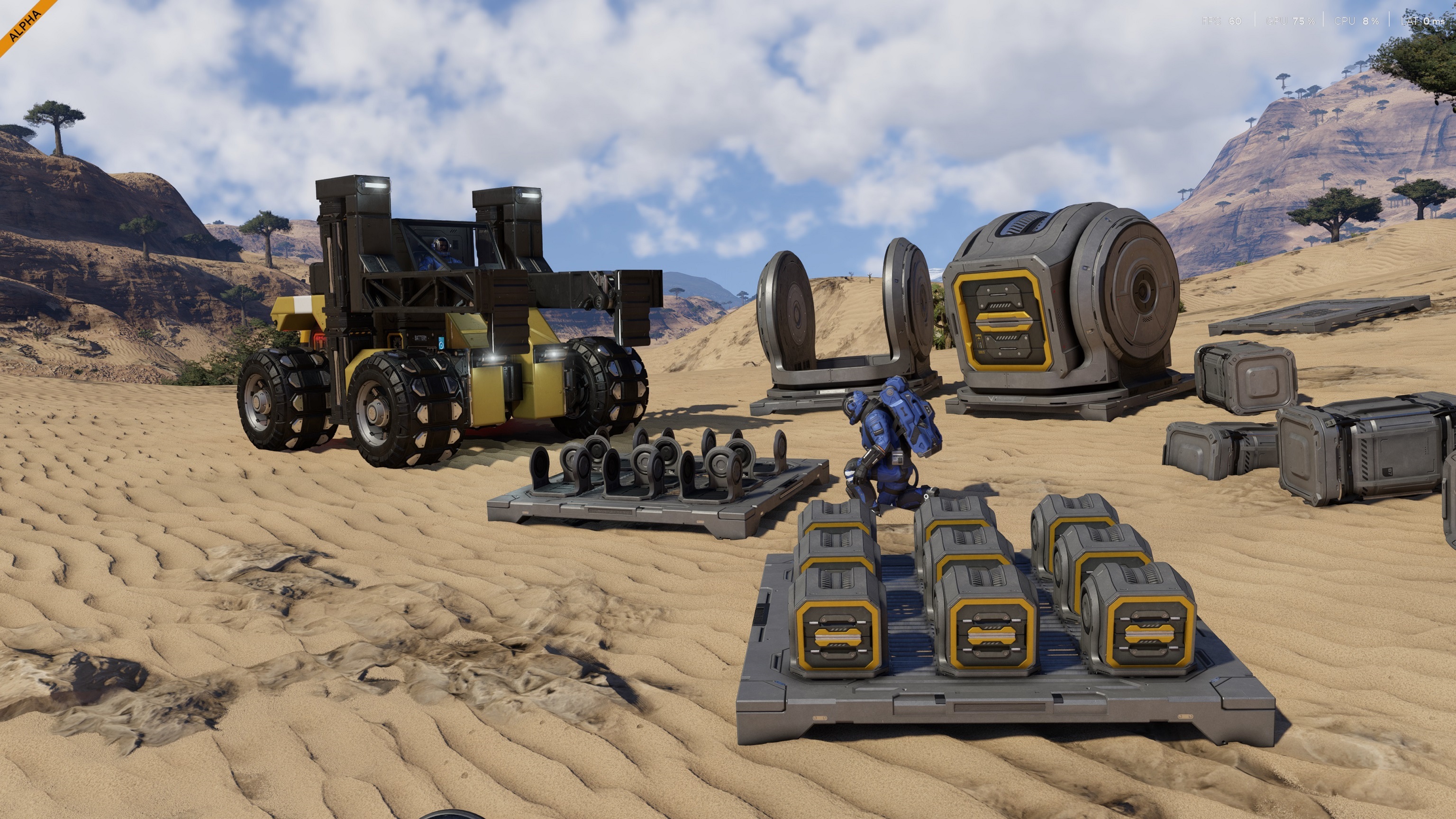
You can finally build rovers, mobile bases, trailers, ground vehicles, and other wheeled creations for planetary exploration. Wheels come in multiple sizes and include suspension, steering, braking, and propulsion support.
This is a major step for survival and planetary gameplay. Rovers are especially useful in dangerous weather, rough terrain, and early survival situations where flying is risky or expensive.
This is an important step toward more dynamic grids and moving constructions.
Automation
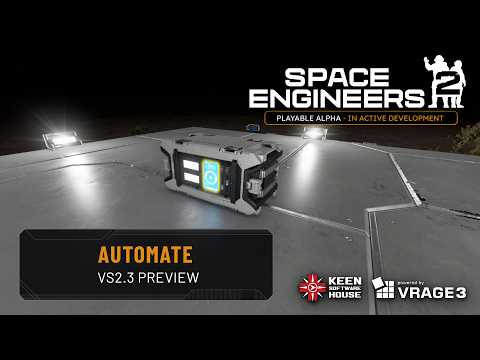
Automation gets a major upgrade in VS2.3 with the new Event Controller, Timer, and Sensor blocks.
The Event Controller can track many different grid and block parameters, giving you more ways to make your creations react automatically. Hangar doors can trigger systems when they open or close. Warning lights can react to power, fuel, or inventory levels. Vehicles can respond to speed or terrain conditions. Weapons systems can react to ammo or targets.
Grid Parameters
- Blocks Added
- Blocks Removed
- Atmosphere %
- Linear Speed
- Angular Speed
- Mass
- Gravity
- Dampeners enabled
- Last Value
- Functional/Not Functional
- Integrity
- Enabled
- Supplied
- Inventory Filled (%)
- Opened (for doors)
- Stored Resource (%) - for batteries/tanks
- Occupied - character in cockpit
- Rotor angle
- Piston distance
- Ready To Align - for connectors
- Ready To Connect (connectors)
- Connected (connectors)
- Producing - for production blocks
- Ores detected - count of ore nodes for ore detectors
- Weapon Ammo - for block weapons
- Weapon Shot - triggers when the weapon fires
- Weapon target acquired - for turrets
- Move left/right/up/down (separate float actions, analog)
- Look up/left/roll/etc. (float actions, analog)
- Velocity forward/right/up
- Crafting Blocked (recipe in queue can't be crafted)
The Event Controller also supports separate true and false actions, making it easier to build systems that activate, reset, and chain together without constant manual control.
This is the most flexible and approachable automation toolkit we have ever added to Space Engineers.
Powerful enough for complex creations, but simple enough to start using right away.
Mechanical Blocks
Hinges give you another way to create moving parts, especially for builds that need controlled one-axis motion. Doors, ramps, folding arms, landing legs, compact mechanisms, custom machinery - if it needs to open, close, lift, tilt, or fold, Hinges give you a cleaner tool for the job. Together with Wheels, Rotors, and Pistons, Hinges help complete the core mechanical toolkit for Space Engineers 2.
Rotors and Pistons also now support limits, making mechanical systems easier to tune. Instead of relying only on timing or manual control, you can define movement boundaries and build more predictable machines.
Explosions
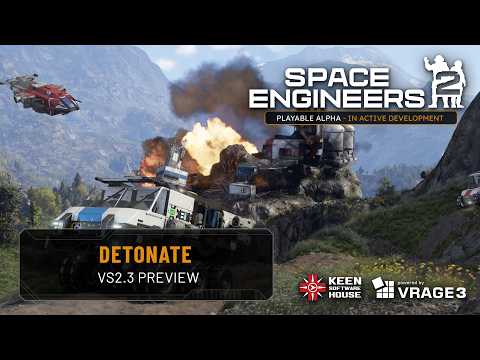
Things that store power, fuel, ammo, or raw destructive potential now demand a bit more respect.
Warheads can detonate with serious force, but they are not the only danger. O2/H2 tanks, functional reactors, and ammo stored in inventories can also explode starting now! This adds more risk to combat, crashes, sabotage, and those “I’m sure this is safe” engineering decisions.
As always, Space Engineers 2 is still in Alpha. Nothing here is final, and you can expect further tweaks and balancing to explosion range, force, damage, and visuals as we test the system with the community.
Wind Physics
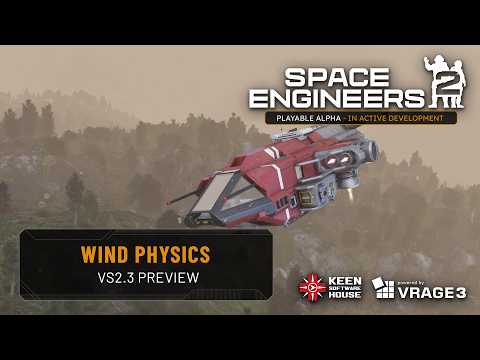
In VS2.3, sandstorms will become more than just something you see - they will become something you have to engineer around!
Strong wind can now push airborne characters, dynamic grids, floating objects, loose debris, and fractures. Static grids are safe, so your bases will not suddenly take off, but ships, rovers, crates, and anything not properly secured can be affected when the weather gets rough.
Planetary flight now requires more planning in dangerous weather. Dampeners will fight against the wind, heavier grids will resist it better, and broad flat surfaces will catch more force. A nimble flyer may still be useful, but in a sandstorm, stable vehicles, mobile bases, and rovers become a much safer choice.
The environment can also protect you. Mountains, valleys, hangars, and large structures can act as windbreaks, reducing or blocking wind force if you park or build in the right place.
Weather is no longer just a visual background. It is now part of the engineering challenge.
Classic Survival Start
For players who want a more traditional Space Engineers survival experience, Classic Survival is now available directly from the New Game screen. No mods required.
This start is harsher and more grounded. Reaching space feels like a real challenge, not something you do immediately after landing.
Classic Survival includes:
- Voxel-based resource yields from planetary terrain
- Adjusted ore balance
- Limited backpack building components
- Updated welder and grinder speeds
- Hand drill tweaks
- Simplified basic block recipes
- Adjusted starter component crafting costs
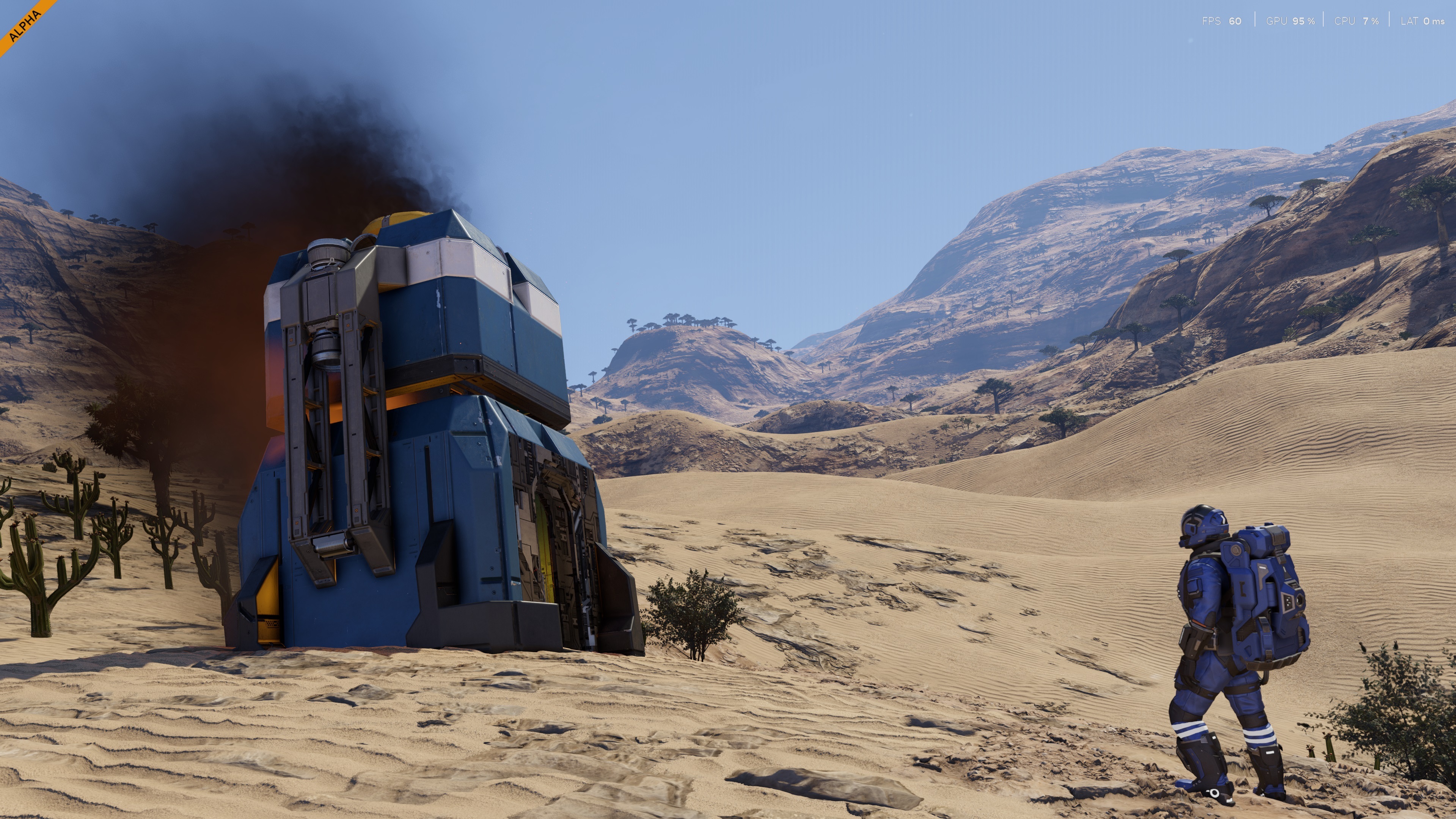
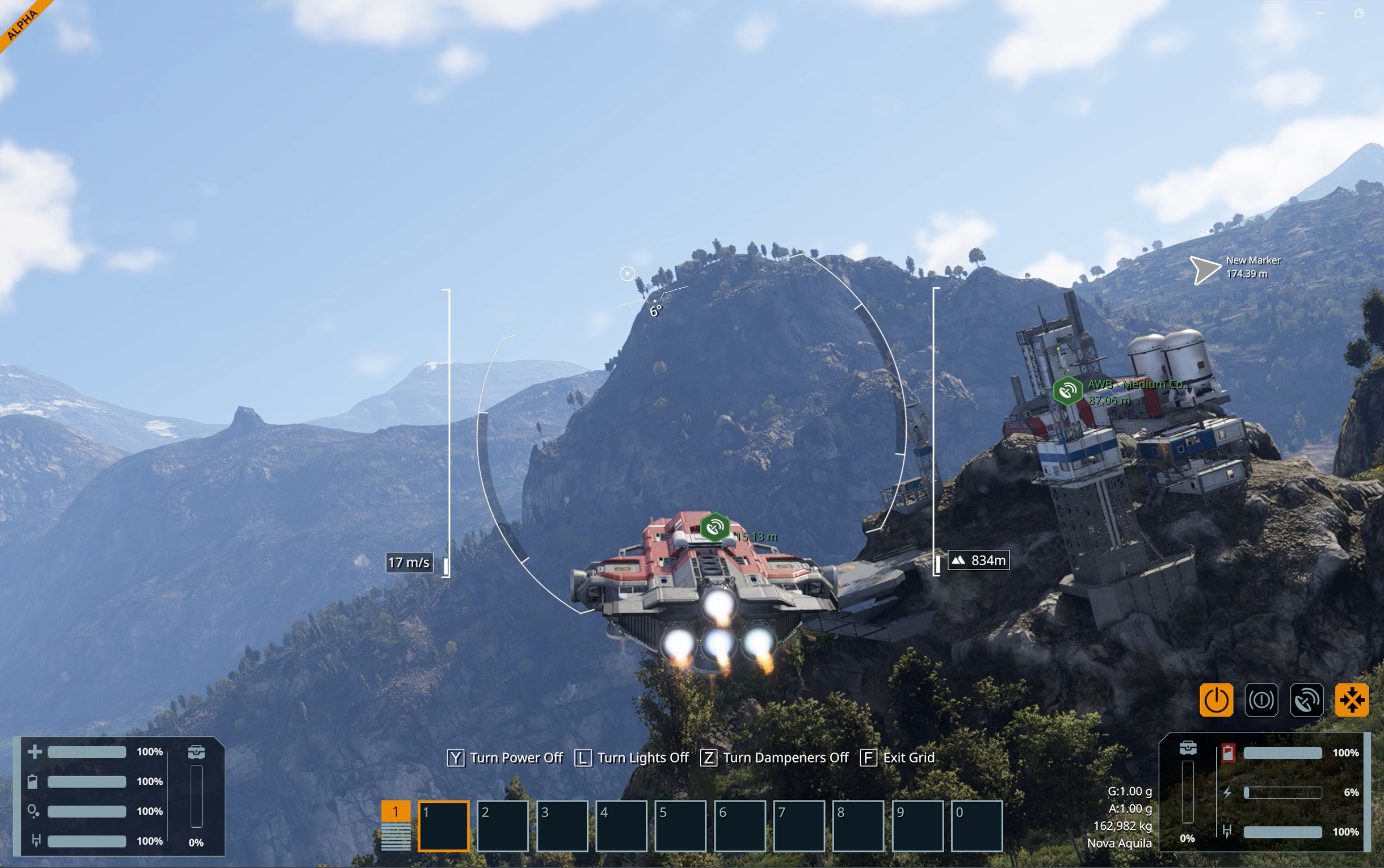
Flight HUD
Piloting is now clearer with the new Flight HUD.
When flying a ship or using a jetpack, you can see key flight information directly on your HUD, including:
- Speed
- Altitude above terrain
- Horizon orientation
You can turn the Flight HUD ON/OFF using the U key.
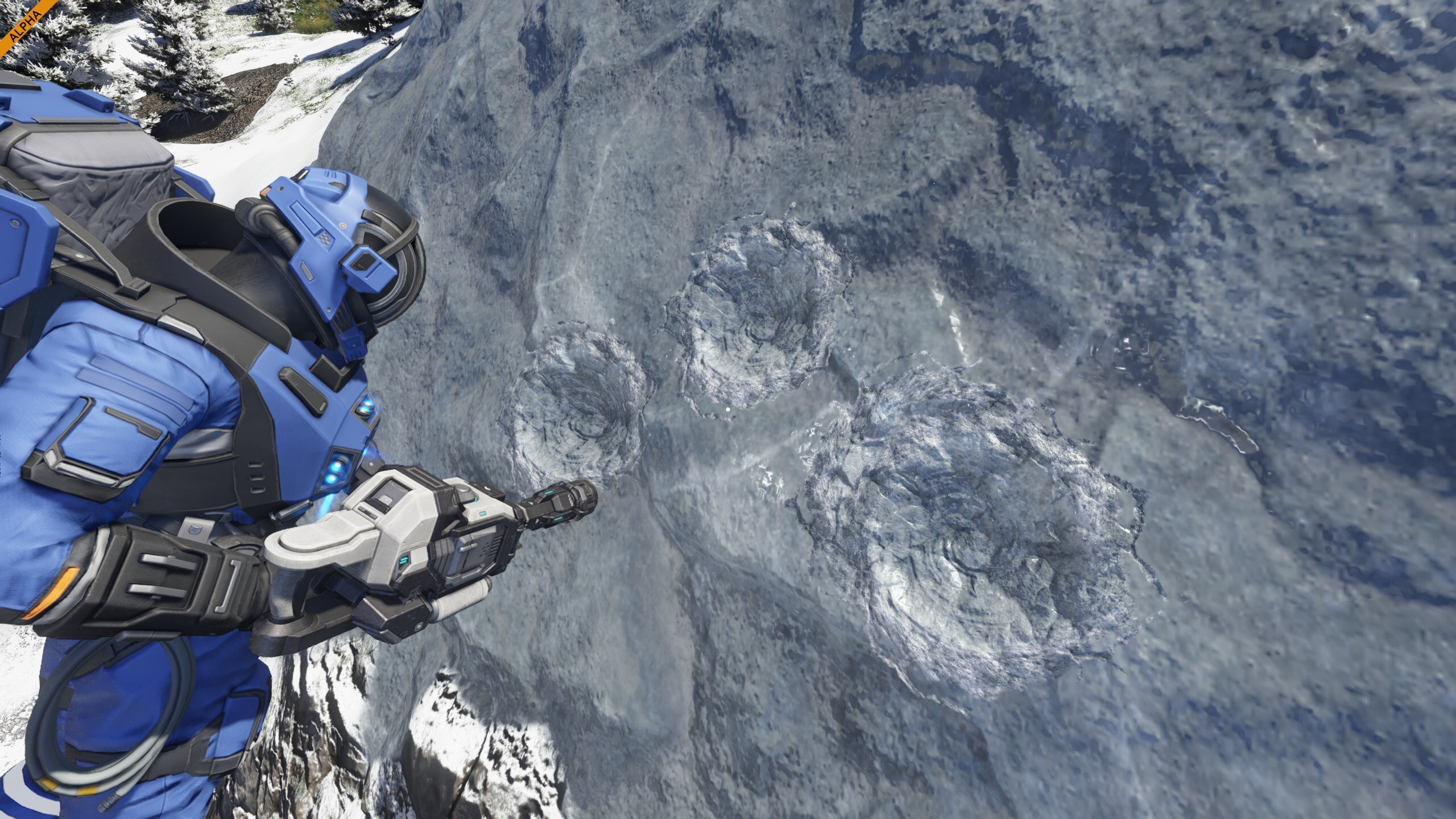
Decal System
Terrain and block surfaces now show more of what happened to them.
Bullet impacts can leave visible marks, drills can leave traces when cutting into voxels, and explosions can leave smoke and scorch marks on nearby surfaces. These decals help make combat, mining, and destruction feel more physical and readable in the world.
It is a visual system, but it also gives better feedback: you can see where shots landed, where tools were used, and where something went very wrong.

VS2.3 is not only about laying new foundations - it also expands and deepens the systems already in place. We are building on the cornerstones established in earlier vertical slices, adding more depth, more functionality, and new layers of interaction. These expansions strengthen existing mechanics and move them closer to the long-term vision for Space Engineers 2.
Performance
Voxel Performance Improvements
We have made several improvements to voxel and planetary performance, especially when moving around planets, approaching encounters, and exploring areas with caves, overhangs, and dense flora.
For players, this should mean fewer noticeable spikes and smoother behavior in situations where the game is loading or updating terrain around you. Flora generation has been optimized, distant voxel details are handled more efficiently, and some far away destruction events from projectiles are no longer processed when they are not relevant to the player.
We also reduced memory pressure while traveling across planets, which should help lower the chance of short hitches during exploration. This is not the end of voxel optimization, but it is a solid step toward making planets feel smoother and more responsive
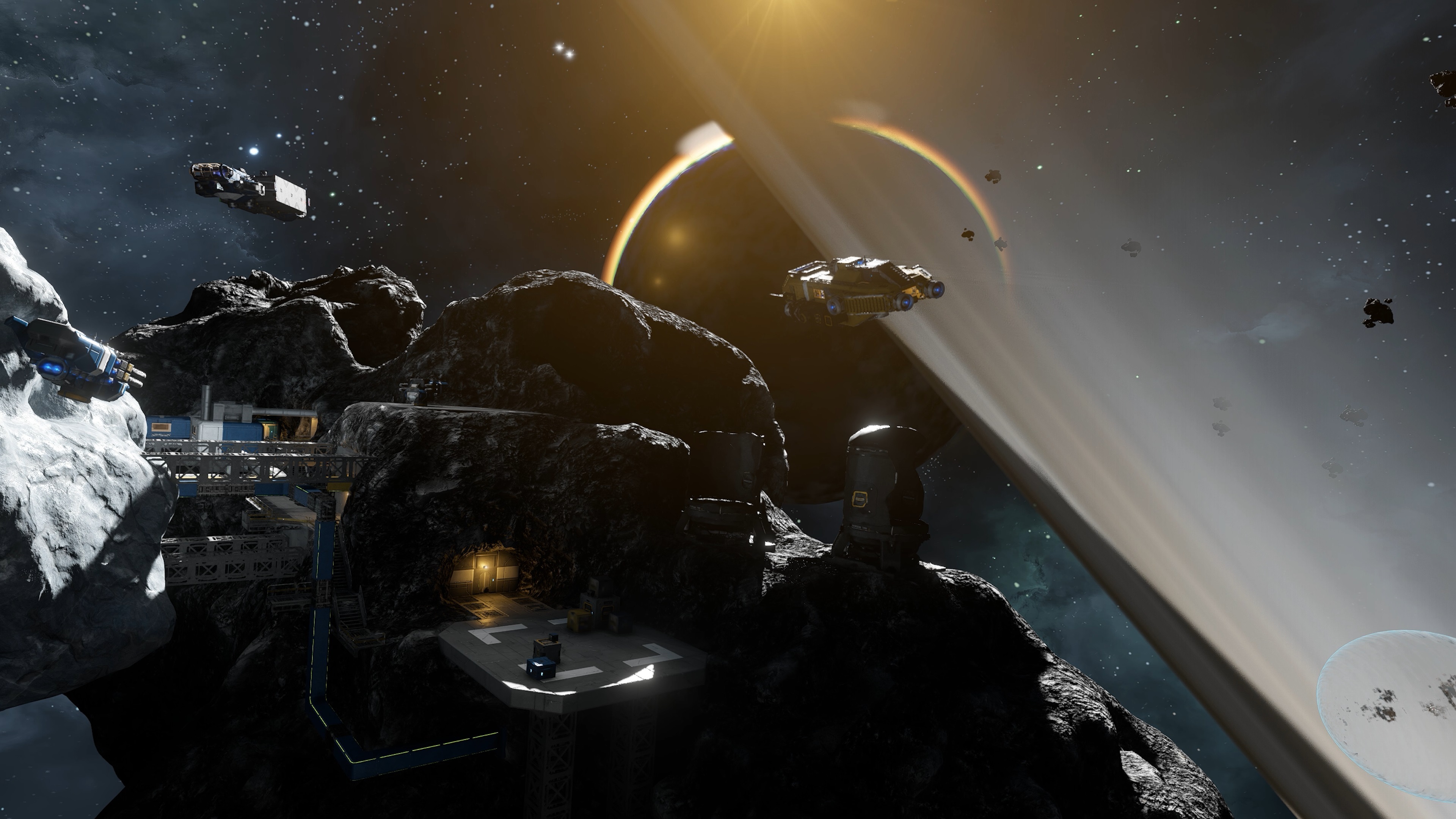
Render, GPU optimizations
We have also improved GPU performance, with a focus on dense vegetation, shadows, and scenes where many objects need to be processed at once.
Foliage-heavy areas should now run more smoothly thanks to better vegetation culling and faster shadow rendering. We also improved how new geometry is prepared for rendering, which helps reduce performance spikes when the game suddenly needs to process a lot of objects.
Our custom shadow system has also been optimized, cutting a significant part of its GPU cost. Combined, these changes give us roughly a 10% improvement to GPU frame performance, with more stable frame times in demanding scenes.
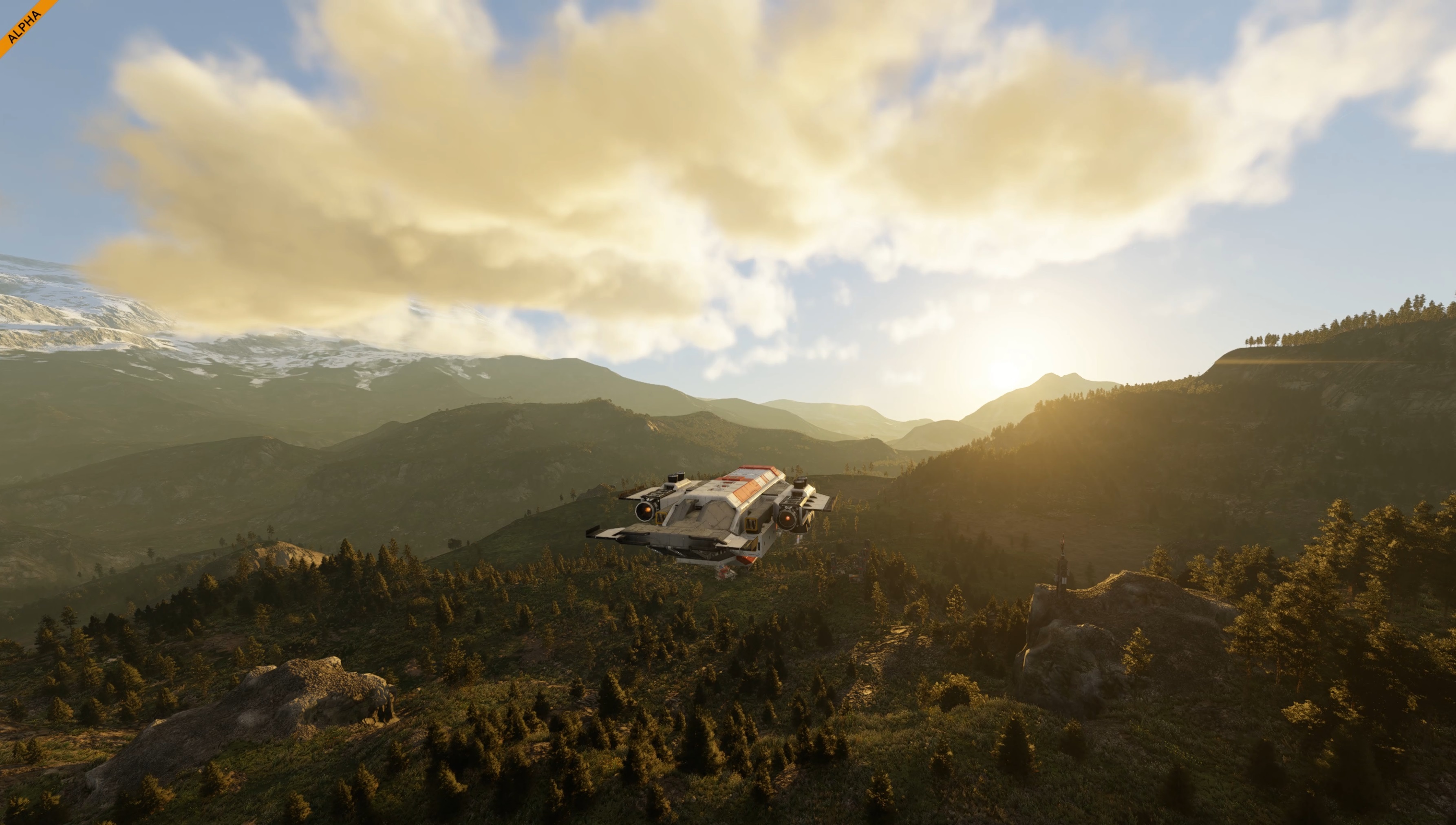
Action Toolbar Groups support
Managing complex creations is getting easier.
You can now use block groups in action toolbars, letting one toolbar slot control a group of blocks instead of setting up each block one by one. This is especially useful for ships, rovers, production setups, weapons, lights, doors, drills, and any build where multiple blocks need to act together.
Toolbar setup is also clearer with new mouse tooltips and drag-and-drop improvements. These changes make actions easier to understand, easier to assign, and easier to manage when your grids start getting complicated.
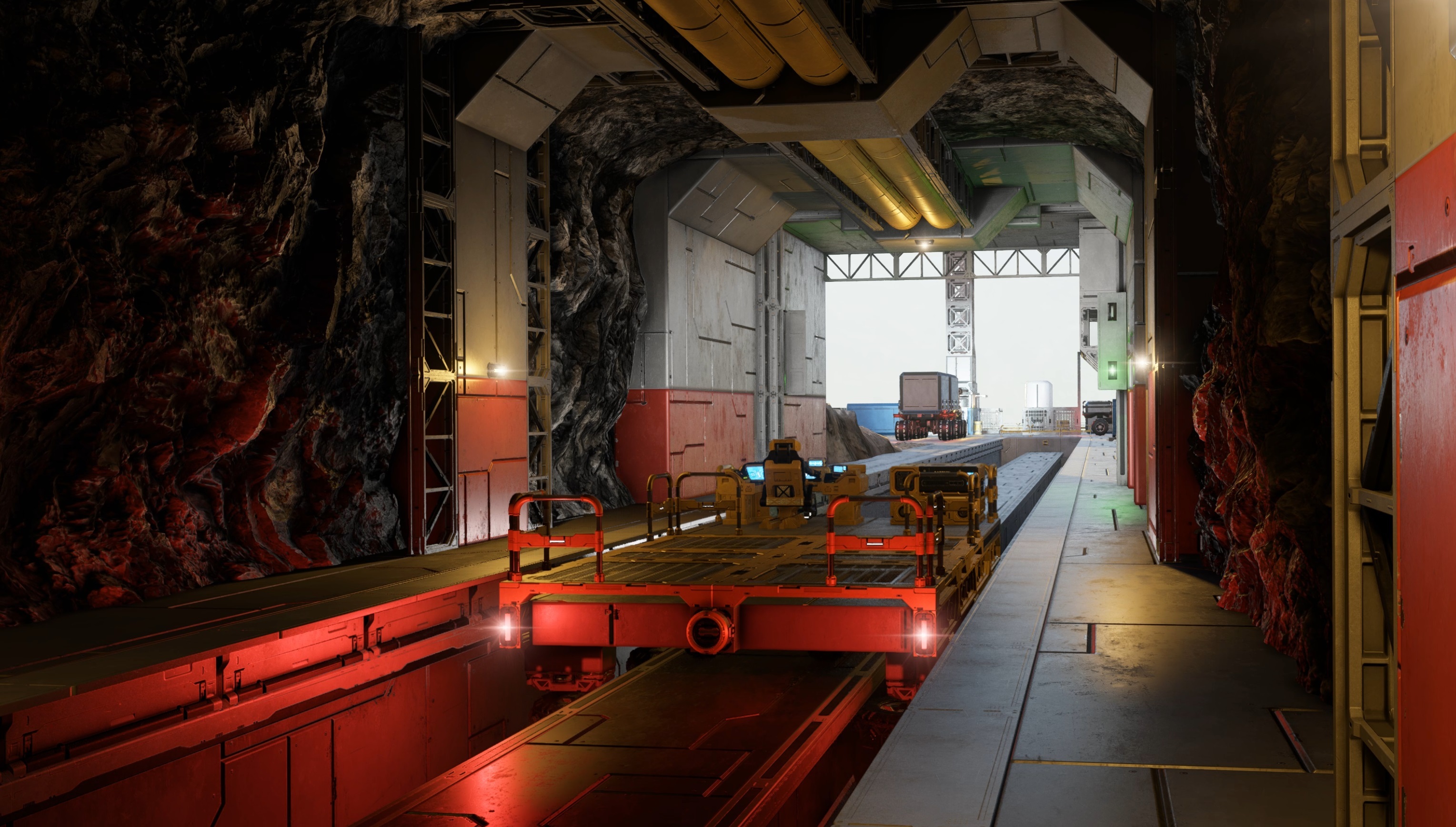
Combat Improvements
Combat is getting more direct control in VS2.3.
Manual Turret Control
With Manual Turret Control, you can take control of turrets yourself instead of relying only on automated targeting.
Character Weapons Iron Sight (RMB)
Character weapons now also support iron sights using RMB, giving first-person combat a more focused aiming option.
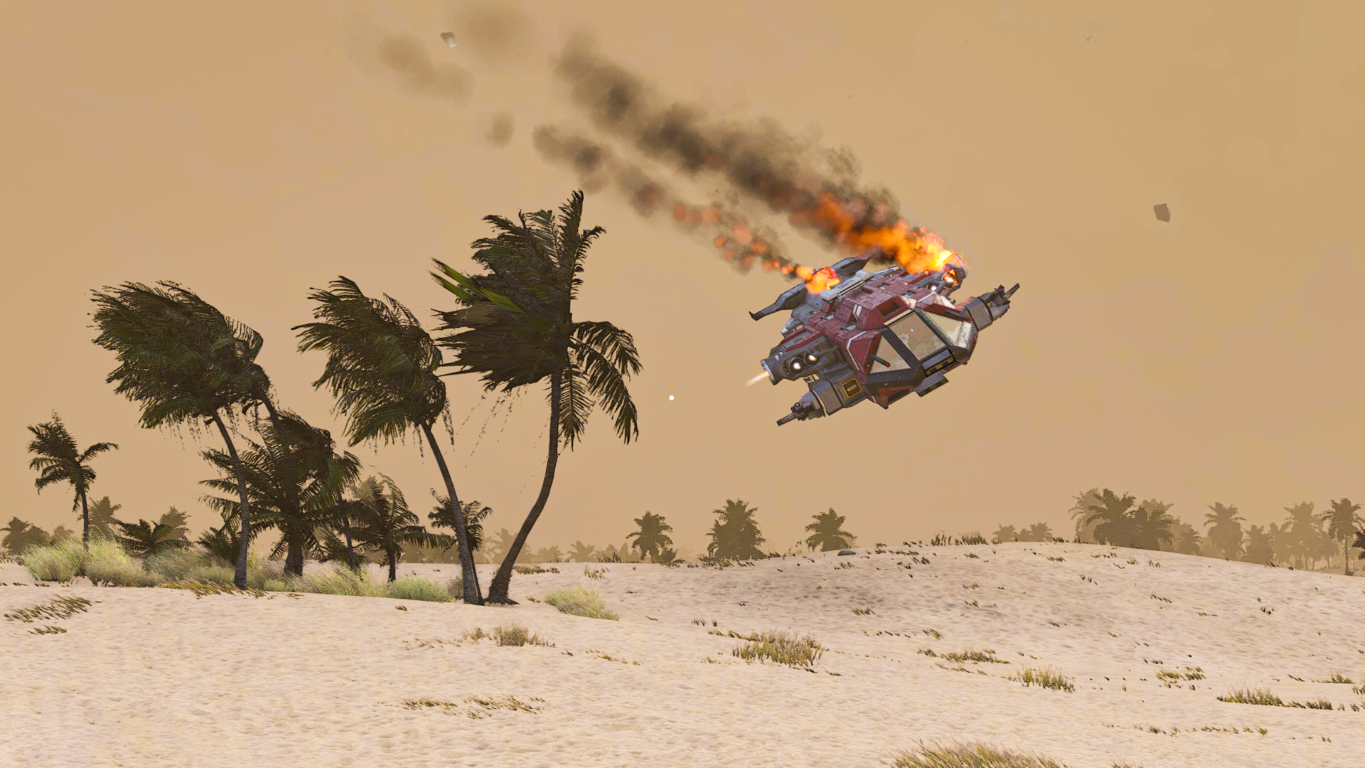

Sector Stages
Your actions in the Almagest System now help shape the sectors around you! As you complete contracts, a sector’s colonization progress increases, gradually changing it from an untouched frontier into a more active part of the Almagest colony.
This major update also reworks colonization progression to better fit the current state of the Almagest System. Instead of feeling like a simple checklist, sector progress now connects more directly to contracts, encounters, discovery, and the overall activity in each region.
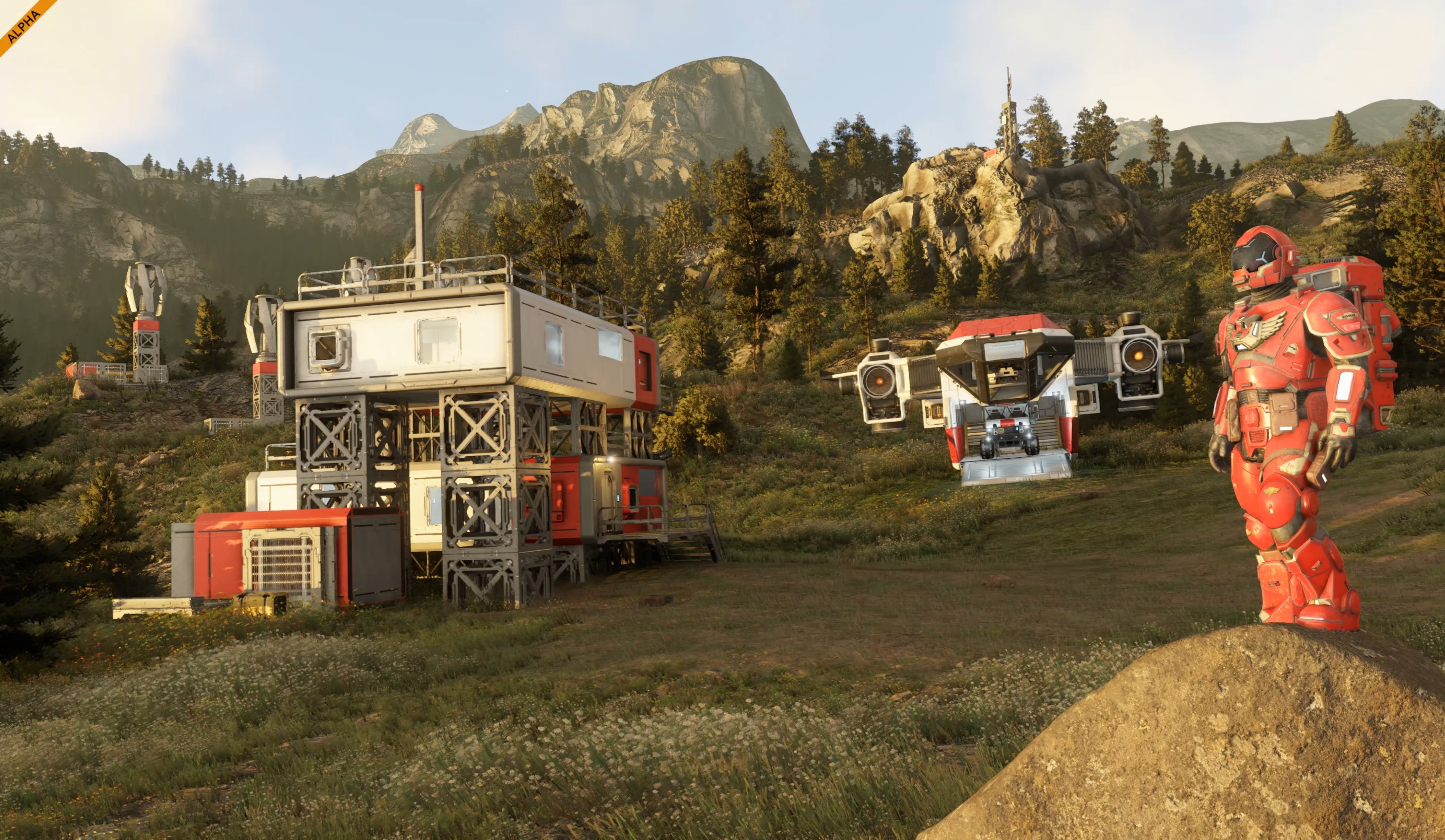
Here is the progression of your colonization journey:
- Unexplored - The sector is still locked and unavailable.
- Explored - The sector is unlocked and begins to wake up. Basic trade becomes available, allowing you to exchange ore for credits and take on early repair or delivery contracts.
- Settled - The sector begins to feel safer and more active. Additional stations may appear, safe zones can become available, and you may start seeing patrolling NPC ships. The local economy expands with more contract types, such as defense, escort, and infrastructure repair. You may also encounter structured random events, including colonist convoys or stranded miners.
- Developed - The sector becomes a more established part of the colony. More activity can appear across the sector, with additional contracts, encounters, trading options, and discovery opportunities becoming available as the area grows closer to full colonization.
- Colonized - The sector reaches 100% colonization progress. At this stage, additional endless contracts and encounters begin to appear, keeping the sector active even after the main progression is complete.
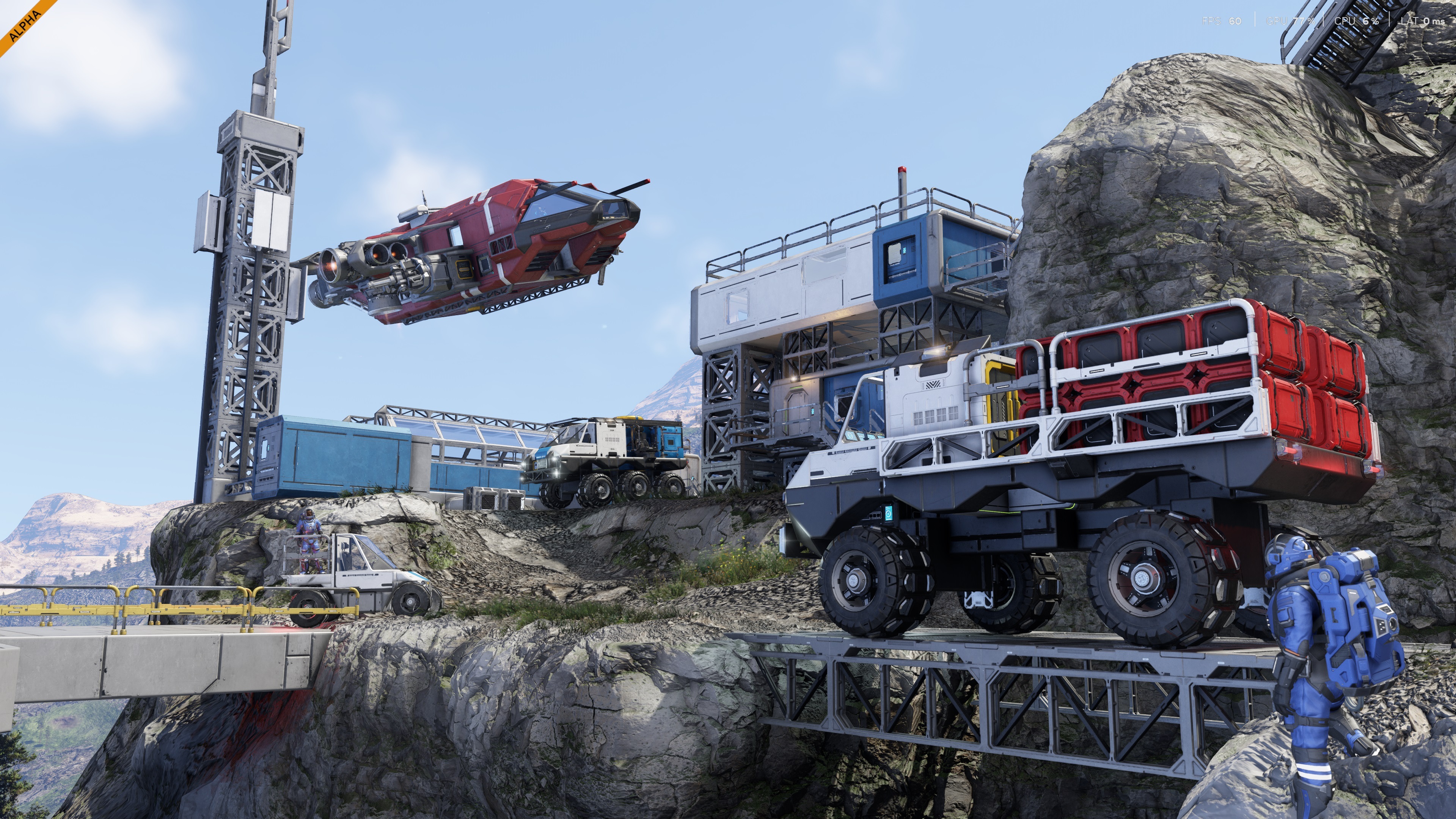
Endless Colonization & Encounters
Once a sector reaches full colonization, it does not simply become “finished.”
Additional endless contracts and encounters can start to appear, keeping the sector active and giving you more reasons to return, explore, trade, repair, defend, escort, and keep building up the colony!
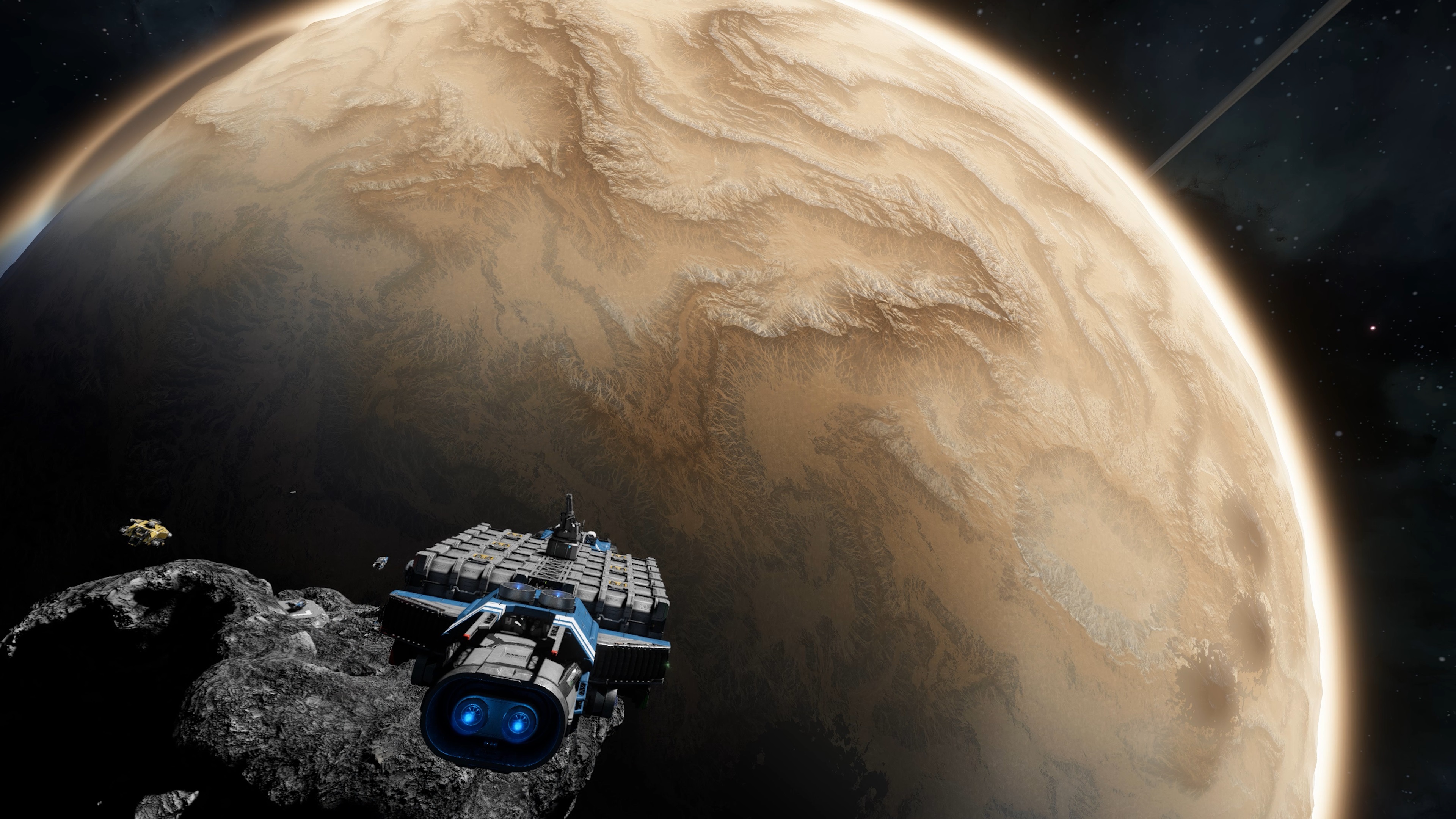
Reworked Ore Distribution
Mining in Almagest is getting a more deliberate layout.
Verdure now includes rare deposits of gold, lead, and magnesium. Ore placement is also adjusted by depth: surface, medium, and deep deposits now matter more, with rarer ores and larger nodes found deeper underground, down to around 100 meters.
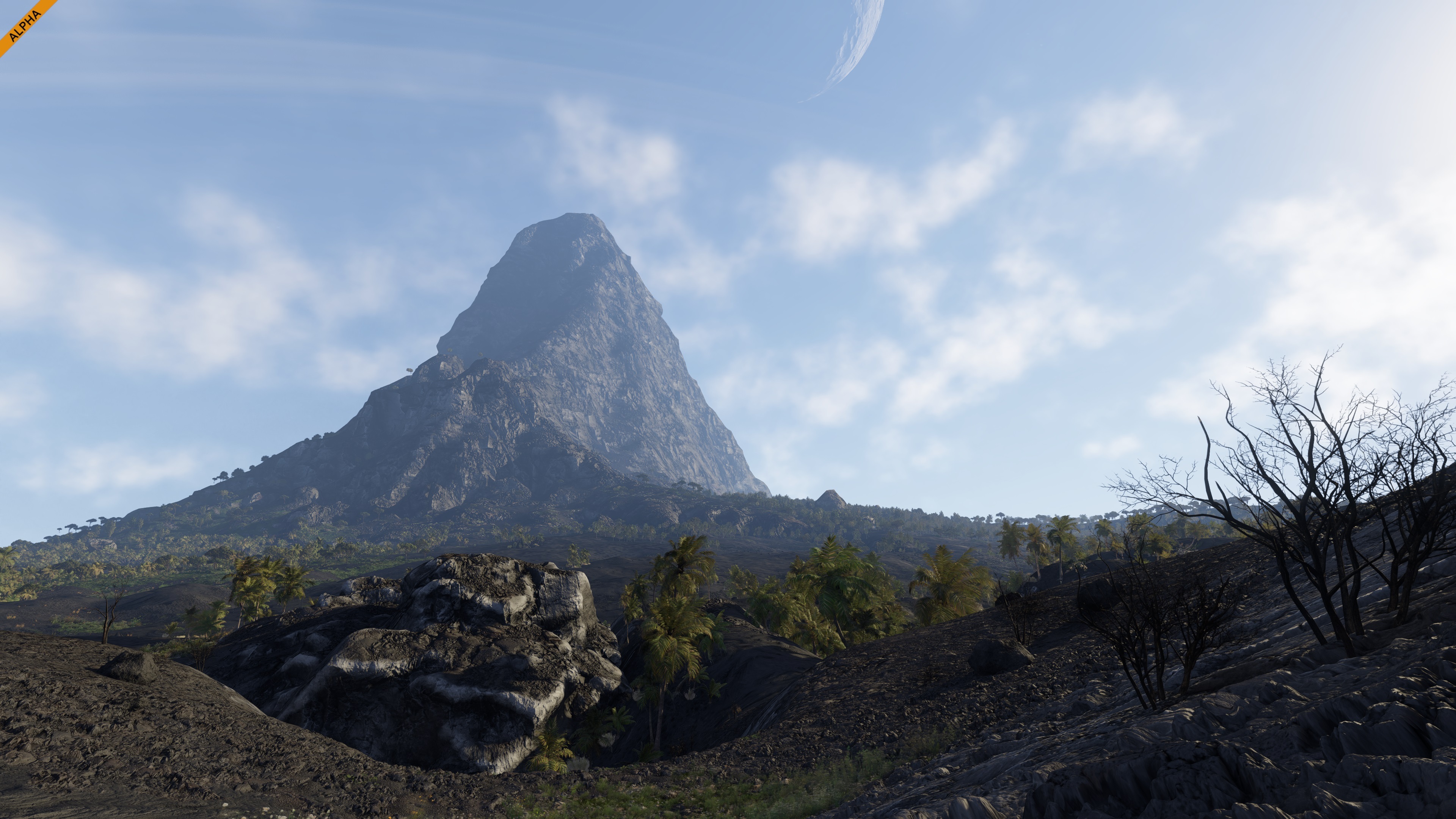
Volcanic areas are becoming important resource hotspots and should be one of the best places to search for rare materials. In the future, we also expect these regions to become highly contested locations in multiplayer, where control over rare resources can really matter.
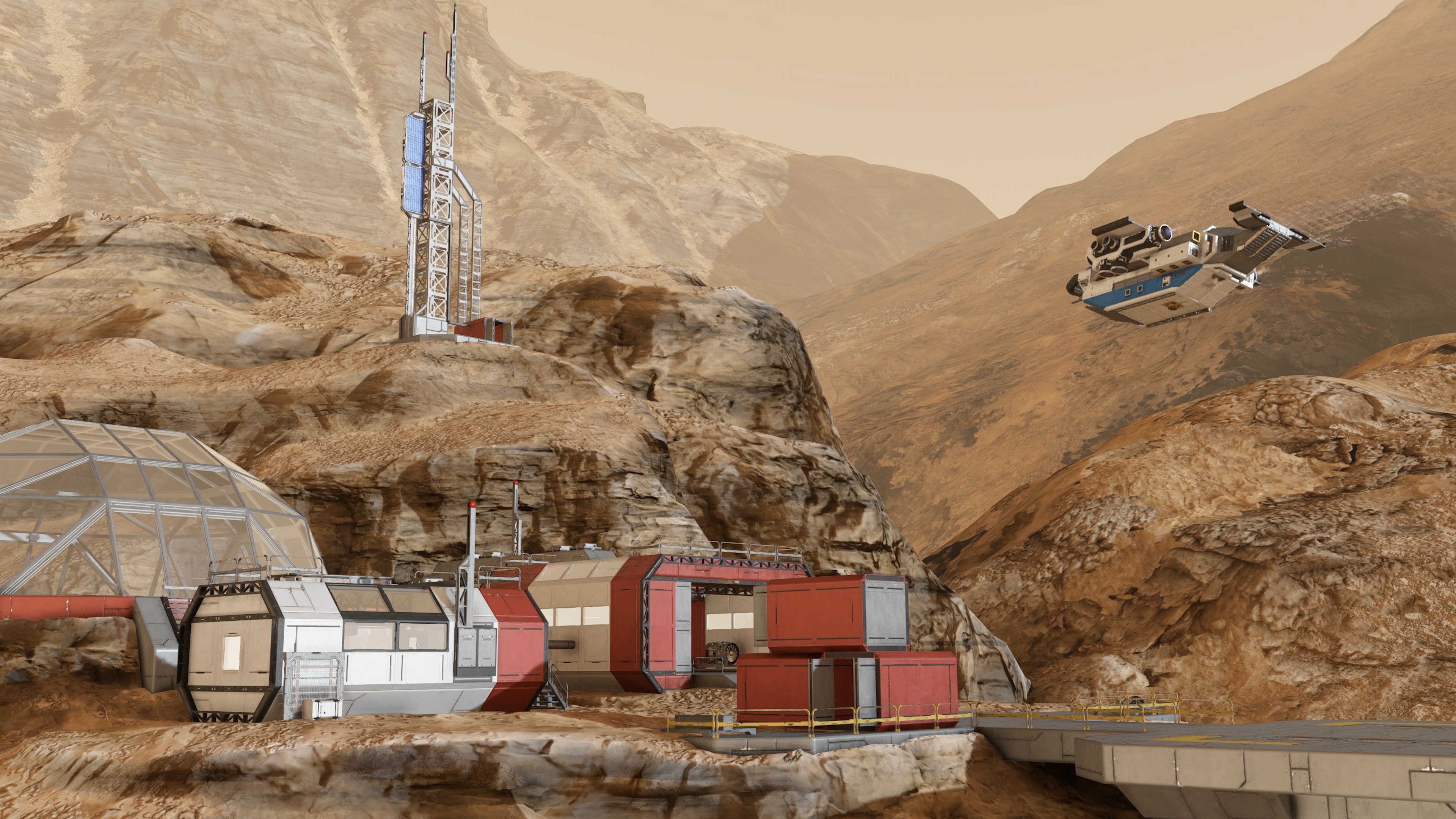
New Planetary Stations
The Almagest System is getting new places to discover as the colony expands.
New stations have been added across planetary and orbital sectors:
- Vallis Reach - Verdure planetary station
- Dustspire Junction - Kemik planetary station
- Palatine Station - Palatine Orbit
- Caligo Station - Caligo Orbit

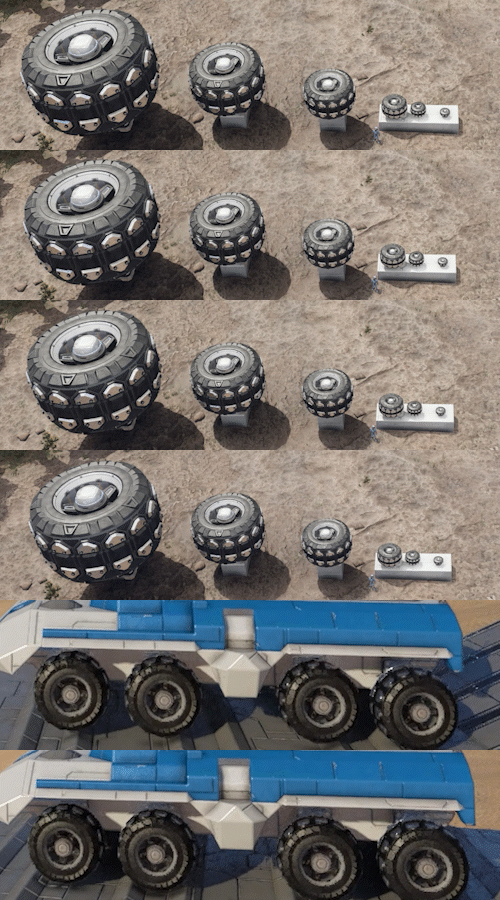 | Wheels (6 sizes: 100, 150, 250, 500, 750, 1250) - A suspension block and wheel for rovers and other ground vehicles. It provides shock absorption, steering, braking and propulsion support, allowing vehicles to travel across rough terrain while maintaining stability and traction. |
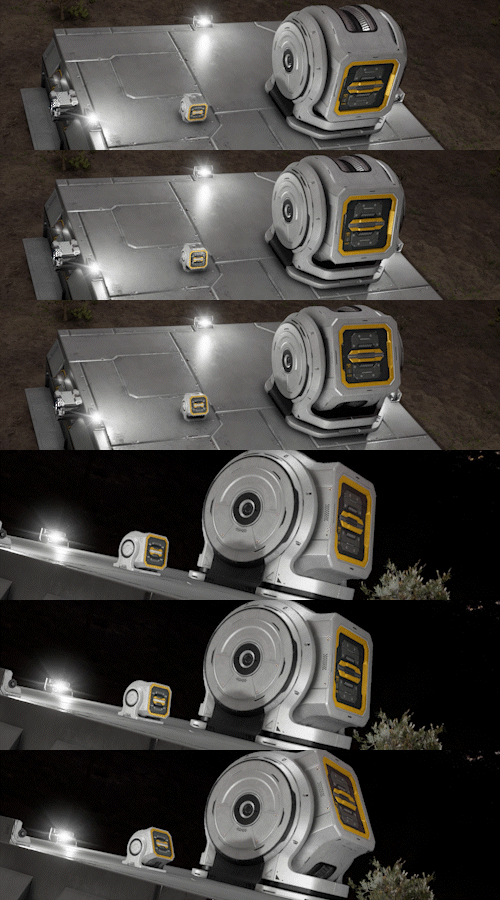 | Hinge Blocks (Small & Large) - A mechanical block consisting of a fixed base and a detachable head. When powered, it allows 180 degrees of rotation around a single axis. |
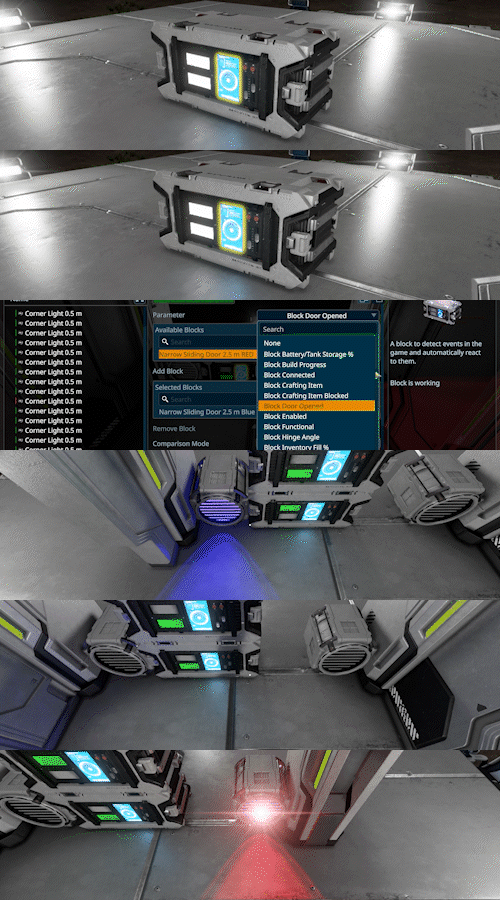 | Event Controller - A block to detect events in the game and automatically react to them. |
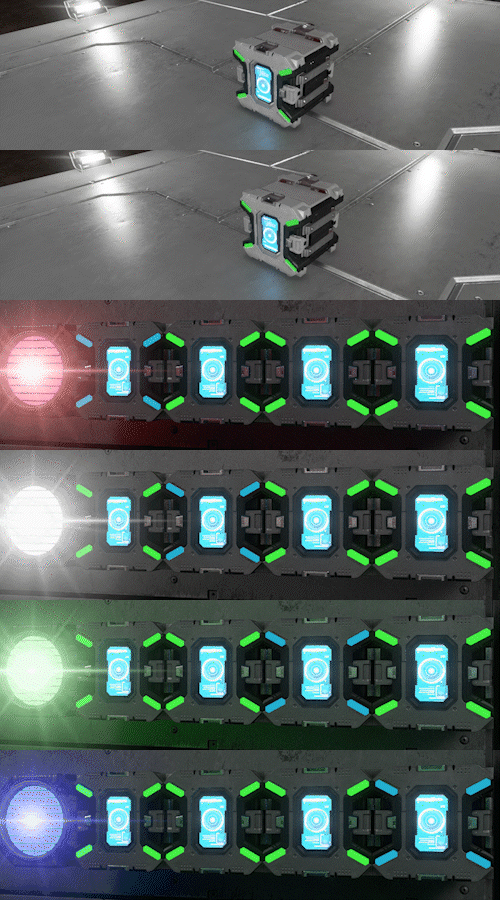 | Timer - A block used to automate sequences of actions by triggering one or more actions either instantly or after a set delay. |
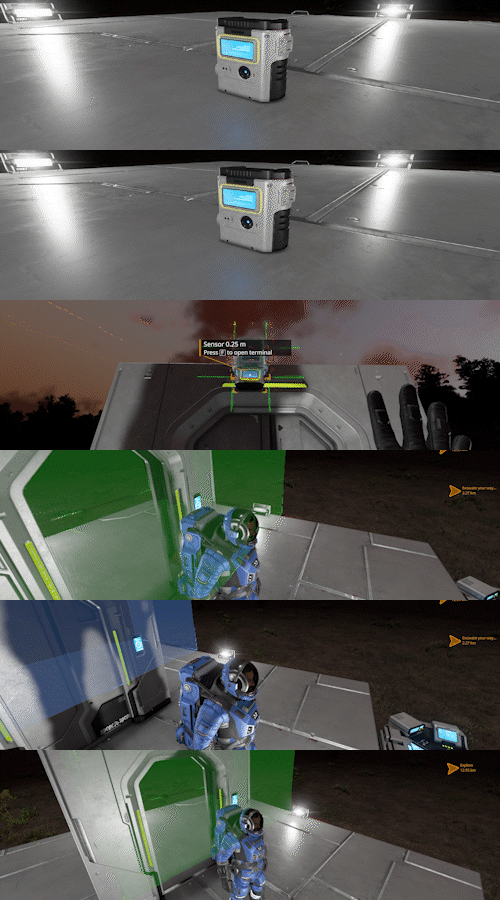 | Sensor - A block to detect objects in the game. |
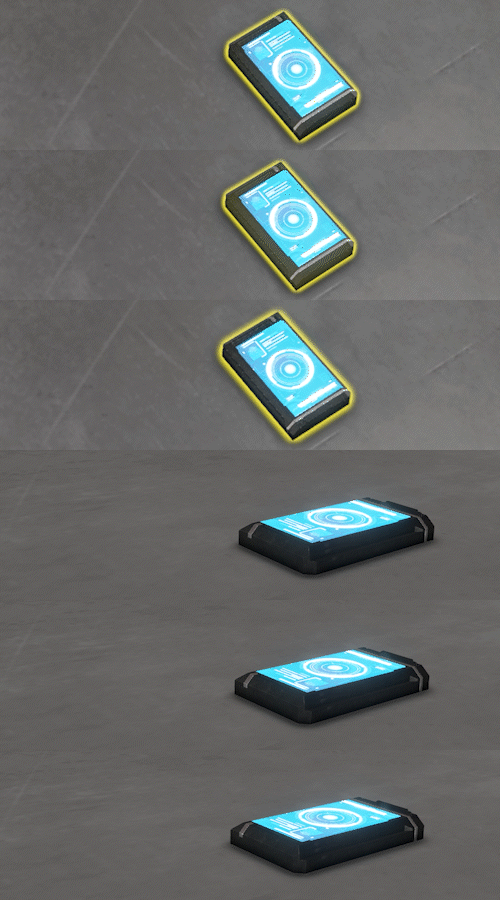 | Control Panel - Standalone access point to a grid’s terminal. |
 | Wind Turbine - Produces electricity on planets with an atmosphere. Power production scales with wind speed. |
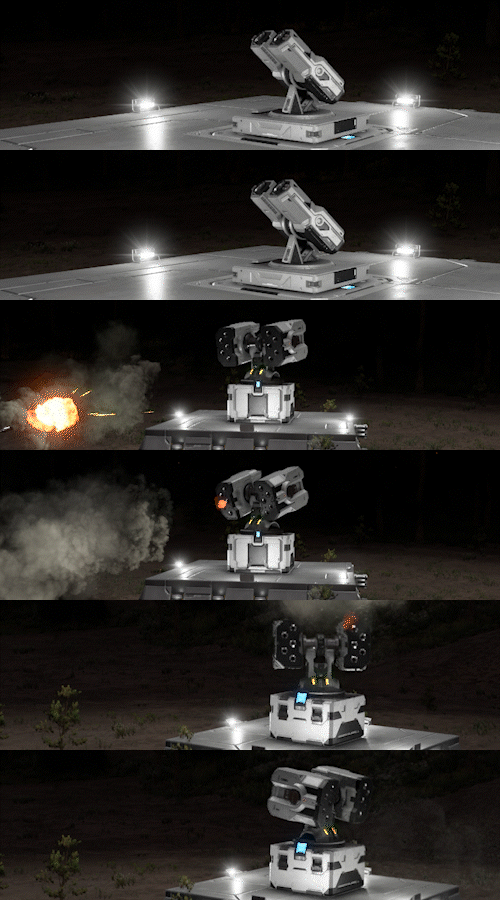 | Rocket Turret (Small & Large) - An automated rocket turret designed for heavy defense, capable of targeting distant threats and delivering high-explosive payloads. |
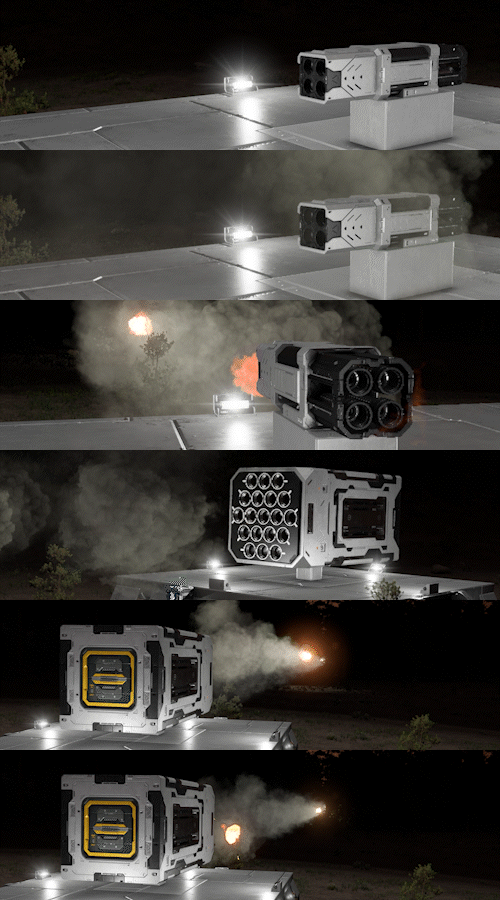 | Rocket Launcher (Small & Large) - A Rapid fire rocket launcher designed for heavy defense. |
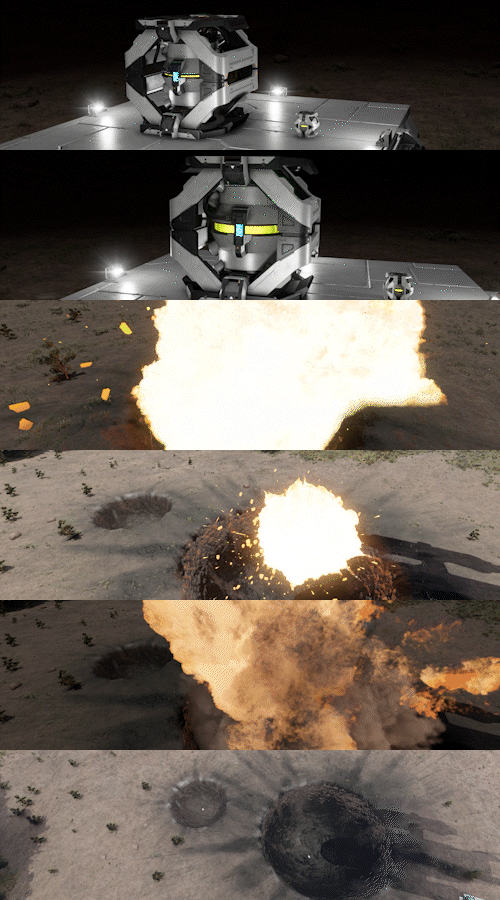 | Warhead (Small & Large) - A block capable of causing a large explosion if destroyed or otherwise triggered. |
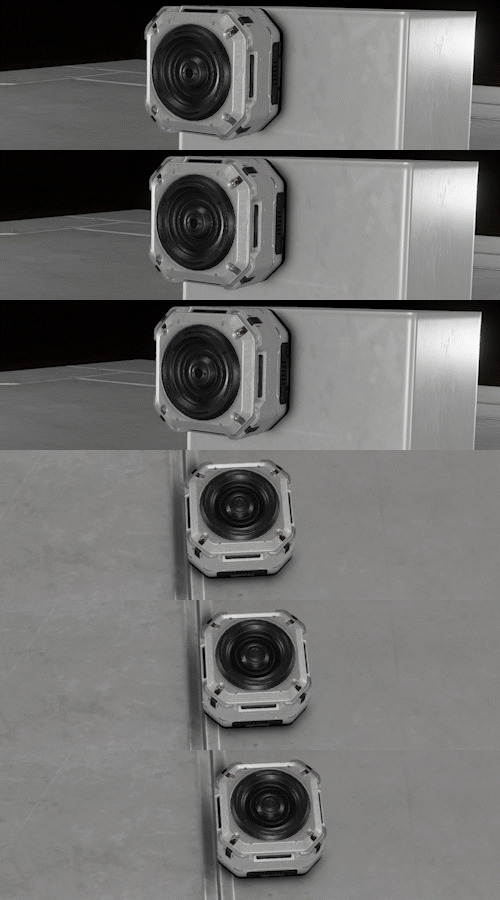 | Sound Block - A block used to play a sound. |
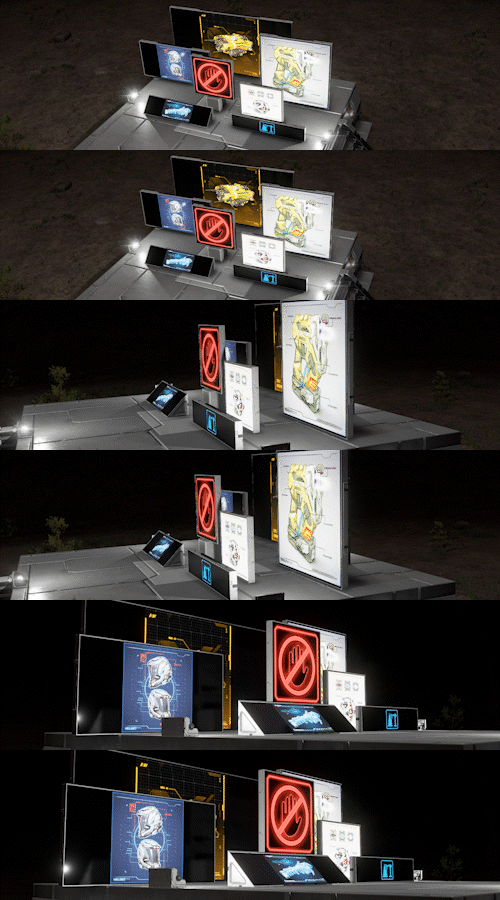 | Set of LCD Panels LCD (Small, Medium, Large) Wide LCD (Small, Medium, Large) Narrow LCD (Small & Large) Corner LCD (Small & Large) |
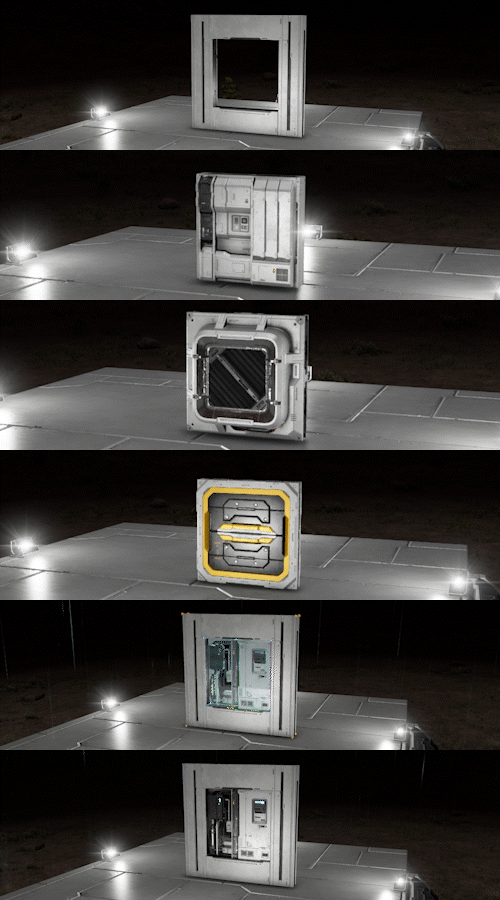 | Interior Wall Cutout & Insert Panels - Insert Panel, Pipes, Vent, Window, Conveyor |
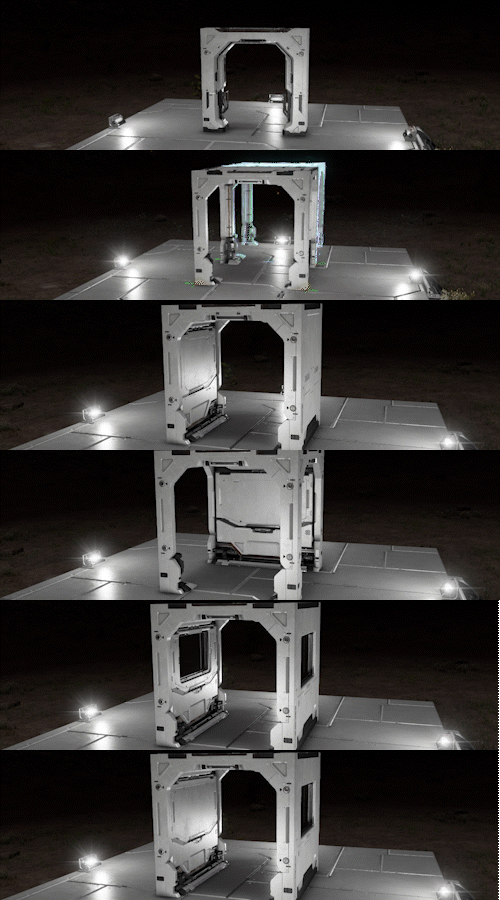 | Passage Blocks - Set of 9 Passage Blocks to connect your bases - with windows, junctions and arches. |
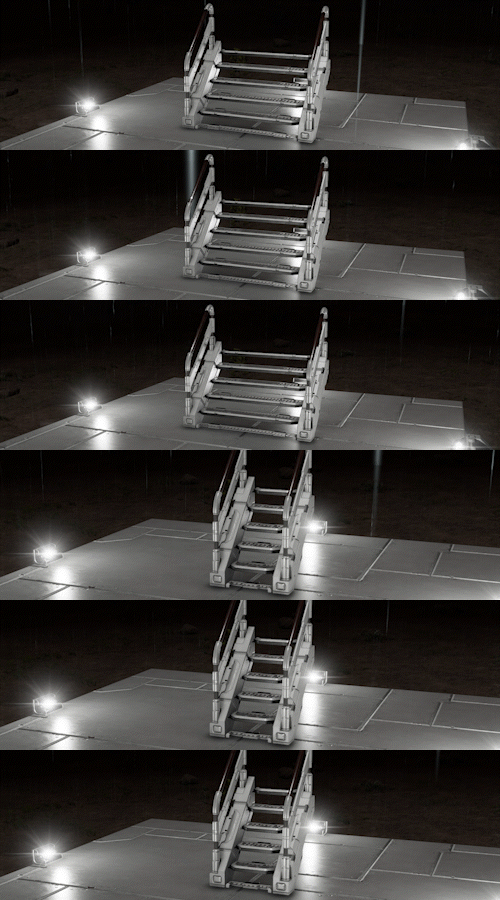 | Half Catwalk Stairs (Wide & Narrow) - Connects different levels of a grid, allowing easy movement between floors. |
Additional Improvements
- Added functions to button panels
- Updated F1 help screen
- Added fast travel sequence
- Unified access between Terminal and Cargo
- Mission UI, Blueprints, and UX improvements
- Improved landing particle effect
- Particle effect randomization
- Added and improved character animations and poses
- Added many new sounds
- Added Russian localization
- Added Ukrainian localization
- Simplified Chinese and Korean localizations are in progress

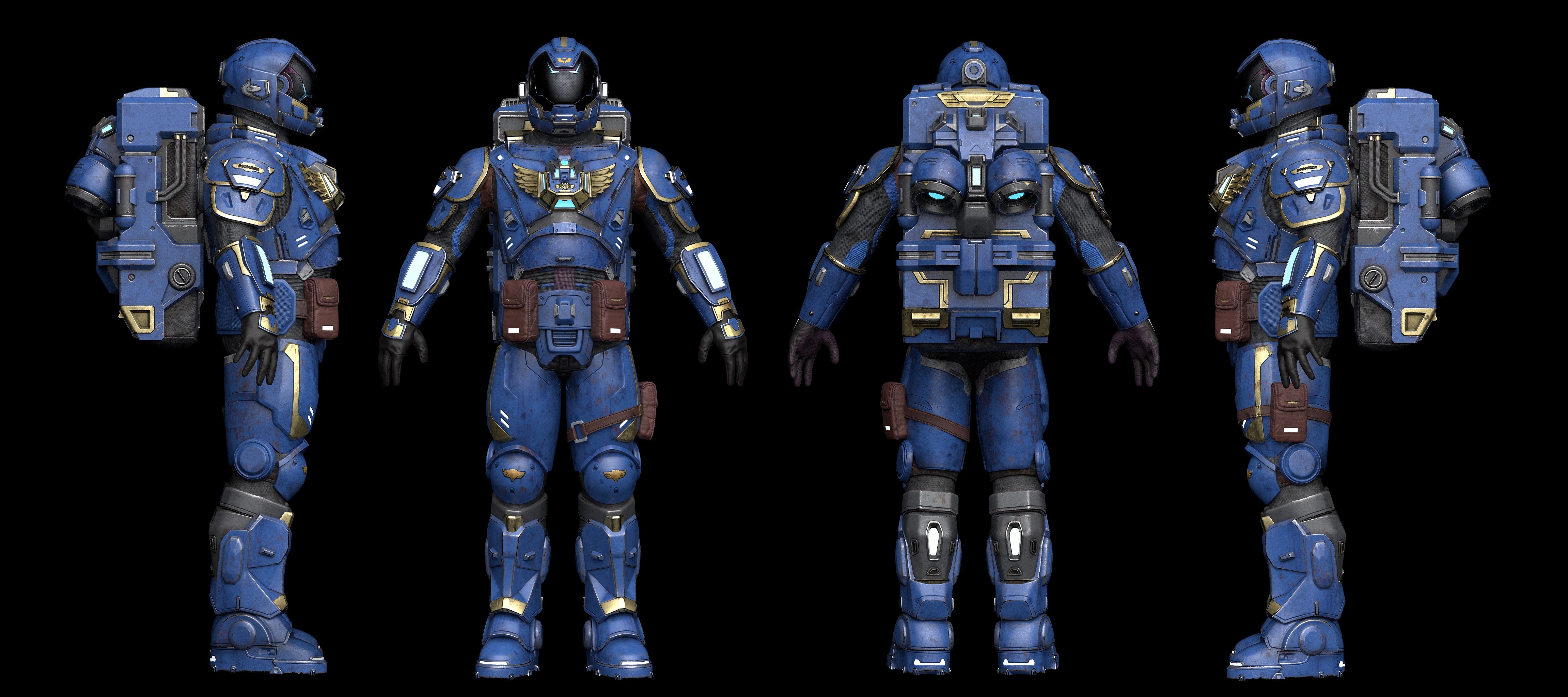
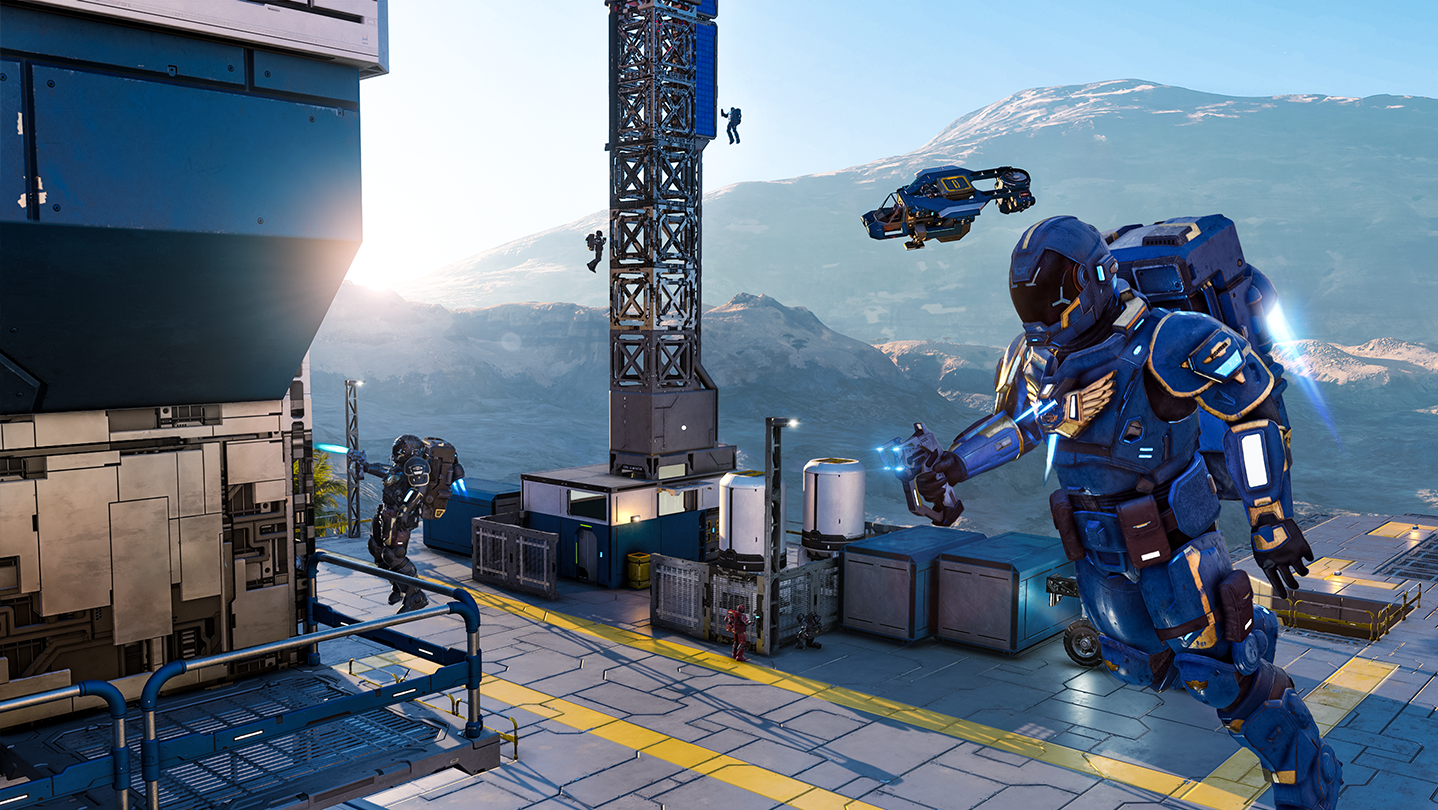
We’ve updated the Space Engineers 2 Pioneer Edition with new exclusive content for our early supporters!
The biggest addition is the new Pioneer Suit - the first in-game item added to the Pioneer Edition. This character skin lets you carry the Pioneer identity directly into the game, and it is our way of giving early supporters something special they can actually wear in-game while helping us build the future of Space Engineers 2.
This update also adds a new music track from Karel Antonin. As Space Engineers 2 continues to evolve, we’ll keep expanding the Pioneer Edition with even more behind-the-scenes materials and digital extras.
Buy Pioneer Edition now and help us build the next vertical slices faster!
https://store.steampowered.com/app/3365540/Space_Engineers_2_Pioneer_Edition/

VS4: Coop Multiplayer & NPCs is now planned before VS3: Water, with a current target of November/December 2026.
VS4 is an important milestone because it brings the first cooperative multiplayer experience to Space Engineers 2. The current plan is to start with 4-player co-op, with player hosting only for VS4, not full large-scale multiplayer or dedicated servers yet. Dedicated servers will come later. This first step is about making the core experience work properly when multiple players share the same world, contracts, progression, rewards, GPS markers, respawning, disconnecting, and all the small but important things that suddenly become much more complicated when you are no longer alone.
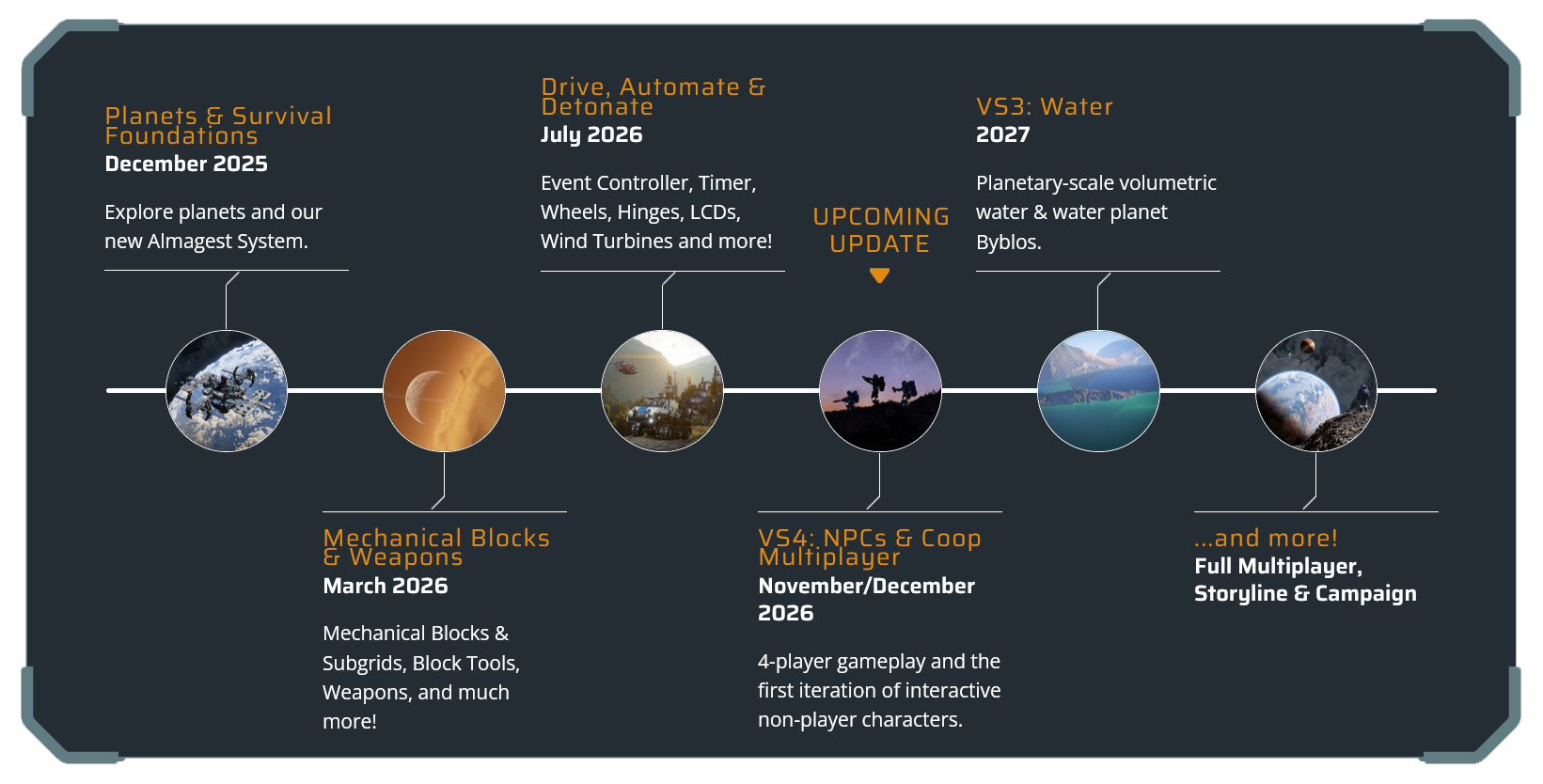
The other big part of VS4 is NPCs. The first NPC implementation is about making characters move, fight, and behave correctly inside a fully destructible sandbox. Deeper faction identity, story context, and more advanced behavior will be built on top of that foundation in future.
Water is still coming, but it needs more time. We now expect it in 2027, possibly as part of a later major update such as VS5.
Water remains very important to us, but it is one of the most technically demanding systems we are building for Space Engineers 2. We want to release it when it is ready and properly integrated into the rest of the game.
Many of the features and improvements planned for the future have been requested and shaped by the suggestions and ideas shared through our Support Portal. Your feedback is incredibly valuable, and we appreciate every suggestion you submit.
Check out our full Roadmap.

Please keep in mind that VS2.3 is still an Early Access and Alpha version of Space Engineers 2. We are planning daily hotfixes after the initial release.
- Some features of this update will need a new game to be started / Will need new save to be visible
- Subgrid Projection Support: Copy/pasting projections of blueprints with subgrids is not fully supported YET. You can build on pistons and rotors individually, but when you paste a grid that includes connectors, rotors, or pistons, only the main grid will be projected for now. We are definitely planning proper support for subgrid projections in a future update.
- We are always keeping previous versions of the game available after major updates. This means you can return to an earlier version at any time and, for example, save your blueprints or creations. You will find these builds in the Steam Beta tab
- We also want to be upfront about one important thing. We already know that water will be such a monumental change for the game that you will need to start a new save when VS3 arrives. We try to minimize situations like this, but during the alpha stage of development they are sometimes unavoidable.
- Known Issues (Fix is on the way)
- Switching from jetpack mode to walking while holding the Drill causes the character to slide
- Hovering over blocks show empty tooltip in G-screen
- PCUs in the G-screen are not updating
- No message is displayed when the internet disconnects during modded world loading
- G-screen doesn't show right toolbar when switching the regular toolbar
- Game can get stuck during unloading a scenario
- Redo action does not restore previously placed Hinge block on a grid
- Hydrogen tank refill sound loops/glitches when tank cycles between full and depleted via connector
- Falling particles are shown when the character is not falling
- Switching from jetpack mode to walking while holding the Drill causes the character to slide

Q: Will we get support for Blueprint Projections with Subgrids?
A: Copy/pasting projections of blueprints with subgrids is not fully supported YET. You can build on pistons and rotors individually, but when you paste a grid that includes connectors, rotors, or pistons, only the main grid will be projected for now. We are definitely planning proper support for subgrid projections in a future update.
Q: Will a New Save be Required to get the new features?
A: Some features introduced in VS2.3 require starting a new game to be visible/present.
Q: Where is the feature/block “X”?
A: We’d love to have them in the game right now too! Some features need more time and testing to reach the quality we aim for. You can check our updated roadmap for an overview of what’s coming next and when you can expect your favorite features to arrive.
Q: What about multiplayer?
A: We want multiplayer to arrive when the core survival, progression, contracts, and engineering systems are strong enough to support it properly. That is why we are starting with focused 4-player co-op in VS4 before moving toward full multiplayer and dedicated servers later.
Q: And NPCs?
A: NPCs are planned for VS4, alongside the first multiplayer implementation. Development of NPCs is already in progress.
Q: Is water still coming?
A: Yes. Water is still planned, but it has moved further down the roadmap. It is one of the most technically complex systems we are building for Space Engineers 2, and we want to give it the time it needs. Development continues in parallel.
Q: Why does the Almagest system map have sectors you can’t access?
A: More sectors will be added in the future updates. We also plan to introduce new contracts and new contract types.
Q: Will the sector resources differ in the future?
A: Yes, we plan to make resources more dispersed - not every resource will be available in every sector, encouraging exploration and trade between regions. Also the production chains are just a baseline and you can expect more changes as the development progresses.
Q: Can planets be modded?
A: Planet modding is not fully supported at this stage of development - but do not worry, we will bring you modding support for planets in the future updates!
Q: Will the price of Space Engineers 2 rise later down the line?
A: Yes. Space Engineers 2 is still in the playable Alpha stage, and the current price reflects that. As we add more content, systems, and features leading up to the full release, we expect the price to increase.
We do not have exact timing or pricing details to share yet, but if you want to join early and support development, now is the best time to get Space Engineers 2 at the current lower price!
Q: Should I purchase Space Engineers 2 now?
A: If you’ve been waiting for wheels, hinges, warheads, automation, and more reasons to engineer practical vehicles and reactive systems, VS2.3 is a great time to jump in. Space Engineers 2 is still in playable Alpha stage, so expect an evolving experience - but your feedback now helps shape where the game goes next.
If you prefer to follow development until more features arrive, add Space Engineers 2 to your wishlist!
You can also follow development through our weekly dev diaries, and subscribe to our newsletter.


The best way to provide your feedback is through our Support Portal. You can always find a direct link to the support portal from within the game - just press F1 to access the help screen!
This platform is your direct line to the developers and the Space Engineers community. Here, you can:
- Create a Bugreport
- Create a ticket with your Feedback/Idea
- Vote on other ideas or bug reports
- Comment and Interact with fellow players
- Suggest solutions and provide valuable feedback to help shape the future of Space Engineers 2

Stability
- Fixed a crash after entering a ship at HkSession+__Internal.StepCollide
- Fixed a crash after trying to spawn tops for multiple blocks at ToppedMechanicalBlockDetailModel.TopAttached
- Fixed a crash at ControlPanel.BlockDetails.FunctionalBlockDetailModel.Working
- Fixed a crash at HavokPhysicsEngineComponent.Destroy
- Fixed a crash at PanelContainerGenerator.OnItemsChanged when accessing contract containers
- Fixed a crash at RawJsonValueSerializer.Serialize
- Fixed a crash at VoxelPhysicsComponent.ReleaseChunk
-
 Fixed a crash when adding a single curly bracket to a block's name
- Fixed a crash when finishing a contract
- Fixed a crash when renaming a copied asset back to its original name in the Editor at ContentCache.ContentCache.SetMapping
Functional
- Fixed an issue with asteroid materials not being correctly applied on Kemik surfaces
- Fixed an issue with block projections being blocked despite no obstruction being present
- Fixed an issue with character getting stuck between collisions in FTUE
- Fixed an issue with characters becoming stuck in voxels
- Fixed an issue with cockpit projections not being placeable on another projection on the Sledge ship
- Fixed an issue with contract locations remaining visible after completing a contract
- Fixed an issue with copied blocks not being centered
- Fixed an issue with drill physics behaving erratically on grids disconnected from static grids
- Fixed an issue with Excavation Site contracts spawning under voxels
- Fixed an issue with flora being duplicated and becoming indestructible after being shot
- Fixed an issue with Gatling Cannons remaining enabled after being repaired
- Fixed an issue with gravity effects being delayed after grinding down a block
- Fixed an issue with it being possible to enter voxels using a cockpit
- Fixed an issue with landing gear being impossible to unlock on Sector Stations
- Fixed an issue with levitating rocks on Kemik after drilling beneath them
- Fixed an issue with line and plane building not working correctly with Blueprints, copied grids, and partial copies
- Fixed an issue with projections being overlapped when placing them on an existing grid
- Fixed an issue with projections not being placeable on ships due to incorrectly detected collisions
- Fixed an issue with reactor explosions not pushing dynamic grids and fractures
- Fixed an issue with rocks fractures being walk-through
- Fixed an issue with some rocks missing collision
- Fixed an issue with some voxel materials not being selectable using the Voxel Hand Material Picker
- Fixed an issue with switching to Shoot mode "Off" preventing firing with the left mouse button
UI
- Fixed an issue with battery blocks being placed in the wrong G-Screen subcategory
- Fixed an issue with block enabled state displaying "Powered On" without power
- Fixed an issue with block renaming not updating immediately in the Production screen
- Fixed an issue with block renaming not updating immediately in the Inventory
- Fixed an issue with Buy, Sell and Choose Amount dialogs not appearing when the HUD was hidden
- Fixed an issue with game menu opening over other screens
- Fixed an issue with GPS names extending beyond the screen
- Fixed an issue with inventory error messages appearing behind the Inventory screen
- Fixed an issue with max speed values not updating in the HUD after changing units
- Fixed an issue with Ore Detector "Broadcast with..." settings not being persistent
- Fixed an issue with oxygen tanks displaying "Charge Level" instead of "Fill Level"
- Fixed an issue with player-made GPS markers not being persistent
- Fixed an issue with production screens becoming unresponsive and failing to update correctly
- Fixed an issue with production block switches displaying empty tooltips
- Fixed an issue with redundant toast notifications appearing after starting a scenario
- Fixed an issue with tiles displaying empty thumbnails after deleting local Blueprints
- Fixed an issue with toolbar slots not being grayed out for unusable consumables
Animation
- Fixed an issue with character using the same animation for jumping backward and forward
- Fixed an issue with switching tools while using the Drill breaking the animation
- Fixed an issue with paint tool clipping into blocks and voxels
Visual
- Fixed an issue with atmospheric thruster exhaust effects remaining visible outside atmospheres
- Fixed an issue with auto-light not triggering in tunnels below the eye adaptation threshold
- Fixed an issue with fast travel connection lines rendering incorrectly at certain camera zoom levels
- Fixed an issue with floating objects being lost due to tessellation
- Fixed an issue with planet atmospheres being visible from inside caves on other planets and asteroids
- Fixed an issue with projectile impact effects becoming difficult to see beyond 350 meters
- Fixed an issue with spotlight 0.5 m shadows rendering incorrectly
Audio
- Fixed an issue with audio turning off when repeatedly reloading (F5) during game loading
- Fixed an issue with depleted jetpack fuel sounds starting and ending abruptly
- Fixed an issue with only one Gatling Cannon or Gatling Turret being audible regardless of how many were firing
- Fixed an issue with sound becoming completely silent in space at certain camera angles
- Fixed an issue with the first placed thruster overriding the sound effects of subsequently placed thrusters
Tools
- Fixed an issue with altered Sun positions not being remembered in the Editor
- Fixed an issue with animation previews not playing while the Animation Controller was paused
- Fixed an issue with animations not playing in the Render View window
- Fixed an issue with connecting nodes to Mixer1D after switching or reopening the Animation Controller
- Fixed an issue with inconsistent import behavior in the Editor
- Fixed an issue with invalid ModSDK assets never finishing processing
- Fixed an issue with ModSDK fullscreen and window size settings not being remembered
- Fixed an issue with node progress not being displayed on the first node after stopping and restarting playback
- Fixed an issue with search prioritizing results incorrectly in the Editor
- Fixed an issue with slider values not updating correctly when reaching min/max using arrow controls in the Dev Editor
- Fixed an issue with transition highlights not disappearing after selecting a Mixer or Single Clip in the Animation Controller

🛠️ Feedback & Support - https://support.keenswh.com/
🗺️ Roadmap: https://2.spaceengineersgame.com/roadmap-2/#current
🛰️ Discord: https://discord.gg/keenswh
📫 Newsletter: https://www.keenswh.com/newsletter
➡️ Connect and find us on your platform of choice: https://www.keenswh.com/connect/