Greetings, Spacefarers!
Space Haven now has Steam Workshop enabled allowing for some basic modding and subscribing to mods directly on Steam for easy access. We want to give a big thanks to all our community members participating in the creation of the Space Haven Modloader, which is used as a launcher when playing with mods.
Space Haven - Modding and Steam Workshop
 Space haven now has Steam Workshop enabled with mods already available to try.
Steam Workshop is now live and ready to be tested. The way it works is by having a Mod Loader acting as a launcher to launch Space Haven with mods enabled. All you need to do is join the play with mods branch and subscribe to the Mod Loader and mods in Steam Workshop.
Check out the steps below on how you can play Space Haven with mods enabled.
To Play With Mods
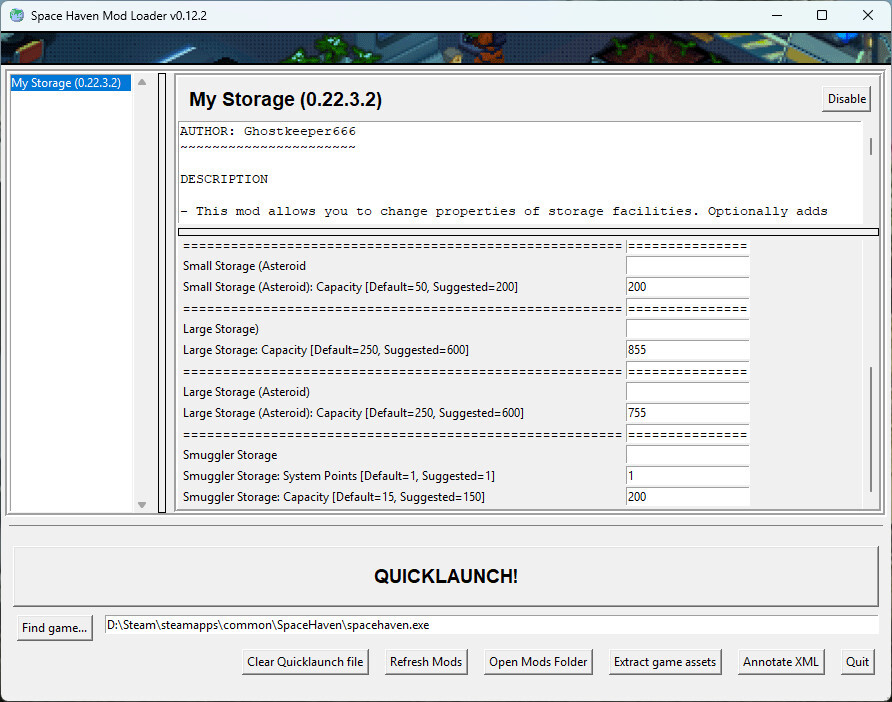
Playing with mods is done via a Mod Loader used for starting the game with mods enabled.
To play with mods you need to do the following steps.
Join the Play With Mods Branch
Open Steam Library
Right click Space Haven
Select Properties
Go to tab 'Betas' at the top.
Select 'play_with_mods' in the drop-down.
Subscribe to Mod Loader and Mods
In the STEAM CLIENT: Go to library and select Space Haven.
Select Workshop.
Subscribe to the Space Haven Mod Loader.
Subscribe to mods you want to use.
Launch Space Haven and select the "Play With Mods" Launch Option.
Make sure Steam has downloaded content from Steam Workshop.
Try rebooting Steam if you have subscribed to the Mod Loader and it is not found.
The Space Haven Mod Loader will open up and you will see which mods you have enabled.
If mod settings are not saved use the "Clear Quicklaunch file" button.
Click the launch button in the Mod Loader to launch the game with mods enabled.
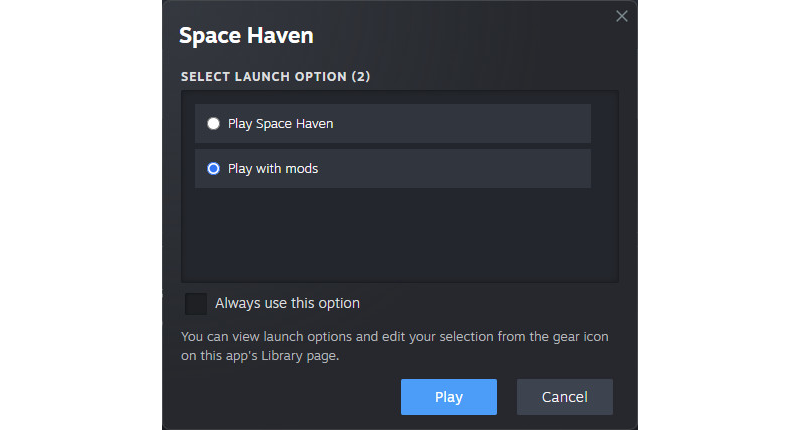
If you have joined the "play_with_mods" branch you should see the above when launching the game.
Uploading Your Own Mods to Steam Workshop
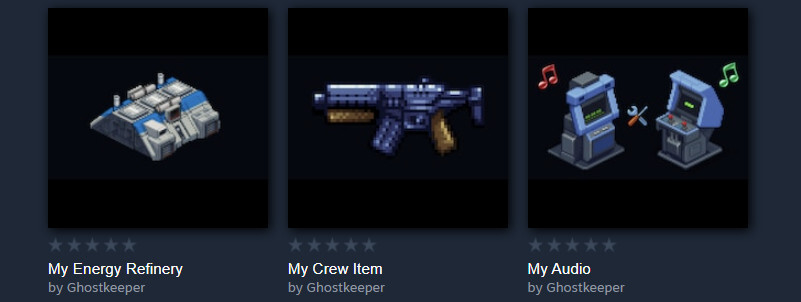
You can create and upload your own mods to Steam Workshop.
Uploading mods to Steam Workshop is done using the "workshop.jar" file found in the Steam install folder of the game.
Navigate to: Steam\\steamapps\\common\\SpaceHaven
Use cmd prompt to use the workshop.jar file.
To see instructions. In the cmd prompt write: java -jar workshop.jar
You will see instructions for making a new mod, uploading a mod and removing a mod.
Making a new mod is done with the -makemod command. Make sure the mod content is directly in the created mod folder!
When you have made a new mod with the command above, open up the folder and edit the "project" and "image" files to have your desired title, description and the mod image on Steam Workshop.
Each mod is assigned its own ID, and when subscribing to mods they are dowloaded to: Steam\\steamapps\\workshop\\content\\979110\\\[Mod_ID] (979110 is the ID for Space Haven)
To UPDATE a mod use the same -upload command and make sure the mod id is configured in the "project" file inside to mod folder.
To Learn How to Create Mods
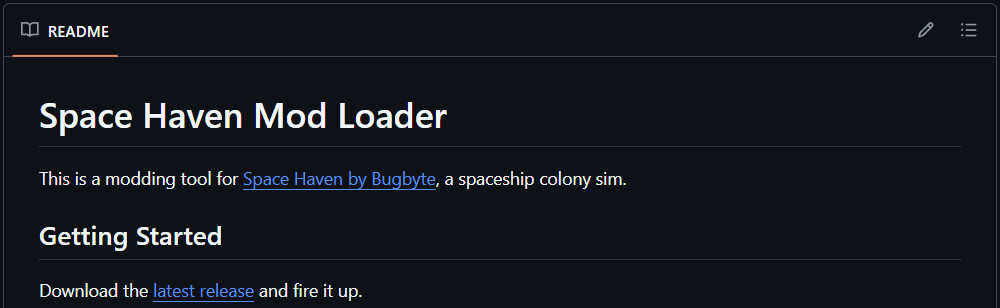
Start creating your own mods. You can find the instructions on GitHub.
See the instructions here below
https://github.com/Spacehaven-modding-tools/spacehaven-modloader#getting-started
Discuss with others modding the game on our Discord server and Steam forums
Discord: https://discord.gg/spacehaven
Steam Forums: https://steamcommunity.com/app/979110/discussions/6/
Currently the most active modders are on our Discord server so if you are seeking help come join us there!
Space Haven will be Released May 13th - Help Us Find Visibility!

Help get Space Haven in front of bigger audiences! Reach out to your favorite YouTubers, Twitch streamers, or content creators who love colony sims, space games, or creative building:
Let them know Space Haven is nearing its Full Release and show them what you have built!
Invite them to contact us directly for more information and collaboration: [email protected]
If you are active on Reddit, X or some other forum, allowing posts from games, share your screenshots in the groups and mention why you like the game.
Space Haven Story - A dying planet and the hope, of four friends, to save it
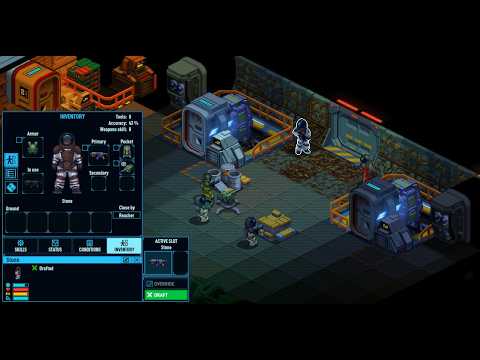
Check out this amazingly well-edited video that tells the story of a dying planet and four friends trying to save it. It was made by Ziesel.
Thank you for reading. Stay tuned, Spacefarers.