Time Travel Challenges
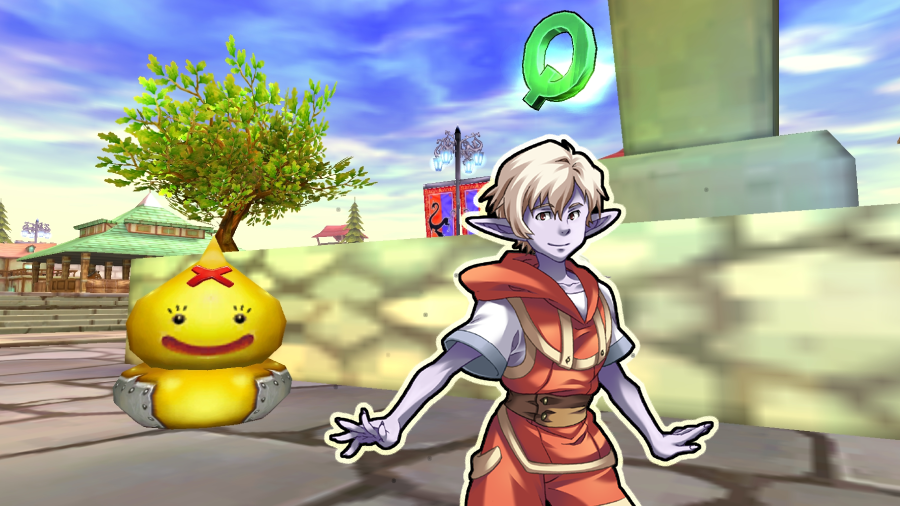
[p align="start"]Welcome the lovely spring season and the spirit of Easter! Are you ready to take on some challenges? [p align="start"]Start your journey in Elderine and speak with Kid Woz - but be prepared, as you’ll have to face some powerful pirates![p align="start"][p align="start"]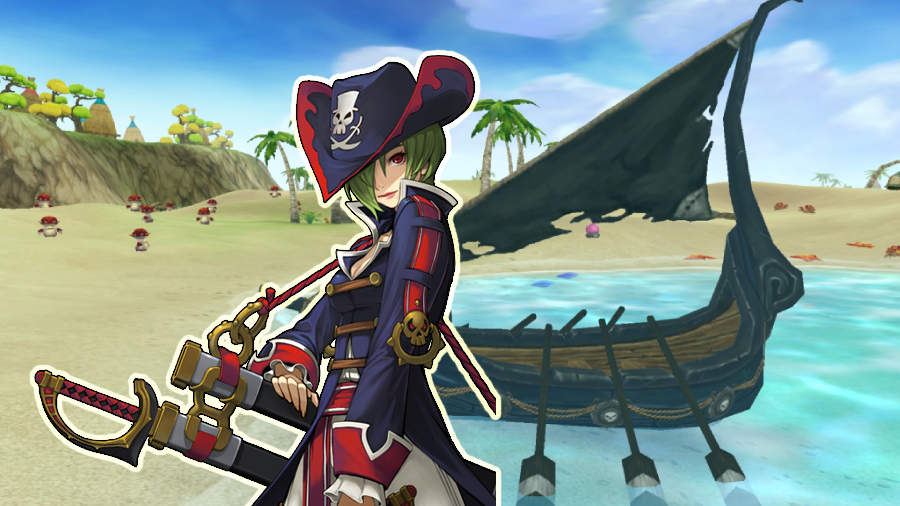
Memory Shards
[p align="start"]To complete the mission, you must enter the Kingdom Quest “Memory of Mara: Pirate’s Rage”. [p align="start"] Be careful - this challenge won’t be easy. Collect Memory Shards to complete the quest and exchange them for valuable rewards.Kingdom Quests – Memory Shards: The following Kingdom Quests grant 3 Memory Shards:
Mara Pirates’ Rage (Lv. 17–25)
The Millennium Robo Plot (Lv. 33–45)
Mean Giant Honeying (Lv. 40–50)
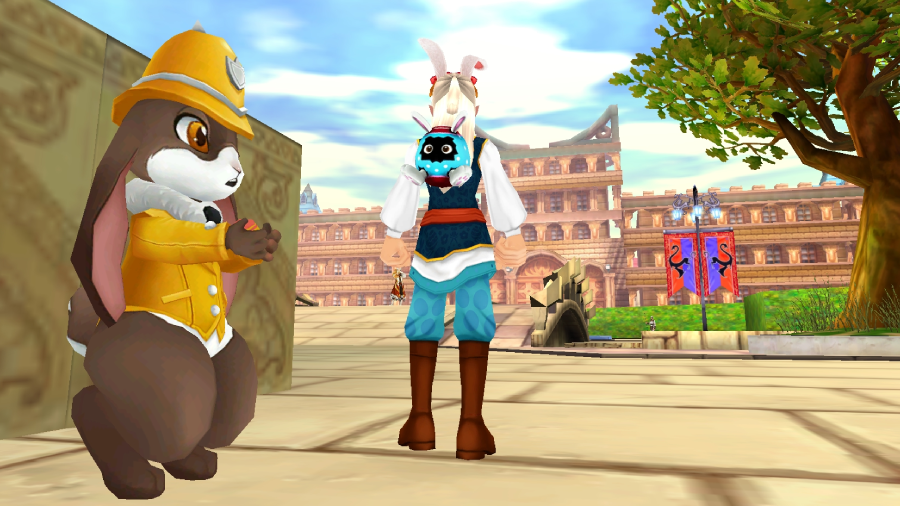
Epic Rewards
[p align="start"]Visit the little Police Bunny in Elderine and trade your Memory Shards for Easter-themed costumes, awesome weapon skins, and other exciting rewards![p align="start"][p align="start"]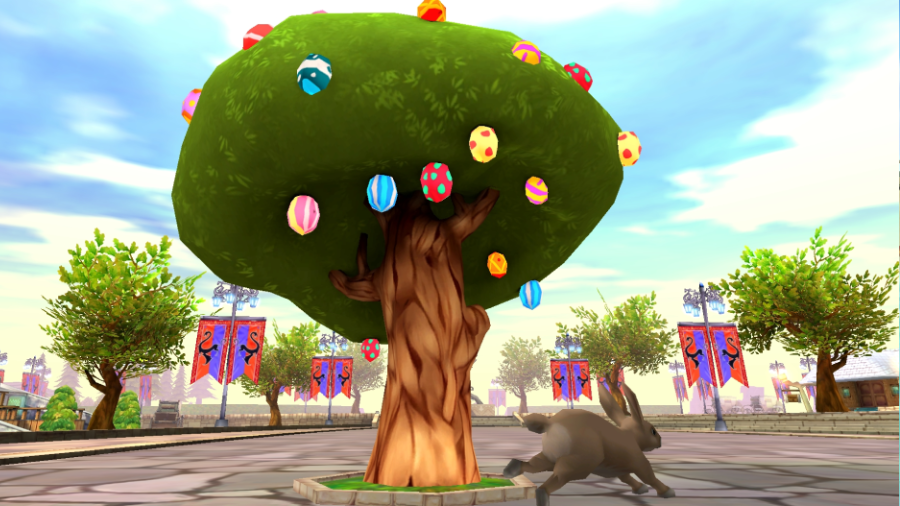
Enchanted Easter Trees
[p align="start"]Beautifully decorated Easter trees can be found in the towns. Want to experience some magic? [p align="start"]Dance beneath the tree and let it enchant you - special event buffs await![p align="start"][p align="start"]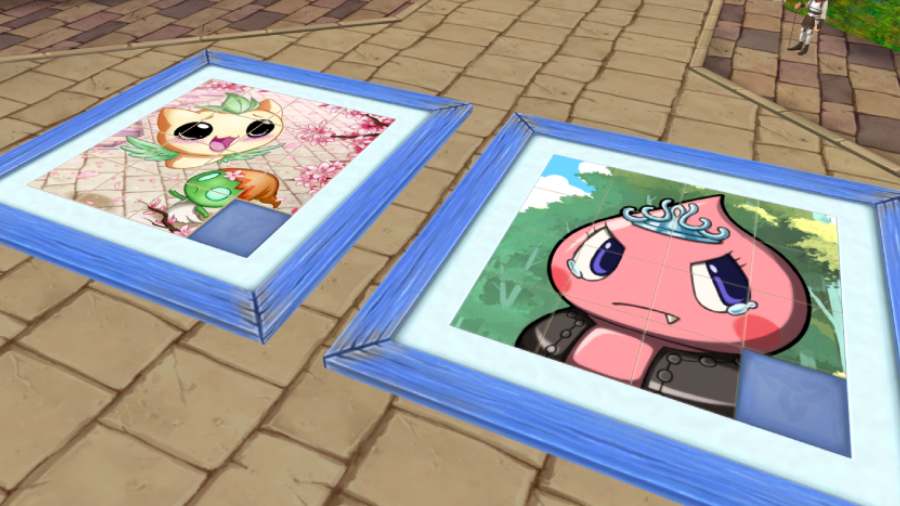
Puzzle Party
[p align="start"]Can you solve the puzzle? Head to Elderine and put your skills to the test![p align="start"][p align="start"]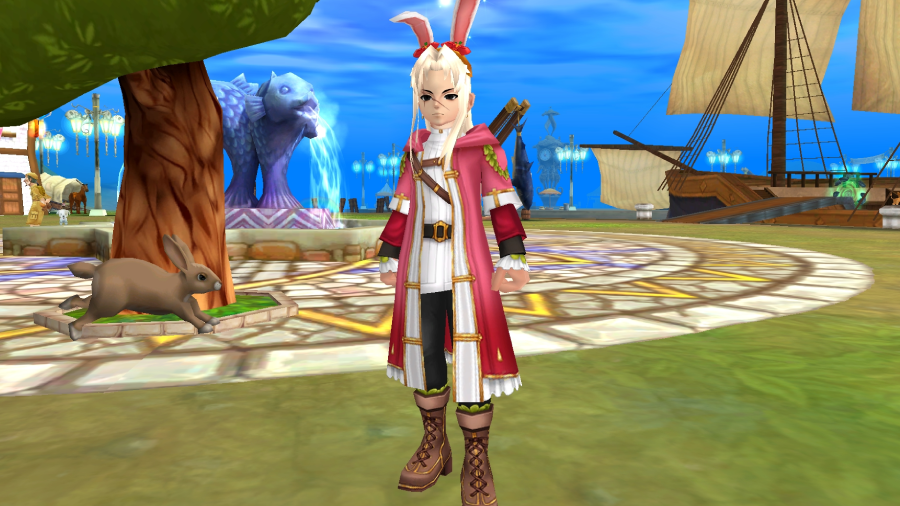
Easter Event Duration
[p align="start"]Enjoy the festivities while they last! The Easter Event will remain in Fiesta Online until April 22, 2026.[p align="start"][p align="start"]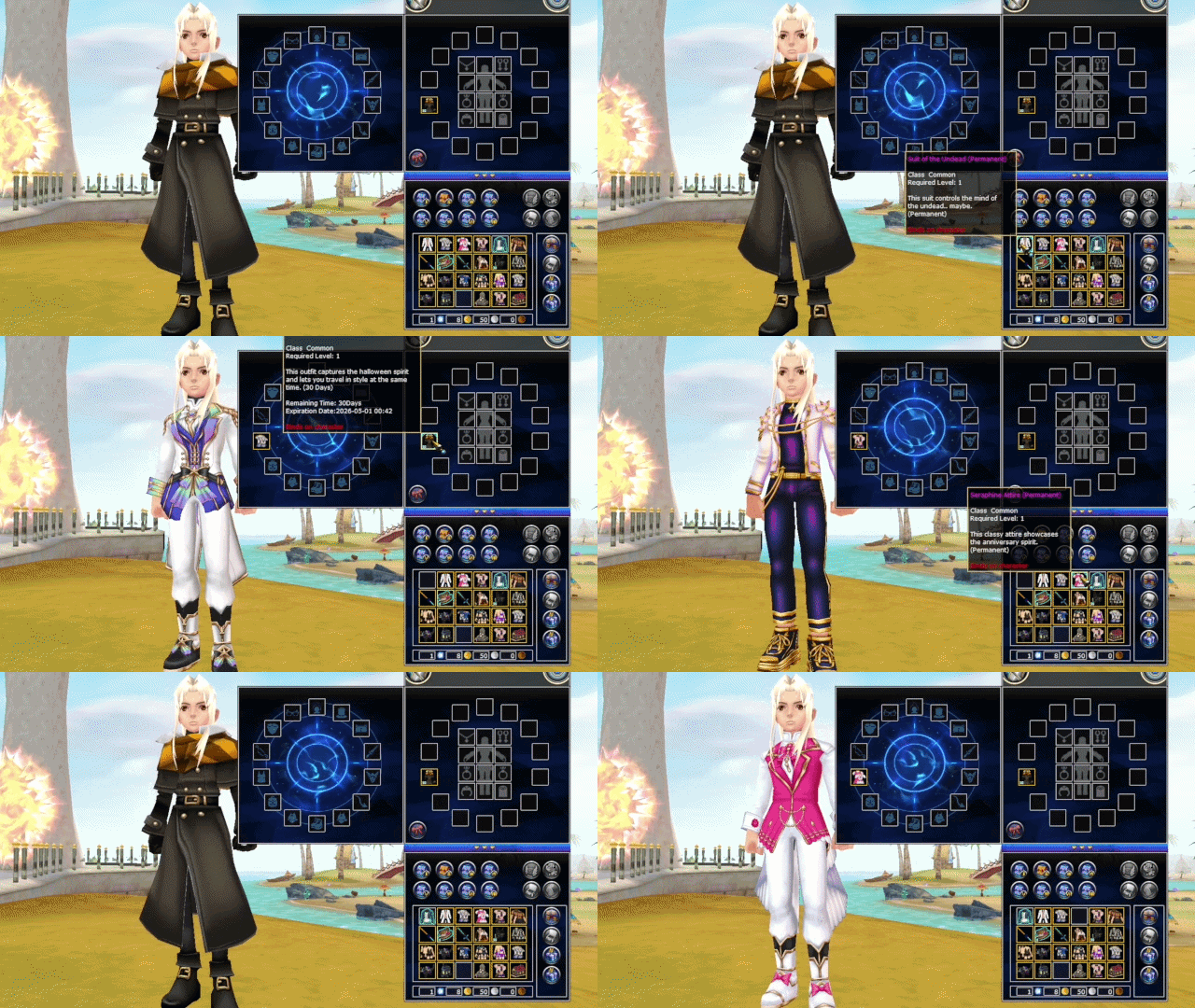
New System: Style Overlay
[p align="start"]We are excited to introduce the new Style Overlay system! From now on, you can wear your favourite costumes without sacrificing stats. [p align="start"]With this system, you can apply permanent costumes over your temporary ones - keeping all active stats while displaying the outfit you like best.Due to the conversion of permanent item designs to skins, if your character has permanent items equipped, initially when you unequip them they will still be visible on the character. Simply unequip and equip them again and this issue will be resolved and the item will jump into the intended slot.
[p align="start"][p align="start"]