BGFX now works on Steam Deck.
How it works
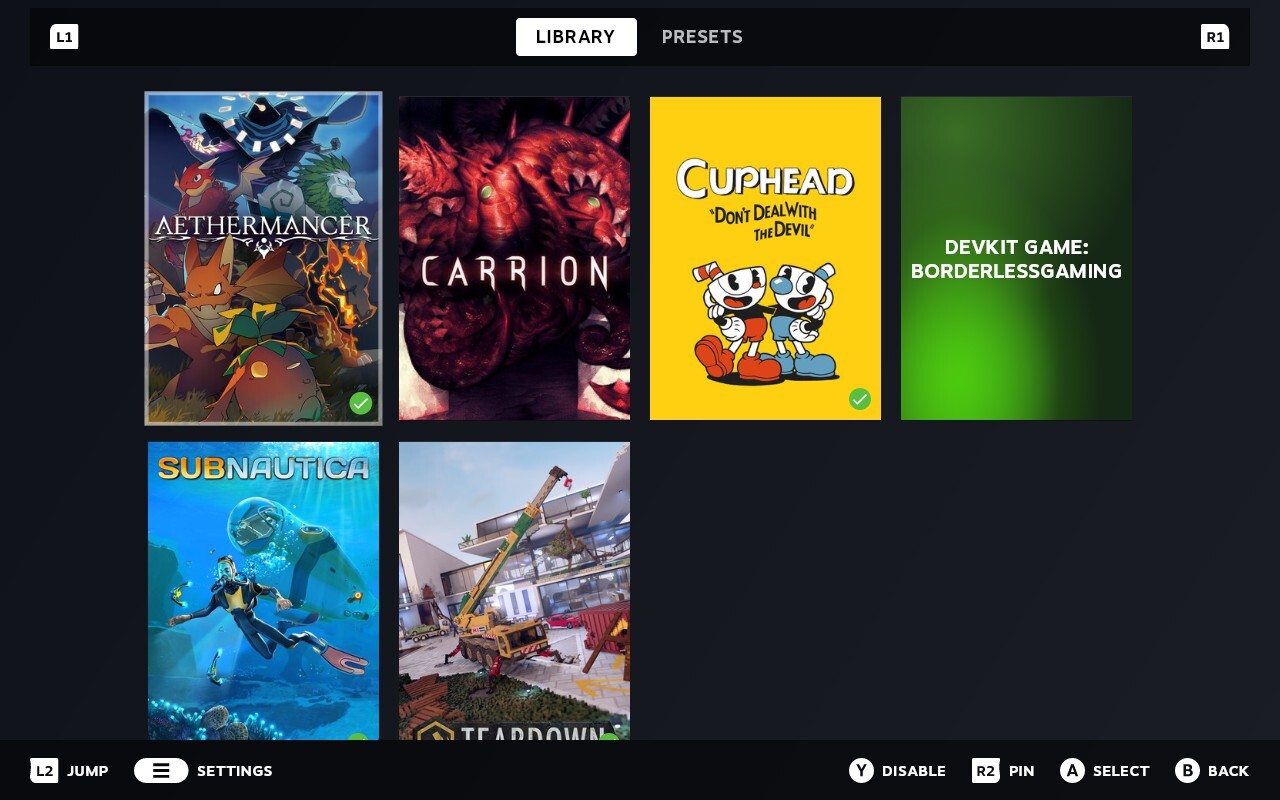
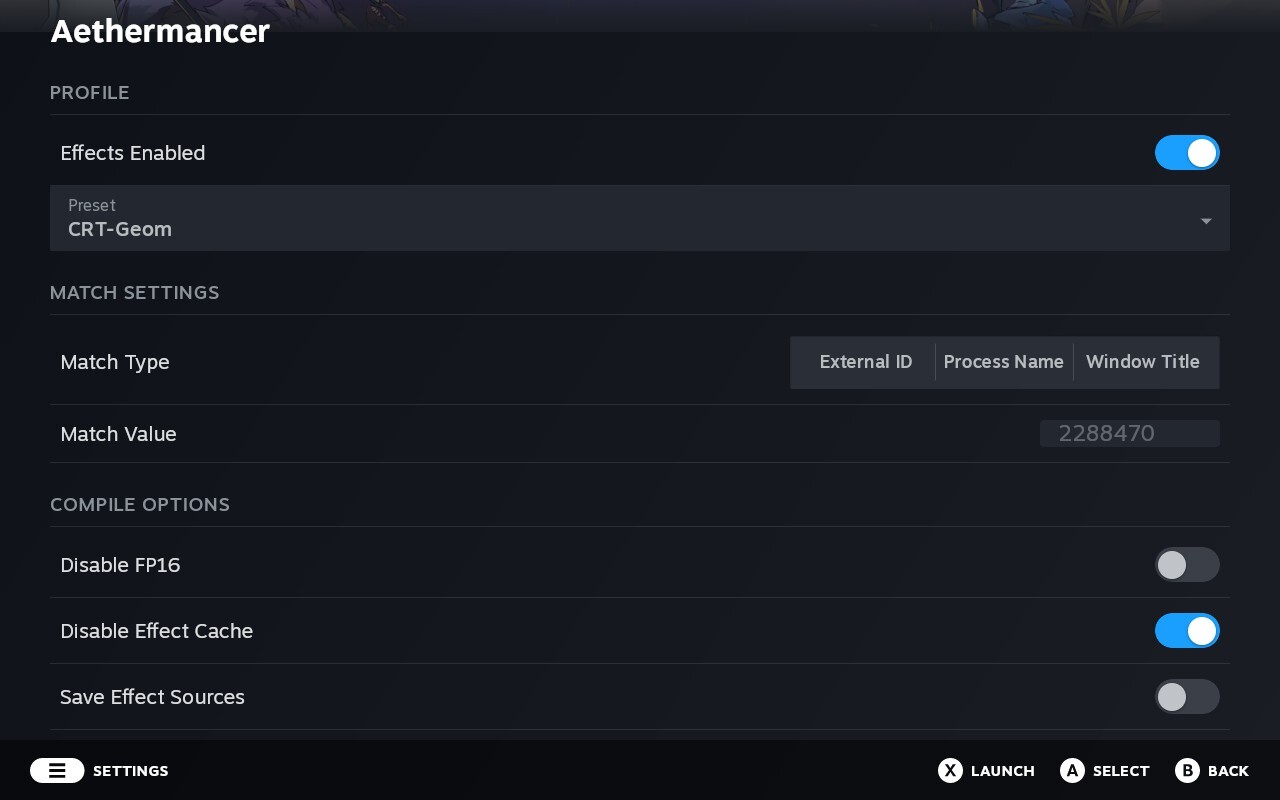
Install Borderless Gaming from Steam, open the app, pick a game, choose your effects. Borderless Gaming installs a Vulkan layer that hooks into your games automatically — you launch games the way you always do, from Steam, and the effects are just there. No desktop mode, no scripts, no extra software. Your presets are saved per game. Set it once and forget about it.
One thing I keep seeing asked: you do not need to launch games through Borderless Gaming. Just configure your effects and launch your game normally.
Built for Game Mode
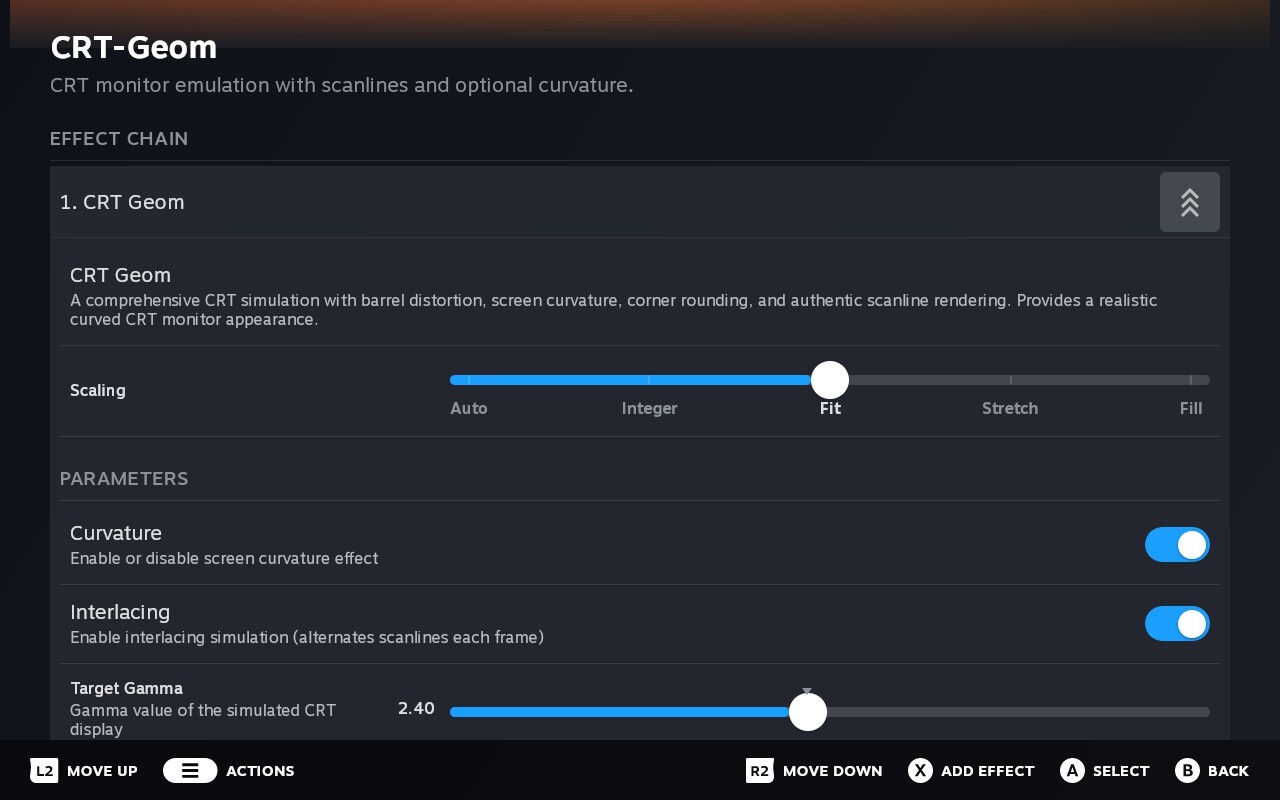
This is a new app written from scratch for SteamOS — not a port. I recreated Valve's Holo design language so it looks and feels like part of your Deck. Full gamepad nav, L1/R1 tab switching, the native on-screen keyboard, audio feedback on every action.
Tweak effects while you play
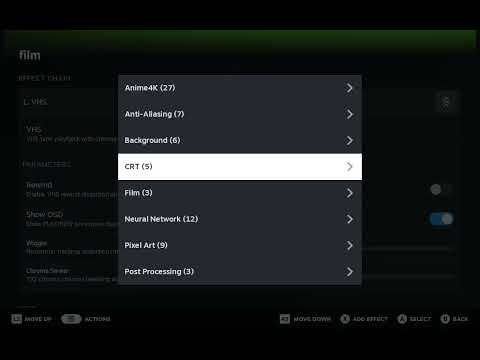
Press Left Stick + Right Stick + R1 and an overlay slides in from the right. Adjust any parameter in real time — sharpening strength, upscaler settings, swap entire presets — without leaving your game. The overlay blocks game input while it's open, so you won't accidentally move your character while tweaking a slider.
Lightweight
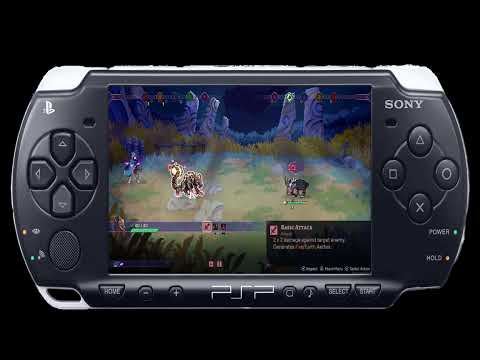
The entire effect pipeline runs on the GPU. Effects operate directly on frame data — no copies to system memory, no CPU involvement. Shaders compile in the background so your game is never interrupted.
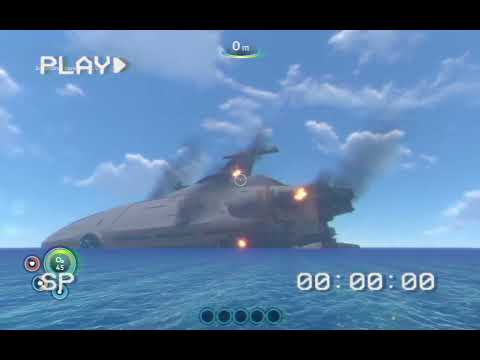
Scaling modes
Five scaling modes per effect in the chain:
- Fit — Scales to fit with letterboxing, keeps aspect ratio
- Fill — Scales to fill the screen, may crop edges
- Integer — Pixel-perfect 2x, 3x scaling, great for retro games
- Stretch — Fills the screen exactly, may distort
- Auto — Picks the best mode for you
The output scaler adapts automatically — sharp bicubic filtering when downscaling, smooth bilinear when upscaling.
Windows improvements
Windows gets a big update too. There's a new Vulkan effects backend that runs the full effect chain through Vulkan alongside D3D11 capture — if your driver supports it, the handoff happens entirely on the GPU with no CPU wait.
The D3D11 renderer has been rewritten for lower GPU load, with fixes for frame safety during live scaling changes and better signal handler coexistence with Wine/Proton.
Open the overlay on Windows with Ctrl+Shift+F12. Also works with a gamepad.
Changelog
New
- bg-holo: native Steam Deck application with Holo UI
- Vulkan implicit layer backend for Linux/SteamOS
- Vulkan effects backend for Windows (D3D11 capture + Vulkan effects via NT handle sharing)
- In-game overlay with live effect editing
- Gamescope input blocking for overlay
- Five scaling modes: Auto, Integer, Fit, Stretch, Fill
- Adaptive output scaler (bicubic downscale, bilinear upscale)
- Hot-swap effect chains without restarting the game
- Async shader compilation with progress HUD
- Per-game preset system with Steam library auto-discovery
- Neural network upscalers (NNEDI3, CuNNy, FSRCNNX, Anime4K) on GPU
- Improved effect history textures and multi-pass feedback performance
Improved
- D3D11 renderer performance and stability
- In-flight frame safety for live scaling changes
- Signal handler coexistence with Wine/Proton
If you run into any issues, report them on Discord.
What's next
BGFG — frame generation — is coming in the next minor release.
-- Andrew
P.S. If there's interest, I can bring desktop mode support to Linux — custom resolutions, borderless windowing, and other features from the Windows version. Let me know.