For years, Borderless Gaming has helped thousands of you wrangle stubborn games into borderless windowed mode. But there have always been two classes of games we've struggled with. The first: games with no windowed mode at all. Classic OpenGL games, older DirectX 8/9 titles, and even some modern DX11 games that change your desktop resolution and take over your entire screen. Without a window, Borderless Gaming had nothing to work with. The second: games that technically have a window, but fight you every step of the way. Older OpenGL and DirectX games that break, flash, or refuse to render properly when their window is moved or resized. This is why Borderless Gaming has accumulated dozens of profile options — delay timers, style overrides, resize workarounds — all to deal with games that don't cooperate. Even with all those options, some games just won't behave. Today, that changes.
Introducing BGProxy
BGProxy is a new feature that intercepts a game's graphics pipeline and converts fullscreen-only games into normal, resizable windows. It supports OpenGL, DirectX 8, DirectX 9, and DirectX 10/11/12 (via DXGI) — covering everything from early 2000s classics to modern titles.
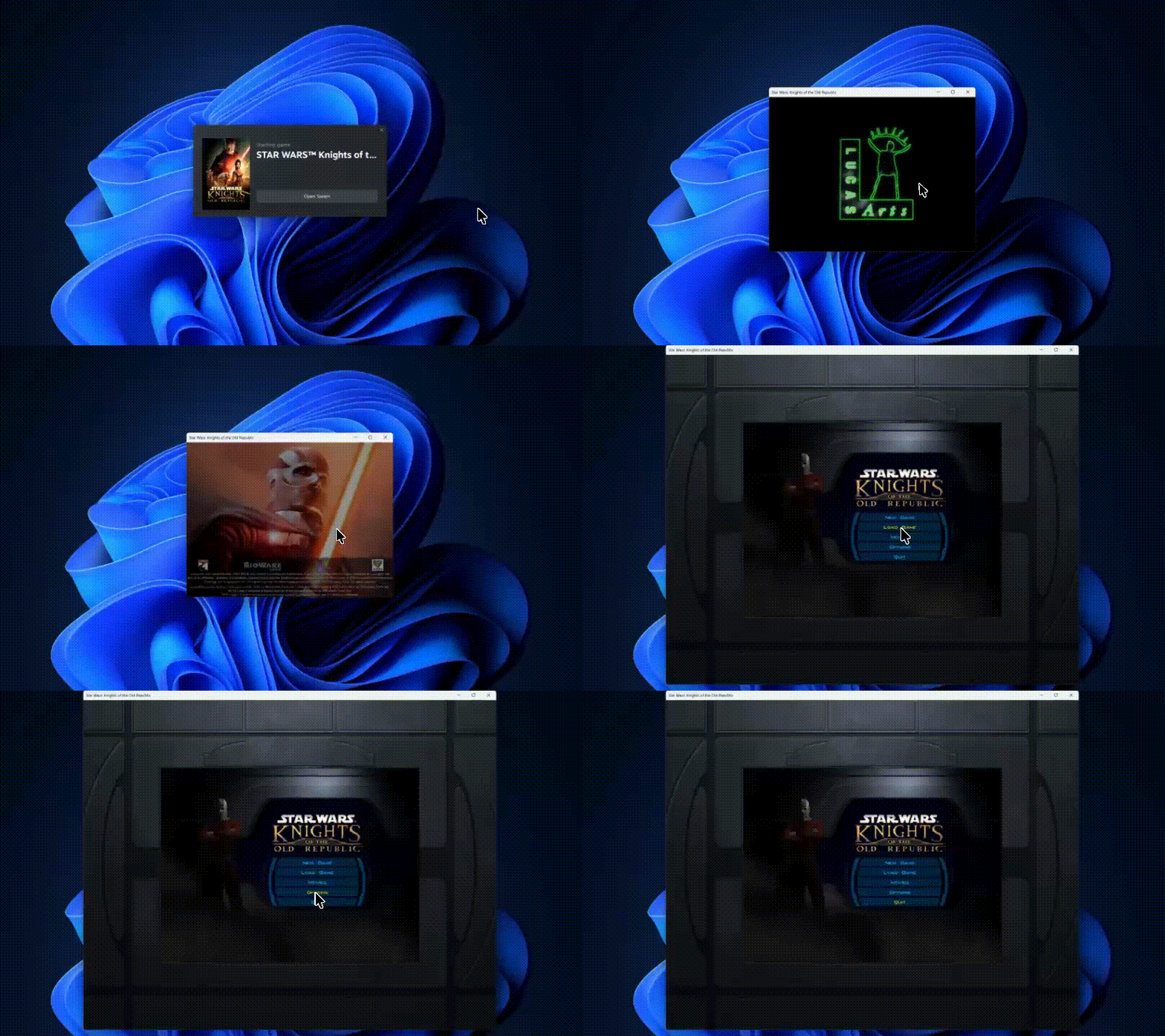 Star Wars: Knights of the Old Republic (OpenGL) — no native windowed mode, now running in a resizable window via BGProxy.
What's Different From Classic Mode?
Previously, Borderless Gaming could reposition and resize a game's existing window, but the game still rendered at its original fixed resolution. BGProxy patches the rendering pipeline directly — and what that means depends on the graphics API:
DirectX 8, 9, 10, 11, and 12 games get their presentation parameters rewritten on the fly. BGProxy forces the game into windowed mode and upgrades the swap chain to use modern FLIP model presentation, which reduces latency and improves frame pacing. The game actually renders to fit your window — drag the border, maximize, span ultra-wide across all your monitors, and the game re-renders at that resolution in real-time.
OpenGL games work differently — the GL backbuffer can't be resized after creation. Instead, BGProxy captures the rendered frame and scales it to your window using high-quality interpolation. The result is a clean, smooth image at any window size, even when stretching a 640x480 game across a 4K display.
For older games running at low native resolutions, this scaling makes a visible difference. Instead of blocky nearest-neighbor upscaling, BGProxy uses halftone filtering that smooths the image and produces a noticeably better picture on modern high-resolution displays. For even higher quality, pair it with BGFX and apply real-time upscaling effects like FSR, CAS, and more.
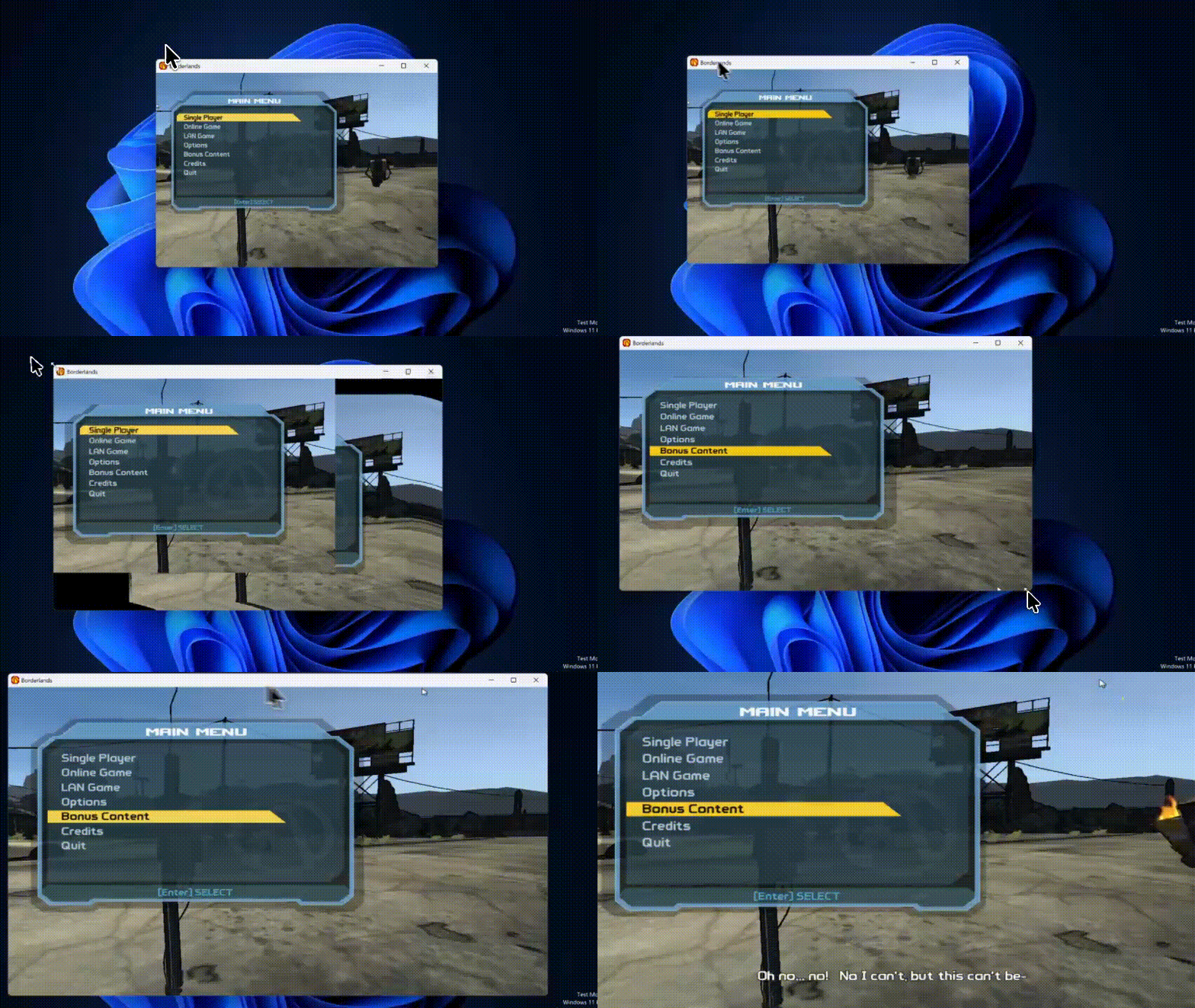 Borderlands — drag the border to any size and the game renders to match.
BGProxy also makes games behave like proper desktop applications:
Alt-tab without pausing — The game always thinks it has focus, so it won't pause, mute, or drop to a menu when you switch windows
Full window controls — Minimize, maximize, resize, move between monitors
Input isolation — Keyboard, mouse, and controller input is suppressed when the game is in the background
Mouse coordinate scaling — Input stays accurate at any window size
Once BGProxy gives you a window, Borderless Gaming does the rest — borderless fullscreen, custom positioning, ultra-wide spanning, automatic profiles. You can also combine BGProxy with BGFX to apply real-time upscaling and post-processing effects on top of the windowed game. They're all designed to work together.
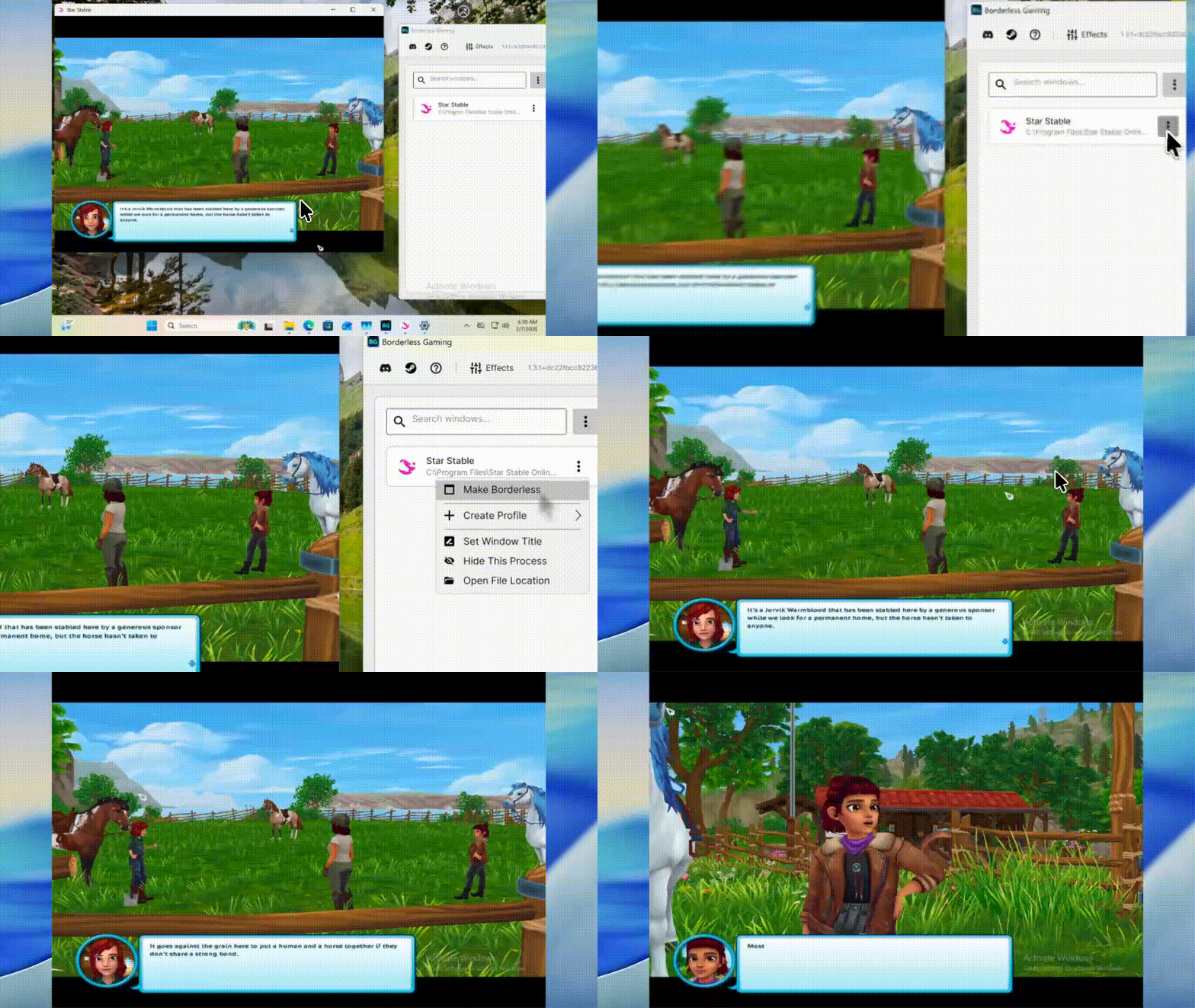 Star Stable Online (OpenGL) — forced into windowed mode with BGProxy.
Under the Hood
BGProxy analyzes your game's executable to determine its graphics API, then places a small proxy DLL in the game directory. When the game launches, it loads the proxy instead of the system graphics library. The proxy forwards normal calls through to the real DLL, but intercepts key operations:
Fullscreen display mode changes are caught and redirected into a window
DirectX swap chains are upgraded to FLIP model presentation for lower latency and smoother frame pacing
OpenGL framebuffers are captured and scaled with high-quality filtering to any window size
Game-originated window management calls (resize, move, style changes) are blocked to prevent the game from fighting windowed mode
Focus and activation messages are spoofed so the game never detects it lost foreground
DirectInput and XInput are filtered when the window is in the background
Borderless Gaming automatically detects the correct architecture (x86, x64, or ARM64) and graphics API from the executable — you don't need to figure out which proxy to use.
 Constructor — running in a proper window via BGProxy.
How to Use BGProxy
Launch the game once so it appears in Borderless Gaming's window list
Right-click the game and select "Install BGProxy"
Restart the game — it will now start in windowed mode
Make it borderless using Borderless Gaming as normal, or set up a profile
To remove it, right-click the game and select "Uninstall BGProxy". Borderless Gaming will close the game and cleanly delete the proxy.
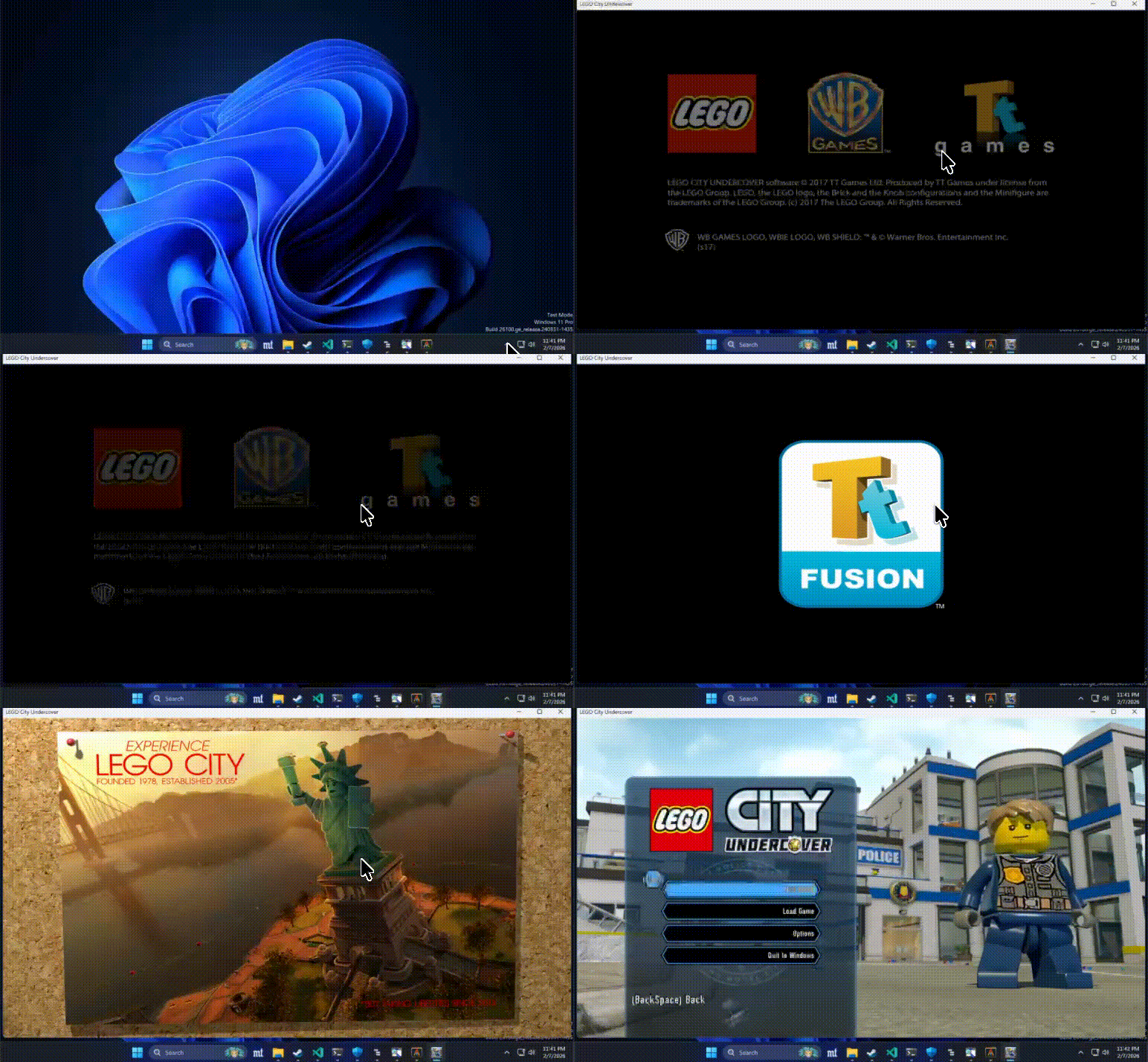 LEGO City Undercover — forced into windowed mode, ready to go borderless.
Important Notes
Anti-cheat — BGProxy places a DLL in the game directory. Some anti-cheat systems may flag this. We recommend using BGProxy with single-player and offline games only.
Compatibility — While we've tested extensively, some games may behave unexpectedly. You can always uninstall with one click to return to normal - but let us know if in the Discord if you run into problems with a specific game.
Restart required — The game must be restarted after installing or uninstalling BGProxy.
BGProxy has been a long time coming and we think it's going to make a real difference for the games that needed it most. If you run into issues, let us know in the discussions. Happy gaming!