🚀 Big Update for 02/04/2026
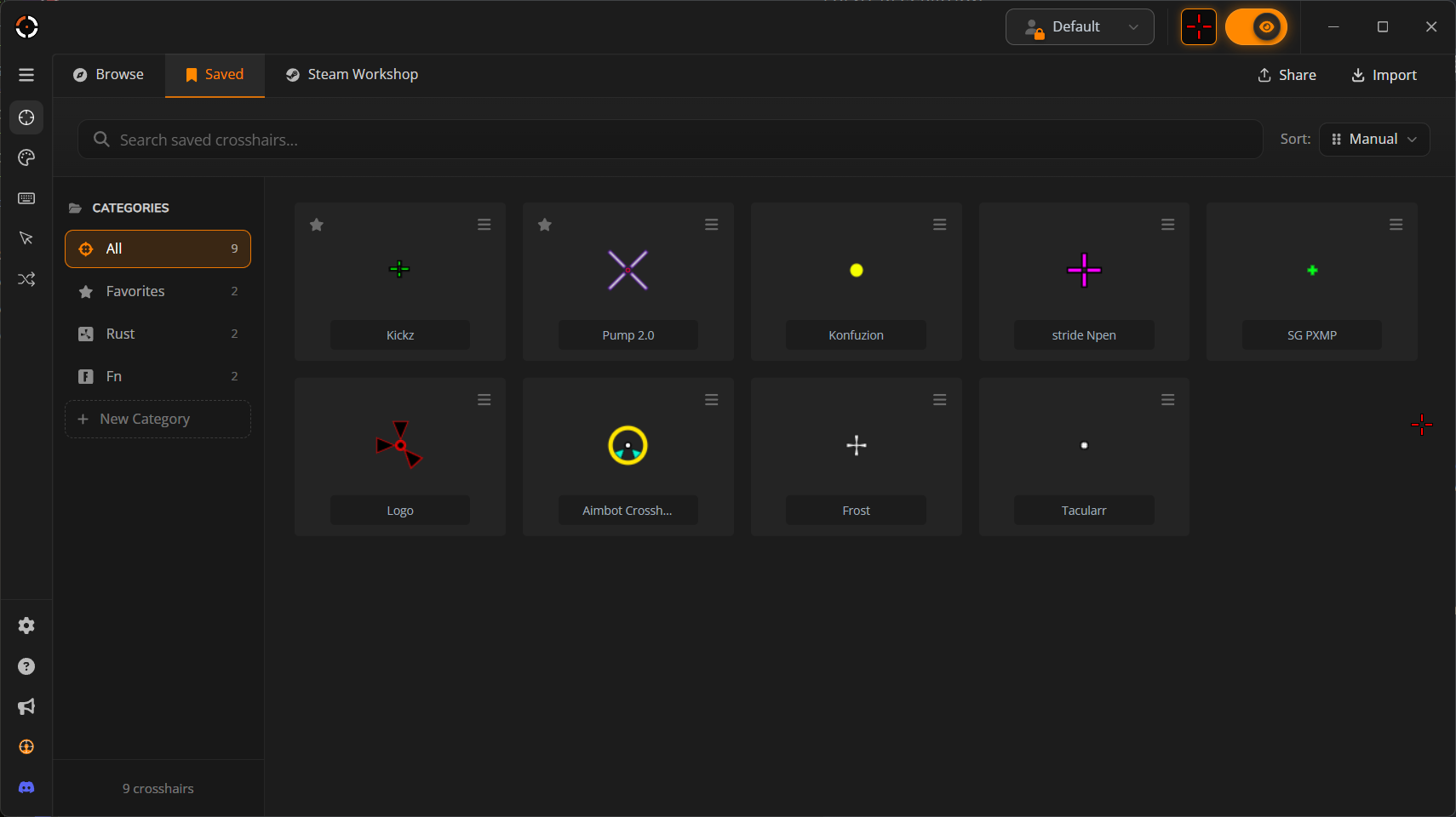
📁 Saved Page Organization Revamp!
This is to the power users with too many crosshairs to count. You know who you are.
Re-arrangeable crosshairs
Folder management
Search, Favorites
Faster loading in Saved page, Designer Save and Importing!
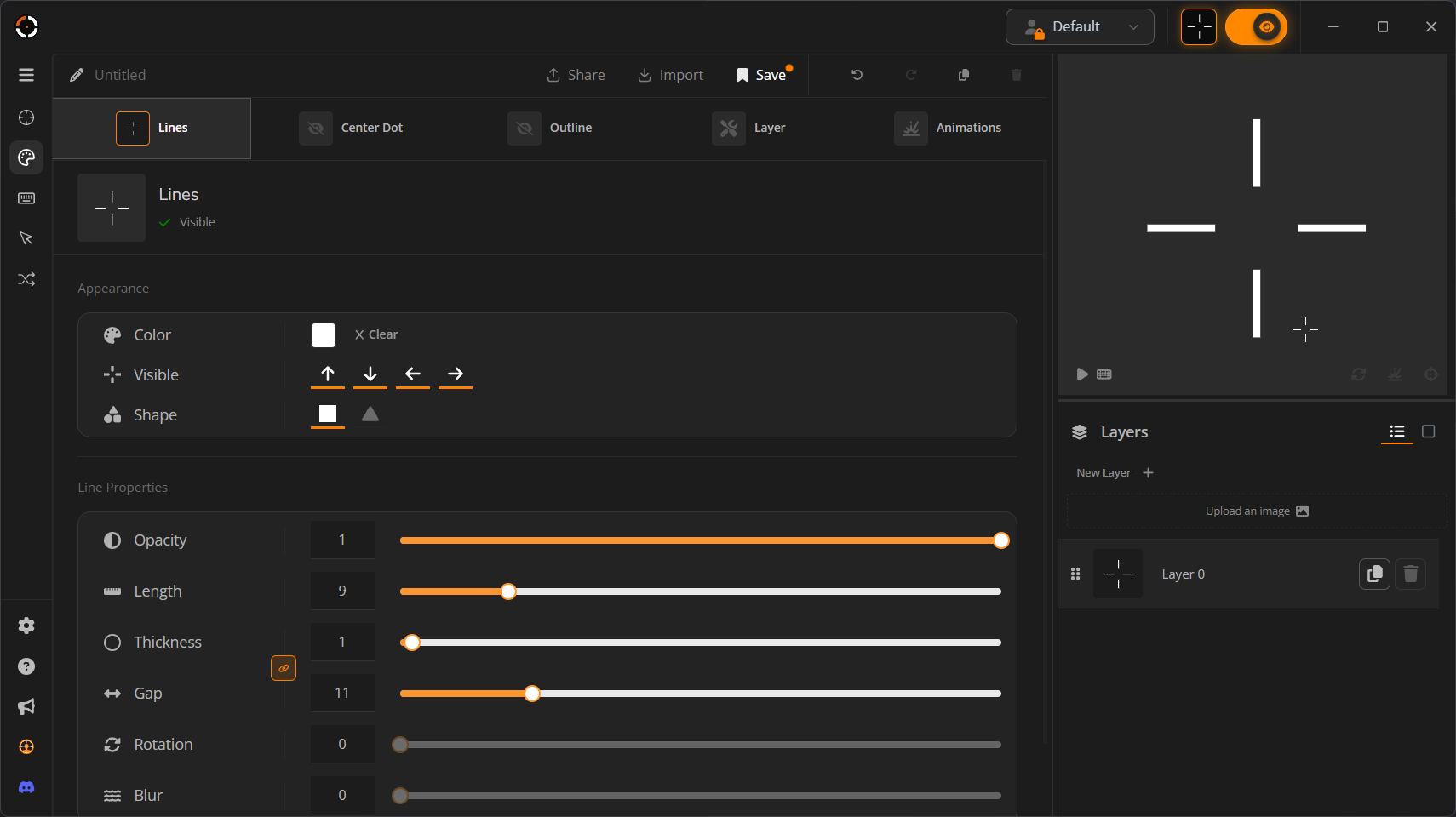
📏 1px thick rendering is now possible!
If we broke your crosshair in this update, we're sorry, but it had to be done.
This is a long requested bug fix people wanted for years and we kept putting it off we didn't want to risk making people adapt to new changes in the designer. Prior to this update, you could never make truly 1px thick crosshairs in the designer without really pushing the designer to it's limits.
⚖️ Thickness and Gap Parity Syncing in the Designer
Now that Crosshairs can be extremely thin, crosshairs have the ability to not be symmetric. That is why we made an option to always keep the gap and thickness to maintain being odd or even.
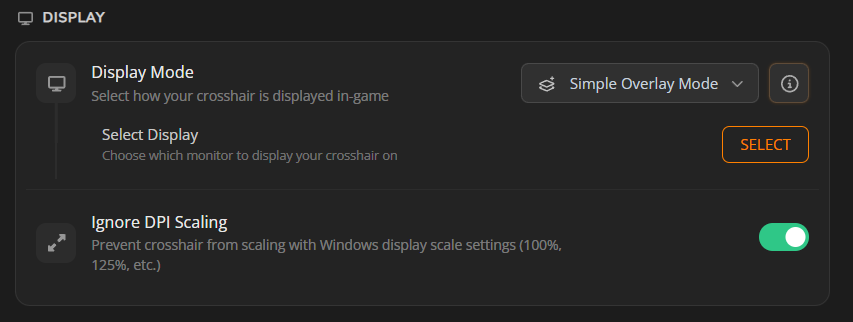
🖥️ Ignore DPI Scaling turned on by default!
Example: 225% Display Scaling will look the same as 100% Display Scaling.
Your crosshair will now look the same on every Windows scaling option unless you turn it off this setting. This will prevent users from complaining their crosshair looks too blurry when it just had to do with them having Windows Display Scaling set to anything other then 100%.
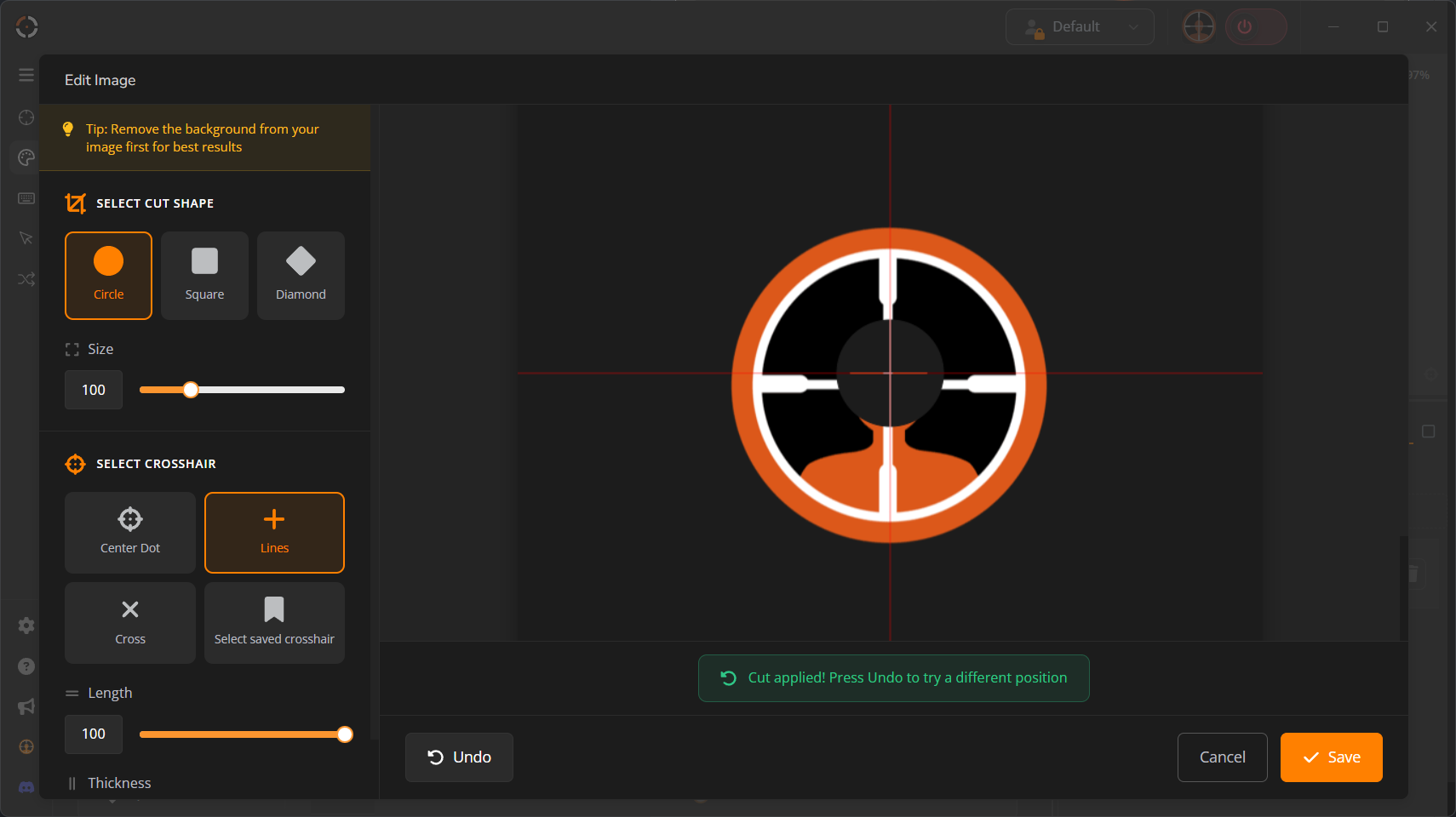
✂️ Shape Cut Tool UI/UX clean up!
If you enjoy making meme crosshairs, this one's for you.
We forgot to update the UI in the previous UI update so we gave it a fresh look this update. Check it out!
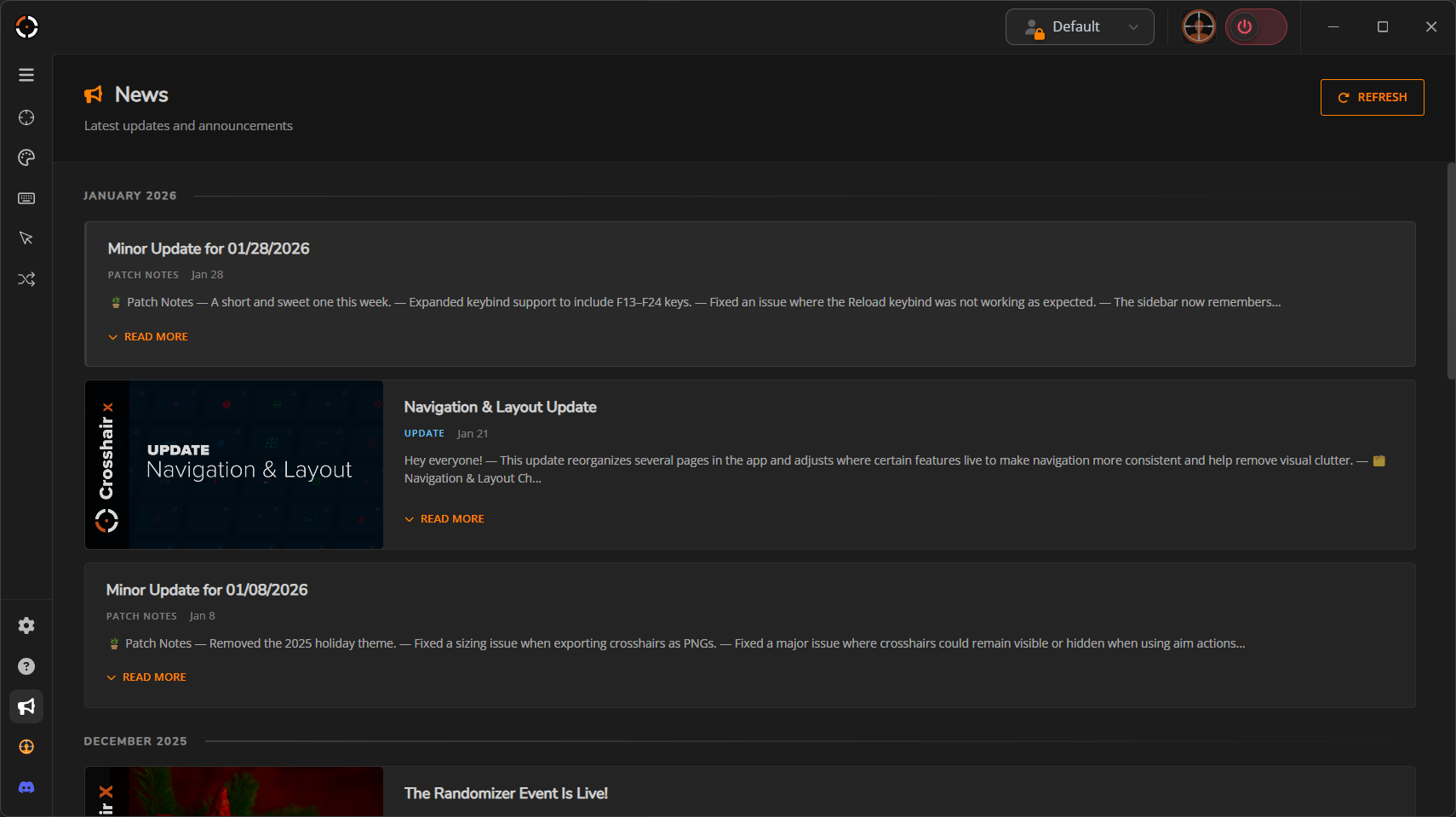
📰 News page in-app now available!
You can now read our news and updates from within the app.
🛠️ Other small fixes
Nothing huge but honorable mentions:
Fixed Display Mode selection toast, it was navigating users to the wrong page.
Re-arranged sidebar icons and fixed padding.
Fixed a ton of translations throughout the app.
Added glow to Display modes info tooltip and added more information.