We’re excited to announce a major update to the software.
【Important】
This update introduces significant changes, and as such, it will initially be released as a beta version.
Projects created with previous versions (V2.x) will attempt to convert and run on V3.x, but we cannot guarantee full compatibility with all projects.
Please make sure to back up your project before updating.
If your previous projects do not function properly in V3.0, we kindly ask you to continue using the older version.
How to Use TyranoBuilder 3.0
Until the official release, this update must be applied manually.
In your Steam Library, right-click on "TyranoBuilder Visual Novel Studio," then go to the gear icon → Properties → Betas, and select "v3,00beta".
After that, restart TyranoBuilder to use the latest version.
If the new version does not work correctly, you can revert to a previous version from this same menu.
Update Highlights
Here are the major new features included in this update:
Upgraded to the Latest TyranoScript V6 Series
TyranoBuilder now uses TyranoScript V6, replacing the older V5 version.
This brings a significant increase in available features, improved middleware performance, faster execution, and greater stability.
Previously, some of the newest TyranoScript tags were not available in TyranoBuilder — that’s now resolved.
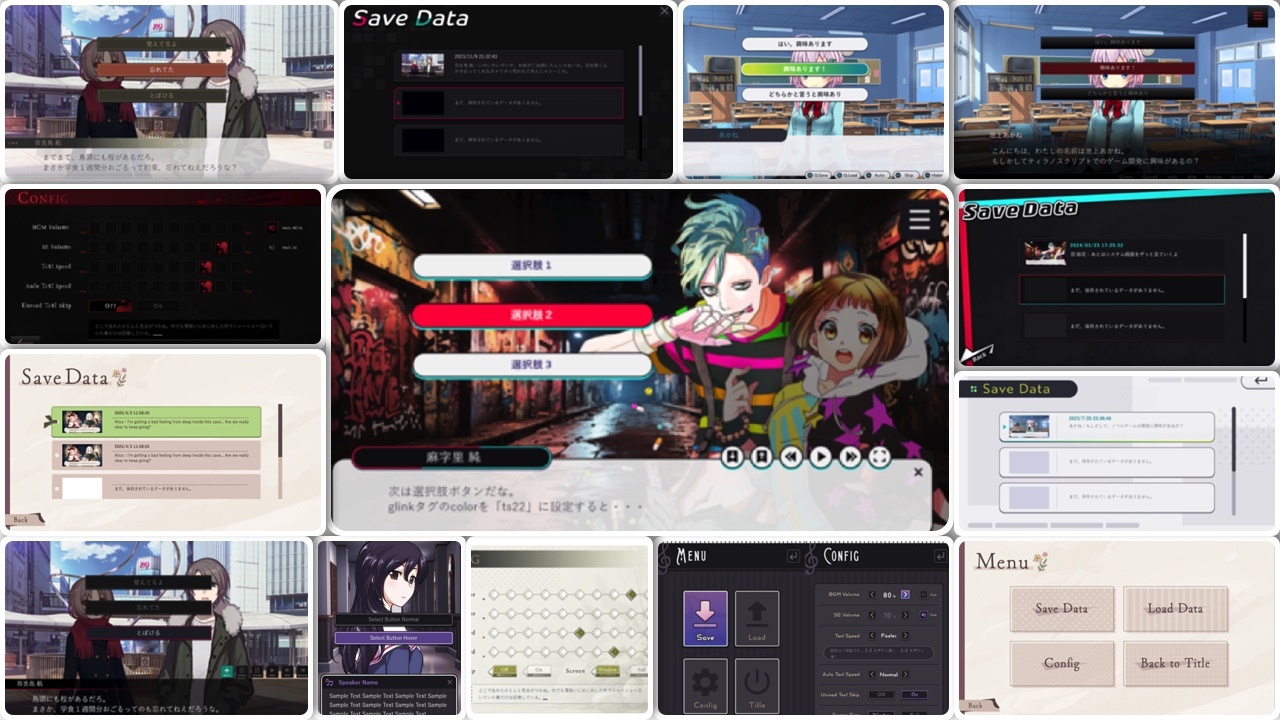
Six New System UI Themes
We've added several new "Themes" that allow you to completely change the system UI of your game with just a few clicks.
Message SFX (Popopo Sound) Feature
You can now play retro-style "popopo" sound effects in sync with message text.
■ Demo: https://tyrano.jp/demogame/popopo/
You can assign different sounds to each character or freely change the sound at any point.
It’s easy to set up — just drag and drop the "Popopo Sound" component from the "Message" category into your timeline.
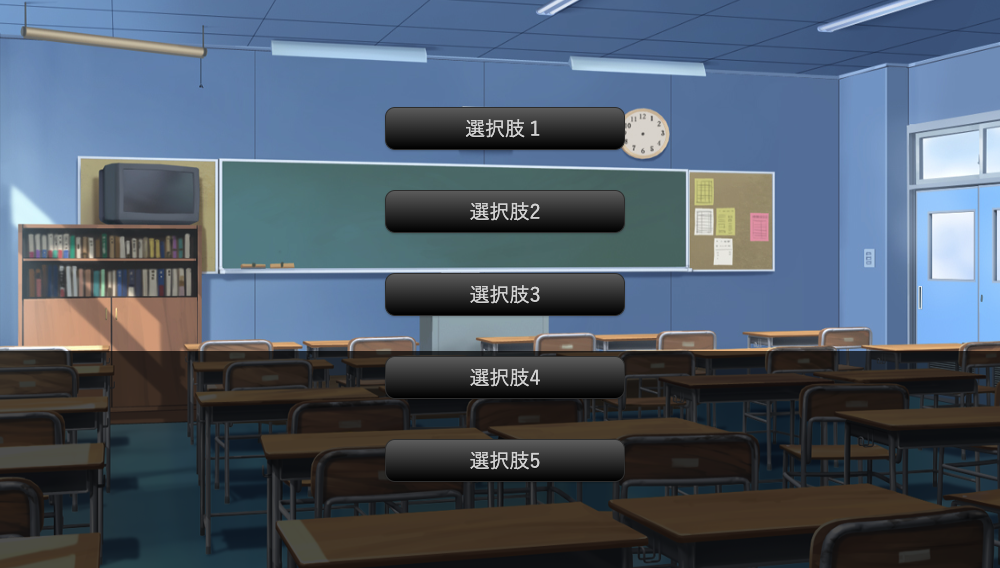
Auto Layout and Customization for Choice Buttons
Previously, choice buttons had to be positioned manually.
Now, they can be automatically arranged without setting coordinates each time.
Gamepad and Keyboard Support
You can now play your games using only a gamepad or keyboard.
For example, players can use arrow keys to navigate choice buttons and press Enter to select — no mouse required.
This setting can be enabled under Game Config → "Keyboard & Mouse" → "Controls" tab.
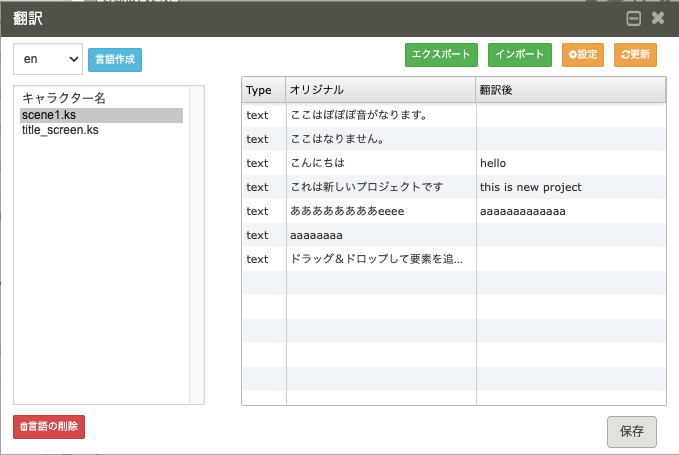
Localization (Translation) Features
If you're developing for an international audience, TyranoBuilder now offers robust translation tools:
Auto-detection and extraction of translatable text
Language switching in a single build
Auto-detection of player’s system language
Exporting translatable content to CSV (for editing in Excel or other tools)
You can seamlessly convert between multiple languages, such as:
- Japanese → English
- Japanese → Chinese
- English → Japanese
- English → Chinese
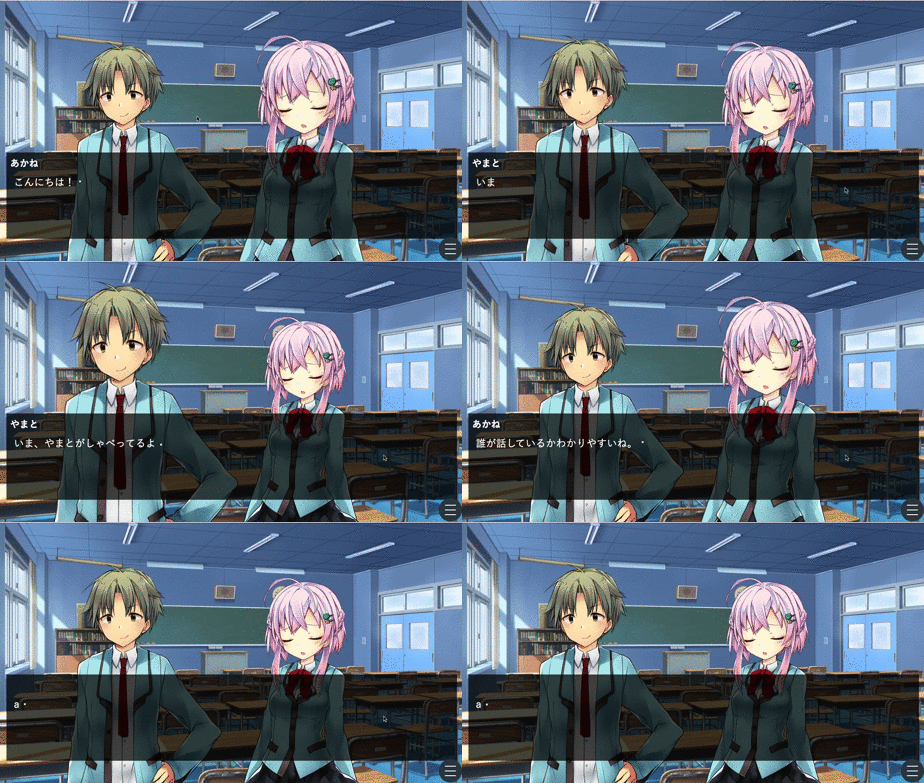
Zoom & Focus on Speaking Characters
A new feature highlights the currently speaking character by zooming in or applying focus effects.
Enhanced Cursor Customization
You now have full control over the cursor:
Change the cursor at any point in the game
Adjust cursor hitboxes for precise interactions
Automatically hide the cursor after inactivity
Show click or tap effects during interactions
Character Expression Parts System
Previously, each expression variation required a separate image file.
Now you can use modular character parts to create expressions dynamically.
For example:
With 3 outfits, 5 expressions, and 5 hairstyles — you’d traditionally need 75 images.
With the new system, you only need 13 parts, reducing file size and improving performance.
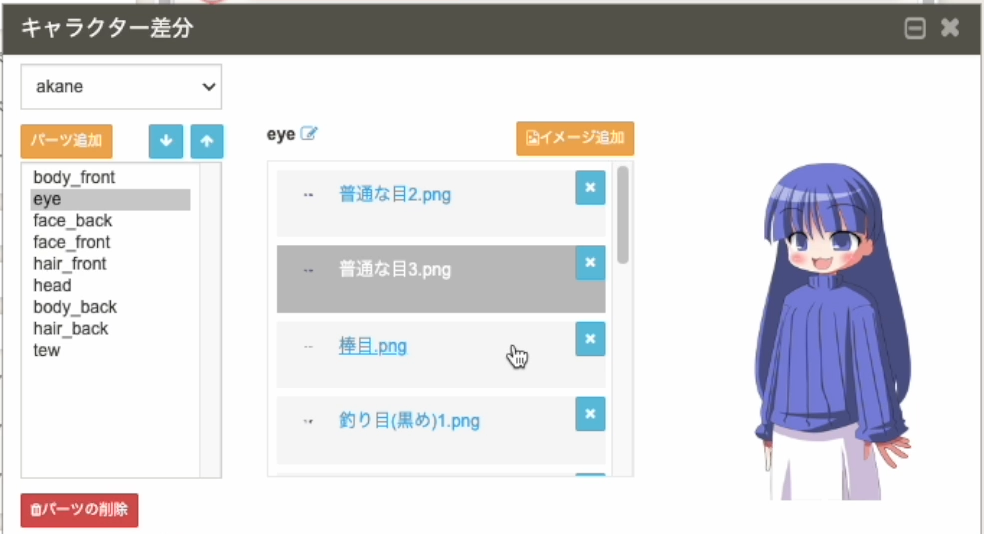
This system can also be used for dress-up and still image variations.
Simple Frame-Based Animation (Eye Blink & Lip Sync)
You can now easily animate characters by cycling through prepared image frames.
This works not just for blinking or talking, but for animating any character parts.
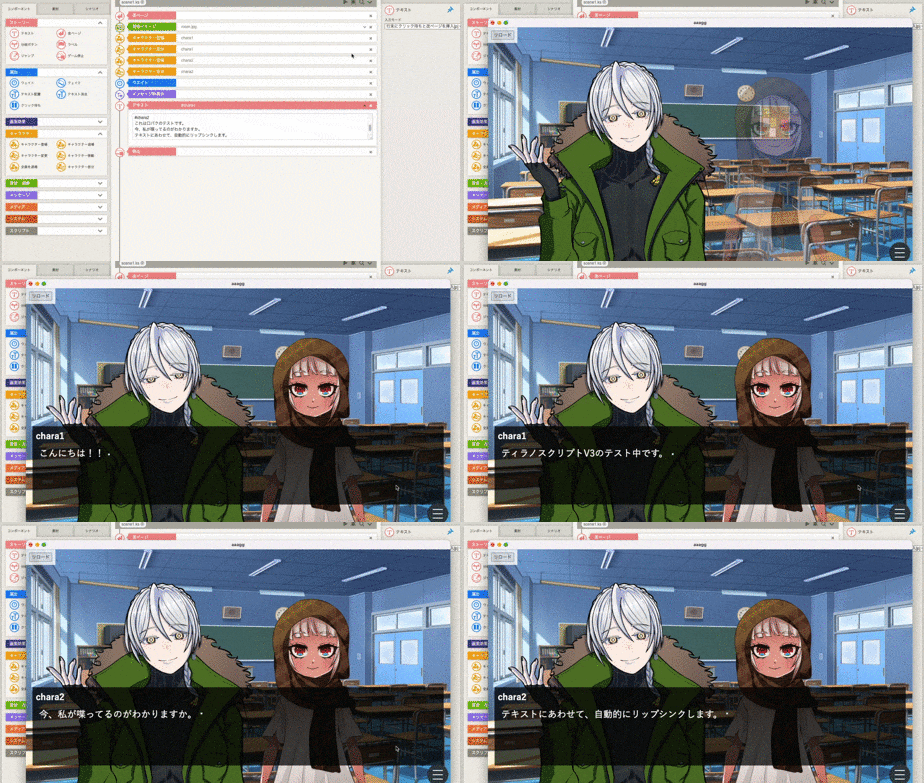
Lip-syncing can also be triggered automatically during conversations.
Upcoming: Free English Release of TyranoStudio
An English version of "TyranoStudio" — a powerful tool for developing TyranoScript — is coming soon.
It will be released on both Steam and our official website.
TyranoStudio allows for advanced functionality that may be harder to achieve in TyranoBuilder alone.
You can also use it alongside TyranoBuilder to expand your creative possibilities.
New English X (Twitter) Account
We’ve launched an official English account to share the latest updates and info.
Please feel free to follow us!
https://x.com/tyranovn